

创意工具1 month ago
Screely — Free Screenshot Mockup Tool. Private, In Your Browser.
在浏览器中用 Screely 创建专业截图效果图,支持框架、背景和标注。

@Aticmatic_com · X
of course for people:
完整作品展
技术栈
60 projects
在浏览器中用 Screely 创建专业截图效果图,支持框架、背景和标注。
@Aticmatic_com · X
of course for people:

用 Chrome 扩展和网页编辑器将屏幕截图转化为精美设计。

@buildwithshyam · X
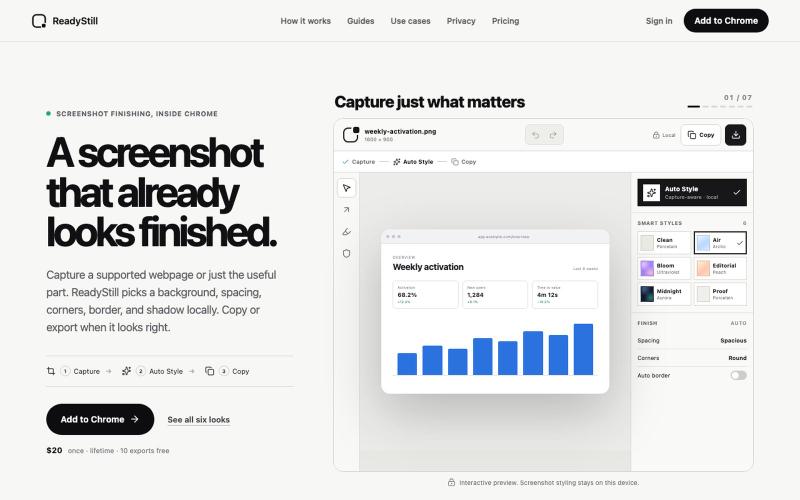
将网页截图转换为精美的产品发布图像,隐私审核编辑。

@pradeepXkapoor · X
It’s A simple screenshot beautifier chrome extension!
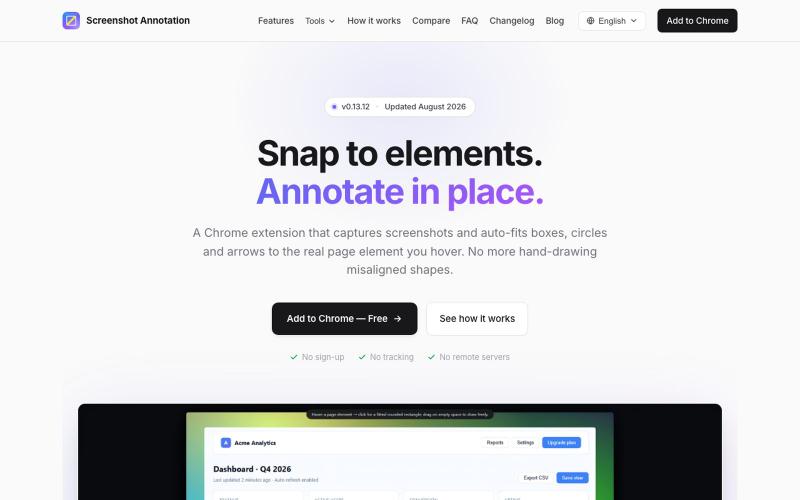
Chrome 扩展程序,自动调整注释框和箭头以标注网页元素。

@virgil_dean94 · X
Just launched my new screenshot plugin! 🎉 ✅ Smart zoom effects on key details ✅ Text extraction ✅ 100% Free Perfect for devs, designers, and anyone who wants to communicate visually with clarity! Try it out! 👇 #BuildInPublic #ProductLaunch
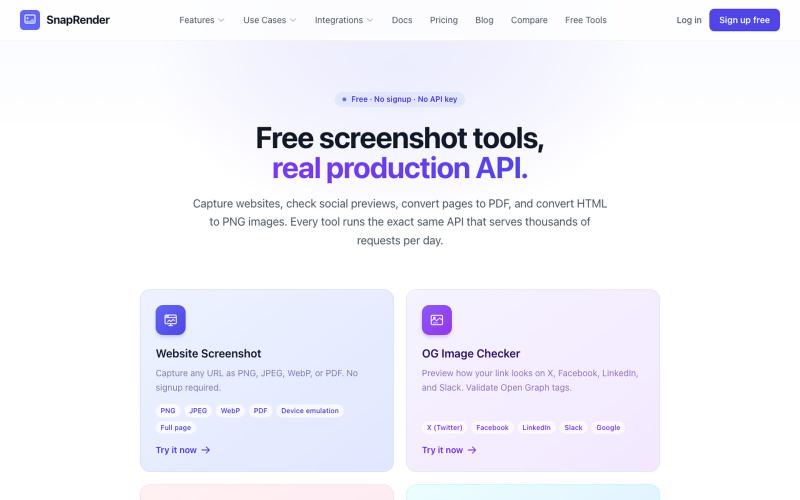
无需登录,支持网站截图、PDF/PNG转换和OG图像检查。
u/SpecificNo8047 · Reddit
I built a screenshot API because my personal Puppeteer setup kept breaking. Six months later it has an MCP server and hundereds of users Solo founder here, this is my product, full disclosure. It started as super simple helper self hosted tool for myself: I needed website screenshots for a project, self-hosted Puppeteer, and spent more time babysitting Chromium than building. So I turned the babysitting into a product, because why not. What it does: one GET request in, rendered screenshot
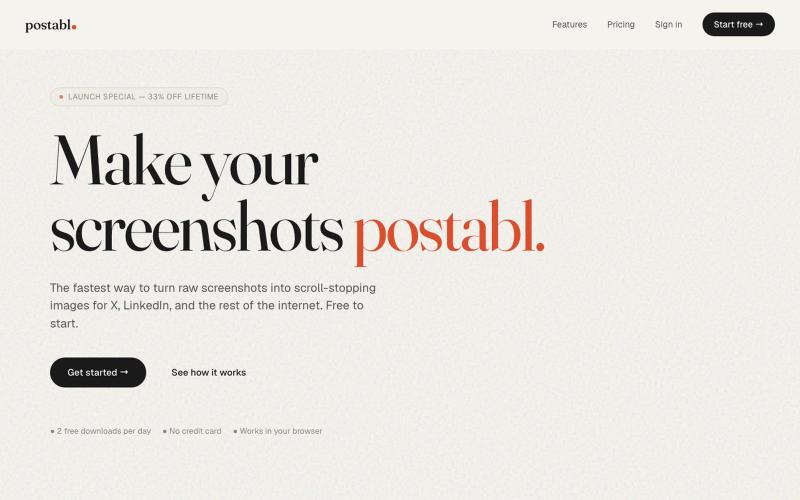
The fastest way to turn raw screenshots into scroll-stopping images for X, LinkedIn, and the rest of the internet.

@soham_nayak04 · X
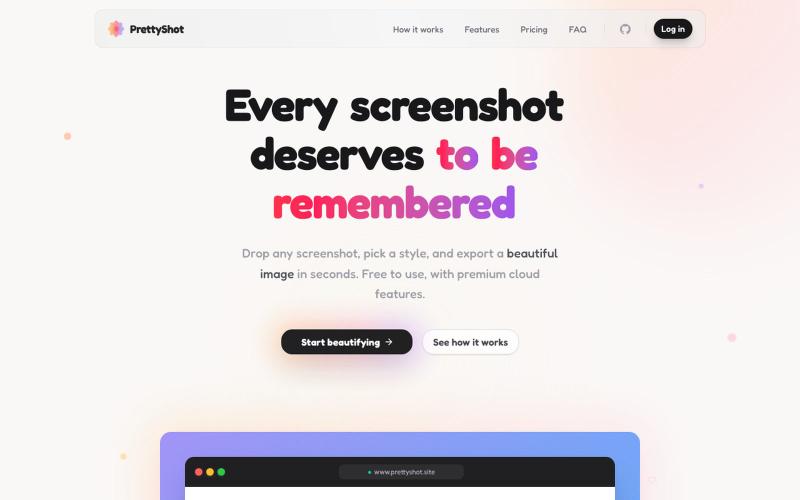
给截图添加样式并即时导出美化图像。

@prassami · X
- instantly turns your boring raw screenshots into beautiful images.
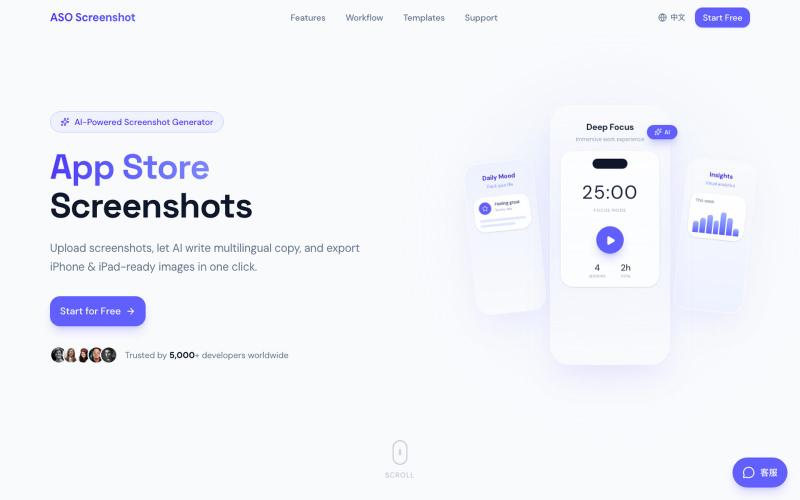
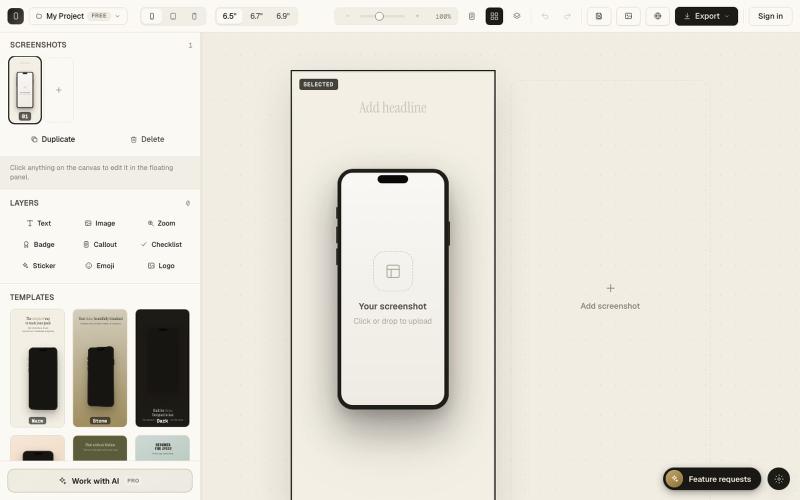
上传应用截图,AI自动生成多语言营销文案和适配所有设备尺寸的商店截图。

@zihengli163713 · X
每次上线APP的时候,做这个截图都要花费很多时间。 所以我做了一个网站,导入你的APP界面,直接一键生成对应的宣传图页面,自动生成6种语言 自动适配尺寸,一键推送到App Store Connect里面。 目前完全免费开放给大家用,欢迎反馈!
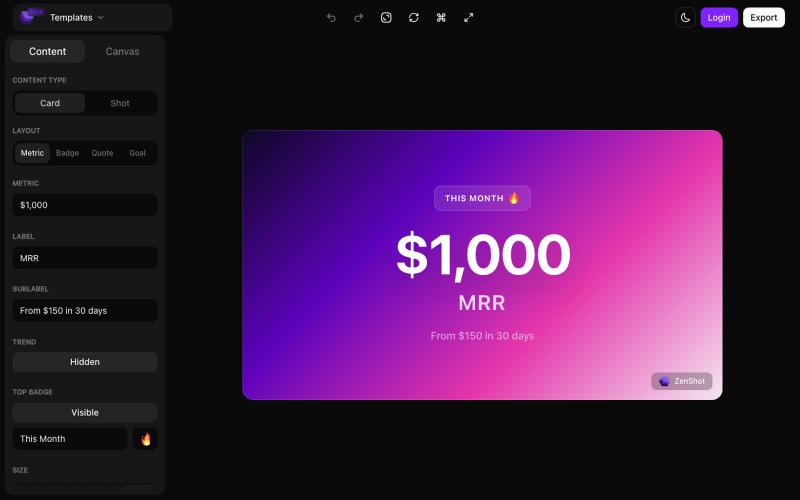
创建精美的 screenshots 和 progress cards,准备好与您的受众分享。

@shreyassihasane · X
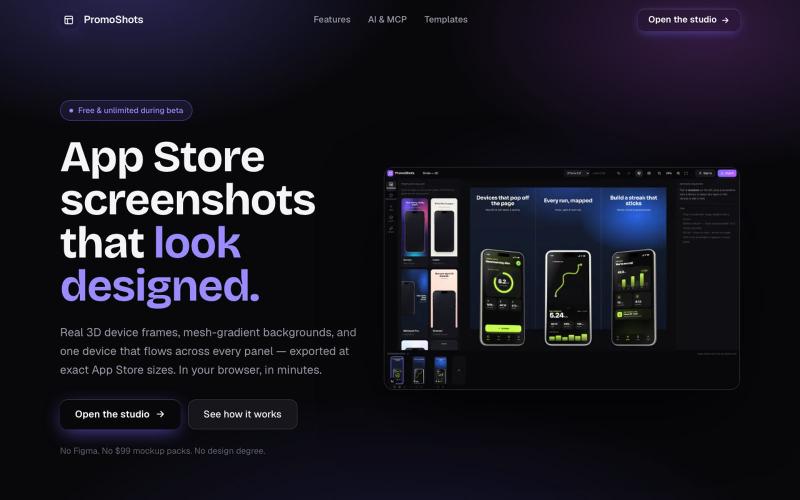
设计App Store截图集,配合3D设备框架、渐变背景和一键导出。

@MSiatrak · X
Checked my Umami stats this morning - straight from Claude Code via my Umami MCP 📊 ~30% of visitors are on mobile… and every single one hit the "desktop only" gate. Shown 11 times, 0 continued past it. A third of traffic couldn't even try it.

