创意工具1 month ago
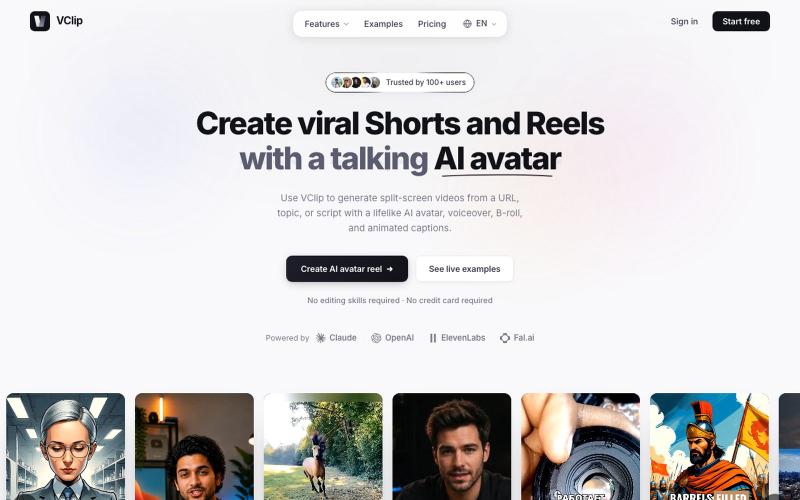
VClip — Split Screen Video Maker with AI Avatars
使用AI虚拟形象、配音和动画字幕创建分屏视频。

@ilya990000 · X
完整作品展
技术栈
21 projects
使用AI虚拟形象、配音和动画字幕创建分屏视频。
@ilya990000 · X
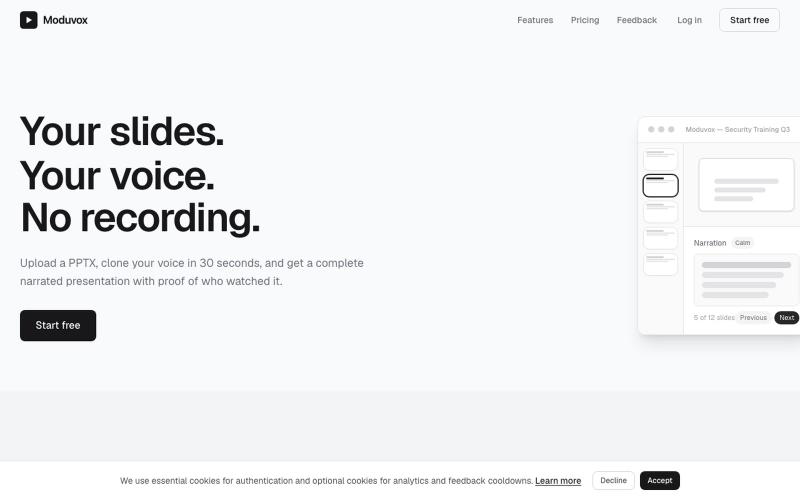
上传PowerPoint和语音样本,用您的克隆声音生成完整讲述。
u/sludge_dev · Reddit
I built a tool that narrates PowerPoint slides in your cloned voice. Launching it today, keeping it small for a week to fix what breaks. I just got into my College holidays a few weeks ago and I spent the last 6 weeks building Moduvox . You upload a PPTX deck, record 30 seconds of your voice, and it generates per-slide narration audio with a shareable link and viewer analytics. The idea came from a friend manually record voiceovers for training decks. Every update meant re-recording whole
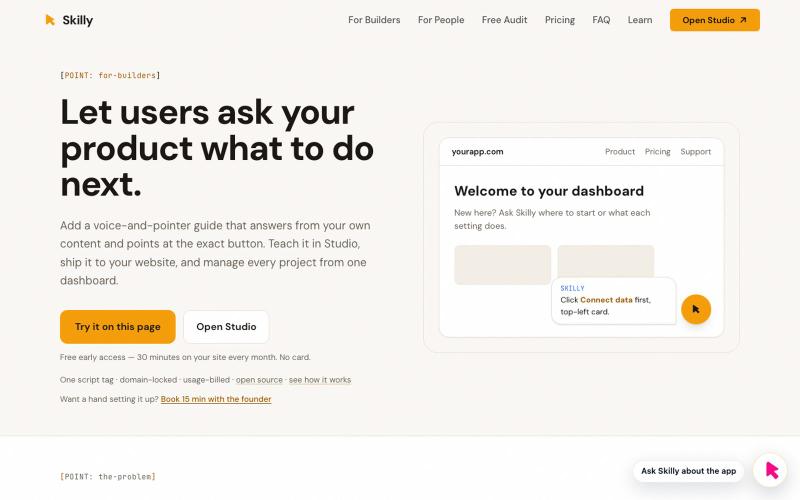
使用现有文档为网站和应用添加语音指导帮助。

@moelabs_dev · X
Skilly — gives your product a voice that points. One script tag adds in-app help that answers from your own docs and moves the user's cursor to the exact button.
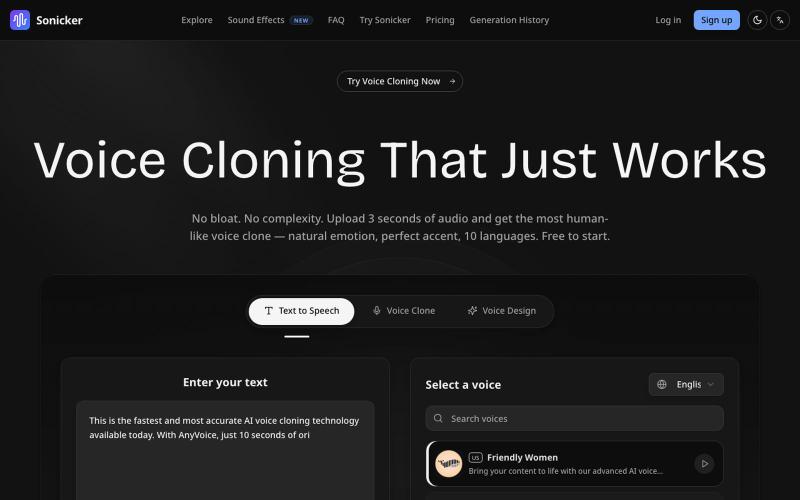
使用 Sonicker 生成 AI 语音,支持文本转语音、语音克隆和自定义设计。
Sonicker — AI 语音克隆平台,3 秒克隆任何声音,保留情感和口音。支持中英日韩等 10 种语言的语音合成,提供 50+ 预设声音库和 AI 声音设计功能
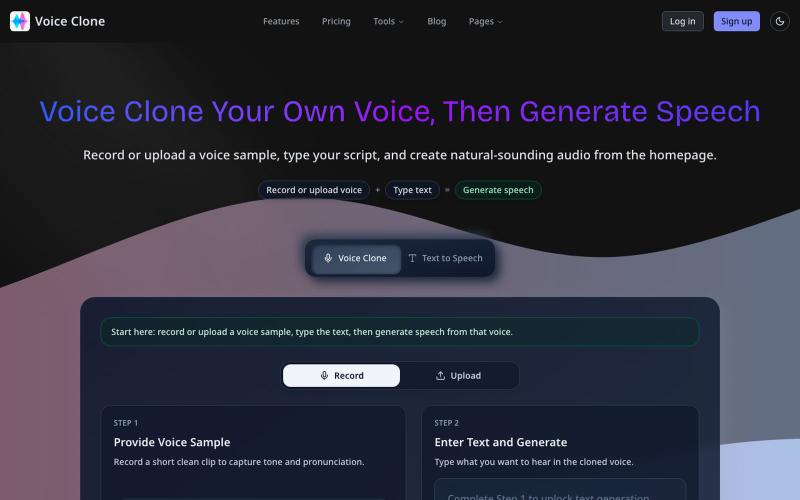
用 AI 克隆你的声音,生成自然流畅的文本语音。
Voice Clone - AI 驱动的语音克隆平台 — 用户只需录制或上传一段音频,系统便能在几秒内生成一个属于用户自己的声音模型。支持任意文本的语音生成,听起来自然流畅,几乎接近真人语音。整个流程无需复杂设备,也不需要技术背景,真正实现“用几句话训练出自己的声音” - [GitHub 仓库](https://github.com/tanchaowen84/voice-clone)
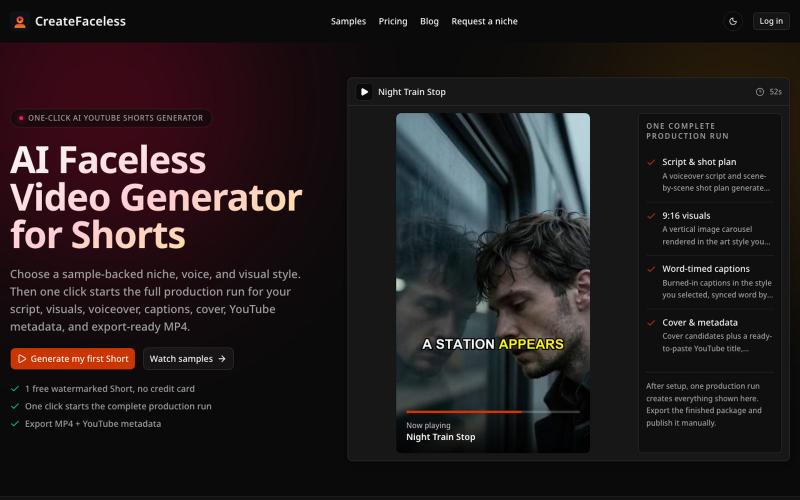
用 AI 一键生成 YouTube Shorts 短视频,自动完成脚本、画面、配音和字幕。
CreateFaceless — AI 不出镜 YouTube Shorts 一键生成工具,从脚本、画面、配音、字幕到封面和成片自动完成,无需剪辑经验

用 Veo 3.1 制作 1080p 视频,原生音频与镜头级控制。
Veo 3.1 AI — 使用 Veo3.1 创作电影级视频,配备 1080p 原生音频、首尾帧控制及免费试用额度
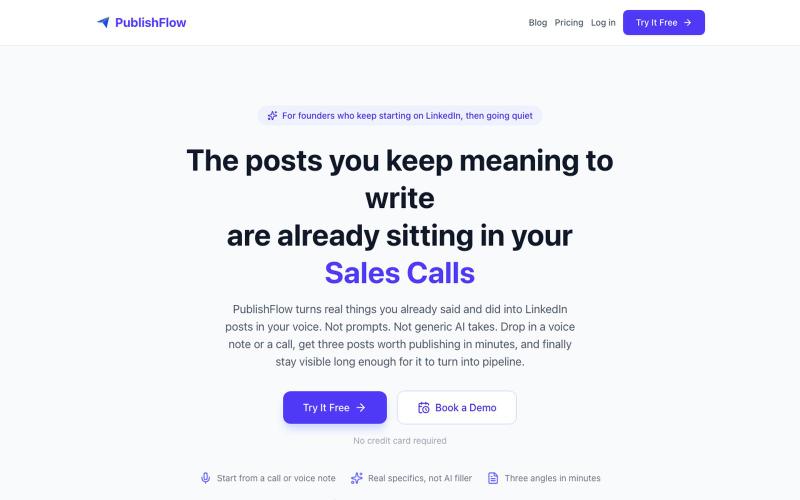
将语音通话和笔记转换为LinkedIn帖子。

@abdulganiyshehu · X
If you've ever tried staying consistent on LinkedIn but struggled to do so, I built this for ya.
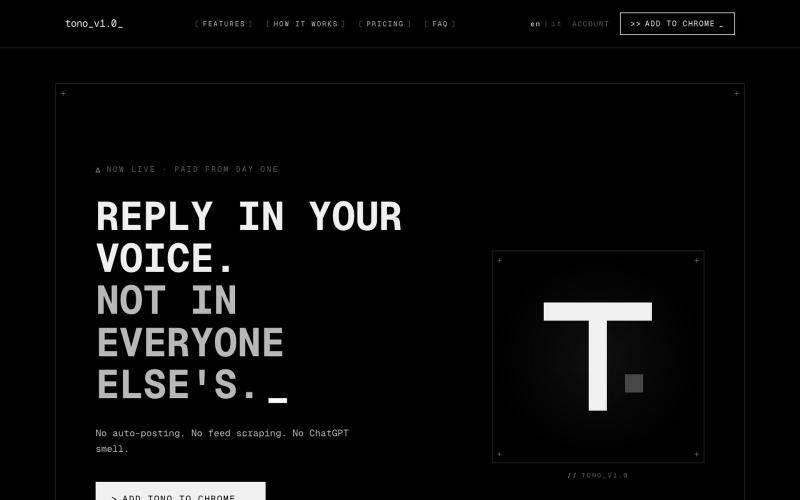
Tono浏览器扩展程序,为X建议符合您风格的回复。

@kekkodamato_ · X
Working on -- a browser extension that helps you write better replies on X. Built for anyone who spends time engaging here but wants their replies to actually land.
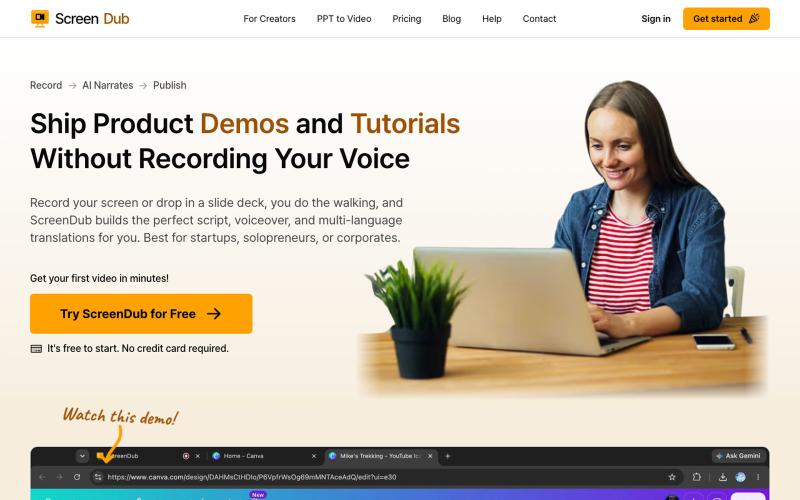
ScreenDub 可快速录制屏幕并生成AI配音脚本,支持多语言教程和产品演示。

@me_using_x · X
Do you need a product demo or wanna make tutorial/help videos? Your problem is solved for ever now! Try: PS: I am the developer who built this and I am self promoting it via this thread. 😀