
开发者工具1 month ago
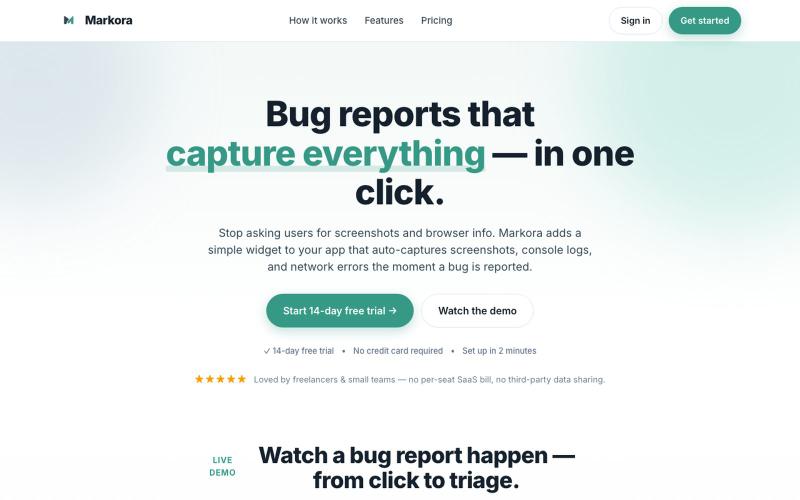
Markora — Visual Bug Reporting for Modern Teams
向应用添加小部件,自动捕获用户报告错误时的截图、控制台日志和网络错误。

@markoradotme · X
完整作品展
技术栈
60 projects
向应用添加小部件,自动捕获用户报告错误时的截图、控制台日志和网络错误。
@markoradotme · X
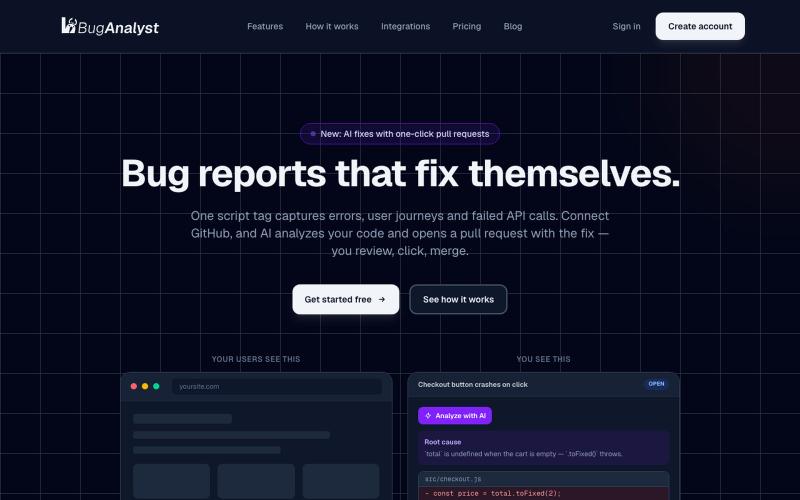
Add a bug report widget in 30 seconds. It captures errors, user journeys and failed API calls — then AI analyzes your code and opens a pull request with the fix.

@syedarhamalii · X
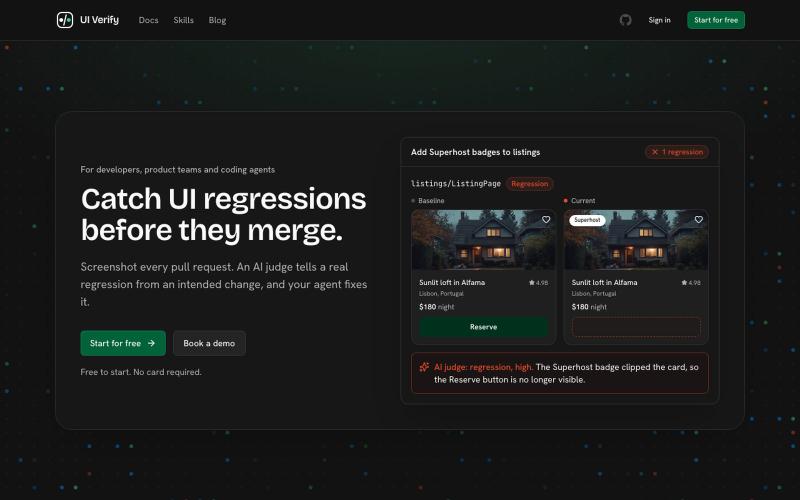
UI Verify - AI驱动的可视化测试工具,区分预期改动和真实缺陷。

@igorluchenkov · X
Hey Yuhao! Been running a lot of agents while building UI and built a tool for visual testing that integrates nicely with agents and gives your agent a way to make sure it didn't introduce any UI regressions:
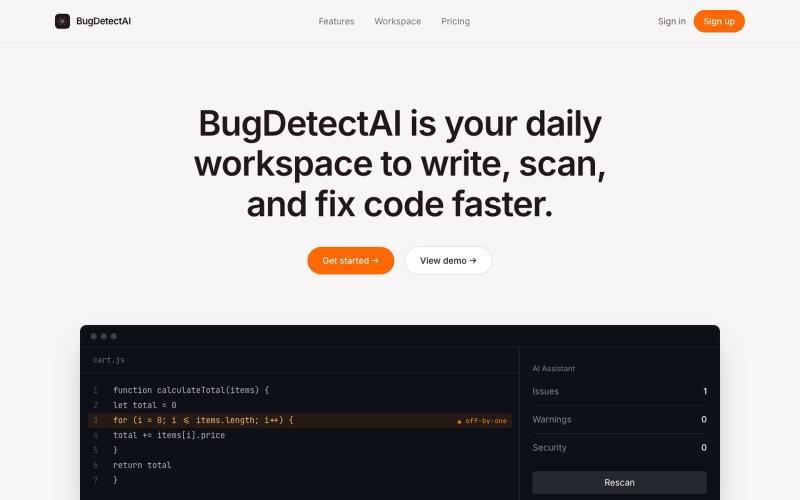
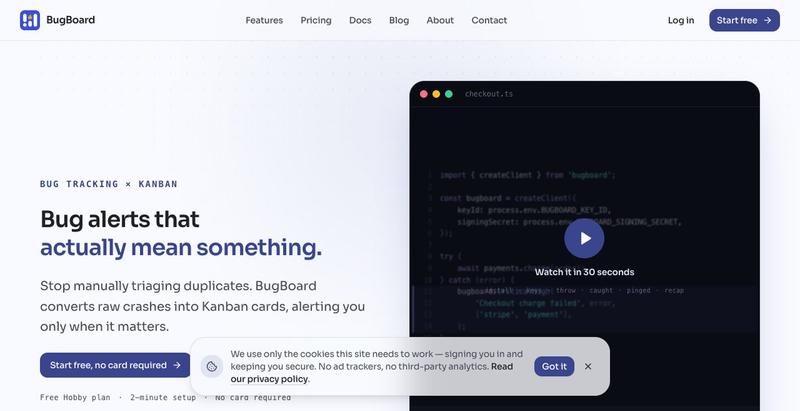
BugDetectAI helps developers analyze, understand, and fix code bugs faster using AI.
laxmansubedi · HN
BugDetect AI – AI-powered code debugging assistant
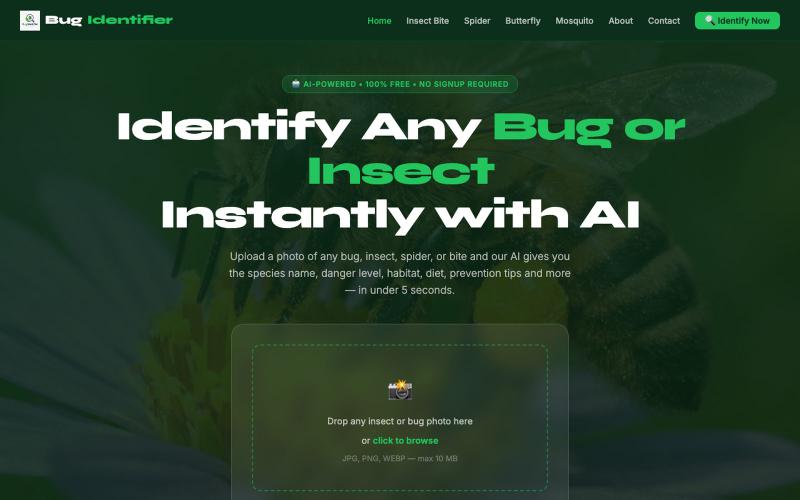
上传照片,用AI快速识别昆虫。

@buildwithahsan · X
Just launched an AI Bug Identifier 🐞 Upload a photo and identify bugs and insects instantly using AI. Building in public and learning every day 🚀 🌐 #AI #BuildInPublic #WebDevelopment
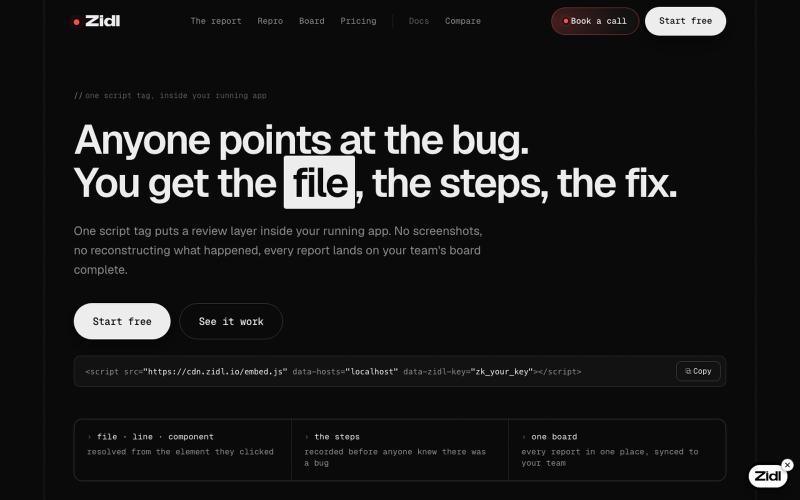
One script tag puts a review layer inside your running app. Your team clicks what is wrong; your developers get the source file and line, the route, and a repro that exports as a P

@_Zidl · X
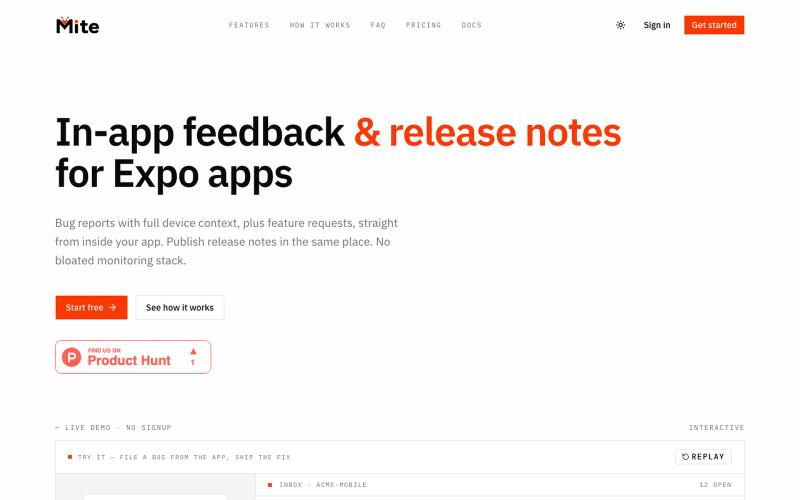
Collect bug reports with full device context, plus feature requests, from inside your app. Publish release notes in the same place. Built for indie Expo and React Native developers

@henrypl_dev · X
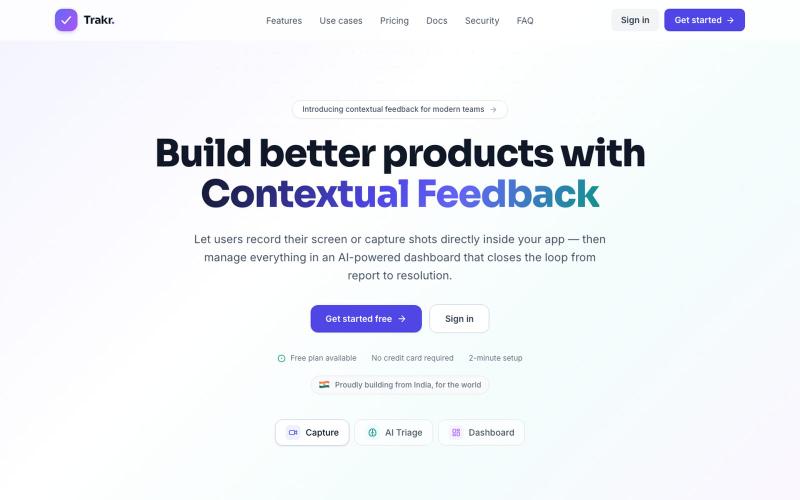
录制应用内录像和截图,用AI整理反馈以快速修复bug。

@keshav__dev · X
Hi priyanka i am also building in customer feedback space but with some dev related features. Maybe you want to check
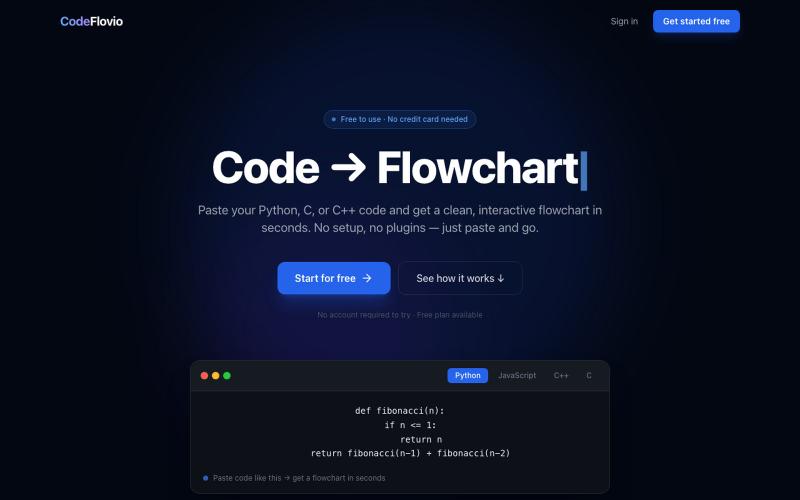
CodeFlovio 将代码转换为交互式流程图,便于学习、调试和文档编制。

@Sparsh209 · X
Hi isha! Check it out here at: Would love to hear your feedbacks
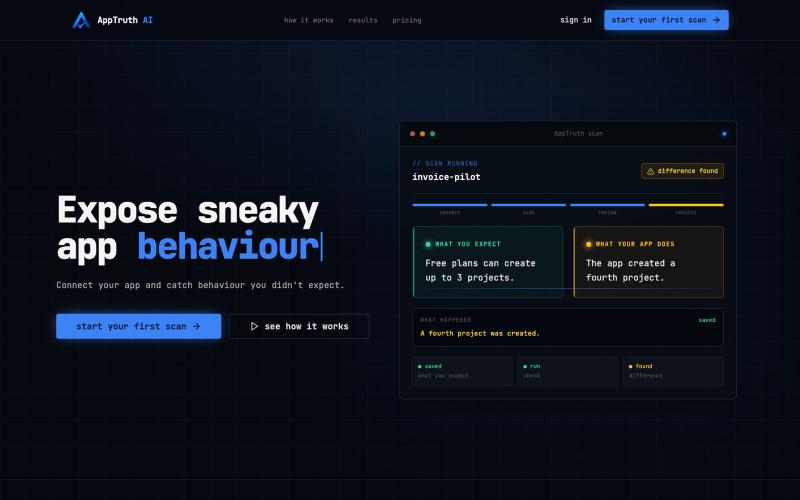
AppTruth AI — 通过AI验证发现应用中的隐藏漏洞

@uriel_bitton · X
As you add more features to your vibe coded app, you increase the chances for bad behaviour. The worst part is you dont know they exist Every beta user i've had try out the app told me they found a few issues they had no idea existed Find yours using
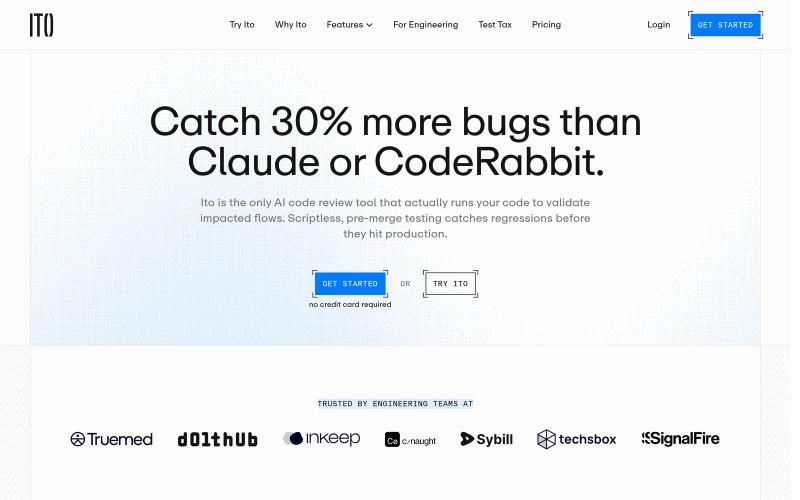
AI代码审查工具,在microVMs中运行代码以捕获更多错误。
u/dumbfoundded · Reddit
Ito, AI Code Review that Runs Code I've been using AI code review tools but none of them actually run code so I built one: https://www.ito.ai/ The way it works is that it uses microVMs to spin up your environment with all of the services running. Then a bunch of AI agents go and test the application to collect runtime evidence. The result is you get test cases along with evidence about whether or not the test cases pass or fail. The runtime evidence can be videos, request/response curls, db
