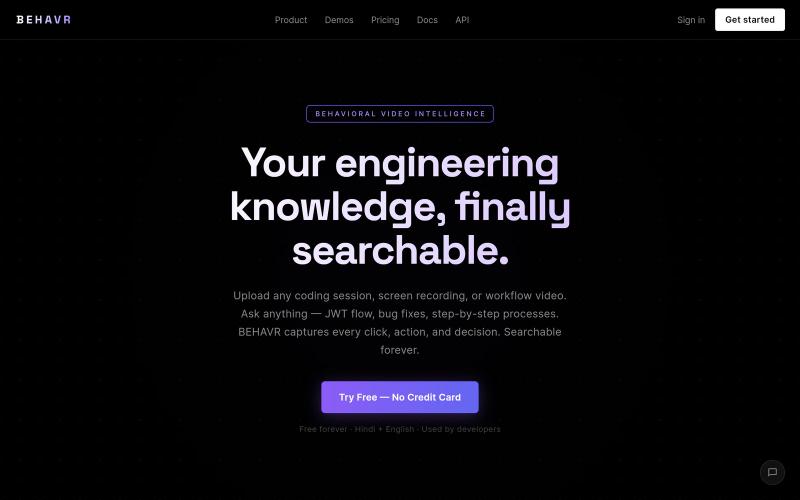
BEHAVR — Video to Action Compiler
将教程视频转换为Playwright测试、操作图和n8n工作流。
@bhavin_Confuse · X
BEHAVR ( @Behavr_AI ) — chat with any video instead of scrubbing through it. Ask "where does he fix the CORS bug?" → get the answer with the exact timestamp.
完整作品展
技术栈
24 projects

将教程视频转换为Playwright测试、操作图和n8n工作流。
@bhavin_Confuse · X
BEHAVR ( @Behavr_AI ) — chat with any video instead of scrubbing through it. Ask "where does he fix the CORS bug?" → get the answer with the exact timestamp.

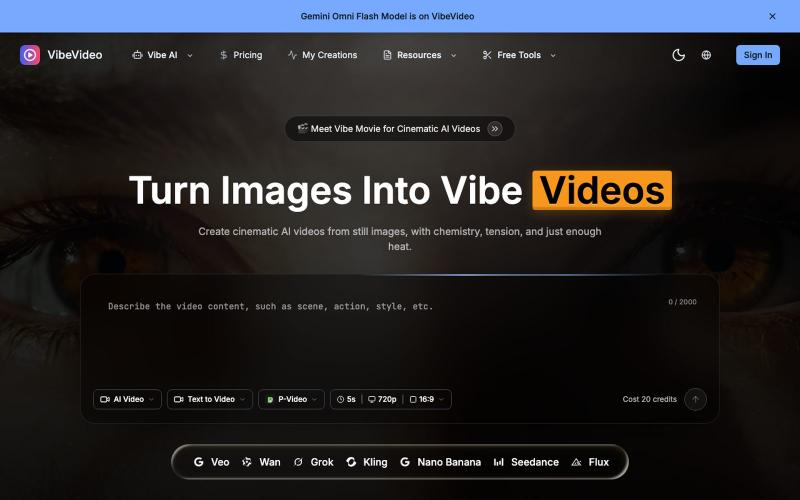
用AI将图像和文本转换成电影级视频,支持动作控制。
Vibe Video — 面向普通用户的 AI 视频生成网站,支持文生视频、图生视频、参考图生视频和电影化镜头控制,适合创作者和营销团队快速产出视频

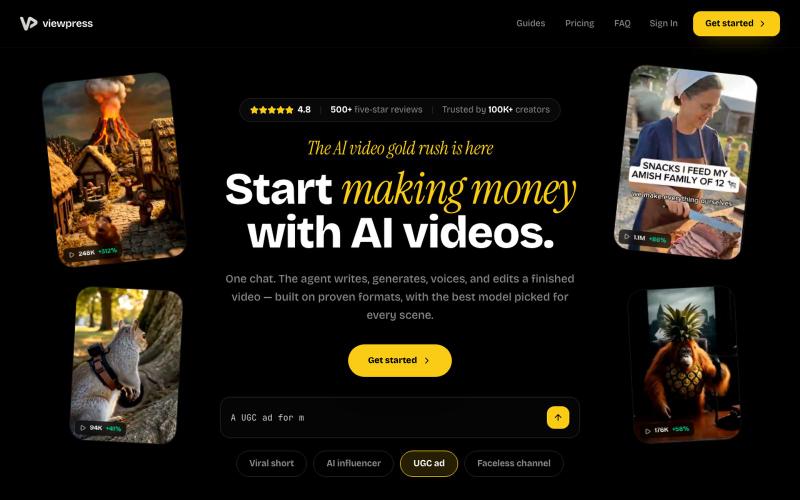
通过AI聊天界面一站式创建视频,自动生成脚本、配音和编辑。
u/Real-Estate-Agentx44 · Reddit
Built an AI video tool where one chat writes, voices, generates, and edits the whole video - is all-in-one actually useful or do you prefer separate tools? I've been building ViewPress AI , an AI video generator, and I'm at the point where I want honest feedback before I keep pushing in one direction. Instead of jumping between a script tool, a voice tool, an image/video generator, and an editor, you describe what you want in one chat and the agent handles the whole thing. It


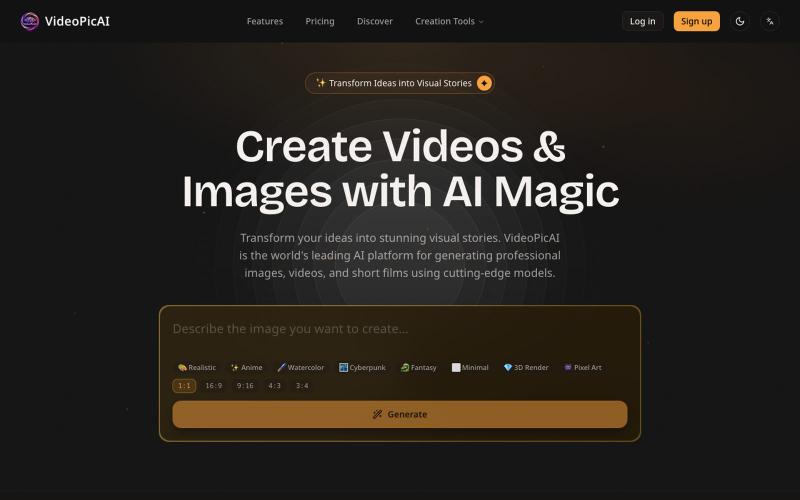
使用 VideoPicAI 通过文本描述生成 AI 图像和视频。
struy · HN
Transform your ideas into stunning visual stories. VideoPicAI is the world's leading AI platform for generating professional images, videos, and short films using cutting-edge models.

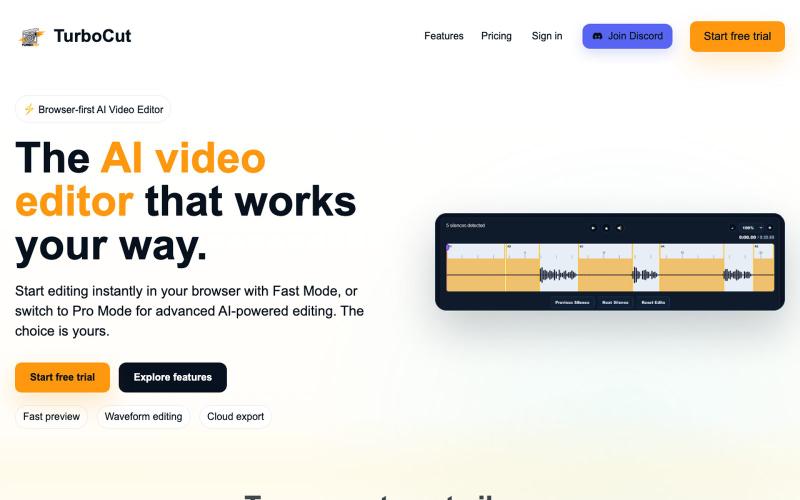
浏览器中的AI视频编辑器,支持云工作流和快速编辑。
@AtifIqrar · X
Building TurboCut 🚀 An AI video editor that runs directly in your browser for private, lightning-fast editing, with optional cloud AI for heavier workflows. Built for YouTubers, content creators, educators and agencies who want to save hours editing.

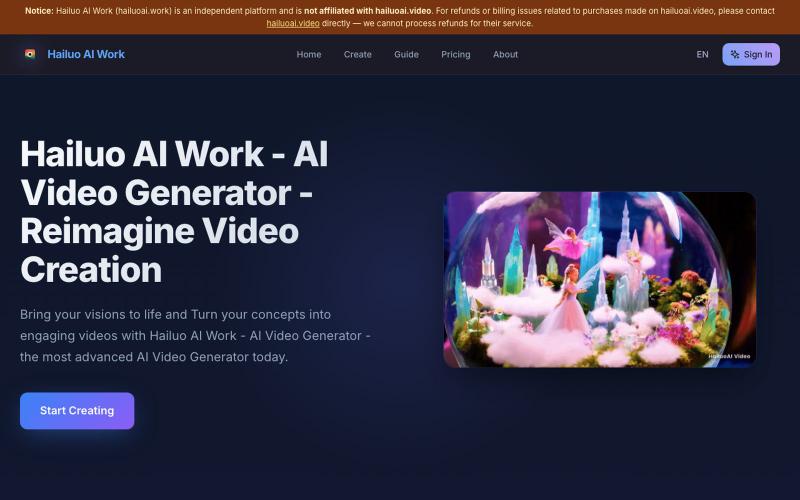
用AI将创意快速转化为动画视频,无需编辑软件。
Hailuo AI — AI 内容生成工具,无需剪辑软件,将创意快速转化为动画视频,简化视频制作流程

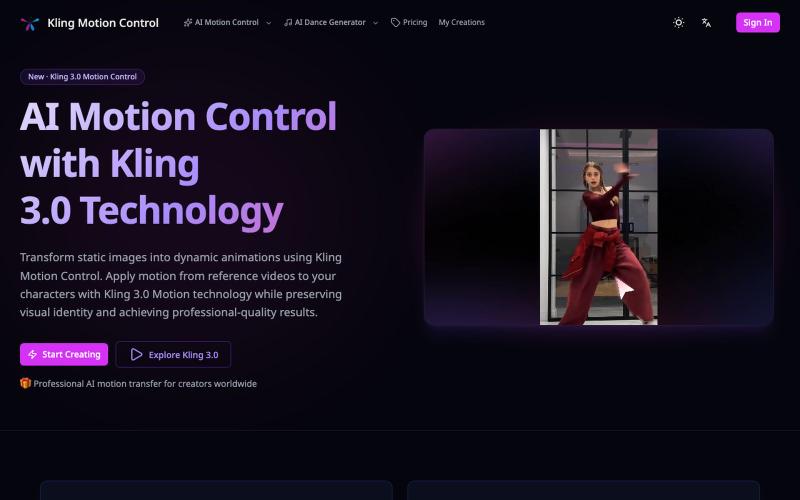
使用参考视频的动作将静态图像转换为动画。
Kling Motion Control — AI Motion Transfer with Kling 3.0

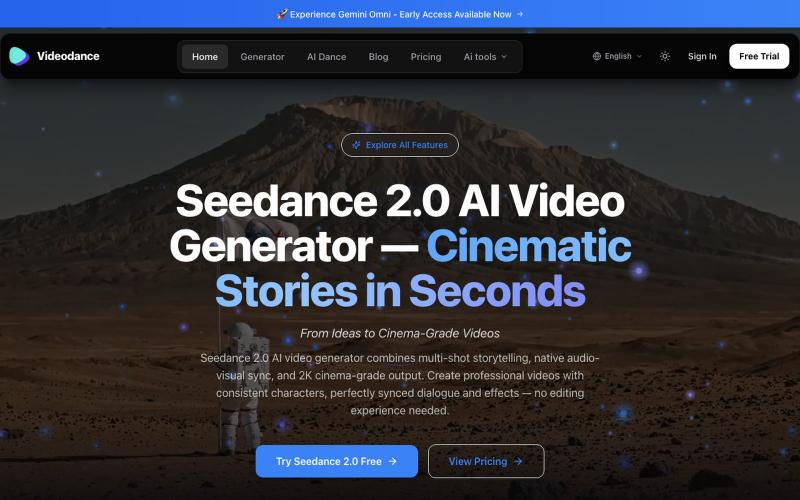
用Videodance生成电影级AI视频,支持音视频同步和多镜头叙事。
Videodance — AI 视频生成器,基于 Seedance 2.0,提供原生多镜头叙事、音视频同步和 2K 影院级画质输出。无需任何剪辑经验,即可创作出人物形象一致、对话完美同步的专业电影级视频。

在浏览器中编辑、压缩、转换和合并视频和音频文件。
zhw2590582 · V2EX
最近对网站进行了重构,做成了免费的视频工具站:[ArtPlayer Tools]( https://artplayer.org/tools/) 主要是围绕着 ffmpeg.wasm 和 mediabunny 实现的一些可以直接在浏览器里用的视频/音频工具,常用的有: - 视频压缩:[Compress Video]( https://artplayer.org/compress-video/) - 视频裁剪:[Crop Video]( https://artplayer.org/crop-video/) - 视频合并:[Merge Video]( https://artplayer.org/merge-video/) - 视频尺寸调整:[Resize Video]( https://artplayer.org/resize-video/) - 视频旋转:[Rotate Video]( https://artplayer.org/rotate-video/) - 视频调速:[Change Video Speed]( https://artplayer.org/change-video-speed/) - 添加文字到视频:[Add Text to Video]( https://artplayer.org/add-text-to-video/) - 添加水印:[Watermark Video]( https://artplayer.org/watermark-video/) - 提取字幕:[Subtitle Editor]( https://artplayer.org/subtitle-editor/) - HLS 转 MP4:[HLS to MP4]( https://artplayer.org/hls-to-mp4/) - 音频可视化:[Audio Visualizer]( https://artplayer.org/audio-visualizer/) 大部分工具都是本地处理,文件不会上传到服务器。最开始是因为自己偶尔要处理一些视频,开剪辑软件又有点重,在线工具又担心隐私,所以就慢慢做成了一个站。 目前还在持续完善,体验肯定还有不少粗糙的地方,比如不同浏览器的兼容、移动端操作、长视频性能之类的。 网站: [ArtPlayer Tools]( https:

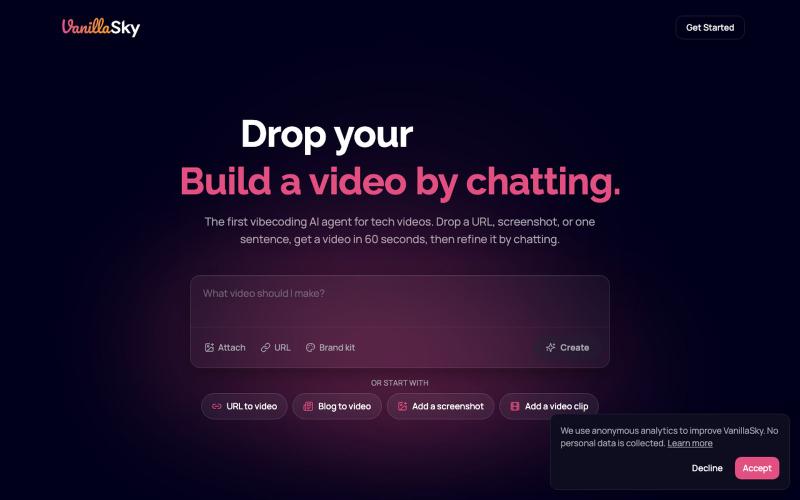
从URL或文本描述快速生成发布视频。
@VanillaSkyAI · X
is like Lovable for video. Paste a URL, get a launch video, chat to edit, post 🎬 Here's one I made in minutes 👇

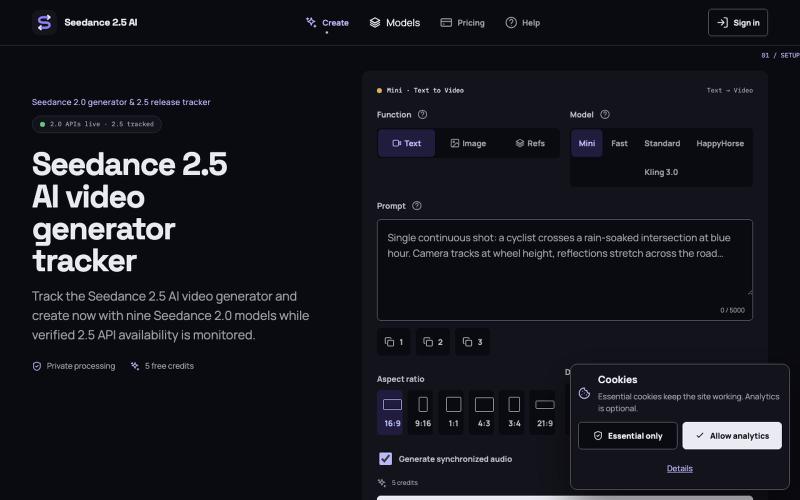
从文本、图像或参考图像生成 AI 视频。
Seedance 2.5 AI — Seedance 2.5 AI 视频工作台,支持文字生视频、图片生视频和参考图生视频