
创意工具1 month ago · 1 次试用
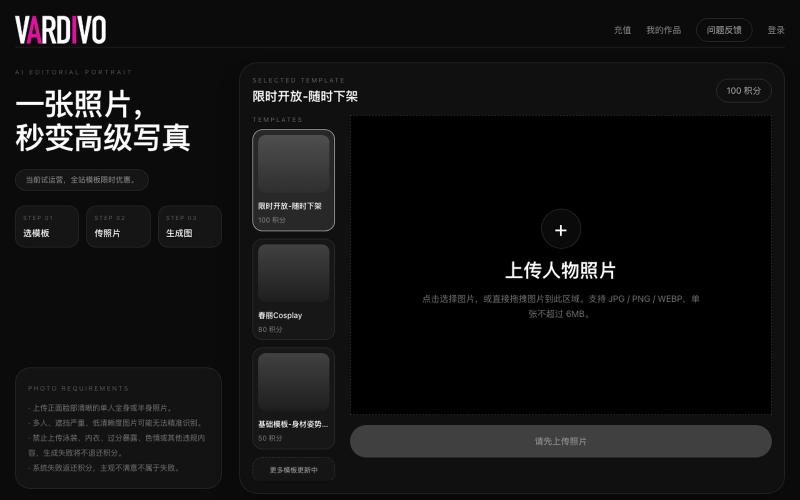
Vardivo
上传照片选择模板即可生成 AI 写真和视觉内容。

@pshenzhishen2 · X
来了来了,Vibe coding了两个月,地表最强写真生图工具VARDIVO上线了!傻瓜式上传图片选择模板即可生成。目前三个模板,欢迎各位探索使用。未来会陆续增加更多模板。附送一个春丽大幂幂。传送门👉🏻
完整作品展
技术栈
16 projects
上传照片选择模板即可生成 AI 写真和视觉内容。
@pshenzhishen2 · X
来了来了,Vibe coding了两个月,地表最强写真生图工具VARDIVO上线了!傻瓜式上传图片选择模板即可生成。目前三个模板,欢迎各位探索使用。未来会陆续增加更多模板。附送一个春丽大幂幂。传送门👉🏻
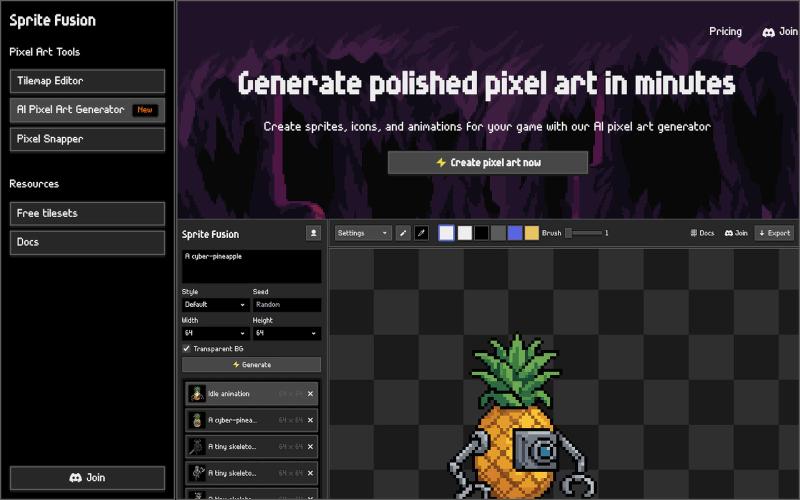
使用AI在浏览器中生成和编辑游戏像素精灵。
hugodpz · Product Hunt
AI Pixel Art Generator The professional AI pixel art generator for game developers
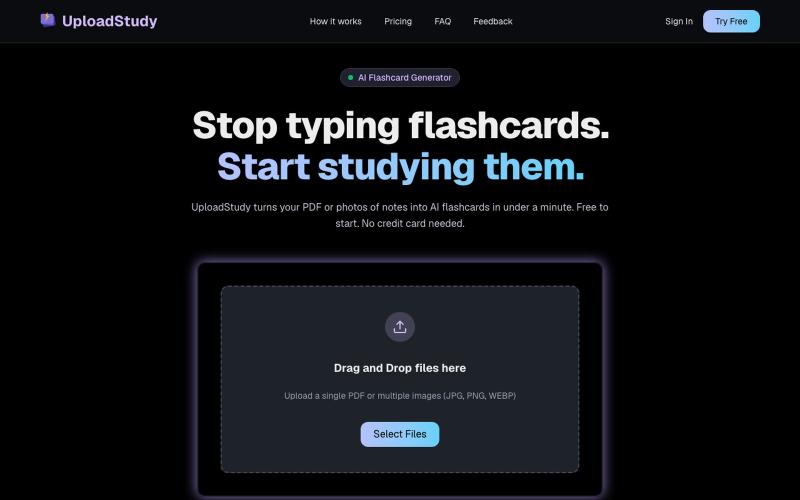
从PDF和笔记照片快速生成AI学习卡片。

@MrDave_id · X
I built an ai flashcard generator
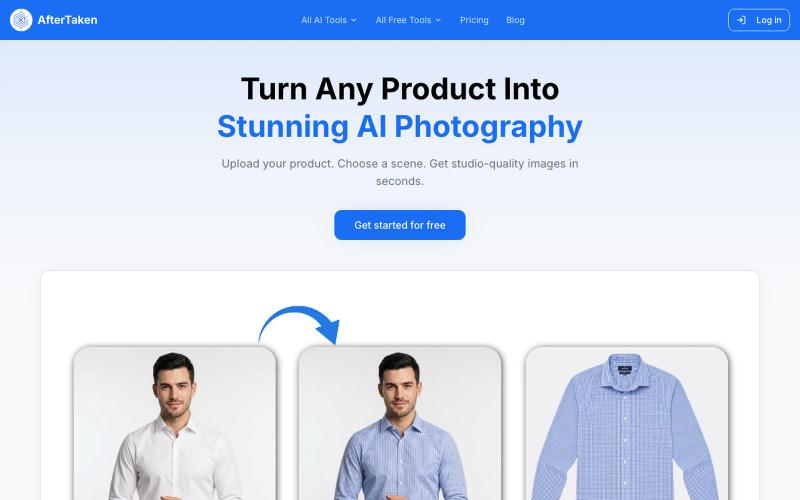
上传产品图片,选择场景,AI生成专业级摄影照片。

@aftertakenai · X
for AI e-commerce product photography
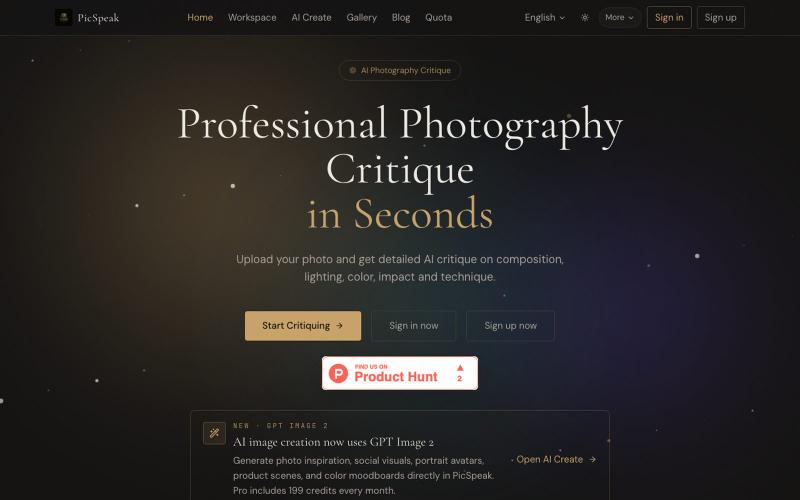
上传照片获得 AI 对构图、光线、色彩的分析,生成视觉参考。
PicSpeak — 基于 AI 的摄影点评 Web 应用,上传一张照片,几秒钟内即可获得对构图、光线与色彩的专业分析,同时可以向社区展示你的优秀作品。
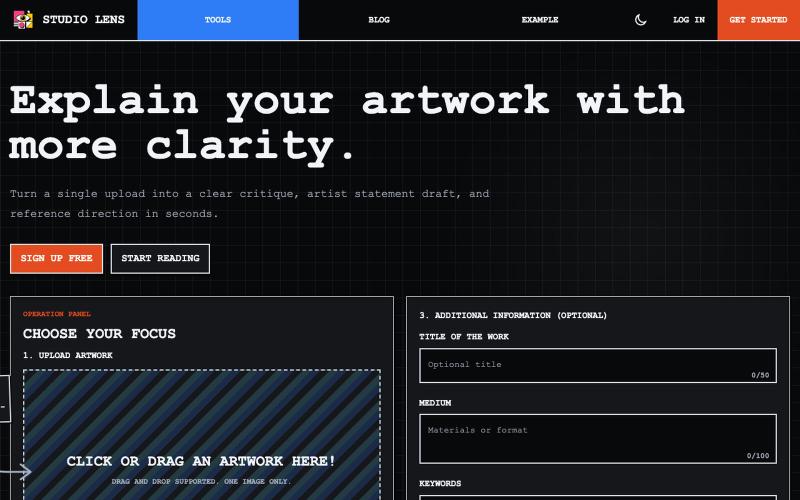
上传艺术作品图像,生成视觉分析和艺术家声明。

@dvd1932 · X
An SaaS that explains Art for/to you. (Free) 🧙♂️
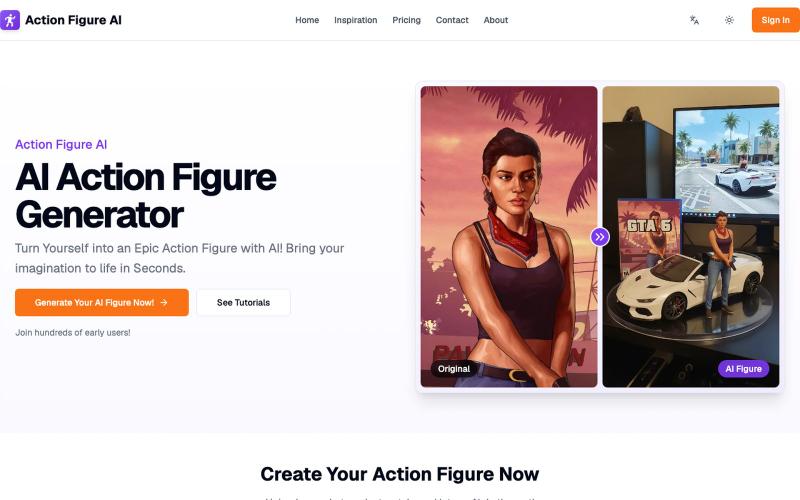
上传照片,用 AI 生成个性化手办图像。
Action Figure AI — 用 AI 将照片转成手办图
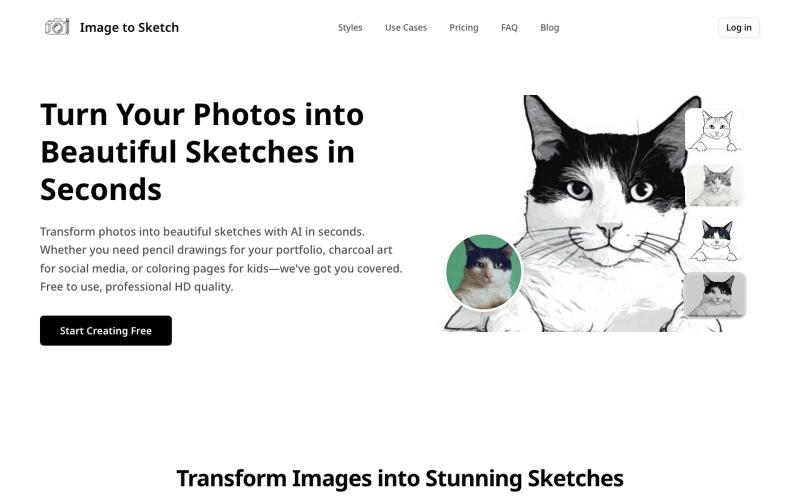
用AI将照片转换成素描、炭画或卡通艺术,即时在线生成。
image-to-sketch — 图片转素描 AI 小工具
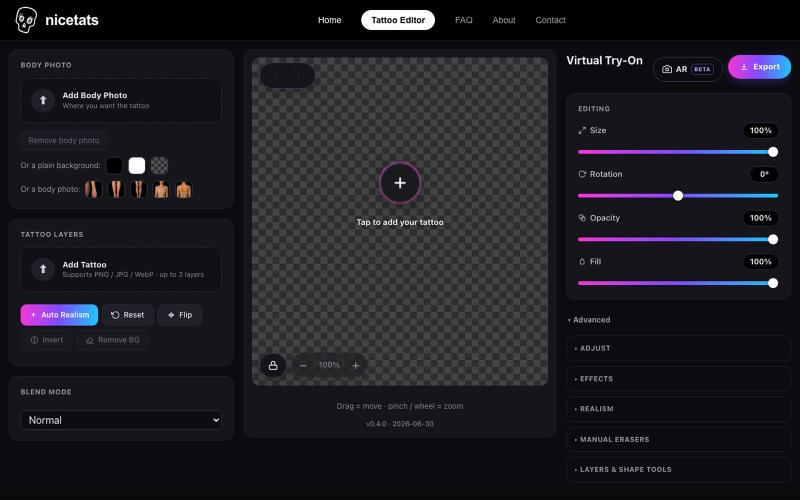
上传照片和纹身设计,预览纹身在皮肤上的效果。

@nicetatsapp · X
Preview Tattoos Online
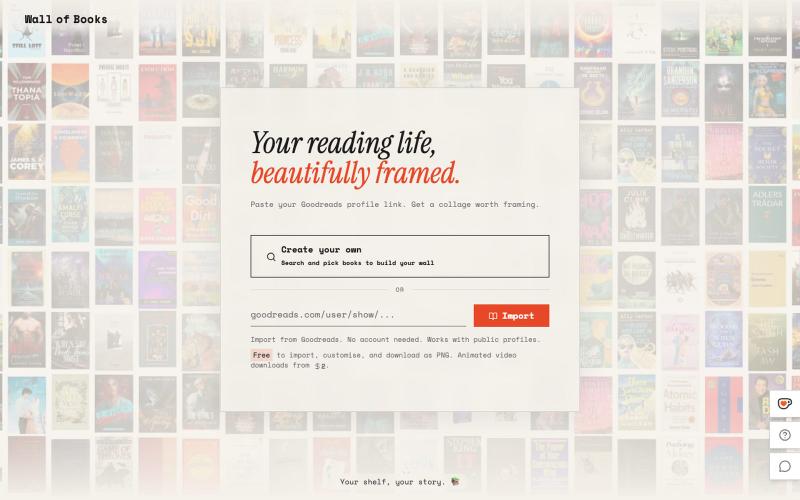
根据你的书架生成相框墙艺术

@Sathibuilds · X
I am building and
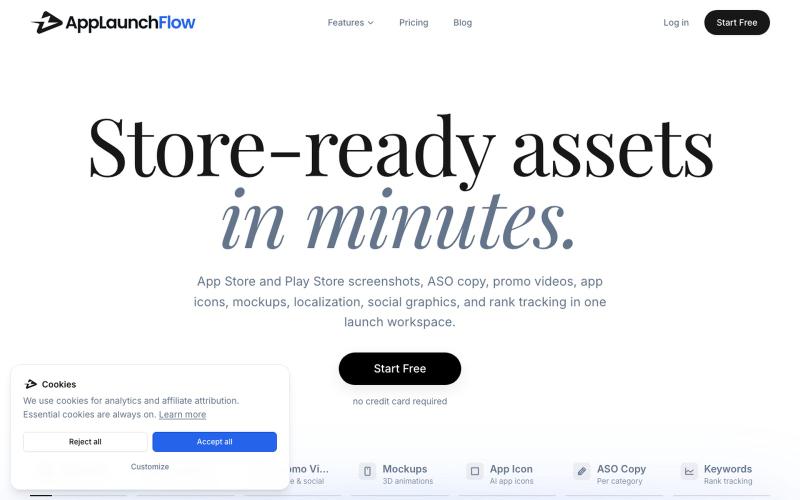
为 AppLaunchFlow 生成应用商店截图、视频、文案和营销资源。
u/Aggravating_Try1332 · Reddit
create app marketing assets using the new ios simulator in claude without leaving the app i built a skill to take screenshots of every page in your app with integration to the AppLaunchFlow MCP so you can create app store screenshots, promo videos, social graphics and more directly from your favourite agent submitted by /u/Aggravating_Try1332 to r/SideProject [link] [comments]

在浏览器中将照片和视频转换为ASCII艺术、像素艺术和马赛克。

@kail_designs · X
Jokes aside but honestly (Landing page) was built with Claude (Opus 4.7) in 1 day. But no, it was not just four prompts or some random skills. Here's how I built the entire AsciiMagic landing page with Claude in one day👇 Started with a rough sketched wireframe. Then designed it in @paper Then I used the Paper MCP with Claude to recreate that design in code and get a solid first version running. From there, the real work began. I kept iterating with specialised Claude skills: • impeccable • frontend-design • emil-design-eng • review-animations • responsive-design • seo-audit Each one improved a different part of the experience. By the end, the page had: • Mobile-first responsiveness • Better SEO optimised copy • Smooth micro-interactions • Cleaner frontend architecture Then came the part people don't see. For the next 5–6 hours, I wasn't asking Claude to "make it prettier." I was: • Fine-tuning layouts • Uploading and compressing assets • Moving files across diff