
完整作品展
技术栈
60 projects
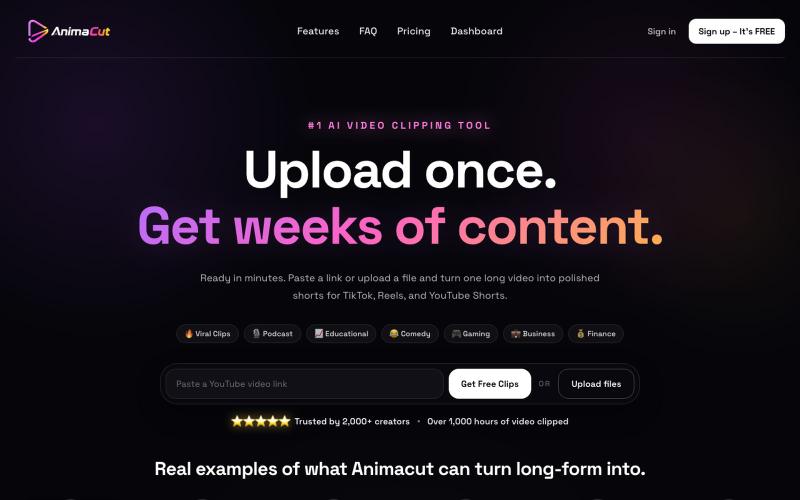
上传视频或粘贴YouTube链接,用AI自动生成带字幕的短视频。
u/ttvDuychinni · Reddit
AnimaCut - Turn long videos into captioned vertical clips Hey everyone — I built AnimaCut because turning a podcast, interview, or YouTube video into Shorts was taking too much manual work. You can paste a YouTube link or upload a video, and AnimaCut finds promising moments, gives each clip an AI score, reframes it for vertical video, and adds captions. The product is live, and the first video is free to test. I’m looking for blunt feedback on three things: Did it choose moments yo
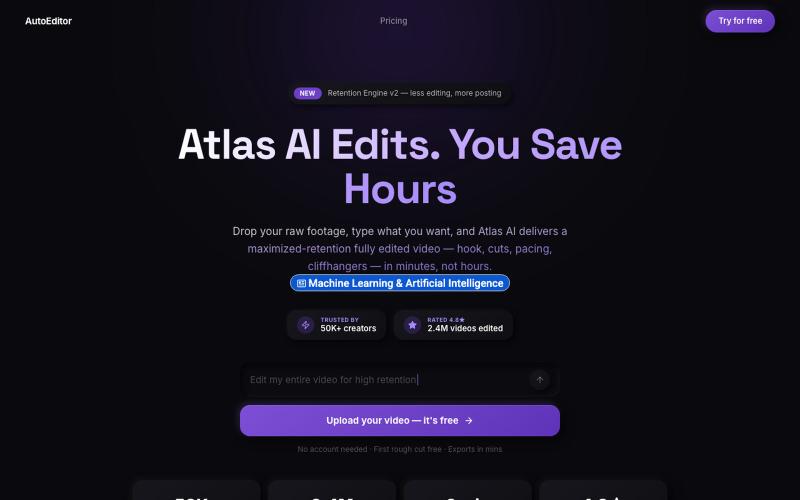
上传视频,获得专为提升观看保留率而优化的AI编辑版本。

@QuiseBuilds · X
- drop raw footage. Atlas maximizes retention. No editing needed.
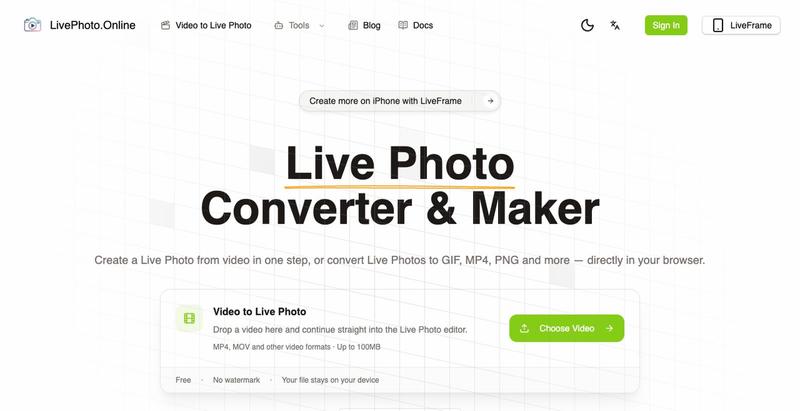
在浏览器中将视频、GIF转换为iPhone Live Photos或多种图像格式
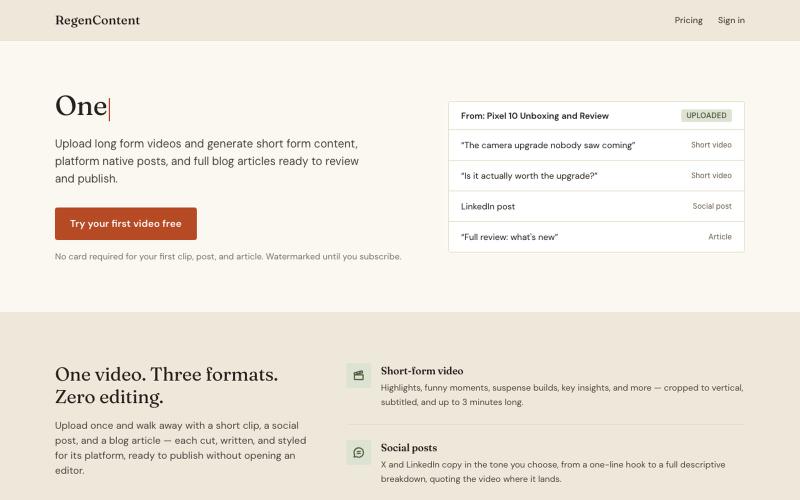
Turn one long form video into short clips, social posts, and blog articles.

@ZuxRoy24 · X
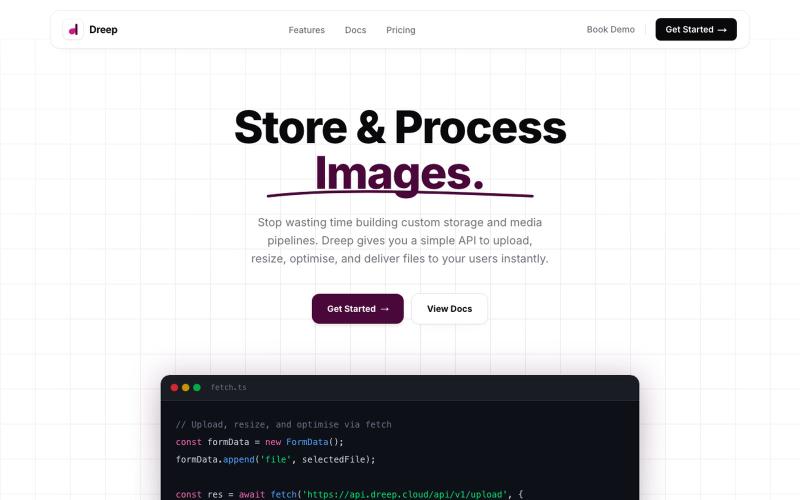
通过 API 和仪表板上传、存储和交付媒体文件。

@SOrjiude · X
Hey Peter, you can store those files here
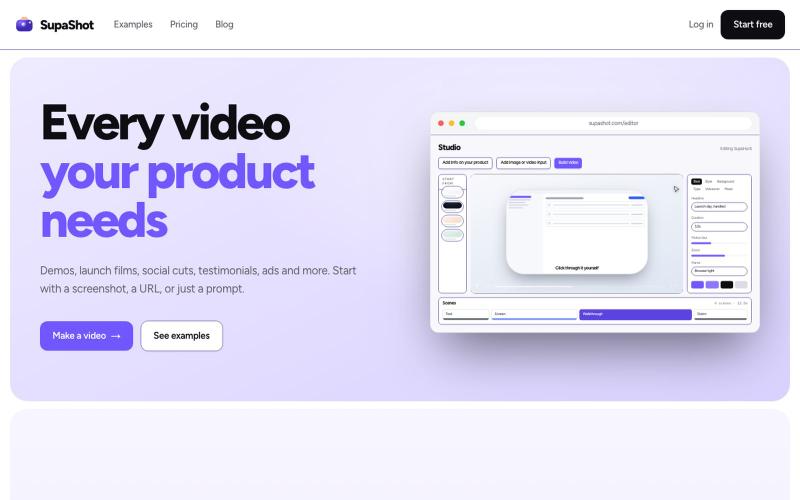
A complete way to promote your product with video. Demos, launch films, social cuts, testimonials and ads, from a screenshot, a URL or a sentence.

@therealaky · X
Create product videos that convert
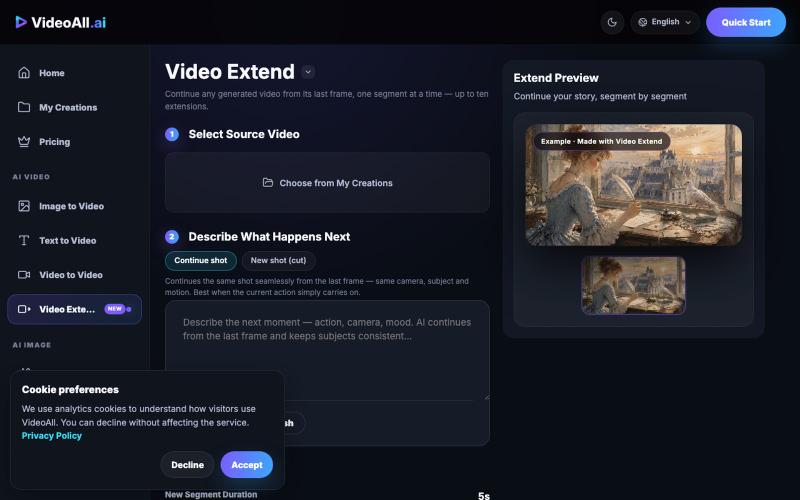
按段继续 AI 生成的视频,形成更长的连贯故事。
videoall_ai · Product Hunt
AI Video Extendor by Videoall.ai Turn short AI videos into longer, continuous stories
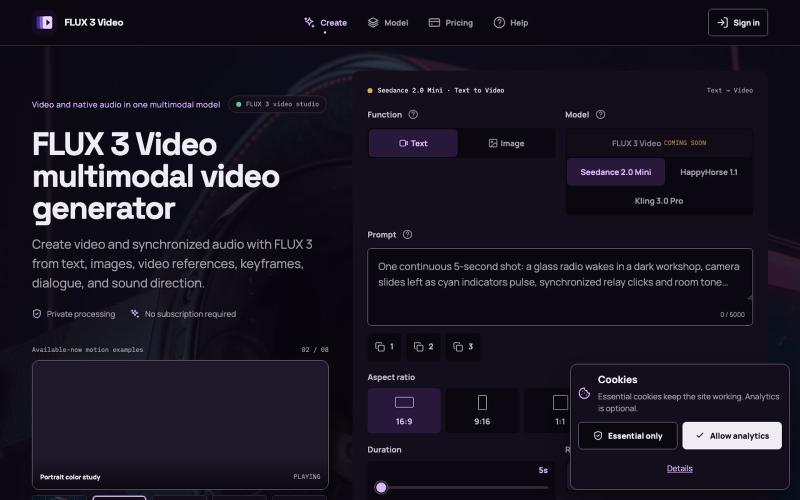
从文本、图像或视频创建电影级视频,自动同步音频。
FLUX 3 Video Generator — AI 视频生成工作台,支持文字或图片生成视频、参考图及镜头、动作和声音提示,并清晰标注模型可用状态
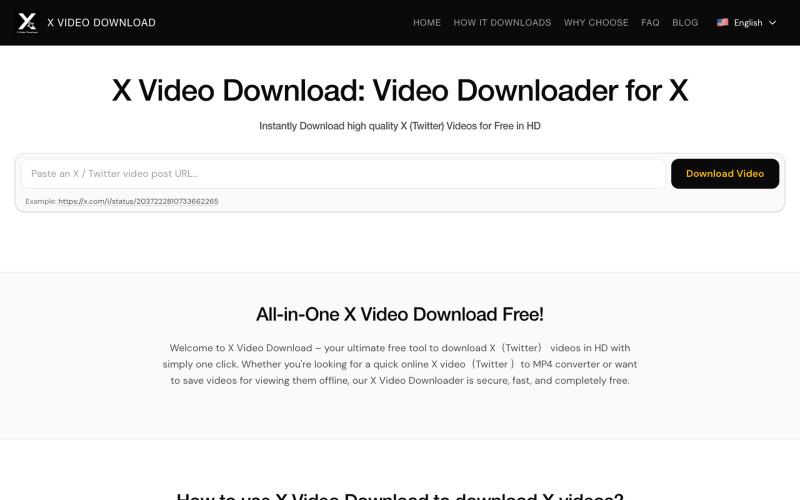
从X(Twitter)帖子下载视频为MP4文件。
x downloader — 解析推特(X)上的 AI 视频及各种视频链接,支持一键下载多种清晰度视频。

从您的网站自动生成产品演示视频。
distartin · HN
AIDemo.Video – turn website into a product demo video in one click

在浏览器中编辑、压缩、转换和合并视频和音频文件。
zhw2590582 · V2EX
最近对网站进行了重构,做成了免费的视频工具站:[ArtPlayer Tools]( https://artplayer.org/tools/) 主要是围绕着 ffmpeg.wasm 和 mediabunny 实现的一些可以直接在浏览器里用的视频/音频工具,常用的有: - 视频压缩:[Compress Video]( https://artplayer.org/compress-video/) - 视频裁剪:[Crop Video]( https://artplayer.org/crop-video/) - 视频合并:[Merge Video]( https://artplayer.org/merge-video/) - 视频尺寸调整:[Resize Video]( https://artplayer.org/resize-video/) - 视频旋转:[Rotate Video]( https://artplayer.org/rotate-video/) - 视频调速:[Change Video Speed]( https://artplayer.org/change-video-speed/) - 添加文字到视频:[Add Text to Video]( https://artplayer.org/add-text-to-video/) - 添加水印:[Watermark Video]( https://artplayer.org/watermark-video/) - 提取字幕:[Subtitle Editor]( https://artplayer.org/subtitle-editor/) - HLS 转 MP4:[HLS to MP4]( https://artplayer.org/hls-to-mp4/) - 音频可视化:[Audio Visualizer]( https://artplayer.org/audio-visualizer/) 大部分工具都是本地处理,文件不会上传到服务器。最开始是因为自己偶尔要处理一些视频,开剪辑软件又有点重,在线工具又担心隐私,所以就慢慢做成了一个站。 目前还在持续完善,体验肯定还有不少粗糙的地方,比如不同浏览器的兼容、移动端操作、长视频性能之类的。 网站: [ArtPlayer Tools]( https:
