Flashtype | The markdown editor for Claude & Codex
一个 Markdown 编辑器,Claude agents 可在其中编辑代码,你审查 diff 后再接受。
samuelstros
完整作品展
技术栈
13 projects

一个 Markdown 编辑器,Claude agents 可在其中编辑代码,你审查 diff 后再接受。
samuelstros

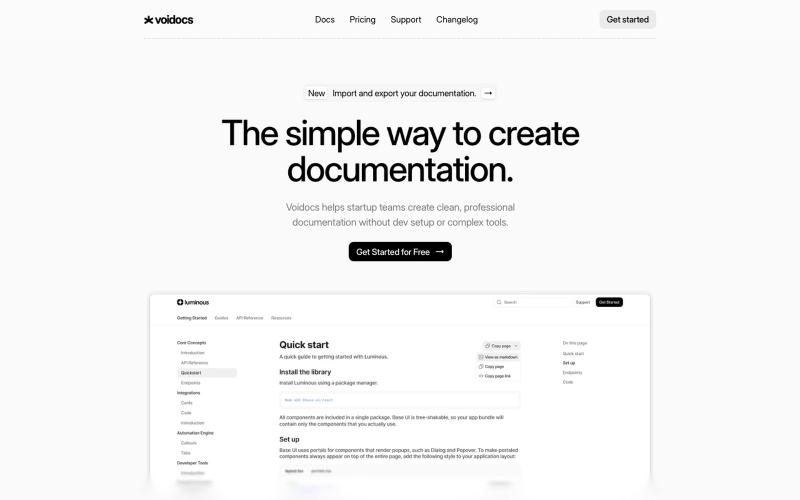
Voidocs 为初创团队创建专业文档,无需代码配置。
@hannah24_app · X
用单一API发送WhatsApp、短信、OTP码和事务性邮件。
@amifideles_ · X
Built SendAPI, solving the complexity of managing multiple messaging providers by bringing WhatsApp, SMS, OTPs, and transactional emails into one API. Built for developers and startups.

通过 AI 反馈进行打字练习,提高速度和准确性。
@AmitGajbhare · X
We build - a modern typing platform that helps people improve typing speed and accuracy with AI-powered practice, real-time feedback, progress tracking

将 Markdown 转换为适合微信公众号、Word 和 PDF 的排版内容。
@bingobray · X
我做了一个类似的工具: 除了支持公众号,还支持word和pdf😁

创建您文档的不可变、SHA-256认证的记录。
@BogachyovvA · X
A web app for protecting your documents, files, etc. using hashing. I am also looking for CEOs of companies for cooperation.

利用AI驱动的OCR技术,轻松将发票和收据数据提取到Excel或Google Sheets中。
@nolain_on_x · X
Turn your batch of invoices/receipts into Excel sheets. Stop manually entering information from your invoices into spreadsheets and save hours of work. Visit us at Contact us for custom solutions on document processing.

图片转 ASCII 字符画、复制符号、查看码表、进制转换——全在浏览器。
HeStudy · V2EX
做了个纯前端的 ASCII 工具站:图片转字符画、banner 生成、符号一键复制 平时偶尔需要查 ASCII 码表、复制一些特殊符号(箭头、制表符这类),每次都是搜一个满屏广告的老站凑合用,索性自己做了一个: https://getascii.com 目前有这些工具: 图片转 ASCII 字符画(拖一张图进去就行,支持调宽度/字符集/反色) 文字转 ASCII banner 大字 常用符号一键复制(箭头、制表符、数学符号、颜文字) 完整 ASCII 码表 + 一个交互式键盘映射图(点键盘上的键显示对应的 dec/hex 码) 进制转换器( hex/dec/bin ↔ ASCII ) 几个实现上的点: Astro 构建的纯静态站,所有工具都是纯客户端计算,图片不会上传到任何服务器 没有账号系统,没有付费墙,打开就用 整站是绿色荧光终端风( CRT 扫描线 + JetBrains Mono ),算是给终端审美交个作业 顺手给它做了个 25 秒的宣传片: https://www.youtube.com/watch?v=AjzU5mw1PrI

保存来自 X 和 LinkedIn 的联系人及其相关背景信息,在合适的时间重新建立联系。
@aditya_founder · X

在浏览器中私密编辑、调整大小、裁剪和转换图像,无需上传。
@its_ajseven · X

在Chrome和Firefox创建和同步文本快捷方式,自动展开代码片段。
@goldlion123RP · X
- This is a Snippet Extension tool, with cross device sync, auto cloud backup, sounds, animations etc. features. Do explore it & I'm open to receive feedback.

在线转换、查看和管理各种文件格式,包括文档、PDF 和压缩包等。
@FileProInfo1 · X
🚀 has successfully launched! helps users convert, view, process, and manage files online — including documents, PDFs, OCR, archives, email formats, and more. We’re excited to share it with the community. Check it out here: