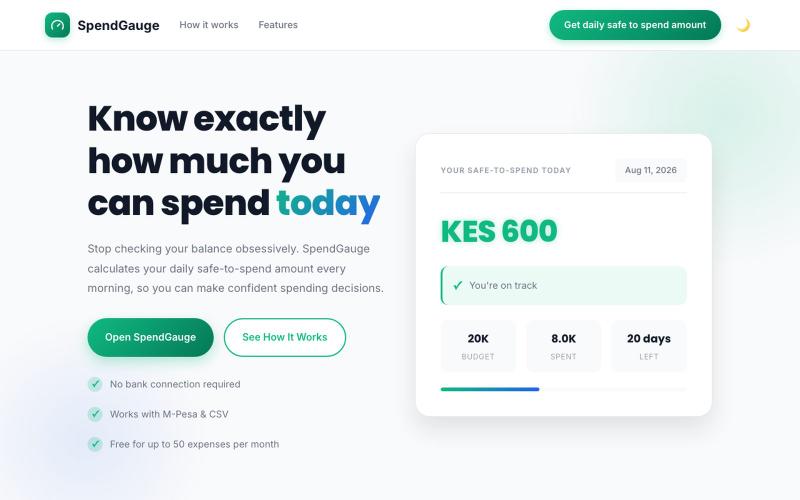
SpendGauge – Know Exactly How Much You Can Spend Today
根据剩余预算获得每日安全支出额度至月底。
@koomekelvink · X
a personal finance tool that gives you a daily safe to spend amount across each of your budget categories helping you get to end month within budget
完整作品展
技术栈
20 projects

根据剩余预算获得每日安全支出额度至月底。
@koomekelvink · X
a personal finance tool that gives you a daily safe to spend amount across each of your budget categories helping you get to end month within budget

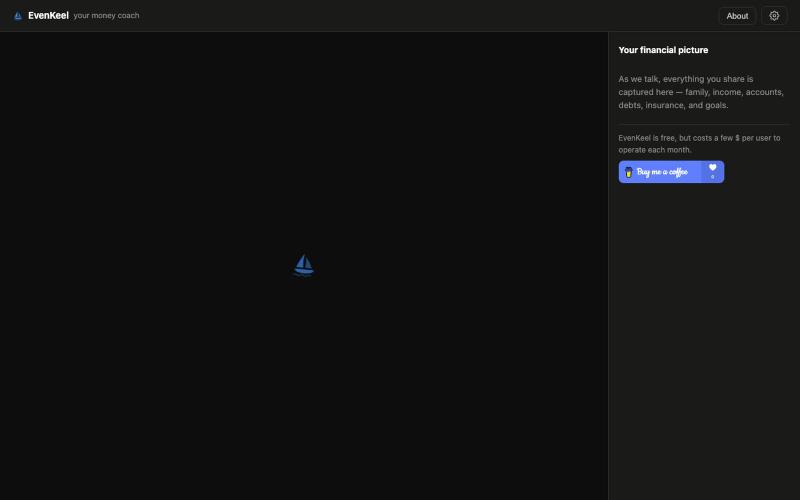
EvenKeel - 一个提供预算、储蓄和投资建议的 AI 财务顾问
daave · HN
EvenKeel – a free financial planning chatbot

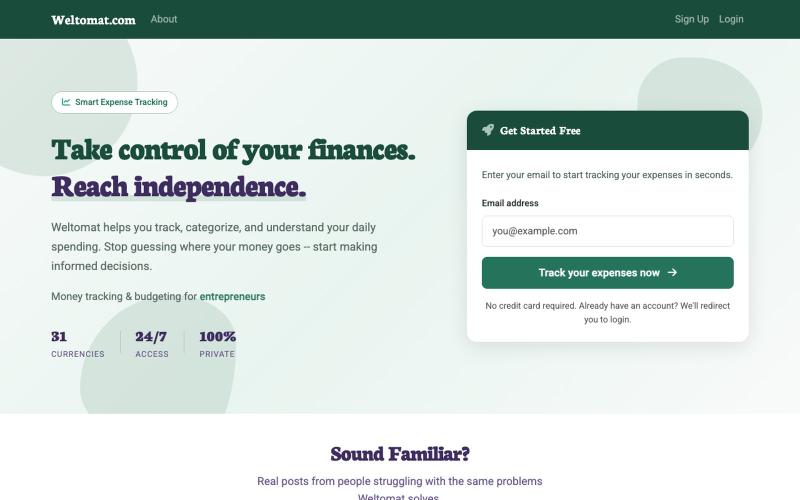
Weltomat - 为旅行者和数字游民设计的多币种支出和预算工具。
@andrejbuday · X
And th second one - - with completely new OG:image

扫描AI账单找出浪费支出,用防篡改证据证明节省成本。
@askrashidkhan · X

用语音记录支出,发现消费漏洞,获取订阅提醒。
@aeltyif · X
Small expenses add up fast. FloosYo helps you spot them, see the yearly damage, and stop the leaks before your money disappears.

上传餐厅收据照片,AI扫描后与朋友按项目分摊费用。
u/getawaykid · Reddit
I got tired of doing receipt math at restaurants, so I built a free bill splitter with optional AI scanning TL;DR: Receipt Split splits restaurant bills by item. Free for manual entry + real-time sharing. AI photo scanning is optional and costs money to run, so I only charge for that part. I built Receipt Split after one too many dinners where someone said “let’s just split it evenly” while my friend was sitting there with a salad and everyone else had entrees + drinks. It’s a web app —

在浏览器中跨设备(Mac、PC、iOS、Android、Smart TV)即时分享文件和文本,无需注册。
@WackyCrocoGator · X
This one doesn’t require any signup or payment. Just load and multiple device by opening the site on them and connect them for an easy way to drop text and file to each other.

免费创建支付链接收集商品、小费或捐赠。
@payrequest_io · X

保存并浏览你想尝试的餐厅,帮助你决定去哪里用餐。
@danielendara · X
Sure! let's connect! My latest creation is

一键创建并发布格式丰富的文章到网络。
@masafumiohta · X
I’ve been using Windows as my daily use lately despite I have been using Mac/Linux for a long time, but I keep running into all sorts of issues, so I’ve been fixing them vibe-coding with Claude. I’m gonna dump all that stuff on This blog is fully automated with Claude Code, from coding all the way to reporting. It’s nothing special—anyone could do it—but it’s actually pretty fun once you try it. The only annoyed is that it burns through tokens like crazy. Most of the tips are pretty interesting, so I hope you find them useful.

SaveAnywhere是Chrome扩展,直接将文件、图片、链接保存到Google Drive、Dropbox和OneDrive,本地处理。
@SaveAnywhere · X
Free chrome extension :

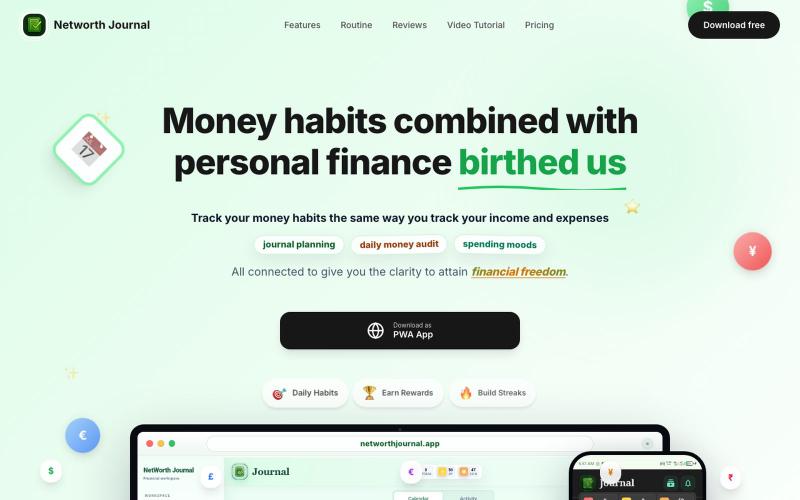
手动支出追踪器,完全隐私保护,无数据共享。
@codewzubair · X
ExpenseSumo is for anyone tired of budgeting apps that demand bank access. Manual entry, fully private, just a clear view of where your money goes: