
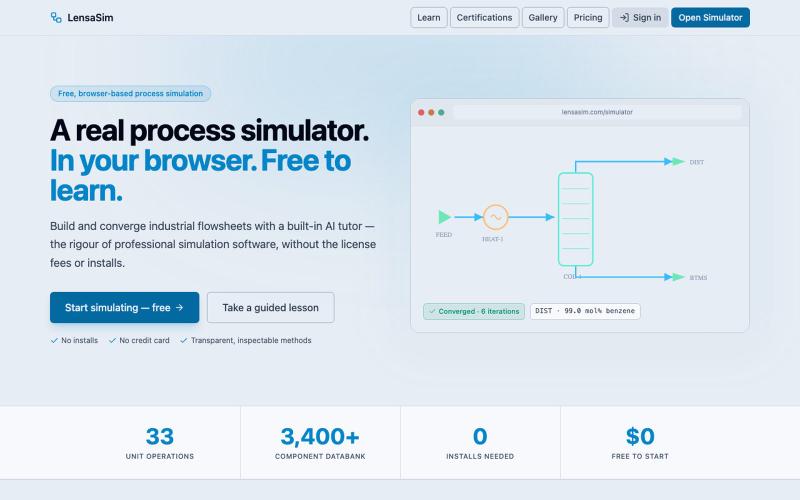
完整作品展
技术栈
60 projects
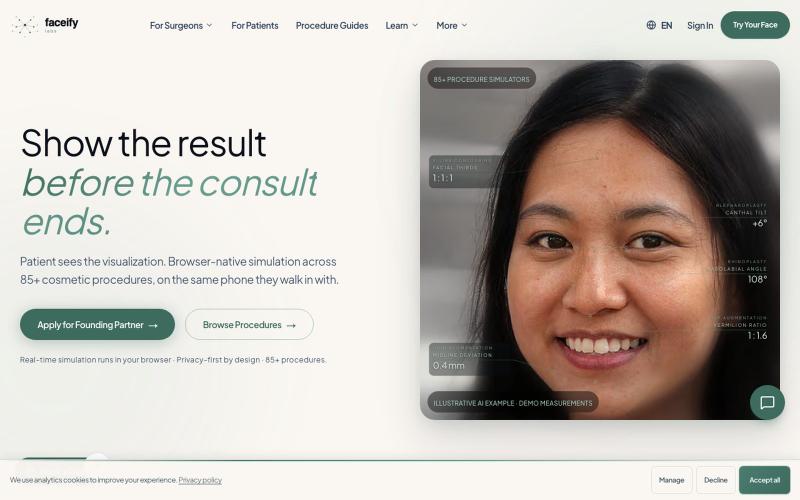
在浏览器中预览 85+ 种美容手术,采用 AI 手术模拟,隐私优先。

@MukkawarNandan · X
show the result before the consult ends -
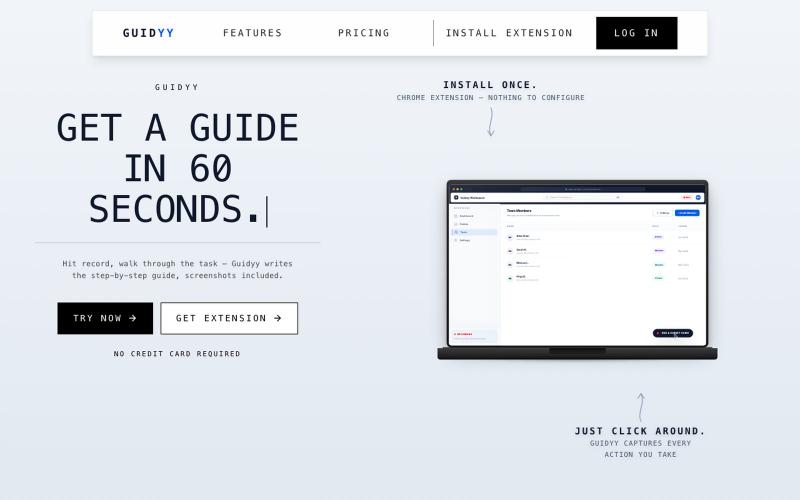
屏幕录制自动生成分步指南和培训文档

@Amit63390 · X
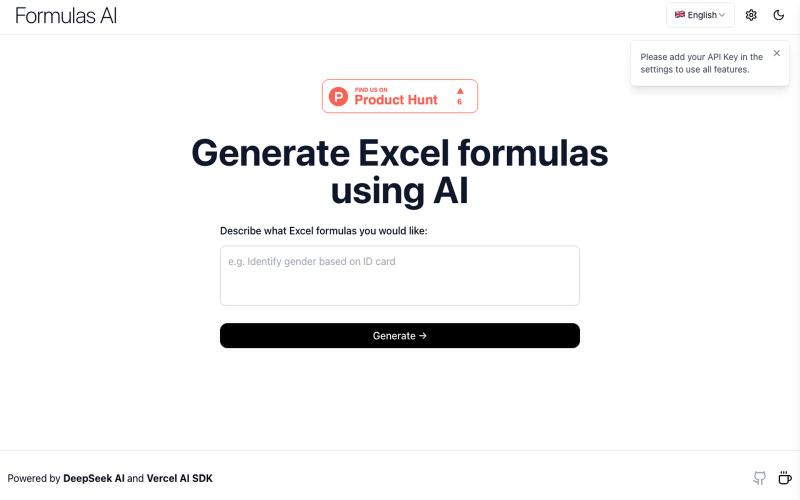
使用AI技术生成复杂的Excel公式。
Formulas AI — 帮助用户生成 Excel 公式,基于 DeepSeek-V3 的 AI 工具产品(需要用户自己填入key)

录制屏幕或幻灯片,ScreenDub 用 AI 生成脚本、配音,支持 70+ 种语言的产品演示和教程。

@me_using_x · X
Do you need a product demo or wanna make tutorial/help videos? Your problem is solved for ever now! Try: PS: I am the developer who built this and I am self promoting it via this thread. 😀

调整 turbocharger geometry,实时观看 physics simulations。

@_m3rl1n · X
Got 2 of em for ya. And a fun little side project literally built by the prompt the above generated:
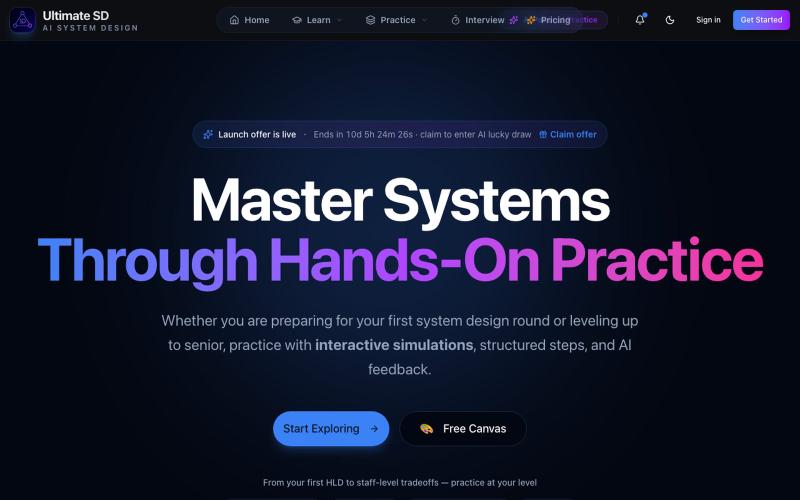
通过AI驱动的模拟和专家反馈练习系统设计面试。

@ShashankCode · X
Checkout here :
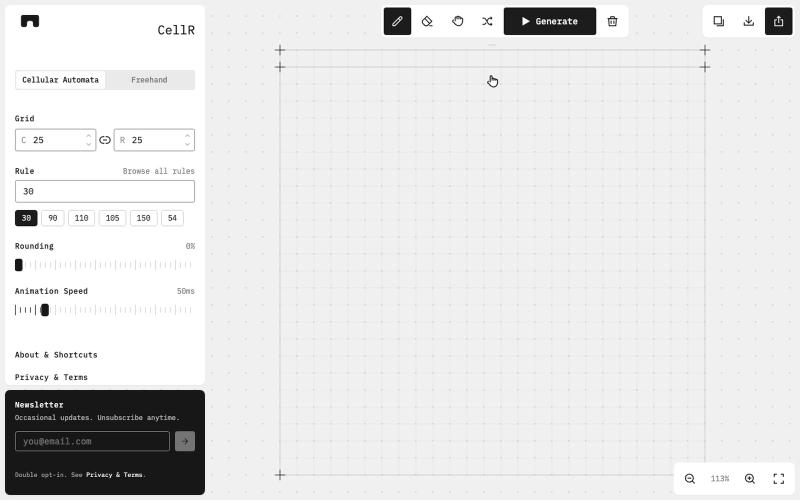
设计、动画化并导出元胞自动机图案

@majo_puterka · X
Nerdy, browser-based pattern generator on Wolfram's cellular automata. SVG export, freehand mode, free.
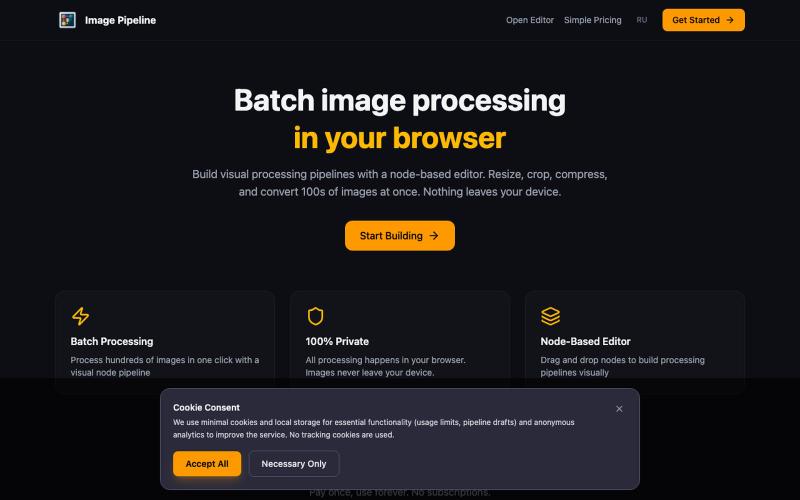
在浏览器中本地批量调整、裁剪、压缩和转换图像。

@MaximMitenkov · X
🔒 Just launched Image Pipeline — batch image processing in your browser. 100% private. No signup. Pay once, use forever. #buildinpublic #webdev #privacy
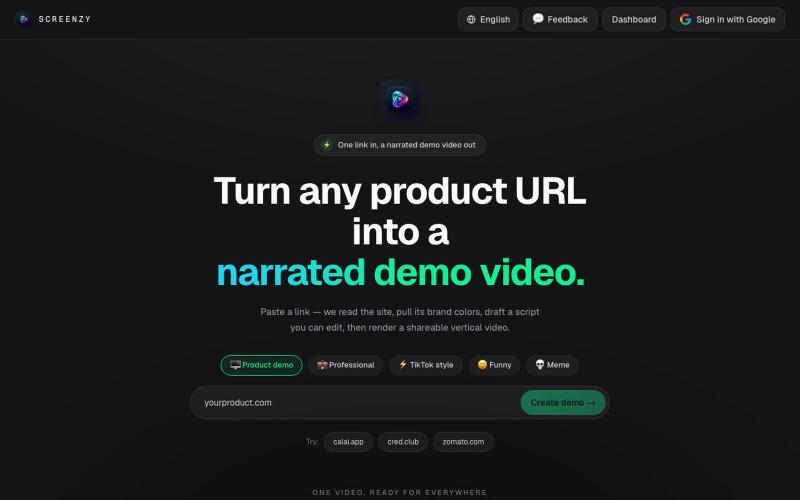
粘贴产品URL生成AI演示视频用于营销推广。
u/Rae_Shin_ · Reddit
Why spend hours making demo videos? Paste a URL and let AI do it These days everyone is building products, but promoting them is a completely different challenge. Recording demos, editing videos, adding captions, and making content for Shorts, TikTok, Reels, or ads takes a lot of time. So I built Screenzy.pro. Just paste your product URL, and it automatically creates product demo videos that explain what your product does. It works well for social media content, launch videos, tutoria
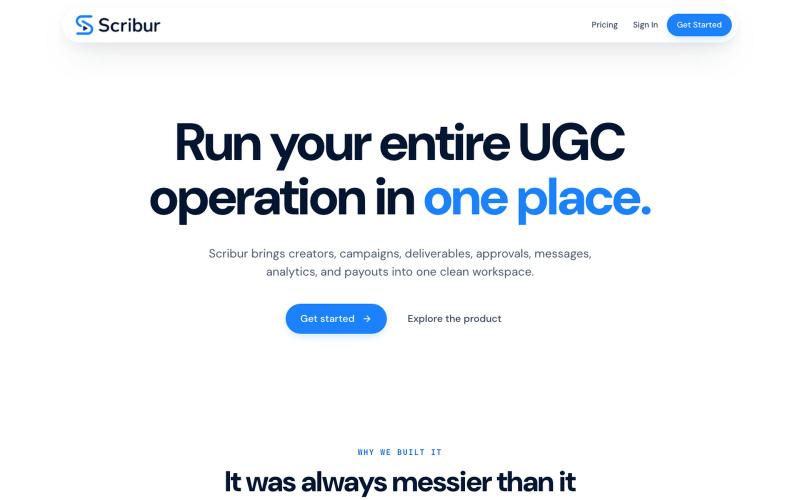
在一个工作区中规划、制作、审查和发布创作者内容。

@DaiwikShashi · X
Building Scribur — the operating system for in-house UGC teams. We help in-house teams manage campaigns, content ideas, scripts, submissions, revisions, approvals, creator communication, and performance tracking all in one place.
创建流程图、程序图、组织架构和UML图的免费在线工具。

@N0V4Dev · X
I found a tool called Next AI that links AI capabilities directly with diagrams. It lets you build and edit diagrams using natural language prompts instead of clicking around the canvas manually. It's a handy way to sketch out architecture when you don't want to drag every box yourself. The project is built on TypeScript with React 19 and Next.js. It supports multiple AI providers and even includes an MCP Server. This means you can use it with the Claude Code CLI to generate diagrams from your terminal. Deployment options are flexible too. You can run the tool locally with Docker or push it to Vercel and Cloudflare Workers. It supports multi provider setups so you can pick the backend that fits your workflow. #Nextjs #AI #Diagrams #TypeScript
