
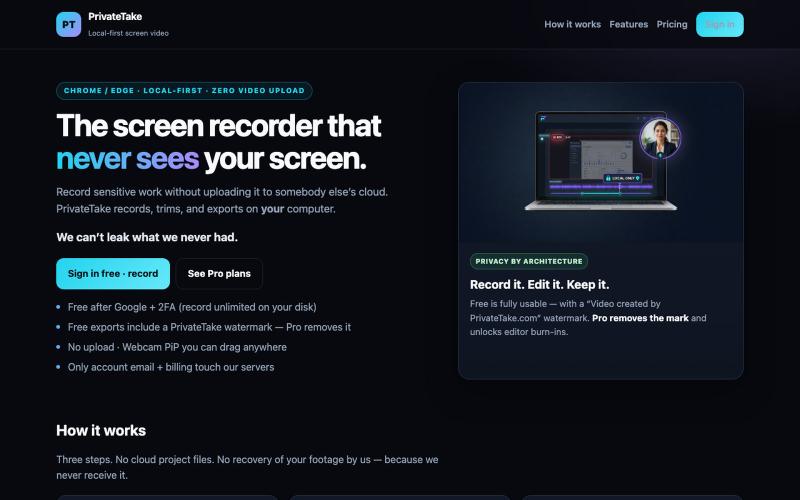
生产力1 month ago · 1 次试用
PrivateTake | Local-First Private Screen Recorder
本地录制和编辑屏幕视频,无需云上传。

@MarkZofMarkZ · X
Screen Recorder that doesn't share your recordings to the cloud:
完整作品展
技术栈
60 projects
本地录制和编辑屏幕视频,无需云上传。
@MarkZofMarkZ · X
Screen Recorder that doesn't share your recordings to the cloud:

免费的原生macOS屏幕录制工具,带内置编辑器和自动缩放。

@screenkite_com · X
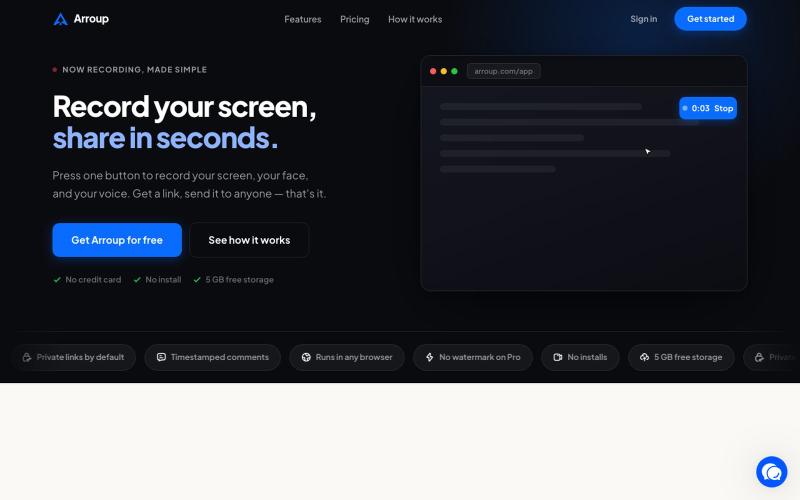
使用 Arroup 录制屏幕和摄像头,然后通过链接分享。

@VladSmigelski · X
Building Loom alternative -

在浏览器中录制屏幕,保存至 Google Drive,并通过即时链接分享,仅需 $29。

@HashamBuilds · X
Building Walkthrough, screen recorder, $29 once, videos save to your own Google Drive. No subscription, no vendor servers. 14 days refund with no question asked. Now shipping in public daily. 🔗
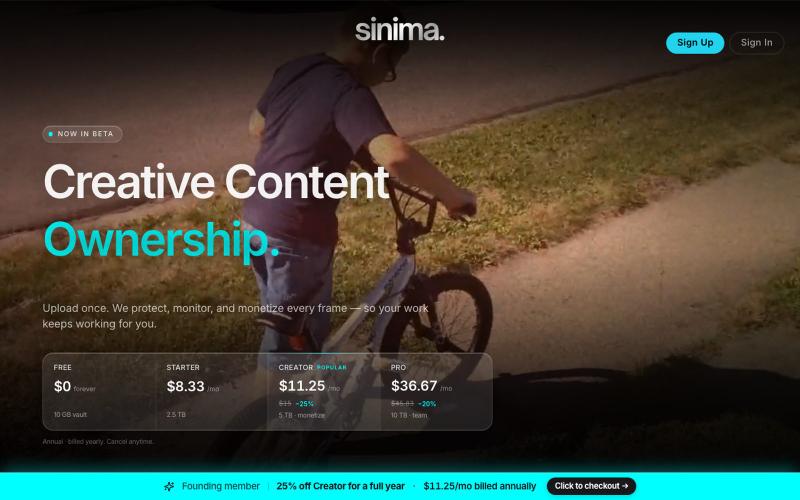
上传屏幕录像以保护并授权给AI平台。

@LisaTrublet · X
Vimeo alternative for creators and filmmakers, with IP protections built in. 25% off Creator Core. 🎉

Mac & Windows 屏幕录制工具,支持点击自动缩放、渐变背景和摄像头叠加。

@zuess05 · X
Shipped some banger updates to

屏幕录制Chrome扩展,内置自动缩放效果和自定义背景功能。

@gabani_vatsal · X
Building Screen recorder which adds zoom effects and custom backgrounds
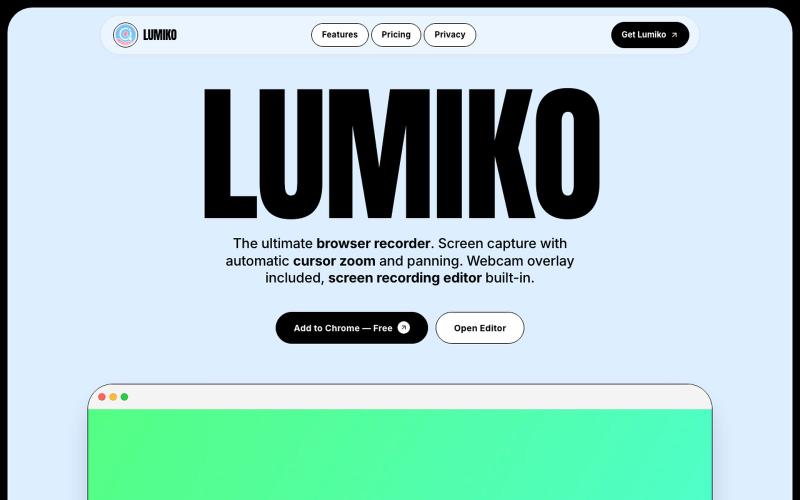
免费 Chrome 截屏工具,支持自动光标缩放、平移和内置视频编辑。
Ashish106 · HN
Lumiko – Chrome screen recorder with automatic cursor zoom
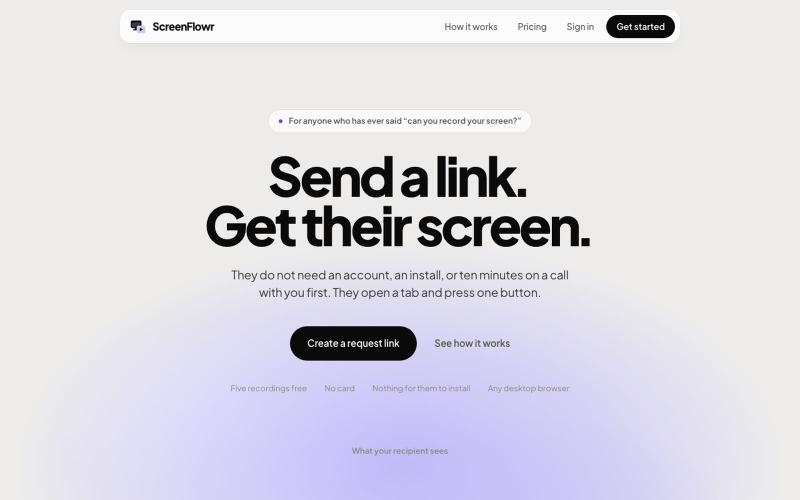
Send someone a link and get their screen recording back. No account, no install, and nothing for them to work out. Five recordings free.

@mikevannelli · X
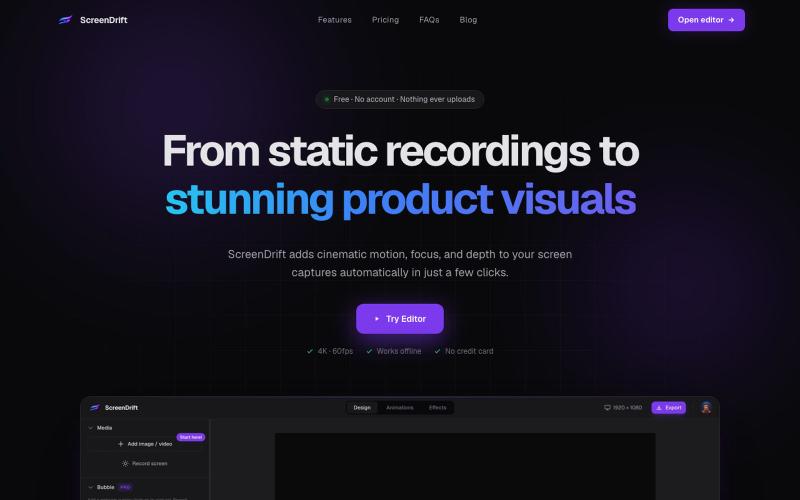
Create professional 3D product videos from screen recordings, camera footage, or any video. All processing happens on your device.

@hariprasad_bg · X
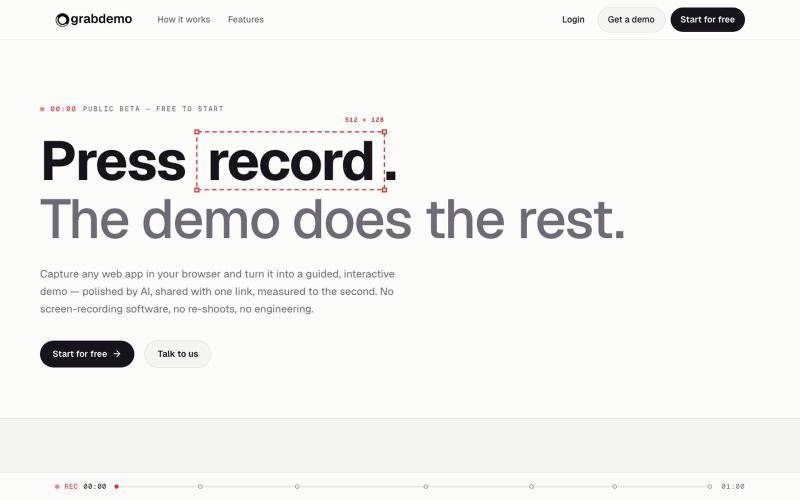
grabdemo:屏幕录制一键转化为AI打磨的交互式演示。

@grabdemo_ · X
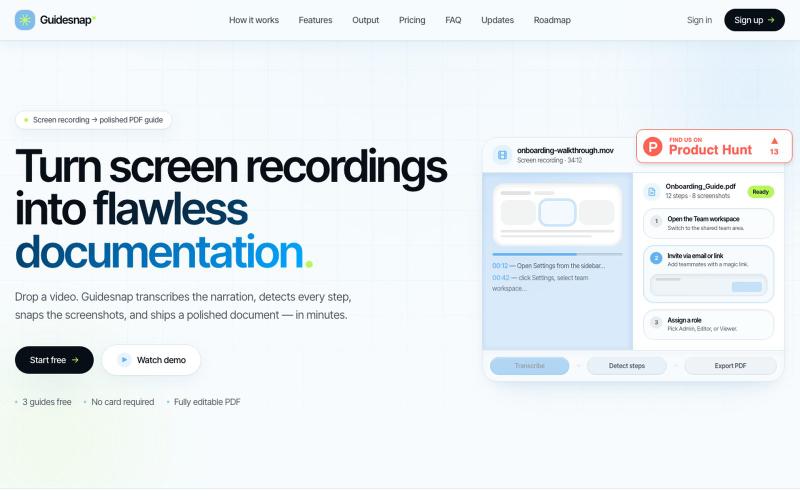
将屏幕录制转换为精美的PDF指南。

@vanmurten_eth · X
Guidesnap: turn any screen recording into a polished PDF guide.