
创意工具1 month ago · 1 次试用
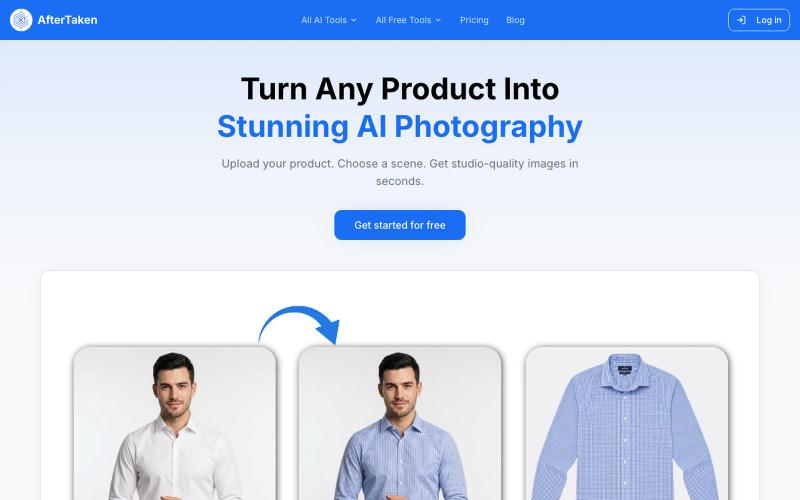
AfterTaken — AI Product Photography | Studio-Quality Photos
上传产品图片,选择场景,AI生成专业级摄影照片。

@aftertakenai · X
for AI e-commerce product photography
完整作品展
技术栈
60 projects
上传产品图片,选择场景,AI生成专业级摄影照片。
@aftertakenai · X
for AI e-commerce product photography

通过QR码从嘉宾收集活动照片,无需应用和登录。

@twfaria · X
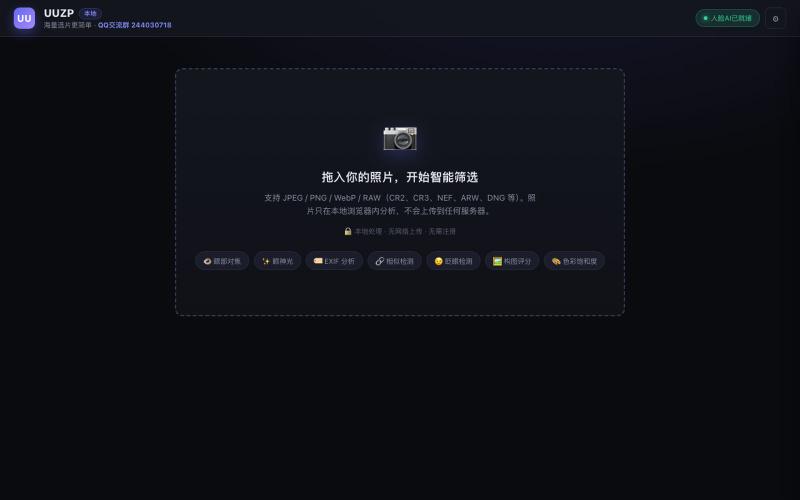
UUZP:本地浏览器选片工具,轻松从数百张照片中筛选最佳作品。
alexmaster · V2EX
玩摄影,选片神马的最烦,于是搞了个选片工具 uuzp.cn 每次拍完照片都是几百张,选片最烦人了。 当然隐私更重要,本地处理,无上传。 纯浏览器端处理。 https://uuzp.cn 欢迎大家使用
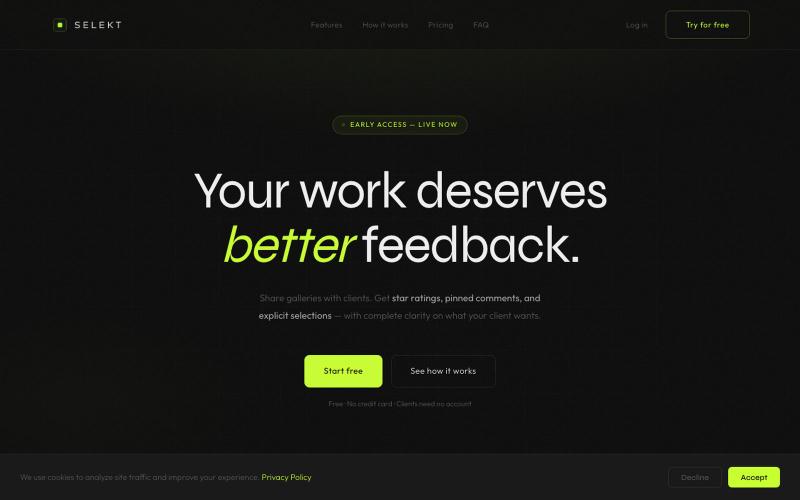
Online photo and video proofing made simple. Export from Lightroom Classic, share galleries with clients, collect star ratings, color labels, and selections — then sync feedback ba

@ThomasHabr · X
My vibe-coded startup is being released now 🎉 The journey begins.
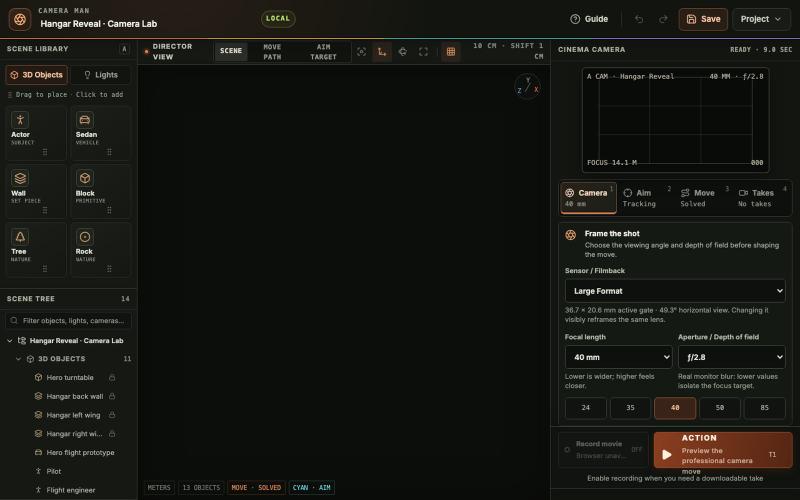
在浏览器中放置3D物体和灯光、设计电影相机路径、预览运动并录制镜头。

@tahabahrami · X
Solve the camera movement in AI videos. We created a Blender web version with cinematic camera control.
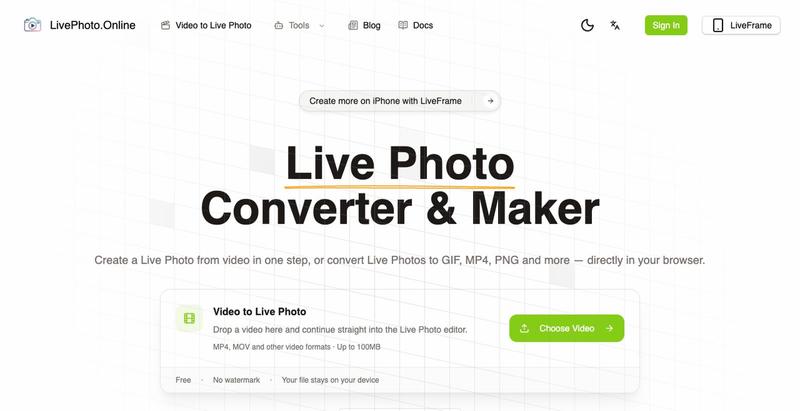
在浏览器中将视频、GIF转换为iPhone Live Photos或多种图像格式
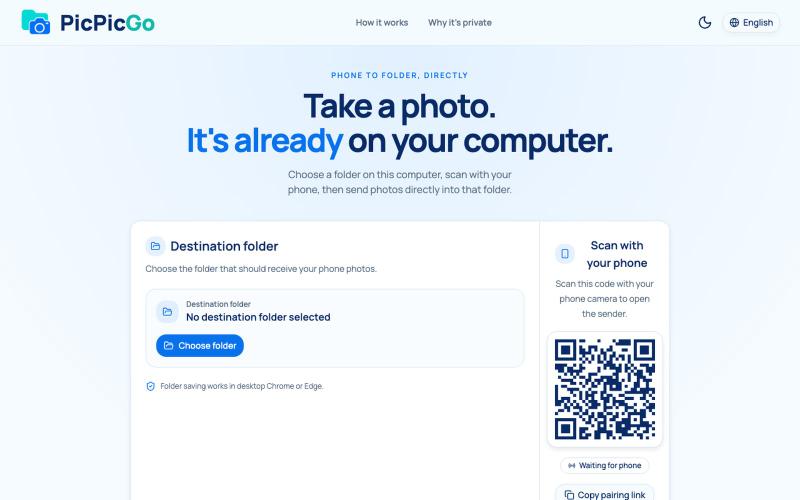
从手机直接将照片传送到电脑文件夹,无需账户或安装。
1010115121 · V2EX
做了个网站,将手机的照片实时同步到电脑指定的文件夹,不需要复杂的操作! 最近自己有个需求:需要把手机刚拍的一批图(十来张)快速传到电脑 试了一圈手机和电脑的同步方案,都有点麻烦,所以自己做了个工具站:PicPicGo https://picpicgo.com 使用很简单: 1 、电脑打开网页,选择一个文件夹 2 、手机扫码进行连接 3 、手机拍照或选择照片 4 、照片自动保存到电脑刚才选择的文件夹 不需要安装电脑软件,也不需要安装手机 App ,打开网页就能用 照片通过 WebRTC 在设备之间直接传输。 目前只支持同局域网的设备,刚发布,发出来看看有没有人也有类似需求,欢迎试用和提意见。
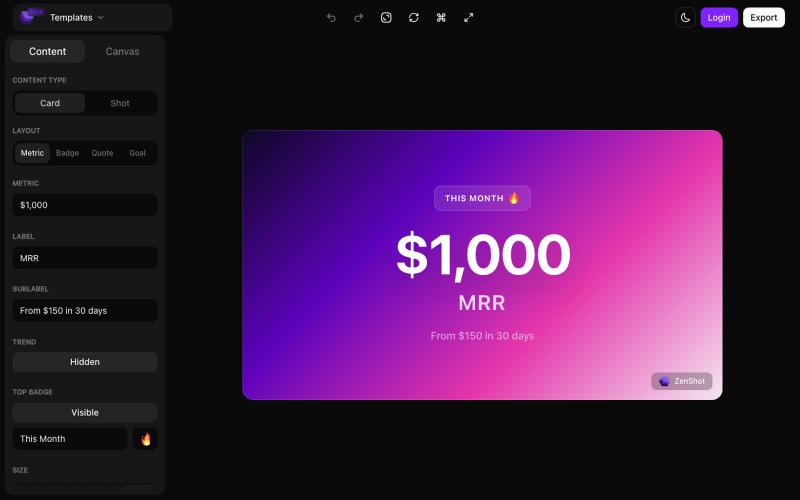
创建精美的 screenshots 和 progress cards,准备好与您的受众分享。

@shreyassihasane · X
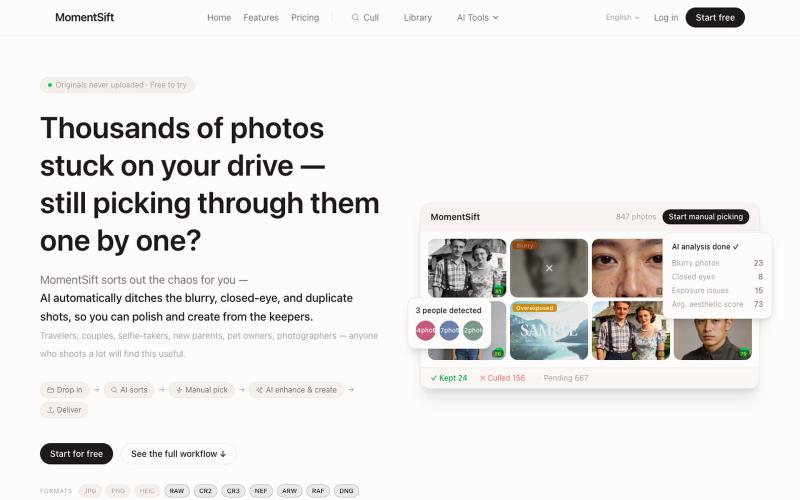
MomentSift: 用AI筛选、增强和生成照片。
ansheng_hu · Product Hunt
MomentSift Cull, enhance, and create better photos with AI
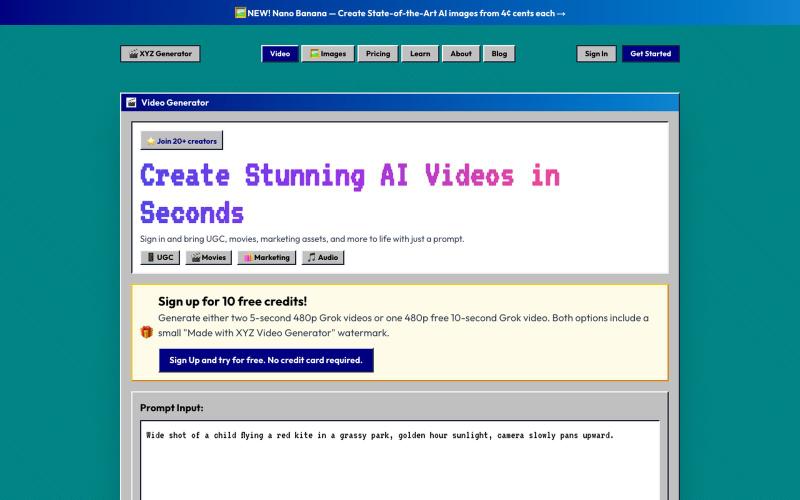
Generate stunning AI videos and images in seconds.

@bestaigeneratrs · X

在浏览器中直接编辑和筛选 RAW 照片,本地处理无需上传。

@am56ay · X

Create photos that drive sales. Say it or type it. It happens — on a live canvas with skills, version history, and 300 free credits.

@JasonLBaptiste · X
I found myself cobbling together a bunch of different tools to create image ads and AI photos for TextLauren. So I built an agentic photo editor - think of it like an agent first Photoshop/Canva. It can connect to @cursor_ai ,Claude Code, etc.