
创意工具1 month ago
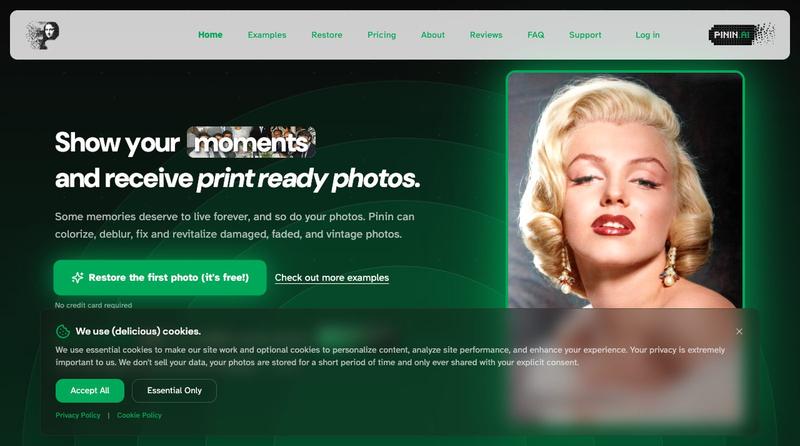
Pinin — restore, colorize, and enhance old photos with AI
利用 AI 恢复和增强旧照片,修复损伤、添加颜色并提高清晰度

@Umitech_AU · X
AI photo restoration without the AI slop.
完整作品展
技术栈
15 projects
利用 AI 恢复和增强旧照片,修复损伤、添加颜色并提高清晰度
@Umitech_AU · X
AI photo restoration without the AI slop.
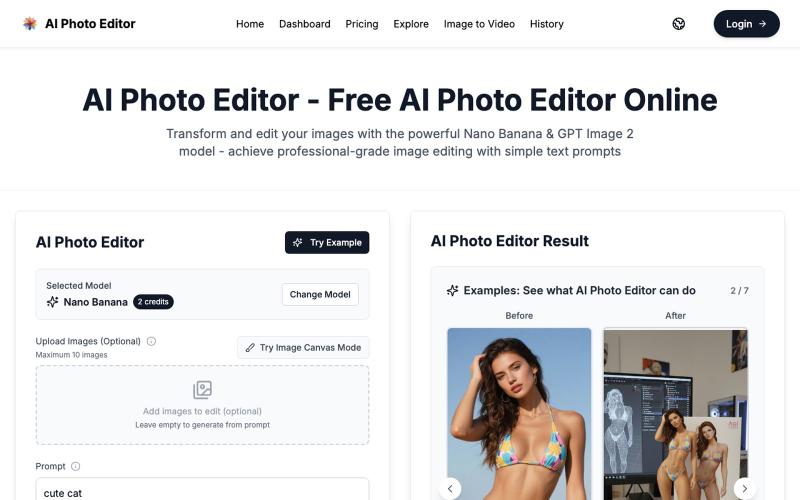
用 AI Photo Editor 在浏览器一键编辑照片,无需注册。
vtoolpro · HN
AI Photo Editor – Professional-Grade Image Editing with Text Prompts
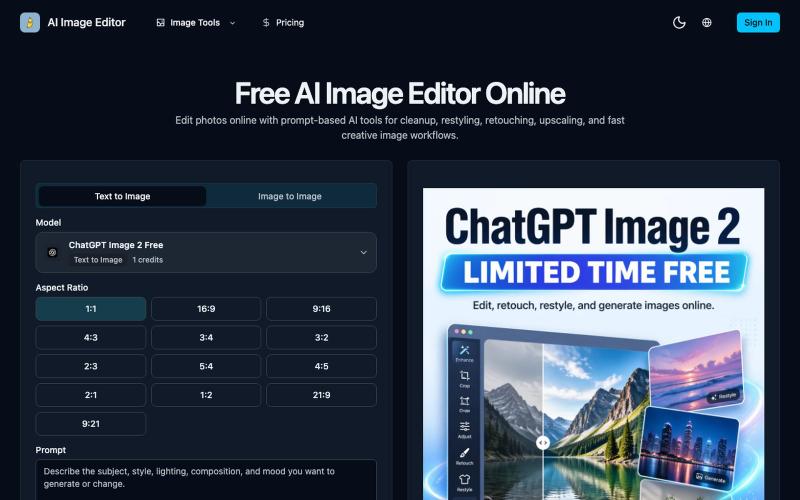
AI Image Editor —用提示词驱动的在线修图工具,支持修饰、清除、放大和图片生成。
AI Image Editor — 在线 AI 修图与图片生成工具,支持抠图、消除、放大、风格化和基于提示词的图片编辑,并提供 [ChatGPT Image 2](https://ai-image-editor.io/chatgpt-image-2) 免费体验

在浏览器中编辑、调整大小、裁剪和转换图像,无需上传文件。

@its_ajseven · X
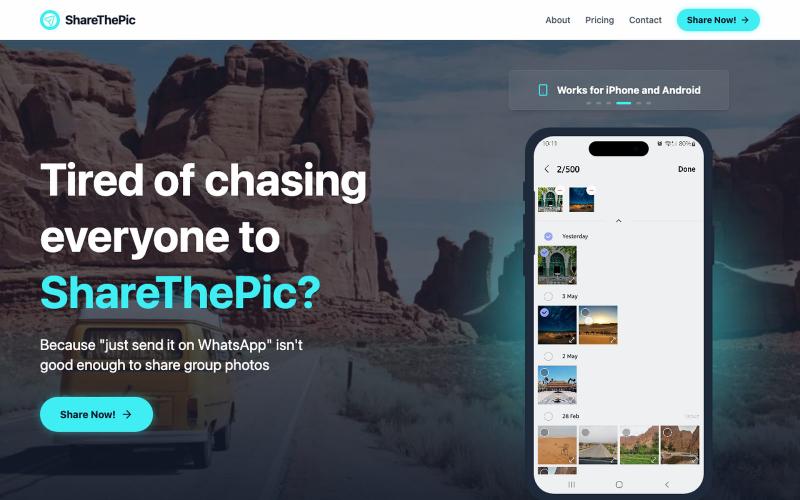
为旅行照片创建可分享的链接,无需压缩或应用。

@masterjesuser · X
if you planning a group trip or activity recently, try out to make photo sharing less of a pain
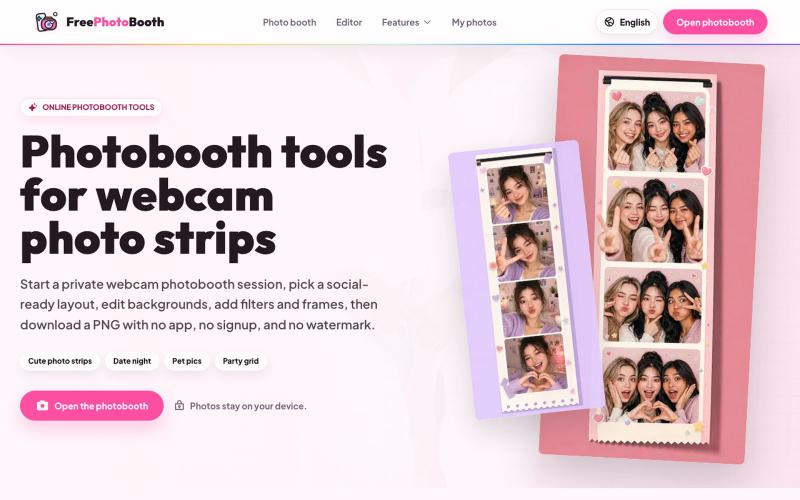
用摄像头拍摄照片纸条,支持滤镜、相框和背景编辑。
cmlanche · V2EX
做的在线照相亭本来还有点流量,结果我 301 瞎整一通,彻底废了,重新上了一个站 地址:[freephotobooth.online]( https://freephotobooth.online/) 上面是老地址,本来流量还可以,上站第二天就有 300 个新点击,但我嫌弃域名后期没有品牌优势,所以 301 到了另外一个域名,但上了之后看到流量没有了,又很焦虑,然后又把新站 301 到老站,现在彻底 game over 不得已重新写了一个站,再上,有兴趣可以围观一下,看看哪个更好,有啥问题我可以改改,主打听劝 新站地址:[https://photobooth100.com/]( https://photobooth100.com/)

给图片快速添加文字和图像水印,支持批量导出和实时预览,完全隐私安全。

@JFGAi · X
现在平台倡导保护原创 我做了一个给图片加水印web网站! 不留痕、可批量处理、实时预览,免费永久使用! 你的照片/作品担心被盗用,从今天开始给它上把锁🔒
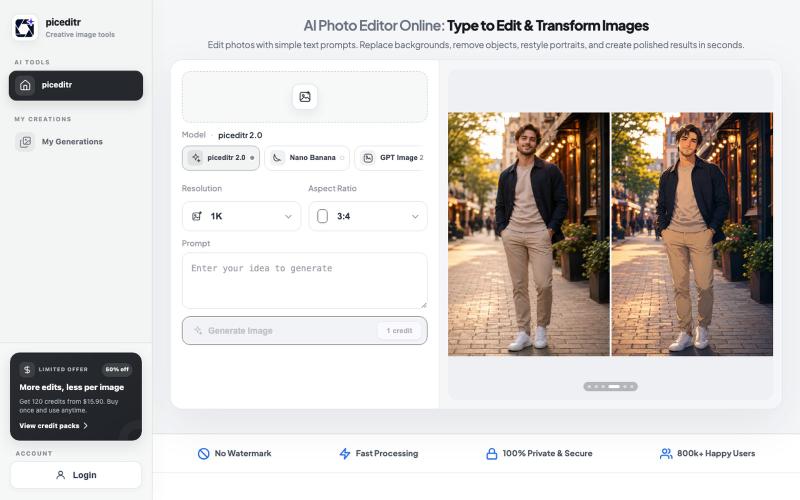
用文本指令编辑照片,支持背景替换、风格转换和细节改变。
new_user___35220255499a20a23f47674 · Product Hunt
piceditr Free AI Photo Editor Online - Type to Edit & Transform Image

上传视频或粘贴社交链接,检测视频是否由AI生成。
robot1996 · HN
Show HN: AI Video Detector – check whether a video may be AI-generated
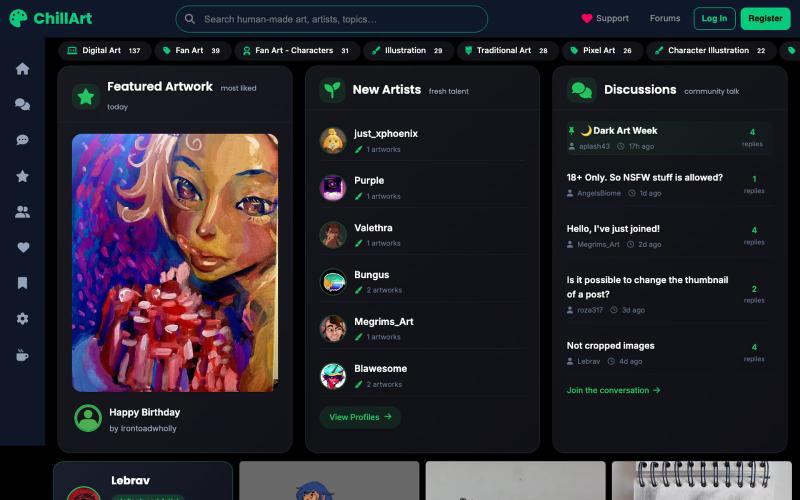
手工艺术品和摄影分享发现社区
u/Stock_Giraffe_748 · Reddit
I built ChillArt, a community focused on human-made art, looking for feedback I've been working on a side project called ChillArt: a community for artists to share human-made artwork, discover other creators, participate in discussions, and build personal galleries.I started it because I wanted a place that focused on artwork created by people rather than AI-generated content. The platform is still small, but artists have already started sharing their work and connecting with each other. So
一键创建并发布格式丰富的文章到网络。

@masafumiohta · X
I’ve been using Windows as my daily use lately despite I have been using Mac/Linux for a long time, but I keep running into all sorts of issues, so I’ve been fixing them vibe-coding with Claude. I’m gonna dump all that stuff on This blog is fully automated with Claude Code, from coding all the way to reporting. It’s nothing special—anyone could do it—but it’s actually pretty fun once you try it. The only annoyed is that it burns through tokens like crazy. Most of the tips are pretty interesting, so I hope you find them useful.
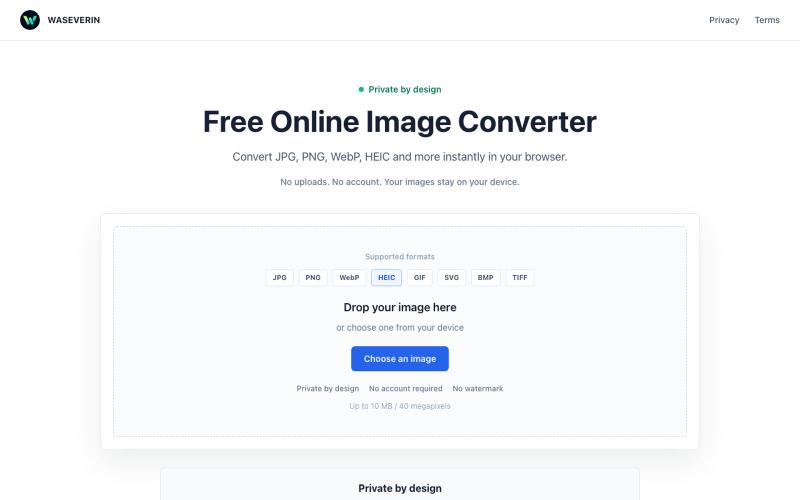
在浏览器中直接将图片在 JPG、PNG、WebP 和 HEIC 格式之间转换。

@wGzKjDhsac93581 · X
Just launched my first side project 🚀 WASEVERIN Image Converter A lightweight browser-based image converter. ✓ No uploads ✓ No account required ✓ Privacy-friendly Convert JPG, PNG, WebP, HEIC and more. Building AI tools & digital products.