
生产力2 months ago
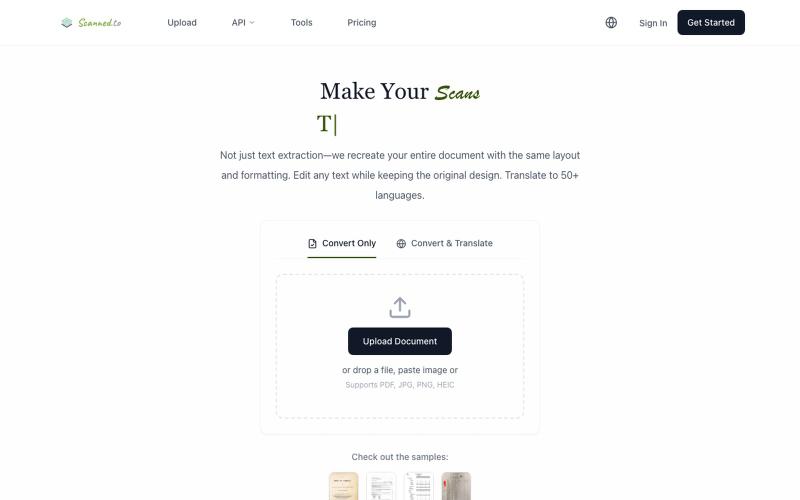
scanned.to | AI OCR to Convert Scanned Docs & PDFs
Scanned.to:用 AI OCR 将扫描文档转为可编辑 Word 或文本,支持多语言翻译。
Scanned.to — AI 驱动的 OCR 文档识别与翻译平台,将扫描 PDF/图片转为可编辑 Word/Text,保留原始排版,支持 50+ 语言翻译
完整作品展
技术栈
21 projects
Scanned.to:用 AI OCR 将扫描文档转为可编辑 Word 或文本,支持多语言翻译。
Scanned.to — AI 驱动的 OCR 文档识别与翻译平台,将扫描 PDF/图片转为可编辑 Word/Text,保留原始排版,支持 50+ 语言翻译

用AI写作助手和专业模板快速创建和发布电子书。
ebookerr · Product Hunt
ebookerr - Your Ebook Creator Create a complete ebook with AI — no writing skills needed
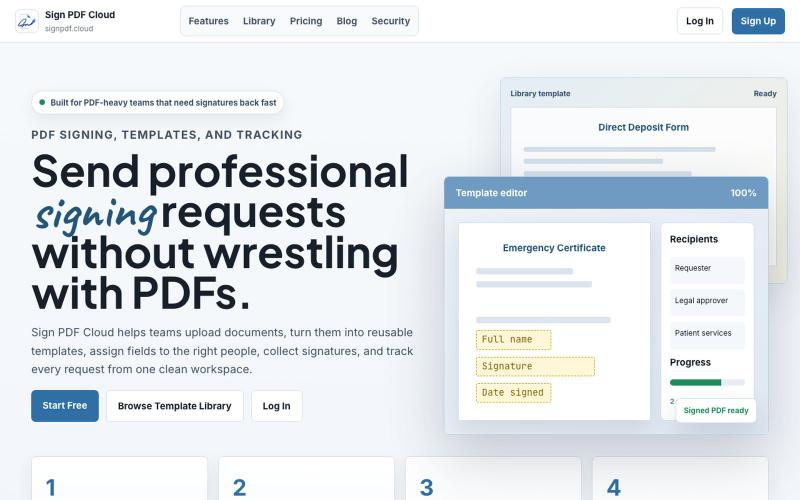
Sign PDF Cloud - 在线PDF签署工具和文档自动化平台。

@qayyumabro · X
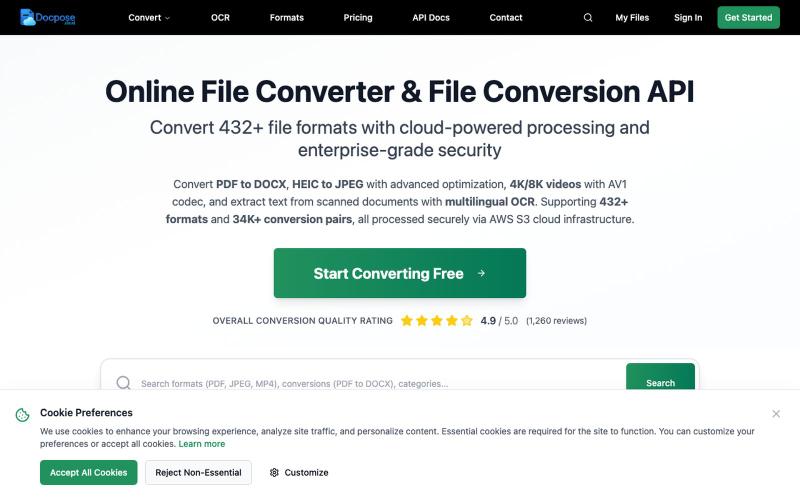
Docpose: 在线转换、查看和管理各种文档、PDF和文件格式。

@FileProInfo1 · X
🚀 has successfully launched! helps users convert, view, process, and manage files online — including documents, PDFs, OCR, archives, email formats, and more. We’re excited to share it with the community. Check it out here:
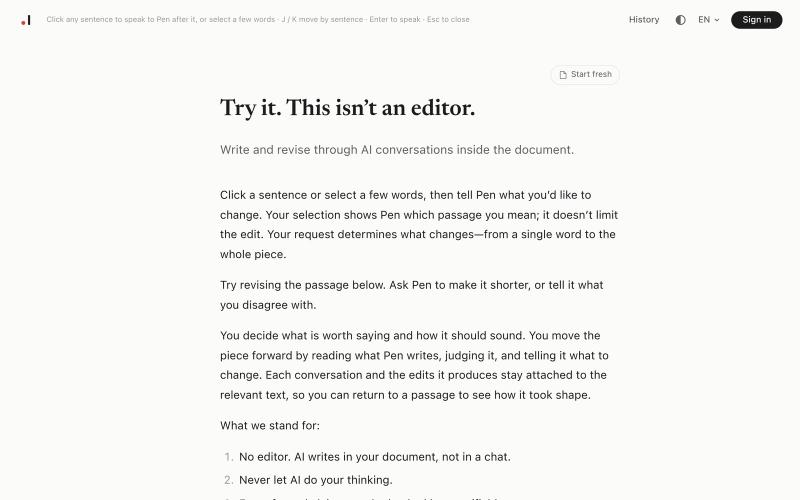
在Pen中通过与AI的对话来撰写和修订您的文档。
harleyverse · HN
Pen – A writing tool where conversation is the editor
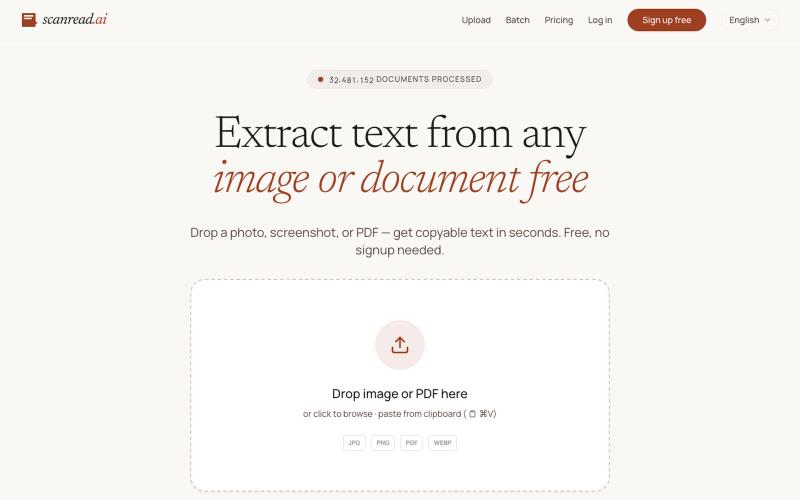
从图片、PDF和截图中提取文本,支持100多种语言,免费无需注册。
ScanRead.ai — OCR 文字提取工具,支持 100+ 语言,可从图片、PDF、截图和手写文档中提取文字
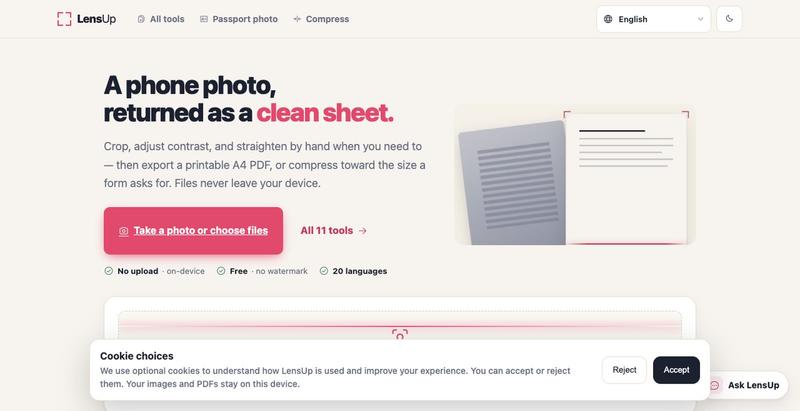
将照片转换为清晰、可打印的PDF,支持自动裁剪、去阴影和压缩。
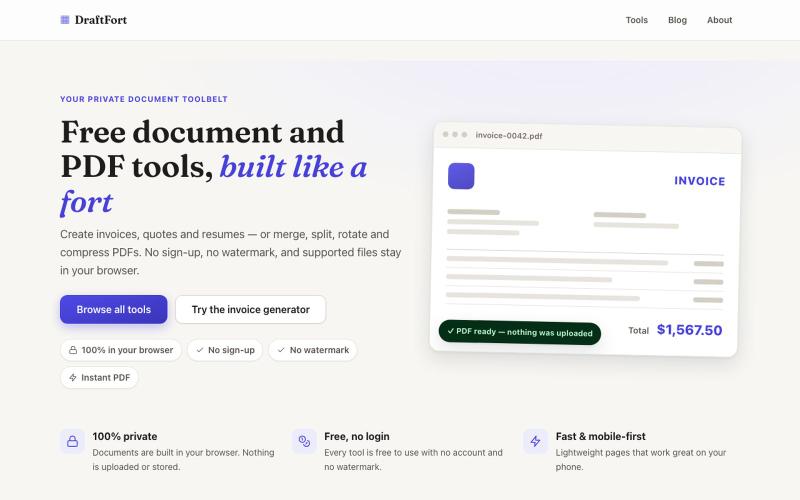
创建和编辑发票、简历和信函等PDF文档 - 免费且无需登录。

@Numatlas · X
Building made me switch from Claude Code to Codex. Claude’s token usage was too expensive for my workflow. GPT-5.6 Sol + Codex lets me focus on building instead of watching usage limits. Loving it so far! 🚀 @OpenAI @thsottiaux

书签管理器,使用AI总结、笔记、语音备忘录和截图,集成加密密码库。

@aliuagon_ · X
RightPDFKit是免费PDF编辑器,有51个工具,无需账户,支持离线。

@zubidavies · X
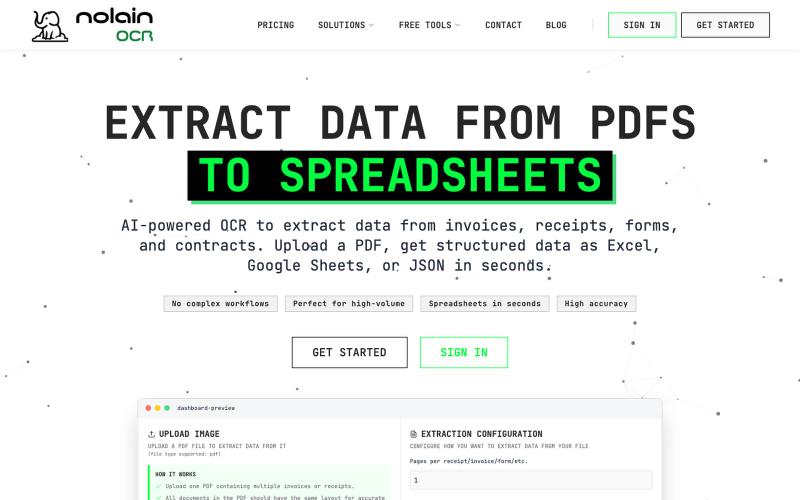
利用AI驱动的OCR技术,轻松将发票和收据数据提取到Excel或Google Sheets中。

@nolain_on_x · X
Turn your batch of invoices/receipts into Excel sheets. Stop manually entering information from your invoices into spreadsheets and save hours of work. Visit us at Contact us for custom solutions on document processing.
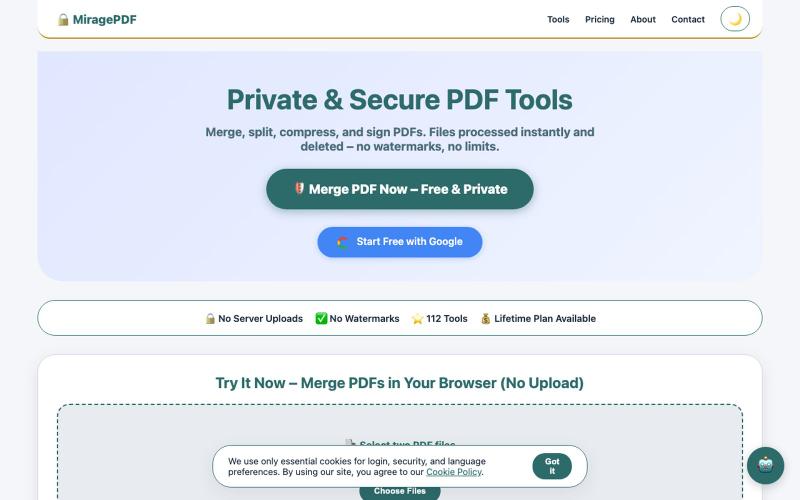
在浏览器中免费合并、分割、压缩和签署PDF文件。
@magictoolshup · X
This unique website handles everything for you with great precision and professionalism. A key feature is that it never uploads your files—they remain solely within your browser for maximum privacy. Give it a try,you will discover something impressive.