实用工具11 hours ago
MeowTV Studio · 猫猫电视台
播放精选的猫猫视频来娱乐你的爱宠
mqx · V2EX
猫猫电视台 简介:最近作为一名新手铲屎官,发现自家的猫猫很喜欢看 B 站的猫猫动画片,所以自己做了一个网站方便观看,欢迎大家使用鸭,哈哈哈 猫猫电视台地址: https://2828dc7b.pinme.dev/
完整作品展
技术栈
60 projects
播放精选的猫猫视频来娱乐你的爱宠
mqx · V2EX
猫猫电视台 简介:最近作为一名新手铲屎官,发现自家的猫猫很喜欢看 B 站的猫猫动画片,所以自己做了一个网站方便观看,欢迎大家使用鸭,哈哈哈 猫猫电视台地址: https://2828dc7b.pinme.dev/
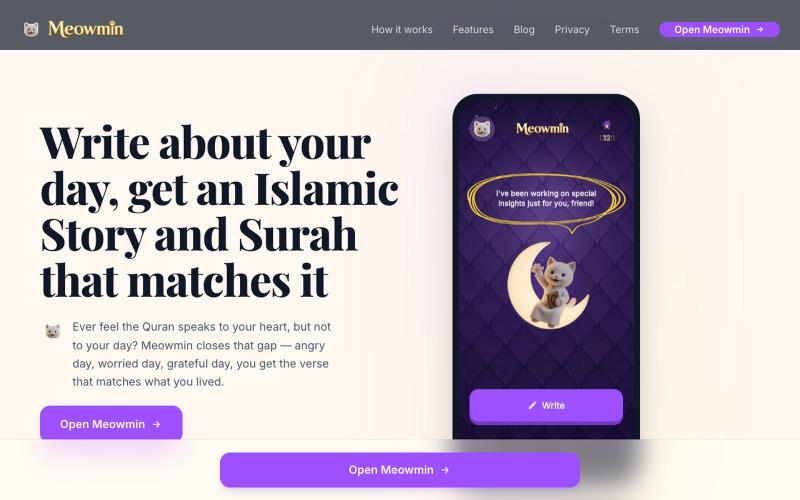
记录你的一天,获得AI生成的《古兰经》经文和日课指导。
u/Usual_Pop9805 · Reddit
People who journal, Would you use a 'faith' journal? Trying to test the market with my apps Meowmin Journal for Muslims & Meowstian Journal for Christians These are cat themed journals which give you an Ai insight from the book of your faith. You write "I was angry today" and the journal suggests a verse relating to anger in the form of cute scratch cards. I've sprinkled a bit of score and streaks as bonus. Input highly appreciated bros. submitted by /u/Usual_
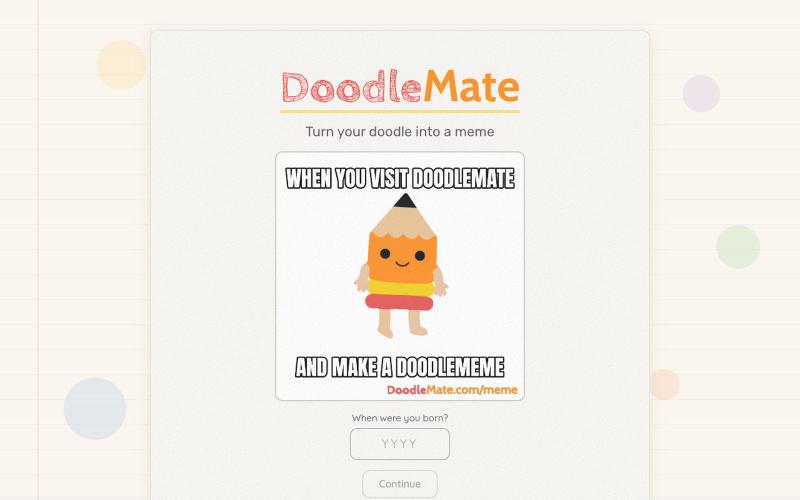
将手绘涂鸦转换为动画表情包。
hjessmith · HN
I like doodling, and I like character animation. I made a little tool that can animate your hand drawn characters and put them into an animated meme. It's free, there's no login needed, and it uses an animation pipeline (not generative AI) to create the outputs. Works on desktop and mobile. If you give it a try, I'd love to hear your feedback. Thanks!

Meow Song:在浏览器本地把歌曲变成喵喵歌
mqx · V2EX
喵唱:一个可以将任意歌曲转换为喵喵叫的网站 简介:一个可以将任意歌曲转换为喵喵叫的网站 网站地址: https://layman.xin/ 网站预览图在 1 楼
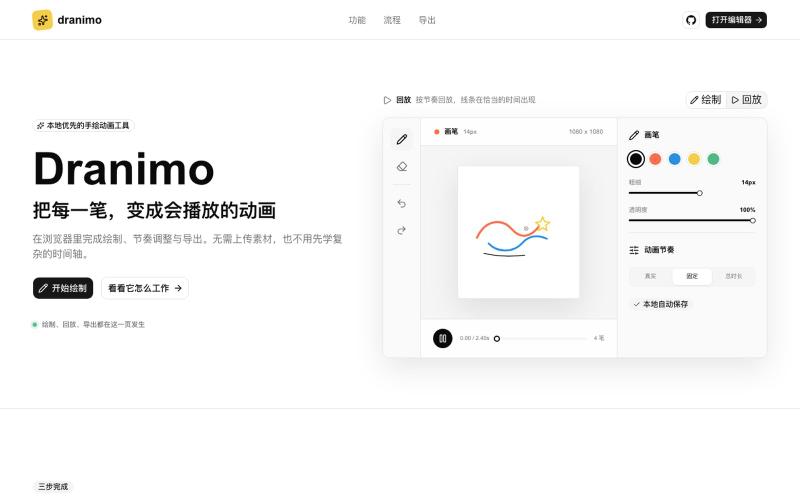
在浏览器中手绘动画,导出为 PNG、SVG、WebM、MP4 或透明 MOV。

@TunTun669664 · X
最近做了一个小工具 Dranimo,可以把写字、绘画的过程直接变成动画✍️ 操作很简单,画完就能预览和导出 如果你刚好用得上,欢迎试试:
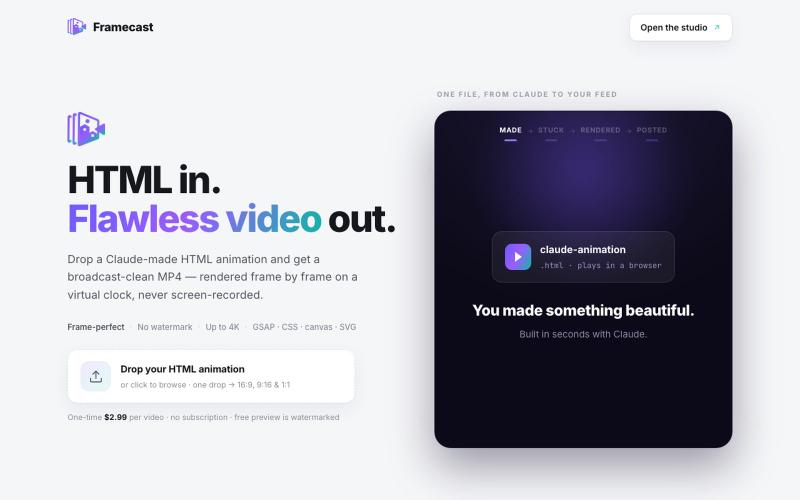
将 HTML 动画转换为无水印视频,适用于 YouTube、TikTok 和其他社交平台。

@FrameCastVideo · X
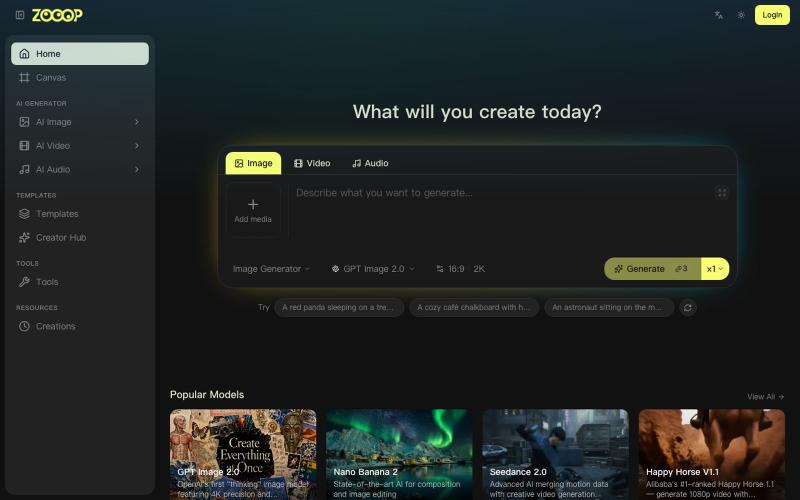
在无限画布上组合AI生成的图像、视频和音频。
ZOOOP — AI 原生创作平台,支持在浏览器端无限画布上生成图像、视频和音频,提供去背景、高清化等专项工具及即用型 AI 模板,支持发布模板赚取积分,并具备团队共享积分模式。
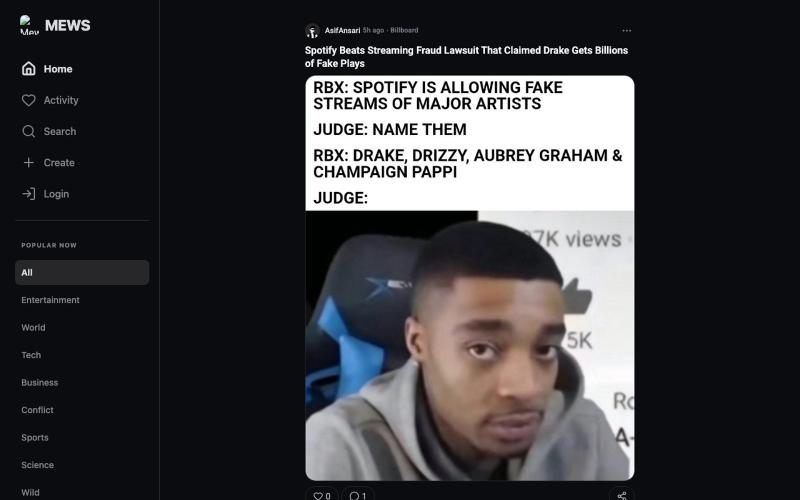
具有重新设计评论界面的社交平台。

@Asifansari6767 · X
Redesigned the comments page for Mews. The old one was vibe coded. Charcoal texts and bg everywhere. Everything inside cards. Very outdated design. let me know what you think of it. website: #vibecoding #uiux #productdesign

在浏览器中编辑、压缩、转换和合并视频和音频文件。
zhw2590582 · V2EX
最近对网站进行了重构,做成了免费的视频工具站:[ArtPlayer Tools]( https://artplayer.org/tools/) 主要是围绕着 ffmpeg.wasm 和 mediabunny 实现的一些可以直接在浏览器里用的视频/音频工具,常用的有: - 视频压缩:[Compress Video]( https://artplayer.org/compress-video/) - 视频裁剪:[Crop Video]( https://artplayer.org/crop-video/) - 视频合并:[Merge Video]( https://artplayer.org/merge-video/) - 视频尺寸调整:[Resize Video]( https://artplayer.org/resize-video/) - 视频旋转:[Rotate Video]( https://artplayer.org/rotate-video/) - 视频调速:[Change Video Speed]( https://artplayer.org/change-video-speed/) - 添加文字到视频:[Add Text to Video]( https://artplayer.org/add-text-to-video/) - 添加水印:[Watermark Video]( https://artplayer.org/watermark-video/) - 提取字幕:[Subtitle Editor]( https://artplayer.org/subtitle-editor/) - HLS 转 MP4:[HLS to MP4]( https://artplayer.org/hls-to-mp4/) - 音频可视化:[Audio Visualizer]( https://artplayer.org/audio-visualizer/) 大部分工具都是本地处理,文件不会上传到服务器。最开始是因为自己偶尔要处理一些视频,开剪辑软件又有点重,在线工具又担心隐私,所以就慢慢做成了一个站。 目前还在持续完善,体验肯定还有不少粗糙的地方,比如不同浏览器的兼容、移动端操作、长视频性能之类的。 网站: [ArtPlayer Tools]( https:
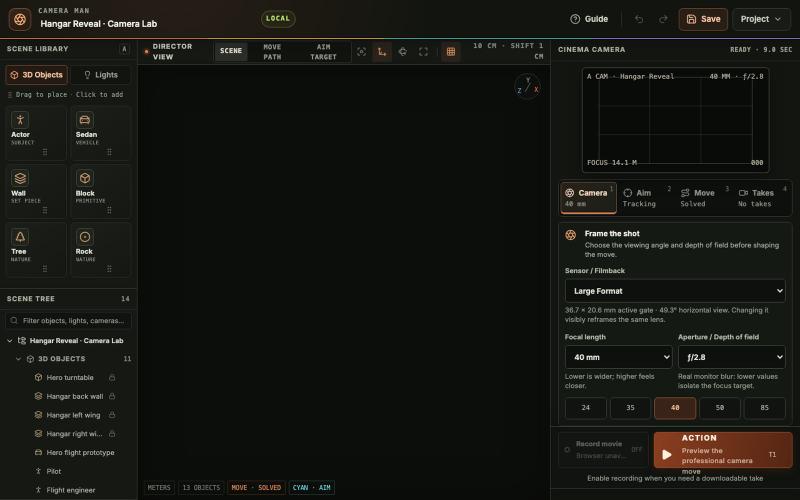
在浏览器中放置3D物体和灯光、设计电影相机路径、预览运动并录制镜头。

@tahabahrami · X
Solve the camera movement in AI videos. We created a Blender web version with cinematic camera control.
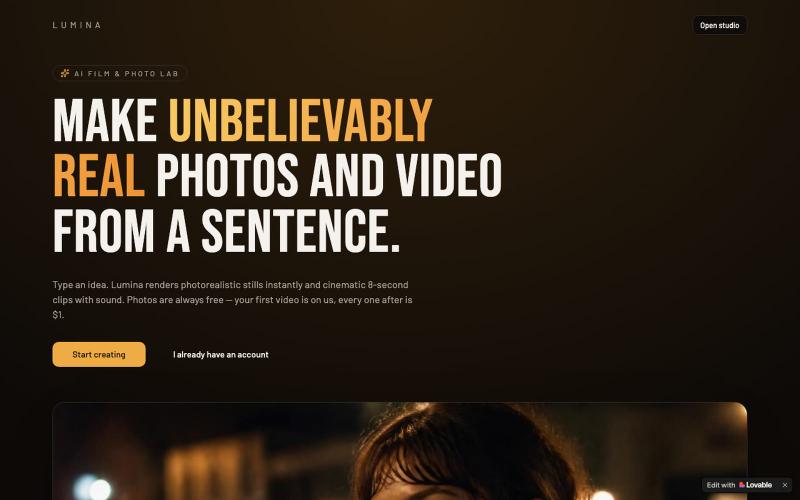
生成高保真 AI 图像和电影风格短视频,图像免费,视频仅需 $1。

@OTshikilo · X
Check out what I just built with Lovable!