
生产力3 weeks ago
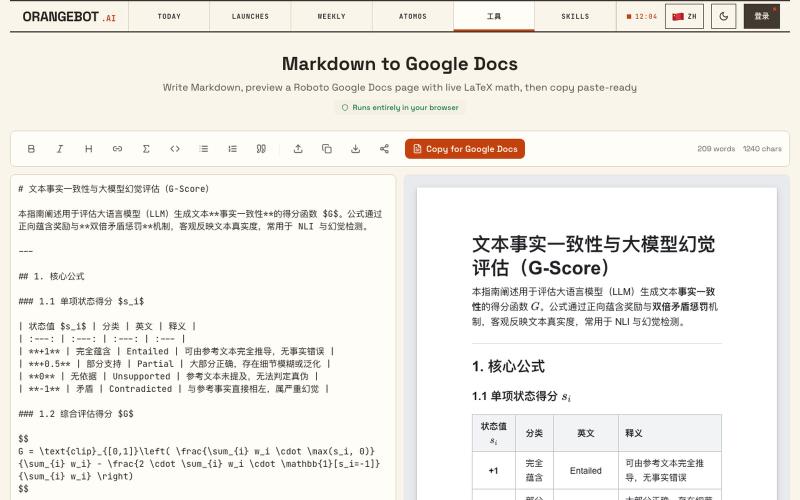
Free Markdown to Google Docs — Paste-Ready Converter with LaTeX Math
将 Markdown 转换为 Google Docs 文档,支持 LaTeX 数学公式。
shenhuang · Product Hunt
Markdown to Google Docs Paste AI markdown, get a clean Google Doc, math included
完整作品展
技术栈
22 projects
将 Markdown 转换为 Google Docs 文档,支持 LaTeX 数学公式。
shenhuang · Product Hunt
Markdown to Google Docs Paste AI markdown, get a clean Google Doc, math included
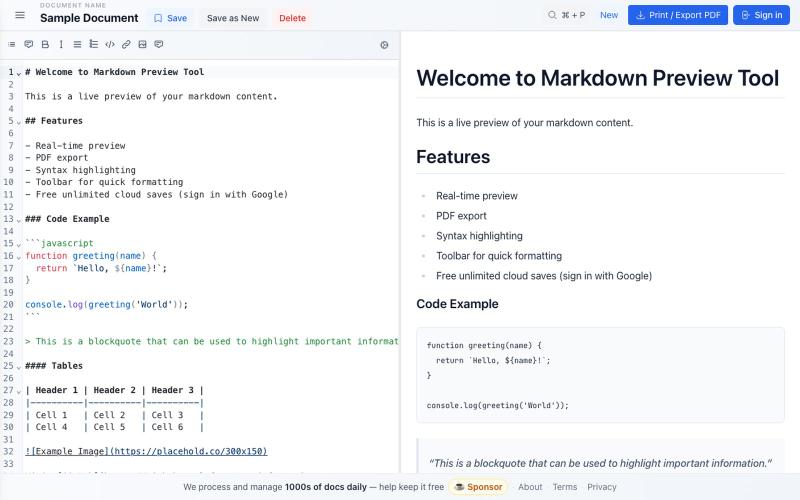
免费 Markdown 编辑器,实时预览、云保存和 PDF 导出。

@bheru_l · X

用 450+ 个隐私保护工具在浏览器中处理和转换 PDF 与图像。

@tentaco_cc · X
Hey! I built 🐙 It’s a privacy-first web space packed with over 450+ free micro-tools for tech, design, marketing, and PDFs. The best part? Everything runs 100% locally in your browser. No registration, no ads. Let's connect! 🛠️
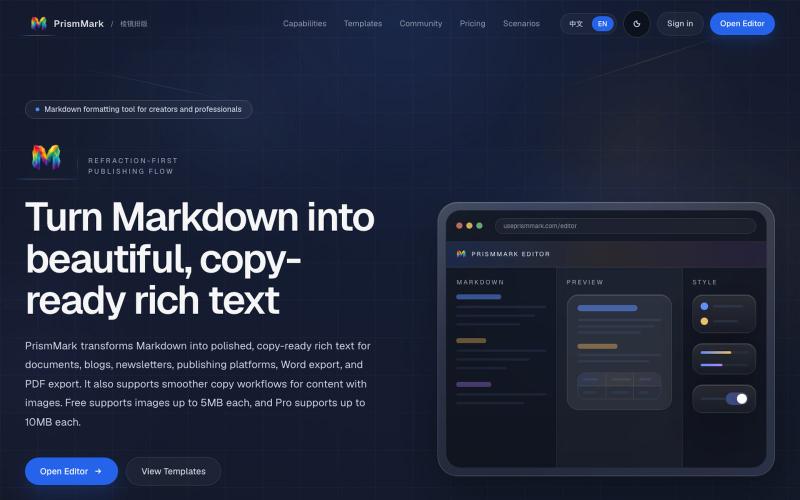
将 Markdown 转换为适合微信公众号、Word 和 PDF 的排版内容。

@bingobray · X
我做了一个类似的工具: 除了支持公众号,还支持word和pdf😁
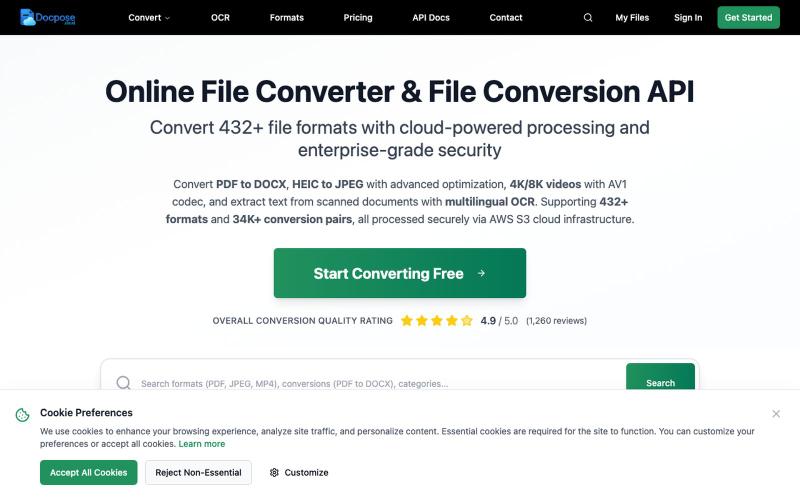
Docpose: 在线转换、查看和管理各种文档、PDF和文件格式。

@FileProInfo1 · X
🚀 has successfully launched! helps users convert, view, process, and manage files online — including documents, PDFs, OCR, archives, email formats, and more. We’re excited to share it with the community. Check it out here:
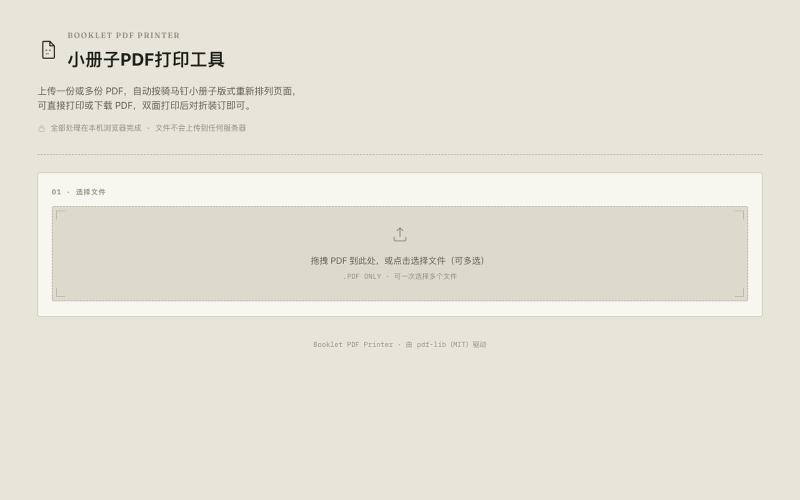
将A4 PDF转换为双面A5小册子,节省纸张。

@33357xyz · X
最近买保险发现文件太多了不好打印。就做了一个小册子打印网站,可以吧A4的pdf双面打印成A5的小册子,节省一半的纸张。网站可以预览小册子的效果,支持手动双面打印和自动双面打印,感兴趣的可以来玩玩。
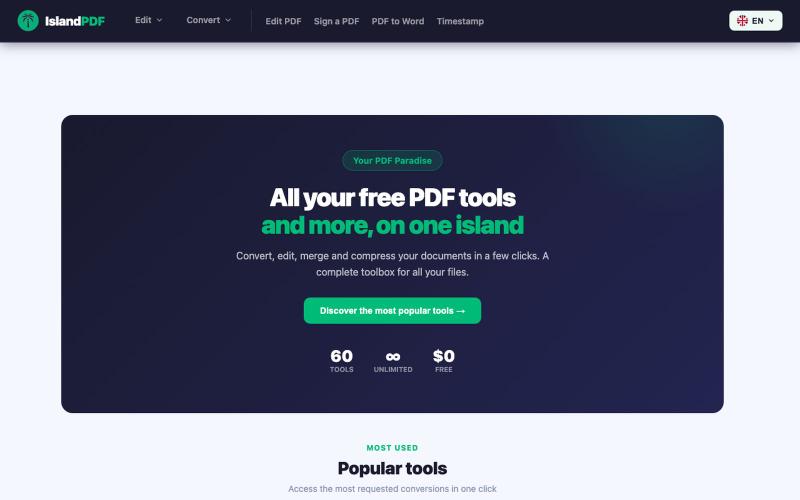
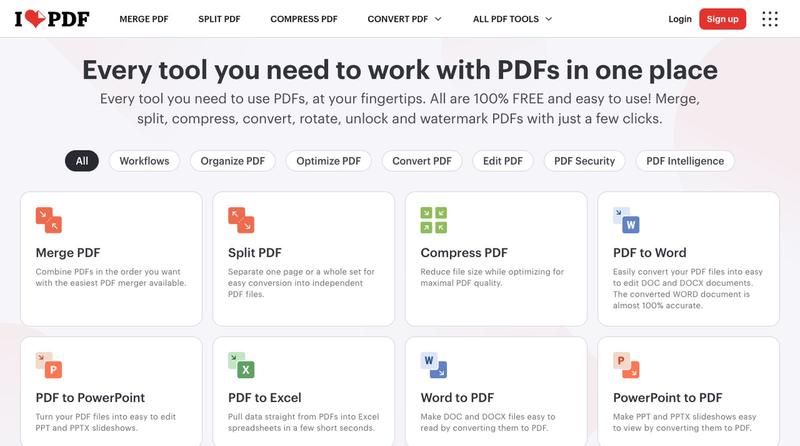

免费在线PDF工具,支持合并、拆分、转换和编辑,文件不离开您的设备。
u/Key_Caramel_5578 · Reddit
Built a free PDF toolkit solo (with AI help) — need feedback on the in-browser text editor before I keep pushing on it Been heads-down on this for a while: thepdftool.in Standard PDF stuff : merge, split, compress, convert, OCR — but most of the conversion tools run entirely client-side (WASM), so files never leave your browser for those. Built solo, leaned on AI tools for a good chunk of the code and debugging. The feature I care most about right now is an inline text editor :— click i
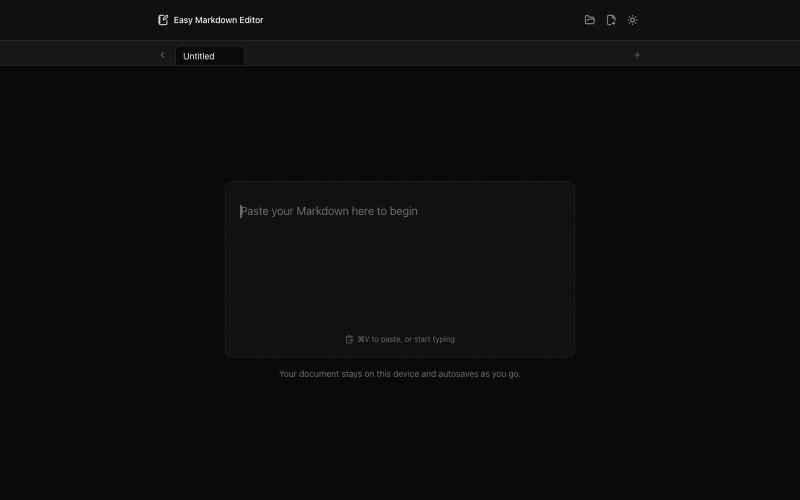
在浏览器中实时编写和预览Markdown文档,支持语法高亮。

@krishnakrmahto · X
Built Easy Markdown Editor — a reading-first Markdown editor where you edit the rendered document instead of raw Markdown.
RightPDFKit是免费PDF编辑器,有51个工具,无需账户,支持离线。

@zubidavies · X
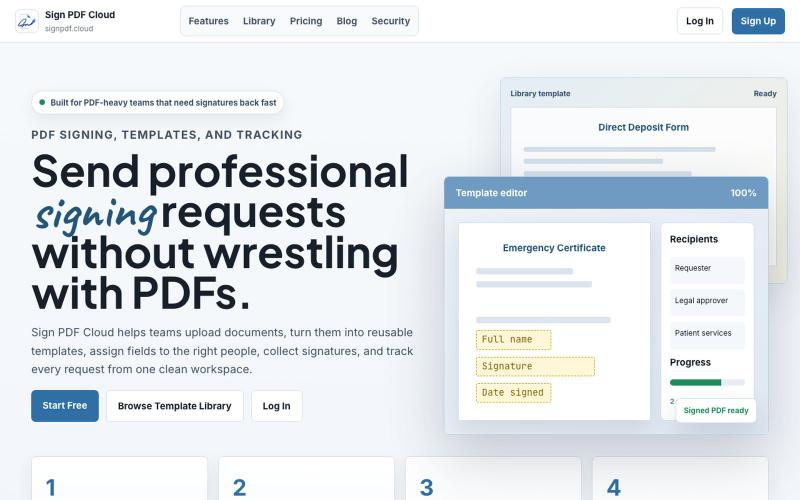
Sign PDF Cloud - 在线PDF签署工具和文档自动化平台。

@qayyumabro · X
