
生产力1 week ago
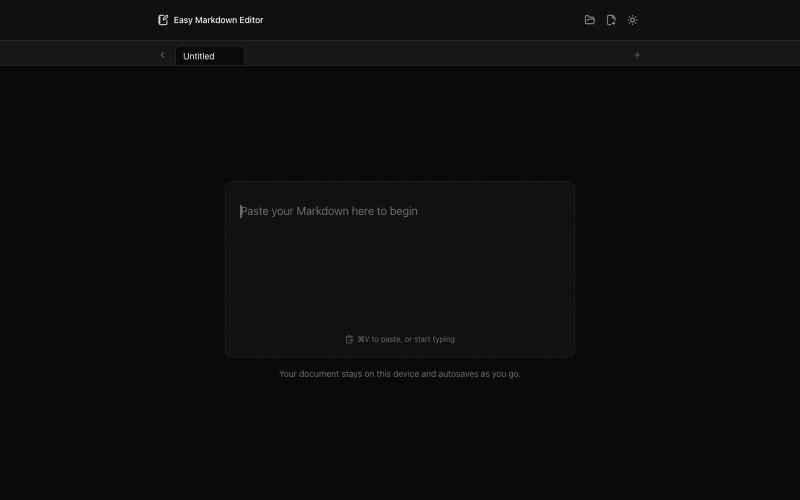
Easy Markdown Editor - Best Online Markdown Viewer & Editor
在浏览器中实时编写和预览Markdown文档,支持语法高亮。

@krishnakrmahto · X
Built Easy Markdown Editor — a reading-first Markdown editor where you edit the rendered document instead of raw Markdown.
完整作品展
技术栈
23 projects
在浏览器中实时编写和预览Markdown文档,支持语法高亮。
@krishnakrmahto · X
Built Easy Markdown Editor — a reading-first Markdown editor where you edit the rendered document instead of raw Markdown.
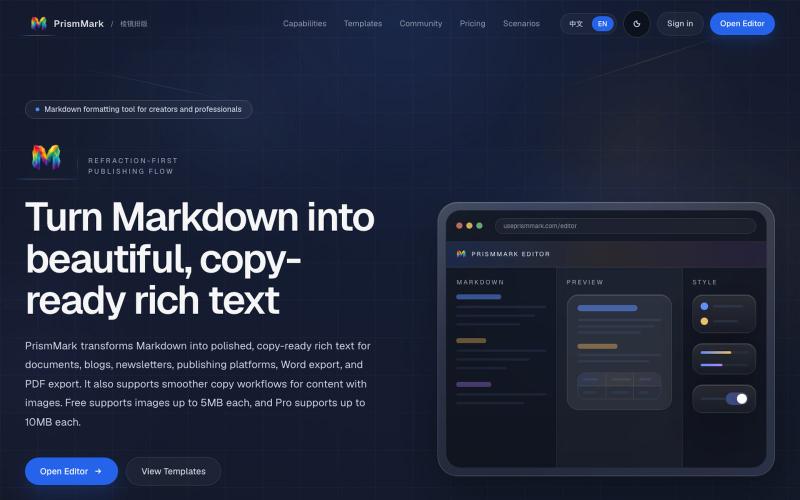
将 Markdown 转换为适合微信公众号、Word 和 PDF 的排版内容。

@bingobray · X
我做了一个类似的工具: 除了支持公众号,还支持word和pdf😁
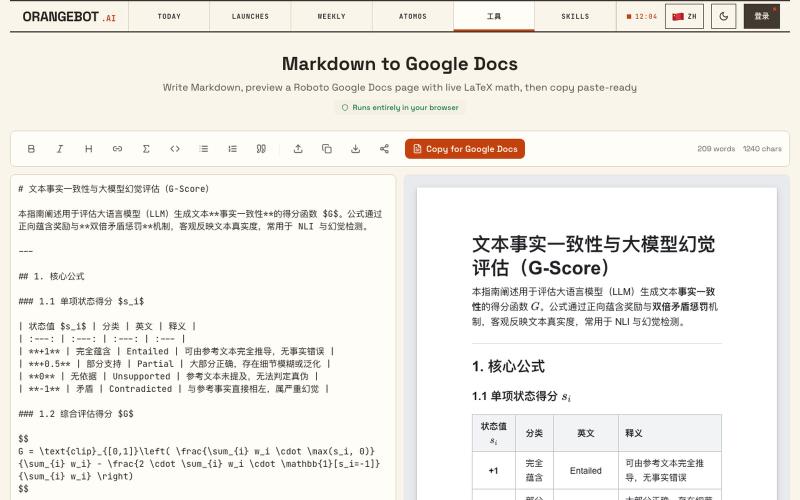
将 Markdown 转换为 Google Docs 文档,支持 LaTeX 数学公式。
shenhuang · Product Hunt
Markdown to Google Docs Paste AI markdown, get a clean Google Doc, math included
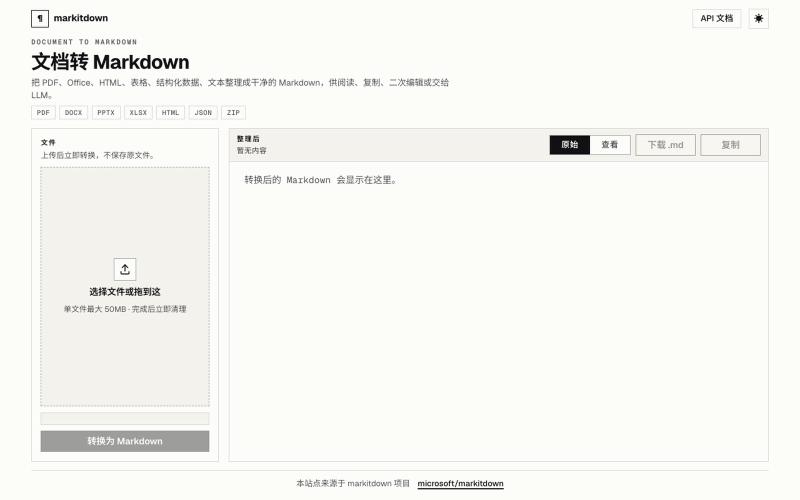
Doc2Md:将 PDF、Word、Excel 等文件转换为 Agent 友好的 Markdown。
Doc2Md — 将 PDF、Word、Excel 等多种格式文件转换成 Agent 友好的 Markdown 格式 - [更多介绍](https://doc2md.cn)

为 Codex Desktop 设计自定义主题,调整背景、颜色、透明度和视觉效果。
plutozc · V2EX
做了个 Codex Desktop 主题预览和切换工具,先调好再安装 最近一直在用 Codex Desktop ,觉得默认界面看久了有点单调,就顺手做了个主题编辑工具,分享一下: [Codex Skin]( https://getcodexskin.com) 可以先在网页里预览主题,调整背景透明度、面板透明度、颜色、模糊和圆角等参数,满意之后再下载并切换到 Codex Desktop 。 目前支持: - 自定义 JPG 、PNG 、WebP 背景 - 在线实时预览主题效果 - 调整透明度、颜色、模糊、圆角 - 预览满意后生成安装命令 - 不喜欢了可以恢复默认外观 目前主要面向 macOS 上的 Codex Desktop ,还是个人项目,功能和兼容性都在继续打磨。 欢迎试试,也想听听大家对主题参数、预览效果和安装流程的反馈。 直接网址: https://getcodexskin.com [轻喷 轻喷,可能还有些 bug
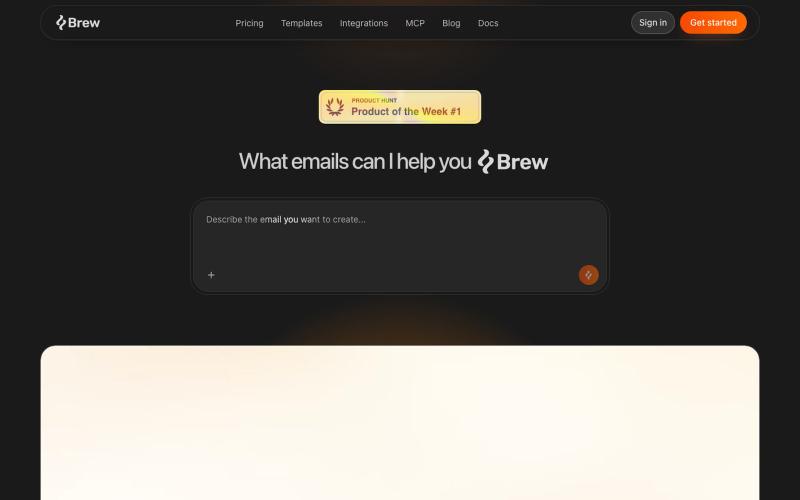
通过 Markdown 定义品牌,生成品牌一致的邮件和自动化。

@philipdotxyz · X
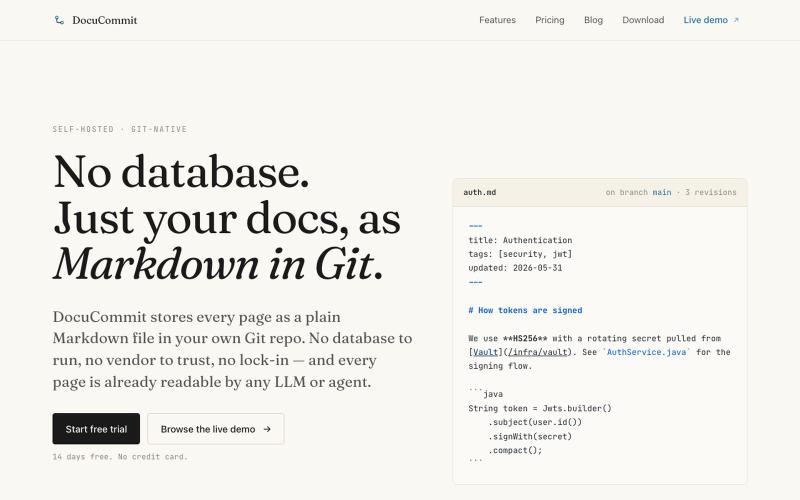
在Git仓库中存储Markdown文档,无数据库依赖,无厂商锁定。

@alizreim · X
Documentation that lives in your own git repository

用于审查和接受 Claude 代理代码编辑的 Markdown 编辑器。
samuelstros
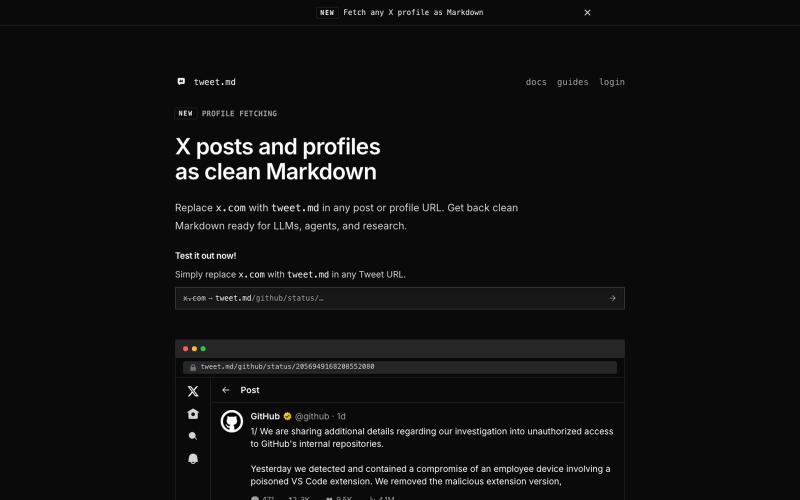
通过 API 或 URL 替换将 X posts 转换为干净的 Markdown,供 LLMs 和 agents 使用

@larsbuilds · X
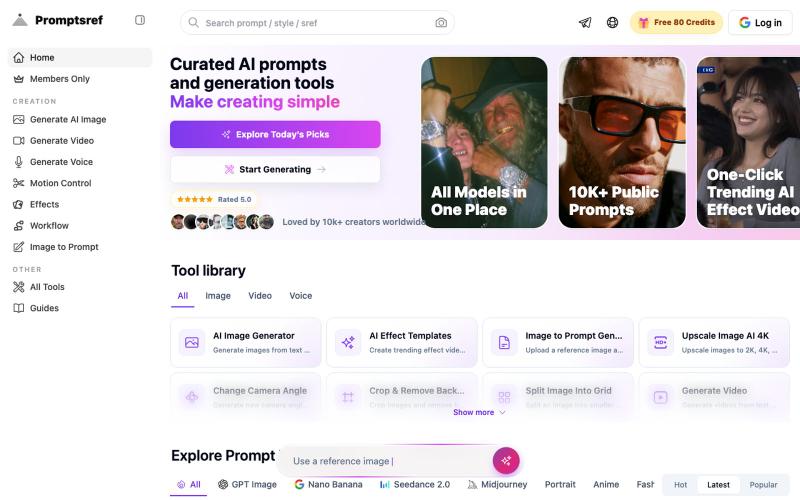
浏览精选 Midjourney sref 代码库,快速生成特定图像风格。
Midjourney Sref code 精选库 — 在 Midjourney 的 prompt 输入 `--sref xxx` ,可以固定生成某种特定风格的图片。这对很多人来说非常方便,不用写一堆效果词,只要记住几位数字就可以。但 `--sref xxx` 有大概 40 亿个,其中重复或者质量不佳的不在少数。因此做了一个网站把一些个人觉得不错的 sref code 收集起来并进行分类,方便新人或
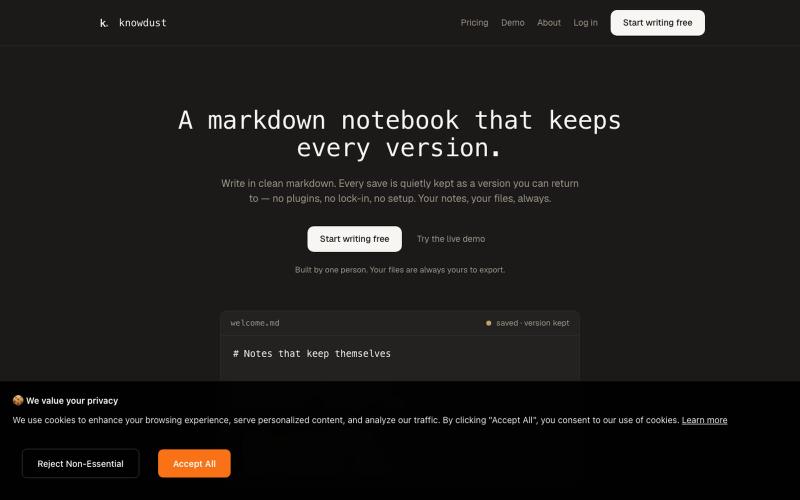
一个Markdown笔记本,自动保存每个编辑版本,让你随时回到过去的内容。

@khagankarimi · X
simple markdown notebook with version history
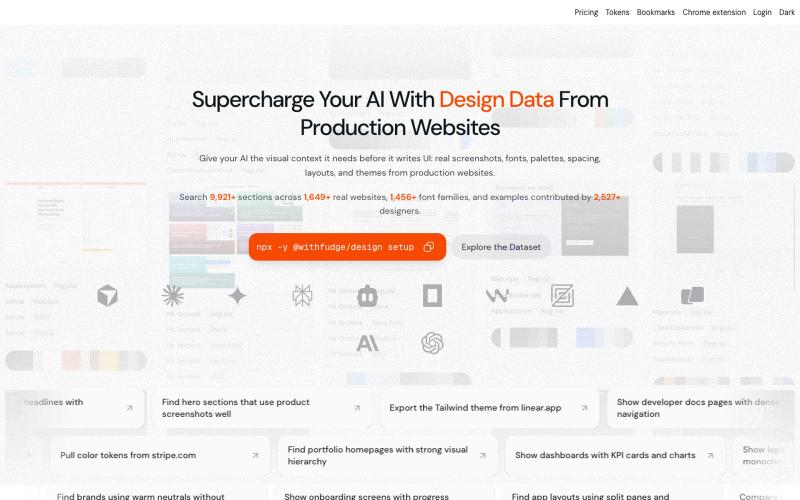
从生产网站中发现设计灵感、字体、调色板和UI模式。
sim04ful · HN
Fudge – Web Design References for AI