
开发者工具5 days ago
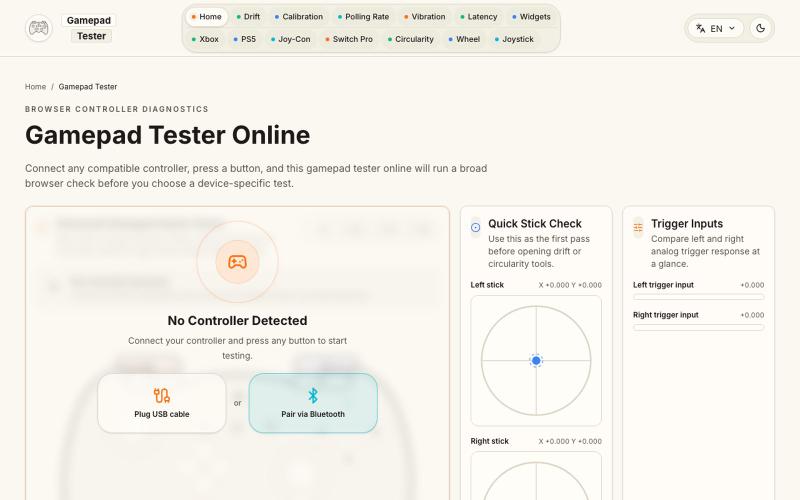
Gamepad Tester Online - Browser Controller Test
在浏览器中测试游戏手柄的按键、摇杆、触发键、振动、漂移和轮询速率。
Gamepad Tester — 游戏手柄测试与诊断工具(免费),可实时检测手柄按键、摇杆、扳机键和震动,并提供摇杆漂移、Circularity、Polling Rate、Latency、Button Mapping,以及 Xbox、PS5、Joy-Con、Switch Pro 等专项测试
完整作品展
技术栈
24 projects
在浏览器中测试游戏手柄的按键、摇杆、触发键、振动、漂移和轮询速率。
Gamepad Tester — 游戏手柄测试与诊断工具(免费),可实时检测手柄按键、摇杆、扳机键和震动,并提供摇杆漂移、Circularity、Polling Rate、Latency、Button Mapping,以及 Xbox、PS5、Joy-Con、Switch Pro 等专项测试
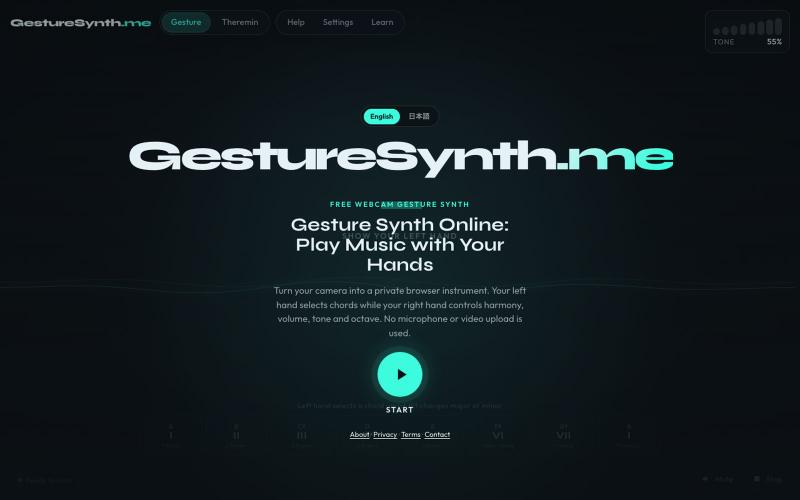
通过网络摄像头手势创作音乐,支持和弦、和声和Theremin音高。
lisheng3698 · V2EX
我把摄像头变成了乐器:从手势识别到 Web Audio,分享 5 个真正踩过的坑 最近做了一个有点不一样的浏览器小项目:用摄像头识别双手动作,再把手的位置和姿势映射成和弦、音高、音量和音色。 不需要安装软件,也不需要麦克风。打开网页、允许摄像头后,就可以隔空演奏。 项目地址:[GestureSynth.me]( https://gesturesynth.me/) 建议使用最新版 Chrome 或 Edge 。摄像头画面只在本地处理,不会上传。 ## 真正难的不是“识别到手” 最开始我以为,只要 MediaPipe 能返回手部关键点,剩下的事情就是把坐标转换成音符。 实际做下来发现:**识别出一只手很容易,让它变成一个“能演奏”的控制器才难。** 摄像头每一帧都会返回一组手部关键点,但这些坐标会轻微抖动,偶尔还会丢失。如果直接把原始坐标连接到音高或者音量,听起来会非常不稳定。 最后形成的处理链路大致是: ```text 摄像头 → 手部关键点识别 → 提取手掌位置、距离和手势 → 平滑、死区和状态保持 → 映
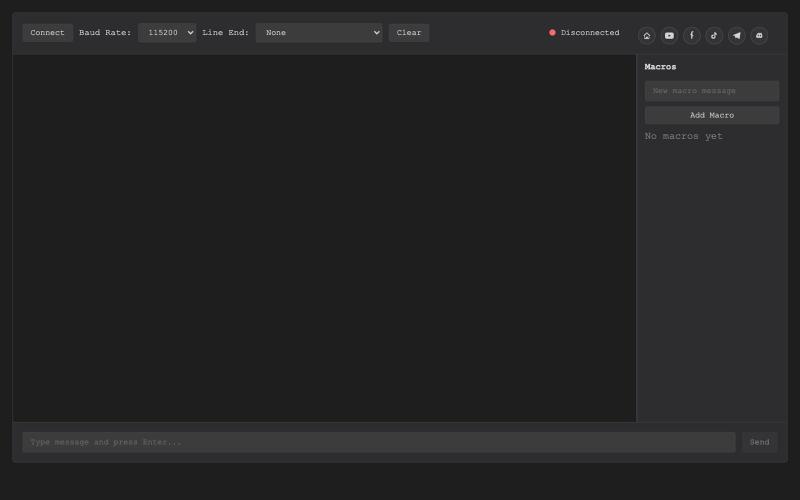
基于浏览器的USB串行终端,用于硬件调试和通信。

@thembeddevguy · X
The USB Type-C <-> RS-232 dongle got its well-deserved (and totally vibe-coded) browser-based serial terminal! No ads, no tracking, and the cookies are only there to store the settings.
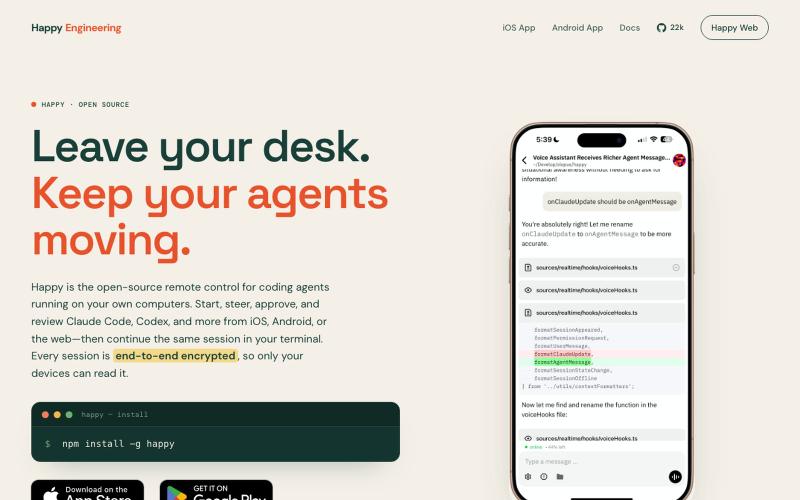
为Claude Code和Codex设计的开源遥控器,支持iOS、Android和网页。

@Ex3NDR · X
Few days ago Happy had a birthday. Tried to refresh one of the most neglected part of it: our Happy Website: also i built a new harness called “rig”. i started to use at work recently instead of codex/claude code and i liked how it does work. i want to share this with everyone. it is a codex and cause code reimplemented using Pi, but keeping native prompts and expanded a little for uniformity (like added workflows to codex yay!). when something new released that is worthy of porting - i ask Sol to mim for prompts or read sources directly and i can have a feature within an hour. why this is needed? i was constantly blocked by the needing of integrating a lot of models together, which each has their own harness or many doesn’t have any, but i didn’t want to go too far from native and don’t like the idea of extensions - i want experience to be the same everywhere. i think configuration > extensions. more soon
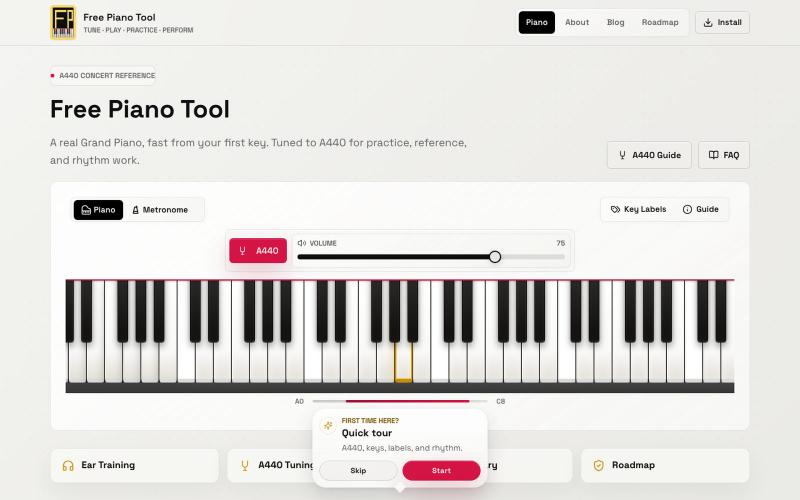
Play a free 88-key online piano with A440 concert pitch, key labels, and a built-in metronome. Mobile-friendly, no download required.

@StepintoBEra · X
Mine is free, btw.
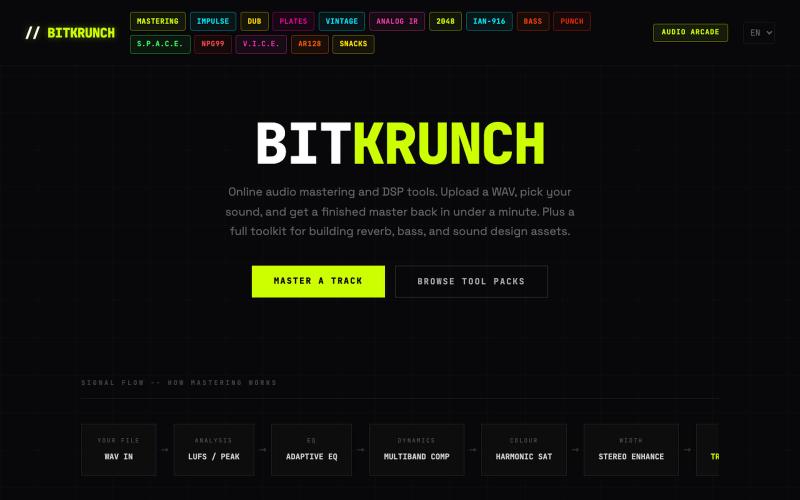
Master WAV tracks online in under a minute, then build reverb impulse responses, bass one-shots, drum samples and more with BitKrunch's browser-based audio DSP toolkit. No install

@mstrdbybitkr · X
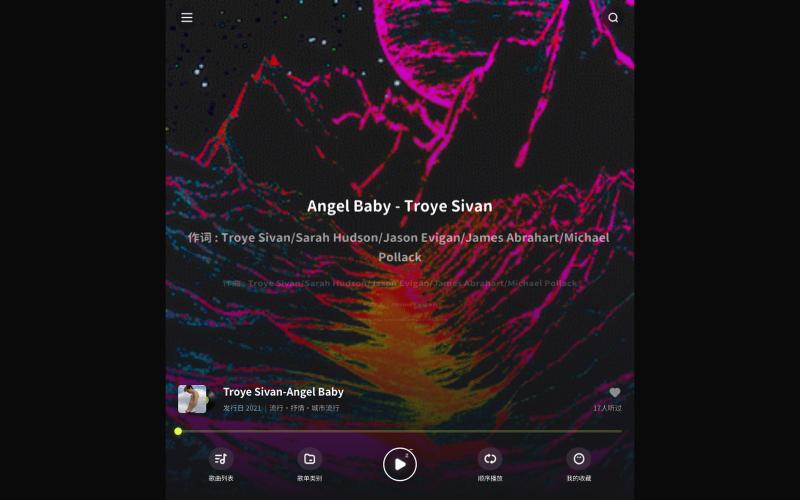
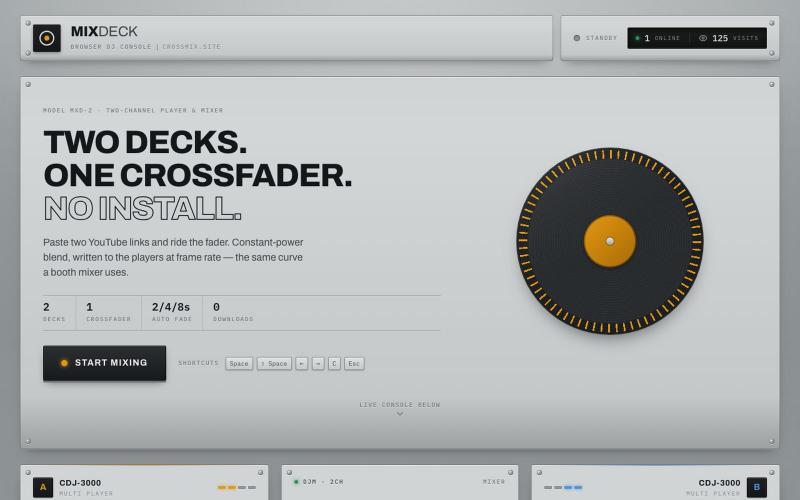
MixDeck — a premium DJ console in your browser. Two YouTube decks, one crossfader, smooth transitions. No download, no installation.

@Cagatay52142 · X
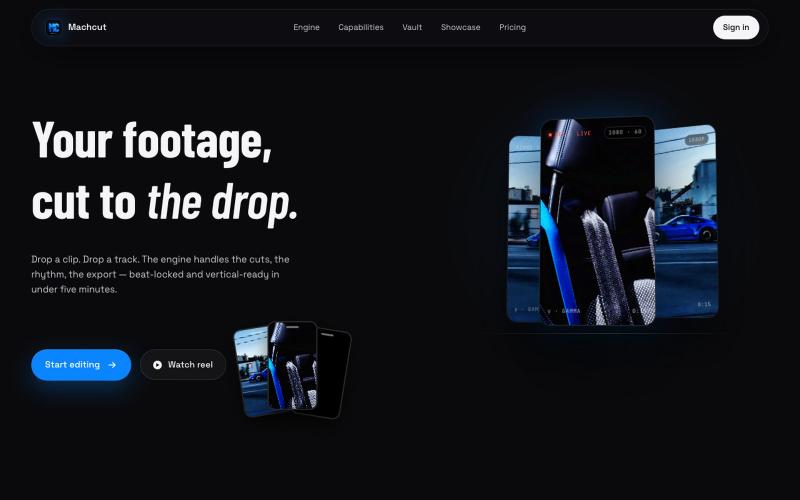
将汽车视频和音乐上传至Machcut,自动生成节拍同步的竖屏编辑。
u/Jonathanproductions · Reddit
We built a tool that automatically edits car videos to phonk beats... here's what it makes We've been building MACHCUT for the past few months. Drop in raw car footage and a phonk track and it produces a beat-synchronized vertical edit automatically. Python engine, not generative AI. Your real footage, automated cutting. The engine runs on A100 GPUs, uses YOLO to pick the best clips from your footage, locks cuts to the beat drop, and outputs vertical 1080p or 4K in about 6 min
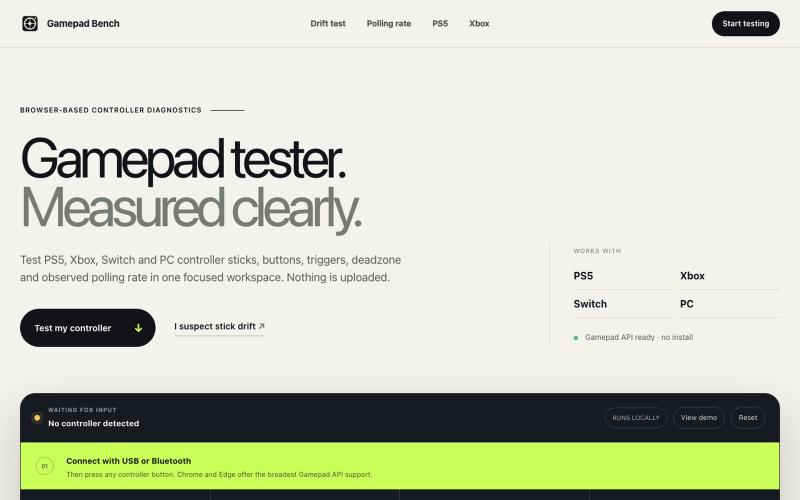
Test any PS5, Xbox, Switch or PC gamepad in your browser. Check stick drift, buttons, triggers, deadzone and observed polling rate for free.
FengNianIndie · V2EX
最近玩《黑悟空》时觉得手柄灵敏度有点问题,于是做了个手柄在线检测工具 最近在玩黑悟空时,有时候感觉视角转动不太顺,摇杆回中也有点奇怪。 一开始我不确定到底是游戏里的灵敏度设置、蓝牙连接,还是手柄本身有轻微漂移,所以就找了一些在线手柄检测工具。虽然能用,但有些界面比较乱,有些只能显示简单的按键状态,对死区和轮询率的解释也不太清楚。 于是干脆自己做了一个: 欢迎体验,如果遇到问题,我可以立即修复: https://gamepadbench.com/ 目前可以检测: - 左右摇杆位置和回中漂移 - 按键与模拟扳机输入 - 自定义死区范围 - 浏览器观察到的轮询率 - 浏览器和手柄支持时测试震动 我自己目前主要用 Xbox Series S 手柄通过蓝牙测试,摇杆、按键、扳机和震动都能正常识别。Chrome 和 Edge 的兼容性相对更好,连接后需要先按一下手柄上的任意按键,让浏览器识别设备。 现在比较想收集不同设备的兼容性反馈。如果大家手边有 Xbox 、PS5 、Switch Pro 或其他第三方手柄,可以帮忙试一下。 如果

为 Codex Desktop 设计自定义主题,调整背景、颜色、透明度和视觉效果。
plutozc · V2EX
做了个 Codex Desktop 主题预览和切换工具,先调好再安装 最近一直在用 Codex Desktop ,觉得默认界面看久了有点单调,就顺手做了个主题编辑工具,分享一下: [Codex Skin]( https://getcodexskin.com) 可以先在网页里预览主题,调整背景透明度、面板透明度、颜色、模糊和圆角等参数,满意之后再下载并切换到 Codex Desktop 。 目前支持: - 自定义 JPG 、PNG 、WebP 背景 - 在线实时预览主题效果 - 调整透明度、颜色、模糊、圆角 - 预览满意后生成安装命令 - 不喜欢了可以恢复默认外观 目前主要面向 macOS 上的 Codex Desktop ,还是个人项目,功能和兼容性都在继续打磨。 欢迎试试,也想听听大家对主题参数、预览效果和安装流程的反馈。 直接网址: https://getcodexskin.com [轻喷 轻喷,可能还有些 bug
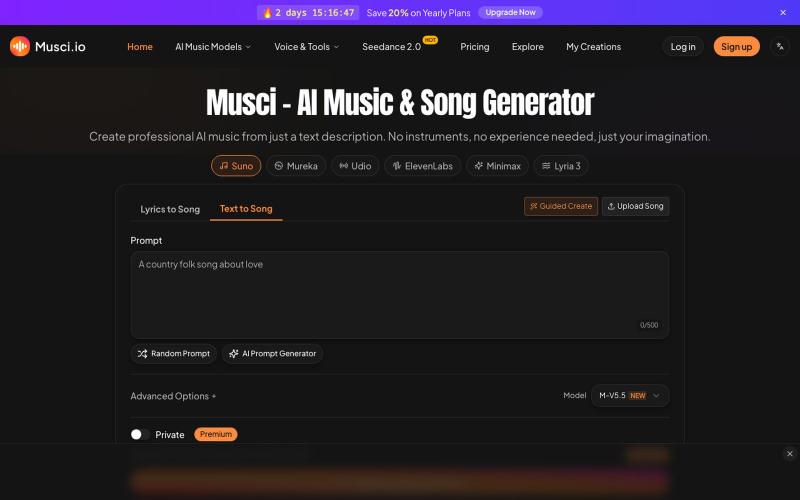
Musci:输入文字生成专业 AI 音乐,支持 100+ 种流派。
musci — AI 音乐生成,支持多语言
