
完整作品展
技术栈
15 projects

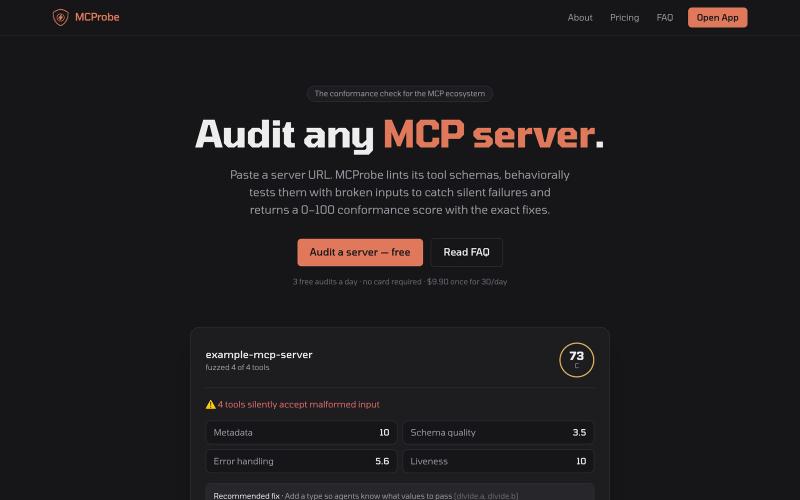
存储提示词和背景信息,通过 MCP 让 Claude Code、Cursor 等 AI 工具共享访问。

@vibexp_io · X
Your plan is now code. Claude Code Dynamic Workflows fan out up to 1,000 subagents, 16 at once, each in its own context, verifying until the results converge. Built for big bug hunts, migrations and audits. Source:
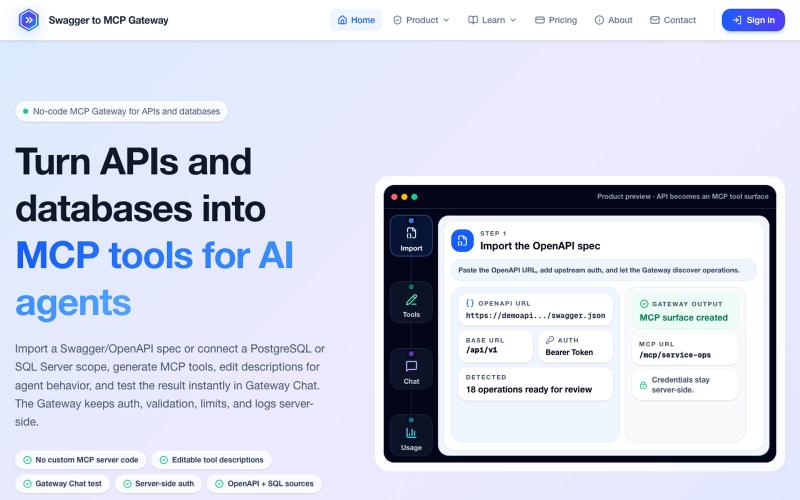
将 OpenAPI 规范和数据库转换为 MCP 工具,无需编码。
mhmt_dmr · HN
MCP Gateway – Turn existing APIs and databases into MCP servers
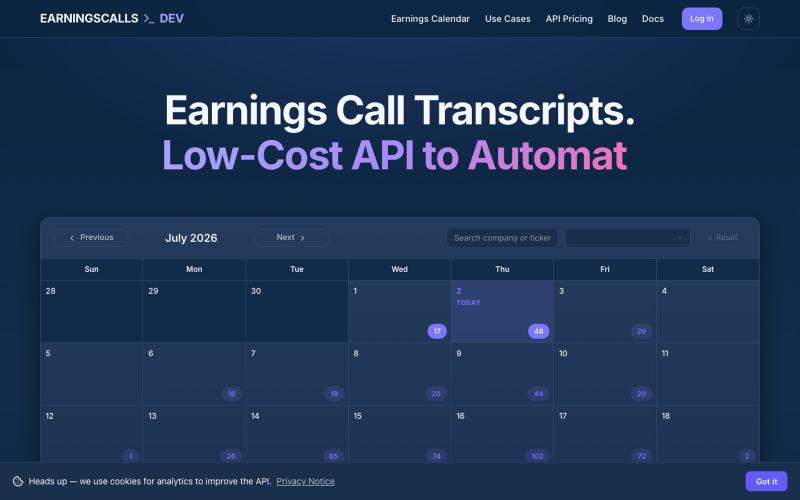
免费阅读财务电话会议记录,或通过 REST API 和 MCP server 访问

@RobGuerra90 · X
Building : access earnings call transcripts via a cheap API or MCP server. Pull any company's call right into your workflow.
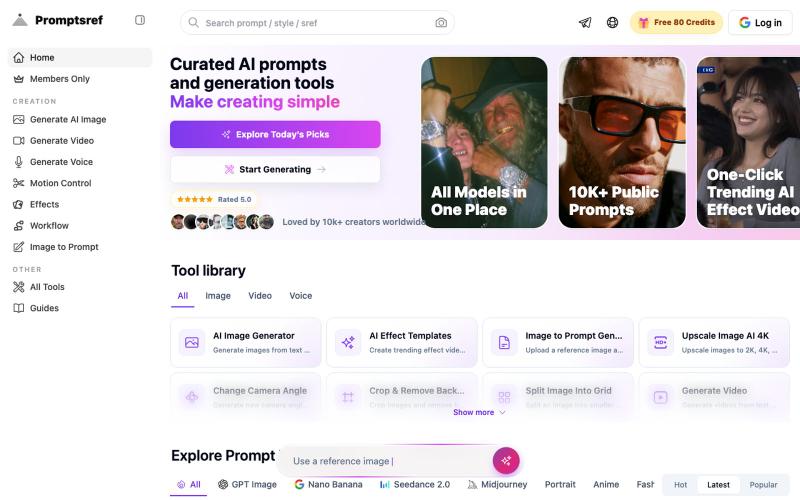
浏览精选 Midjourney sref 代码库,快速生成特定图像风格。
Midjourney Sref code 精选库 — 在 Midjourney 的 prompt 输入 `--sref xxx` ,可以固定生成某种特定风格的图片。这对很多人来说非常方便,不用写一堆效果词,只要记住几位数字就可以。但 `--sref xxx` 有大概 40 亿个,其中重复或者质量不佳的不在少数。因此做了一个网站把一些个人觉得不错的 sref code 收集起来并进行分类,方便新人或
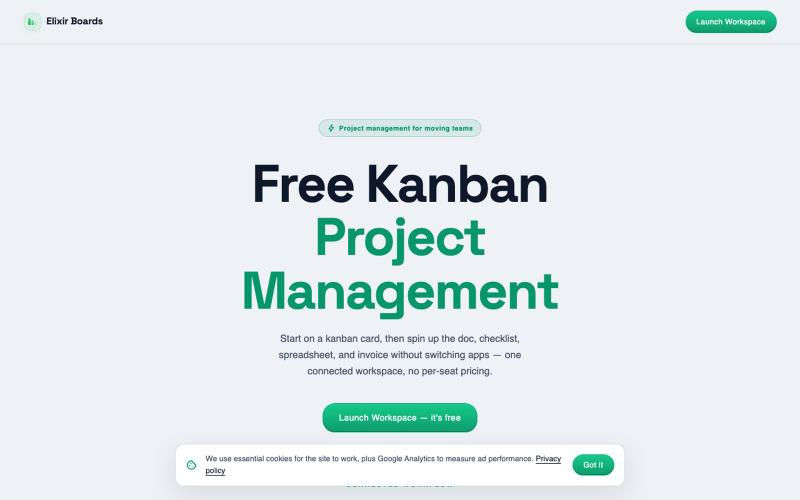
免费看板项目管理工具,包含看板、表格、文档、表单和AI功能。
u/GordonBlackM3sa · Reddit
I built a free, all-in-one Trello alternative with no per-seat pricing — would love your feedback Hey r/SideProject 👋 I'm the founder of Elixir Boards https://elixirboards.com I got tired of Trello/Asana charging per seat and splitting basic features across paid tiers, so I built an all-in-one workspace: Kanban boards, lists, cards, checklists, labels, due dates Automations + recurring tasks (free) — Trello locks these behind paid plans Docs, spreadsheets, a whiteboard, and invo
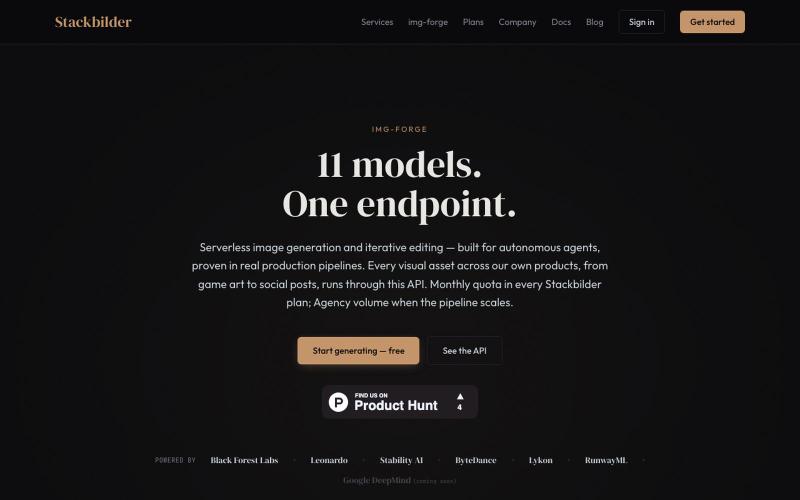
Img-Forge:通过 REST API 和 11 个 AI 模型生成图像。
u/texo_optimo · Reddit
I got tired of leaving claude code for image assets so I made Img-Forge - a remote txt2img MCP, API SoloDev here (doing this outside of my 9-5); I've decided to start shipping instead of remaining in a state of perpetual build. I'm shipping the tool I use most in my own work: Img-forge. Link is here but I have a Product Hunt listing for it here. There is a small free tier to check it out. Stackbilder.com is the platform UI; but Easiest way to get your agent working with it is via mcp
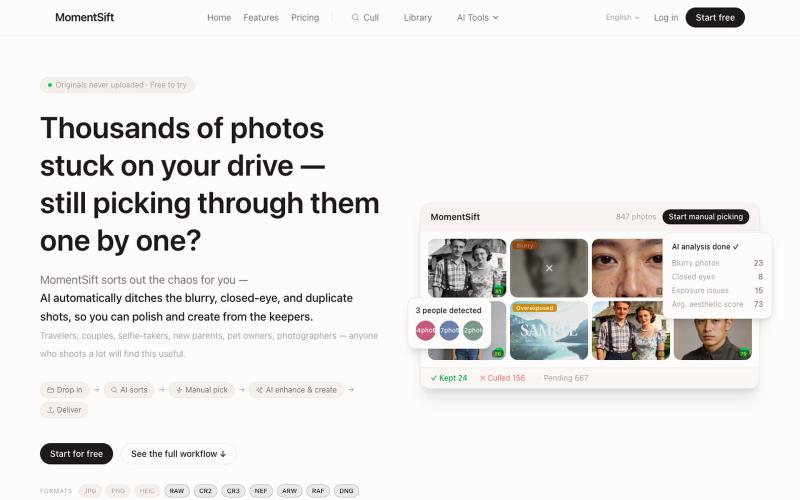
MomentSift: 用AI筛选、增强和生成照片。
ansheng_hu · Product Hunt
MomentSift Cull, enhance, and create better photos with AI

图片转 ASCII 字符画、复制符号、查看码表、进制转换——全在浏览器。
HeStudy · V2EX
做了个纯前端的 ASCII 工具站:图片转字符画、banner 生成、符号一键复制 平时偶尔需要查 ASCII 码表、复制一些特殊符号(箭头、制表符这类),每次都是搜一个满屏广告的老站凑合用,索性自己做了一个: https://getascii.com 目前有这些工具: 图片转 ASCII 字符画(拖一张图进去就行,支持调宽度/字符集/反色) 文字转 ASCII banner 大字 常用符号一键复制(箭头、制表符、数学符号、颜文字) 完整 ASCII 码表 + 一个交互式键盘映射图(点键盘上的键显示对应的 dec/hex 码) 进制转换器( hex/dec/bin ↔ ASCII ) 几个实现上的点: Astro 构建的纯静态站,所有工具都是纯客户端计算,图片不会上传到任何服务器 没有账号系统,没有付费墙,打开就用 整站是绿色荧光终端风( CRT 扫描线 + JetBrains Mono ),算是给终端审美交个作业 顺手给它做了个 25 秒的宣传片: https://www.youtube.com/watch?v=AjzU5mw1PrI

将 Markdown 转换为适合微信公众号、Word 和 PDF 的排版内容。

@bingobray · X
我做了一个类似的工具: 除了支持公众号,还支持word和pdf😁
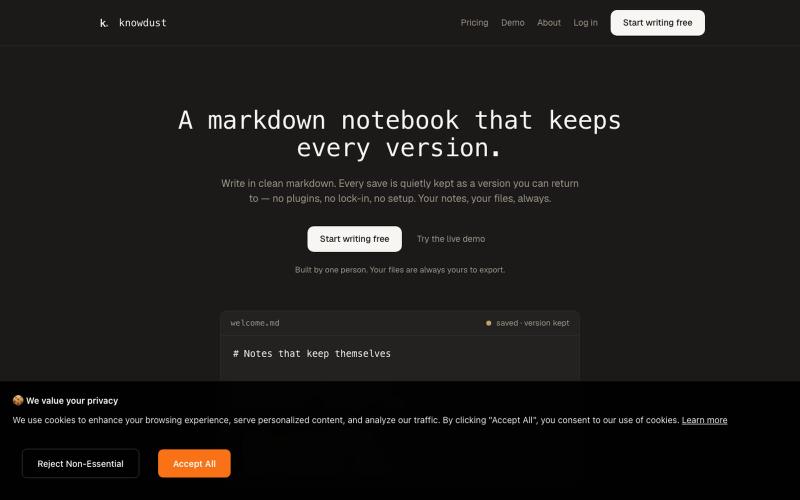
一个Markdown笔记本,自动保存每个编辑版本,让你随时回到过去的内容。

@khagankarimi · X
simple markdown notebook with version history