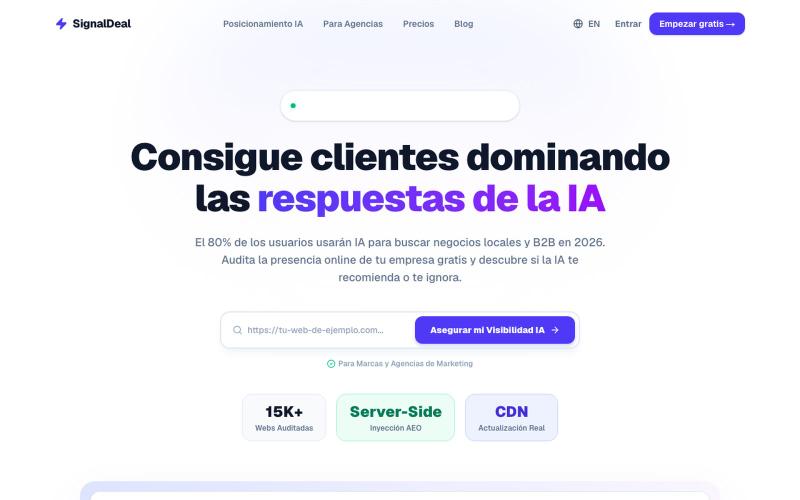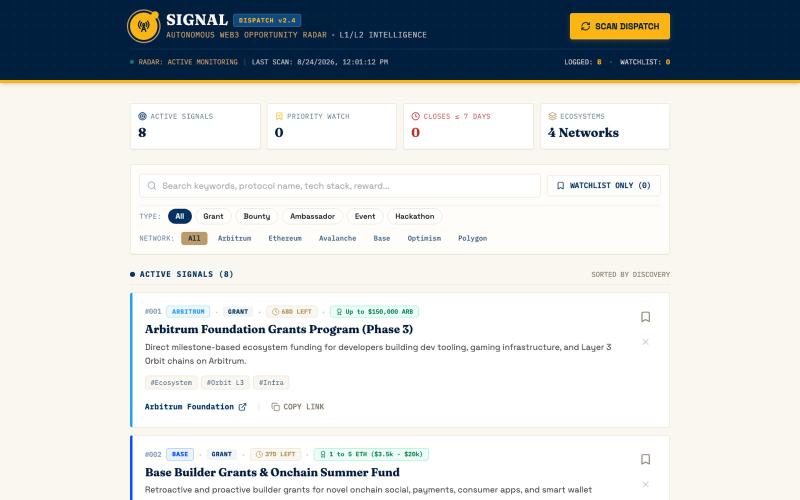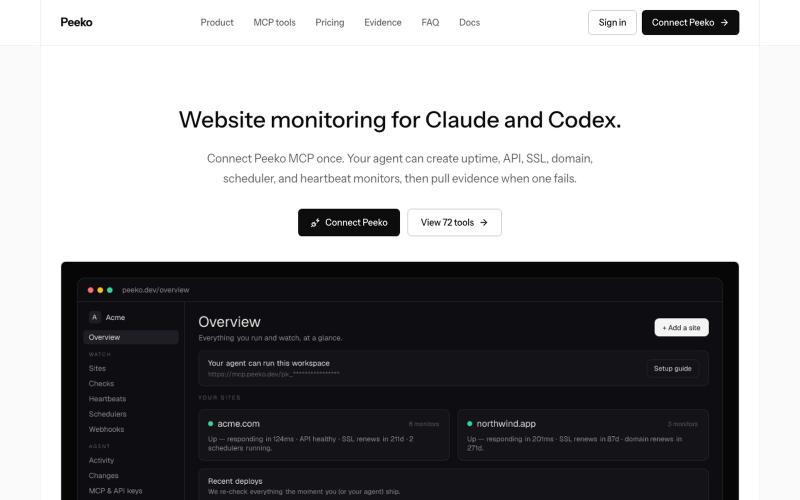
SignalDeal — El Radar de Invisibilidad y Posicionamiento AEO para IAs
在ChatGPT、Perplexity和Claude上审计和优化本地业务的可见性。
@Timemindai · X
完整作品展
技术栈
60 projects

在ChatGPT、Perplexity和Claude上审计和优化本地业务的可见性。
@Timemindai · X

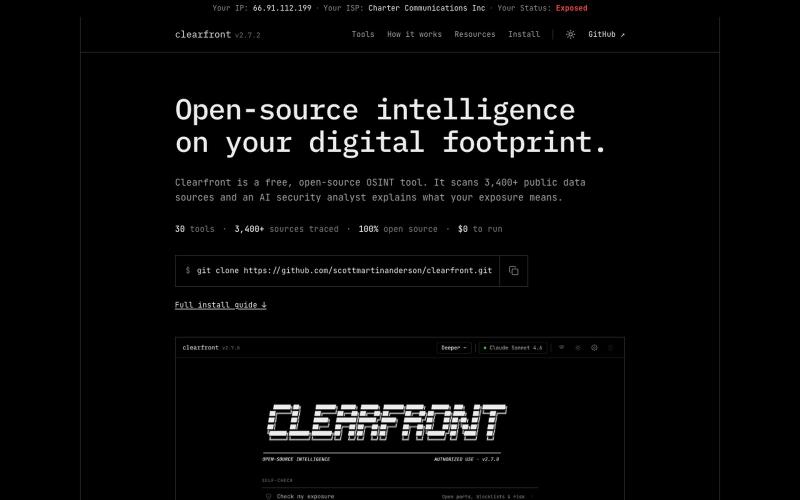
检查使用 AI 服务前浏览器暴露的网络和身份信号。
@FunnyDiscovery · X
做了一个纯前端小工具:AI Signal Guard 用来在使用 Claude / ChatGPT / Gemini 前,自查浏览器侧能暴露哪些信号: - 出口 IP / ASN / 组织 - DNS 泄漏 - WebRTC 泄漏 - 语言、时区、字体、Emoji 纯静态页面,无自建后端 在线体验: GitHub仓库:

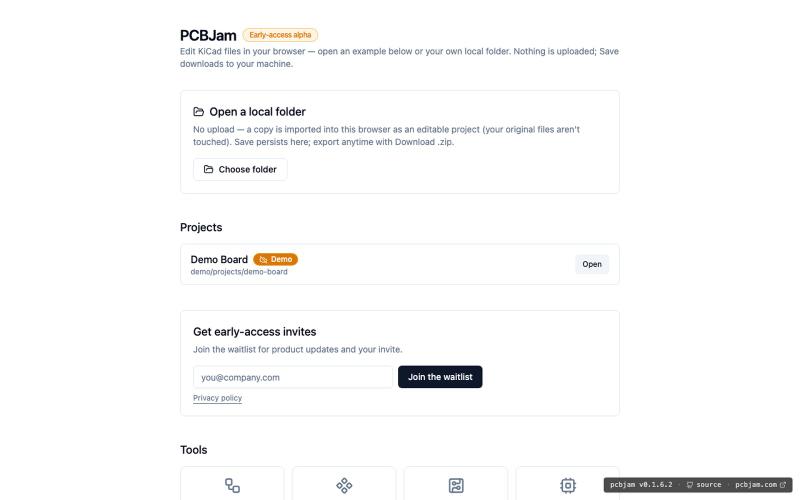
在浏览器中使用 KiCad 设计电子电路和 PCB,无需安装。
ViktorEE · HN
KiCad, a PCB EDA suite is now working in a browser, you can try it at the link, there's a demo project or you can bring your own. Firefox is best, Chrome is good, Safari is "working". We’re Emergence Engineering, a dev shop from Hungary, mostly working with rich text editors, CRDTs. PCBJam started as my (Viktor, CTO, ex-electrical engineer) hobby project but as time went on I put more and more energy into it, and a product started shaping up in my head, in the last few months we’ve started to focus on this project a bit more, and this is the first MVP~ish result. This project is a ton of fun, ton of learning, ton of improvements over improvements: - I thought there must be ways to emulate the PCB canvas OpenGL code on the web. And yes, there are a lot of ways, all of them very buggy. Turns out it’s faster to just write WebGL code that works with KiCad’s Graphics Abstraction Layer if you add the right intermediate debugging steps. I (with Claude) implemented the features and compared

将CVE漏洞数据转换为机器可读风险信号,供AI代理和自动化系统使用。
robert_marshall5 · Product Hunt
attestd CVE and supply chain risk signals for autonomous AI agents.

获取Apple翻新产品上市时的邮件和Telegram即时通知
@Raby_L · X
Just shipped Telegram alerts for RefurbAlert Pro 🚀 Now you get instant Telegram notifications + email when Apple refurb products drop. $9.99/3 months. Free 1 month trial. #buildinpublic #apple

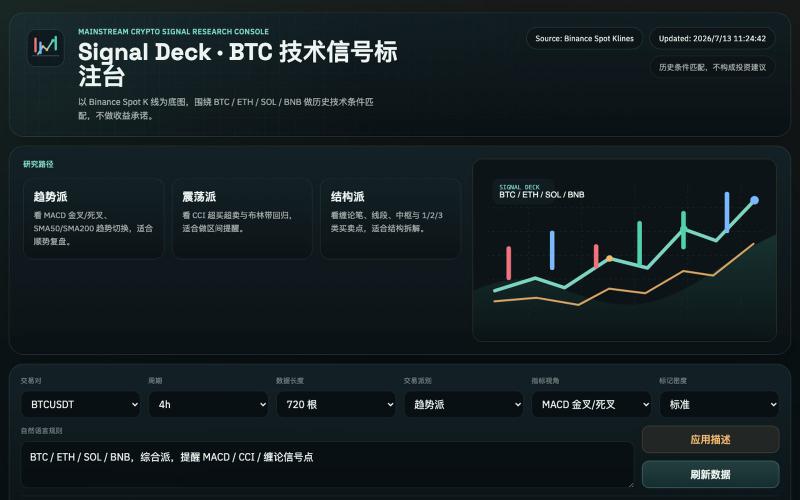
基于币安数据的加密货币缠论分析与交易信号平台。
@onehopeA9 · X
用 DAPPOS @dappOS_com 做了一个加密货币缠论分析网站,也是我一直想做没时间做的! 来看看缠论三买的威力: 不是不会写代码。 我自己是程序员,真要硬写当然能写。 但问题是:没时间。🤡 做交易的人都懂,真正消耗人的不是“看一根 K 线”,而是把一堆信息拼起来: K 线结构。 缠论笔、中枢。 一买二买三买。 一卖二卖三卖。 资金费率。 持仓量变化。 成交量异动。 市场舆情。 这些模块涉及太多方面,写得出来,但太费时间。 所以我一直想做一个自己的交易雷达: 接币安历史数据。 用 TradingView 展示 K 线。 自动画缠论结构。 标注买卖点。 再把资金费率、持仓量、成交量和币安广场热度放进去。 想法很清楚。 但一直躺在 TODO 里。 最近用 xbubble 的 Coding 功能试了一下,直接把需求丢进去: “做一个加密货币缠论分析网站,接入币安一年历史数据,用 TradingView 展示 K 线,自动画笔、中枢、一买二买三买、一卖二卖三卖,增加异动分析和币安广场舆情热度。” 它真给我生成了一个能跑的原型。 这次最戳我的不是“AI 会写代码”。 而是 xBubble 把最消耗时间的工程杂活压短了。 以前我自己做: ❌ 搭项目结构 ❌ 爬数据源和图表库 ❌ 写 K 线处理 ❌ 写缠论结构识别 ❌ 做前端交互 ❌ 部署、改样式、修细节 一圈下来,核心想法还没验证,人先累了。 现在变成: ✅ 先描述业务目标 ✅ 让 xBubble 生成可运行原型 ✅ 我再校验规则、调整逻辑、优化体验 ✅ 把时间花在交易理解和产品迭代上 这对程序员其实很有价值。 因为程序员最缺的不是能力,而是时间和注意力。 我这个原型现在大概有几块: 第一,TradingView K 线主图。 用币安数据展示行情,再叠加缠论结构。 第二,笔和中枢。 把原本需要手动盯的结构,先自动画出来。 第三,买卖点雷达。 一买、二买、三买,一卖、二卖、三卖,先帮我筛可能的位置。 第四,异动面板。 资金费率、持仓量、成交量变化,和 K 线结构一起看。 第五,舆情热度。 把币安广场讨论热度也拉进来,看看市场情绪是不是和盘面互相印证。 你可以理解成: 我不是让 AI 替我交易。 我是让 AI 帮我做一个交易前的信息雷达。 我觉得 xBubble 和普通 AI

追踪并浏览 f(x) Protocol 和 fxUSD 的 on-chain data
@0xDrVV

在攻击者利用前,发现你的 external attack surface 中的风险。
@OGVeilScan · X

分析机构会议记录以检测范围蔓延风险并生成警报。
@theshaunak_twit · X
ScopeShield ( A platform designed to kill scope creep for agencies and teams before it eats their margins. Built so you don’t forget scopes and stop doing unbilled work.

TunaSignalAI:AI股票扫描器,实时检测动量和突破信号。
@TunaSignalAI · X
Any day traders / swing traders check out Its live since 2024 build with AI and using AI models and Machine learning to predict small cap pump stocks!

SignalPost 是为品牌、创作者和机构设计的电子邮件营销平台。
@fwitweets · X

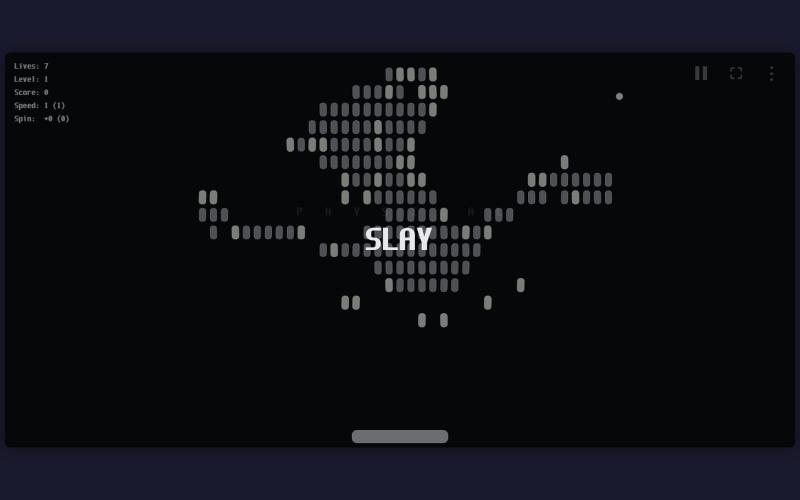
Keyverse 是免费浏览器游戏系列,通过关卡教你 Mac 快捷键,无需下载。
@EjCruz77 · X
Just launched Keyverse — a free browser game that teaches you Mac keyboard shortcuts by playing, not memorizing. No install. No signup. Just open and train. #buildinpublic #indiedev #macOS