
开发者工具1 month ago · 1 次试用
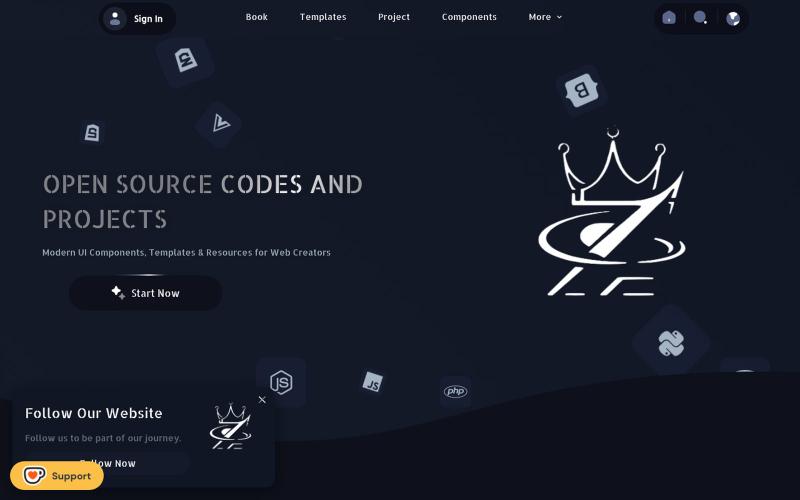
Z5 CODE – Tech Platform for Programming Projects
@Kiriakoscls4 https://t.co/vL7v4J1TKx

@z5code0 · X
完整作品展
技术栈
12 projects
@Kiriakoscls4 https://t.co/vL7v4J1TKx
@z5code0 · X

用于图片调整、JSON格式化、PDF处理、文本分析和设计的免登录浏览器工具合集。
musekit · Product Hunt
Free AI Tools Free browser tools for everyday tasks, no login
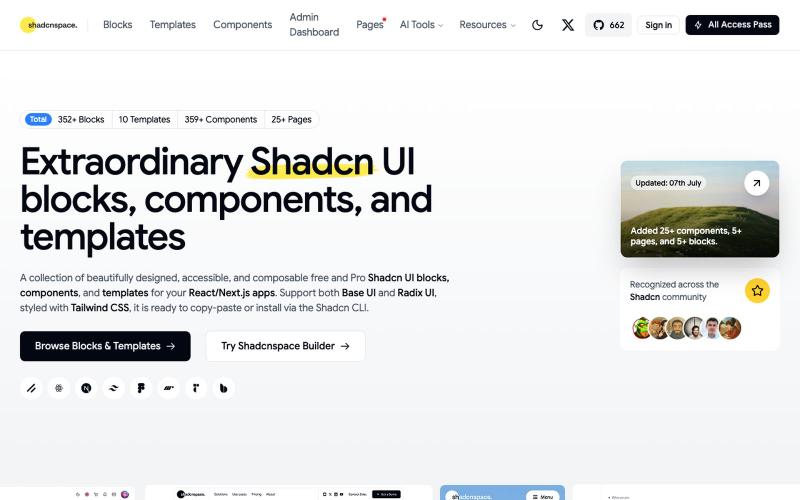
浏览并复制 Shadcn UI 组件、区块和模板库用于 React 开发。

@gupta05_vaibhav · X
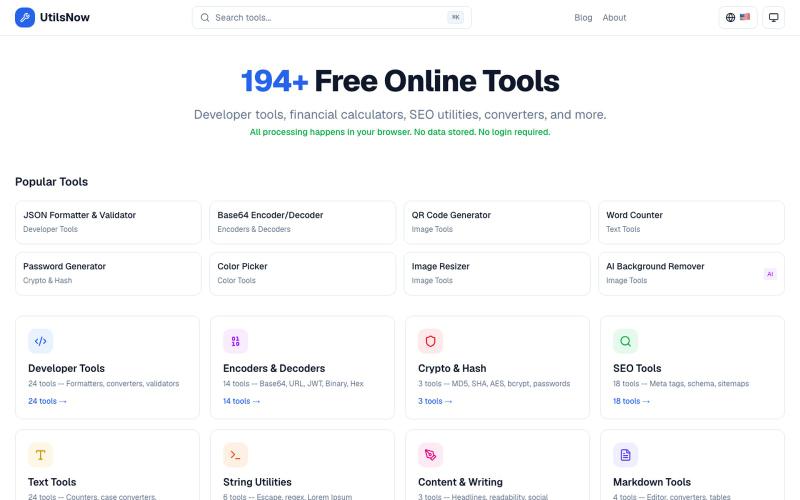
194+个免费浏览器工具集合,涵盖开发、财务、SEO、转换等,无需注册。
bharath_s16 · Product Hunt
UtilsNow 194 free browser tools + AI. No signup required.
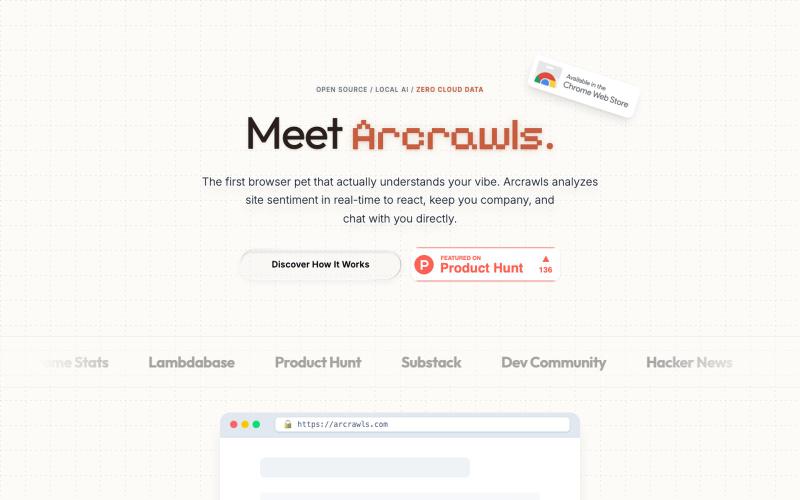
一个会对网页内容做出反应的虚拟宠物。

@fujidevv02 · X
the world's first context-aware, local AI browser pet companion!
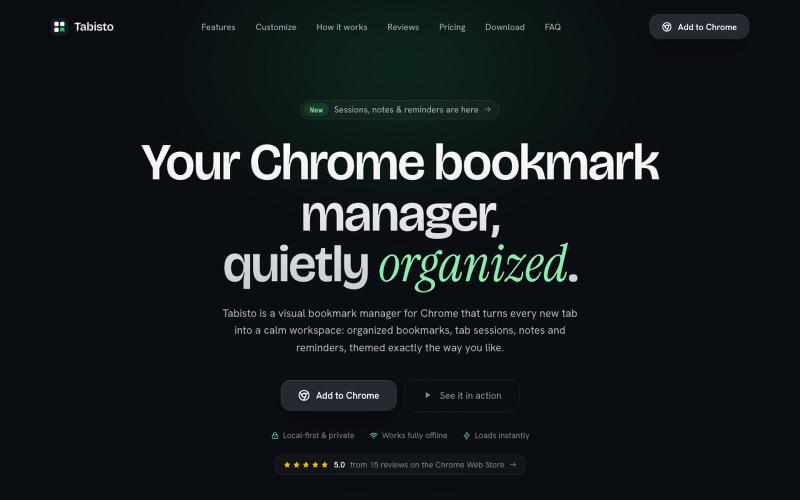
Chrome extension,在新标签页上可视化地组织书签,支持 workspaces 和 notes

@IamYashKapoor · X
Built Tabisto (bookmark manager), a free Chrome extension and launched it in 5 days using Claude Code. Must try, you will really love it.

图片转 ASCII 字符画、复制符号、查看码表、进制转换——全在浏览器。
HeStudy · V2EX
做了个纯前端的 ASCII 工具站:图片转字符画、banner 生成、符号一键复制 平时偶尔需要查 ASCII 码表、复制一些特殊符号(箭头、制表符这类),每次都是搜一个满屏广告的老站凑合用,索性自己做了一个: https://getascii.com 目前有这些工具: 图片转 ASCII 字符画(拖一张图进去就行,支持调宽度/字符集/反色) 文字转 ASCII banner 大字 常用符号一键复制(箭头、制表符、数学符号、颜文字) 完整 ASCII 码表 + 一个交互式键盘映射图(点键盘上的键显示对应的 dec/hex 码) 进制转换器( hex/dec/bin ↔ ASCII ) 几个实现上的点: Astro 构建的纯静态站,所有工具都是纯客户端计算,图片不会上传到任何服务器 没有账号系统,没有付费墙,打开就用 整站是绿色荧光终端风( CRT 扫描线 + JetBrains Mono ),算是给终端审美交个作业 顺手给它做了个 25 秒的宣传片: https://www.youtube.com/watch?v=AjzU5mw1PrI

用 Chrome 扩展和网页编辑器将屏幕截图转化为精美设计。

@buildwithshyam · X
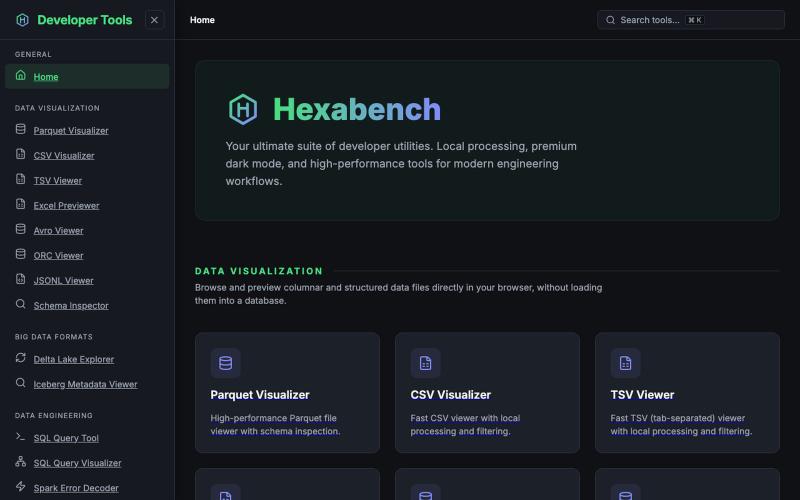
Hexabench 本地开发者工具套件,支持 CSV、Parquet、JSON 格式处理,无需上传。
u/sheshu29 · Reddit
My side project Hey everyone i have just created this website for developer who does not want to rely on ai agents so please visit and give me some feedback if you want any specific tools 🫠 submitted by /u/sheshu29 to r/SideProject [link] [comments]
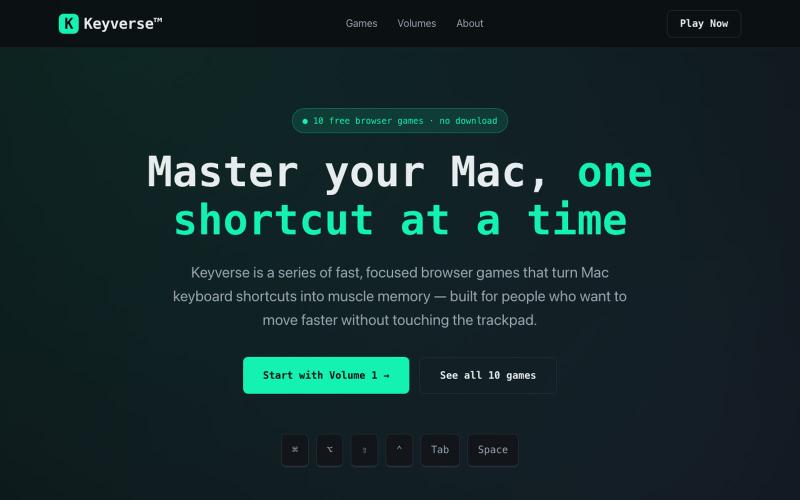
Keyverse 是免费浏览器游戏系列,通过关卡教你 Mac 快捷键,无需下载。

@EjCruz77 · X
Just launched Keyverse — a free browser game that teaches you Mac keyboard shortcuts by playing, not memorizing. No install. No signup. Just open and train. #buildinpublic #indiedev #macOS
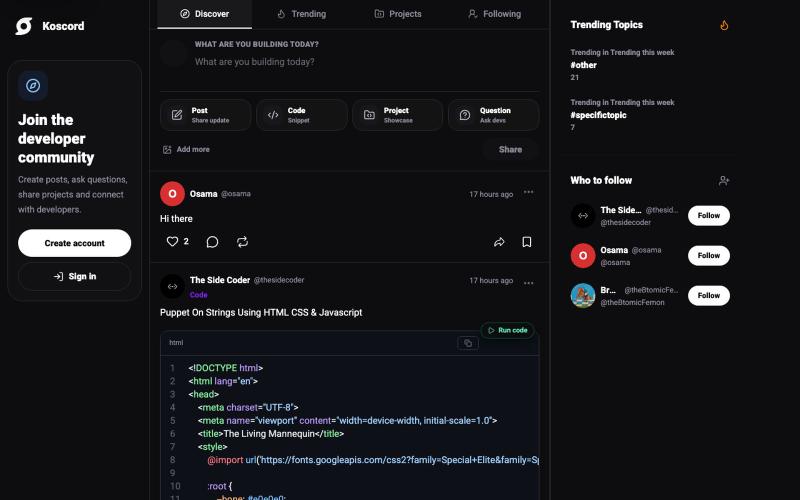
Koscord — a social network built for developers. Share code, join tech communities, get real-time feedback, and connect with programmers worldwide.

@Koscord · X
i think you should give a try to it will be really helpfull

通过描述快速生成高保真UI界面,支持移动和网络应用。

@ninakolari · X
Google just dropped Stitch and it changes the entire vibe coding workflow. You describe what you want your app to look like. It builds full high-fidelity screens in seconds. No Figma. No designer. No credit card. Here is how to use it: Go to Sign in with your Google account. That’s it. You’re in. Instead of typing “make me an app” type this: “A lesson planning app for teachers. Clean and calm. Inspired by Notion. Minimal. White space.” The more specific you are the better your screens. Then refine with follow up prompts. Change the nav. Try dark mode. Get 3 menu variations. Or just speak it. Your screens become a clickable prototype in seconds. Click a button and Stitch generates the next screen automatically. Your entire app flow. Before you write one line of code. Then take it further. Export to Lovable or Cursor and build the logic on top. Use the MCP server to keep your design and code in sync. Pull any website’s design system in seconds. Save everything as