
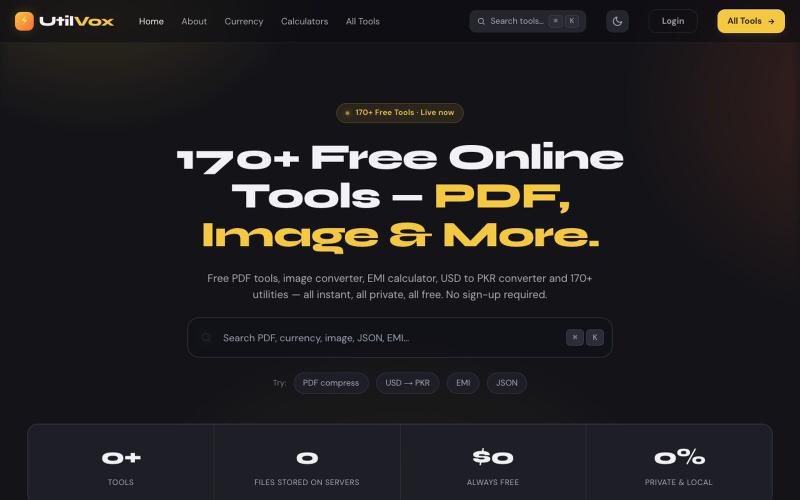
创意工具3 weeks ago
UtilVox — 170+ Free Online Tools | PDF, Image & More
Free online tools for Pakistan & worldwide. Compress PDF, convert HEIC to JPG, USD to PKR, EMI calculator, QR generator & 170+ utilities. No sign-up.

@UtilVox · X
完整作品展
技术栈
18 projects
Free online tools for Pakistan & worldwide. Compress PDF, convert HEIC to JPG, USD to PKR, EMI calculator, QR generator & 170+ utilities. No sign-up.
@UtilVox · X
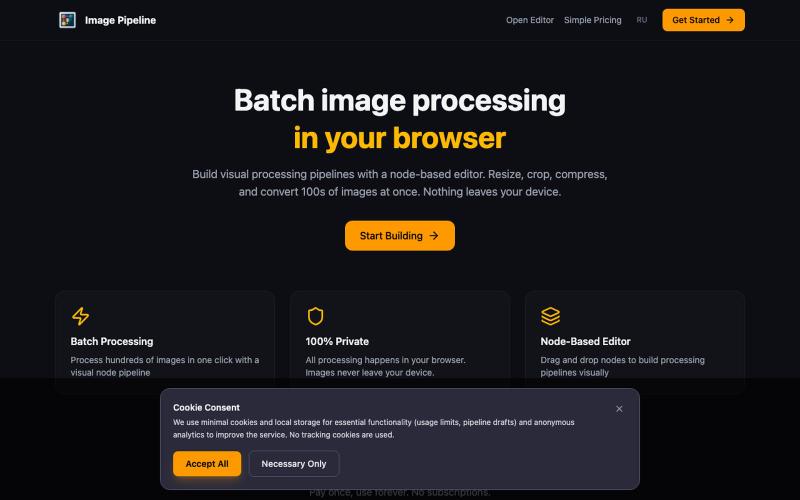
在浏览器中本地批量调整、裁剪、压缩和转换图像。

@MaximMitenkov · X
🔒 Just launched Image Pipeline — batch image processing in your browser. 100% private. No signup. Pay once, use forever. #buildinpublic #webdev #privacy
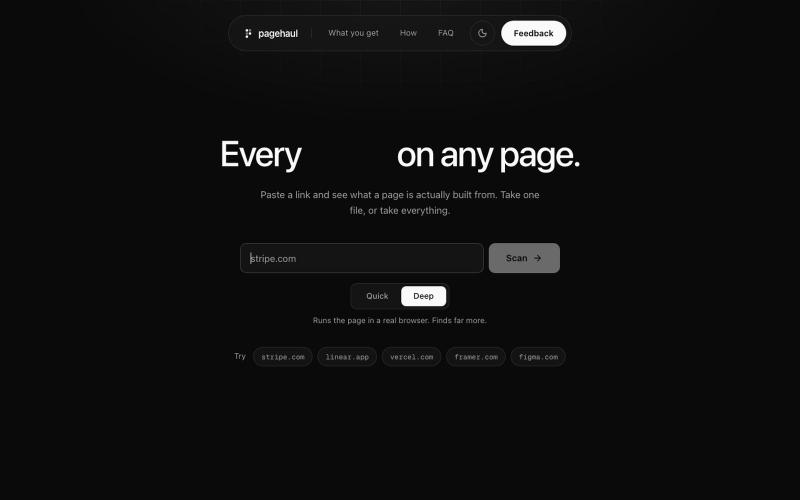
从任何网页中提取图片、图标、视频、字体和文档到网格中

@gaurav_jain26 · X
Built a tool which will help developers and designers to extract resources without touching inspect try out and leave feedback

在浏览器中将照片和视频转换为ASCII艺术、像素艺术和马赛克。

@kail_designs · X
Jokes aside but honestly (Landing page) was built with Claude (Opus 4.7) in 1 day. But no, it was not just four prompts or some random skills. Here's how I built the entire AsciiMagic landing page with Claude in one day👇 Started with a rough sketched wireframe. Then designed it in @paper Then I used the Paper MCP with Claude to recreate that design in code and get a solid first version running. From there, the real work began. I kept iterating with specialised Claude skills: • impeccable • frontend-design • emil-design-eng • review-animations • responsive-design • seo-audit Each one improved a different part of the experience. By the end, the page had: • Mobile-first responsiveness • Better SEO optimised copy • Smooth micro-interactions • Cleaner frontend architecture Then came the part people don't see. For the next 5–6 hours, I wasn't asking Claude to "make it prettier." I was: • Fine-tuning layouts • Uploading and compressing assets • Moving files across diff
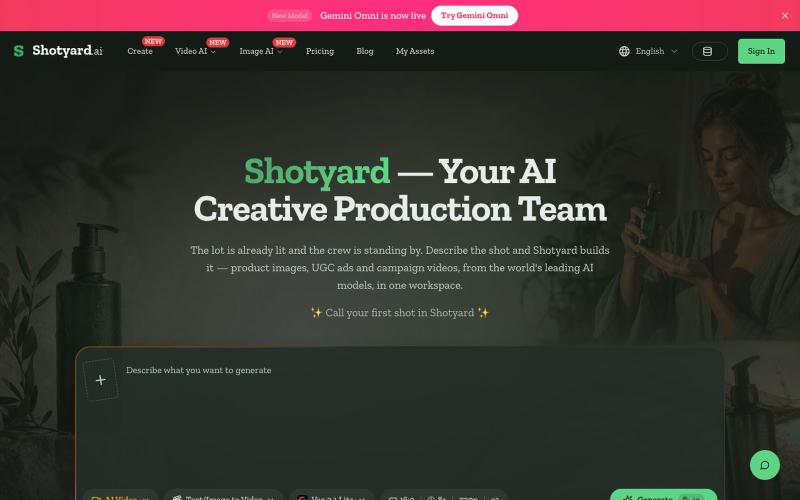
用AI生成产品图片、UGC广告和宣传视频。
Shotyard — AI 图片与视频生成/编辑平台,一站式使用主流 AI 模型,可一次输出多个图片或视频,对生成结果的二次操作友好

浏览器中免费合并PDF、压缩图片、去除背景和其他实用工具。

@damiadeh · X
Your files utility tools stacks in your browser. No uploads, files stays on your pc.
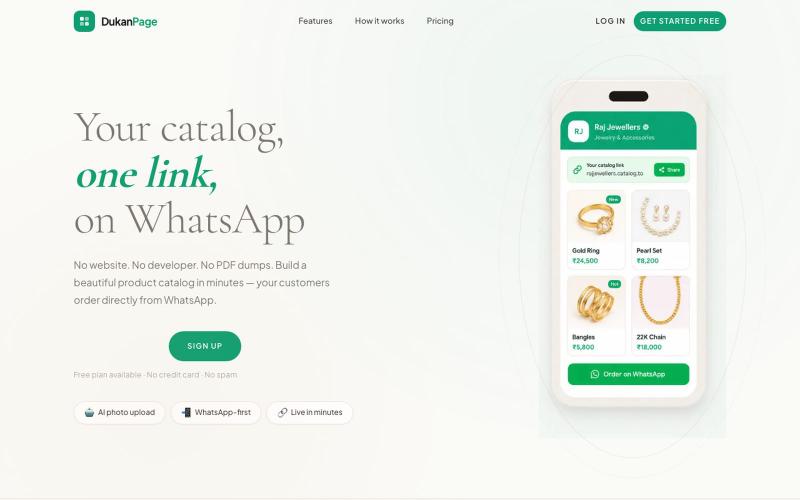
通过AI将产品照片转换为目录页面,可在WhatsApp分享。

@TarikaUjjwal · X
Hey, i am building Dukanpage Turn your products into one link. Snap a photo of your product, AI fills in the name, description and Made for traders and wholesalers. Free to Start -
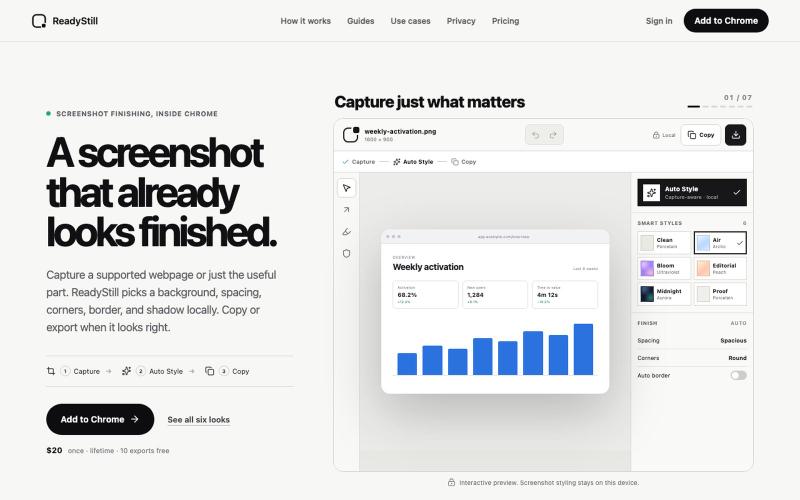
将网页截图转换为精美的产品发布图像,隐私审核编辑。

@pradeepXkapoor · X
It’s A simple screenshot beautifier chrome extension!
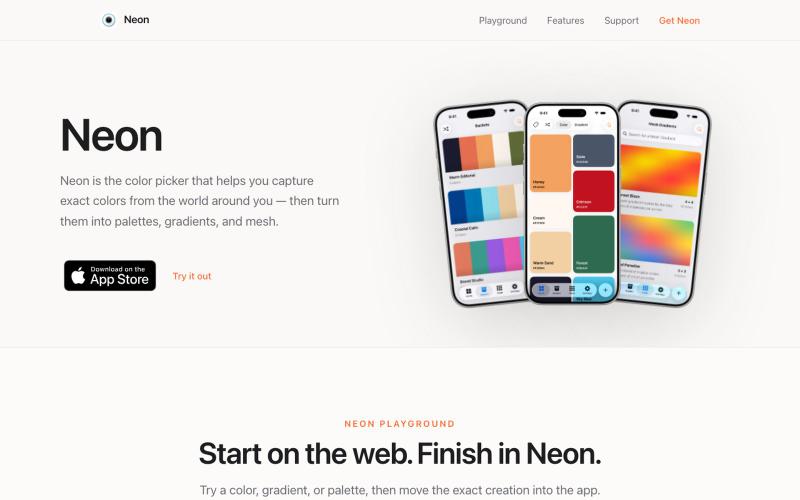
从摄像头捕获颜色,创建支持多种格式的调色板。

@SwapnanilDhol · X
Uploading a new version of my first app ( to the App Store tomorrow built in-part with Codex!
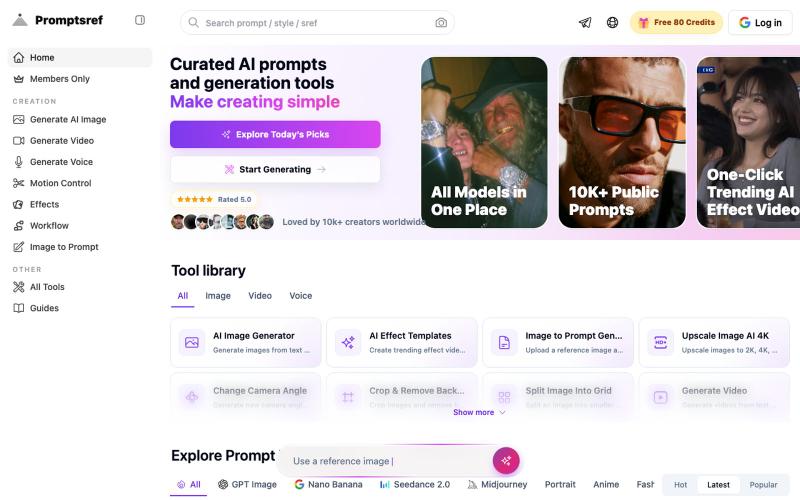
浏览精选的 Midjourney sref 代码库,按风格分类,生成风格一致的 AI 图像。
Midjourney Sref code 精选库 — 在 Midjourney 的 prompt 输入 `--sref xxx` ,可以固定生成某种特定风格的图片。这对很多人来说非常方便,不用写一堆效果词,只要记住几位数字就可以。但 `--sref xxx` 有大概 40 亿个,其中重复或者质量不佳的不在少数。因此做了一个网站把一些个人觉得不错的 sref code 收集起来并进行分类,方便新人或

图片转 ASCII 字符画、复制符号、查看码表、进制转换——全在浏览器。
HeStudy · V2EX
做了个纯前端的 ASCII 工具站:图片转字符画、banner 生成、符号一键复制 平时偶尔需要查 ASCII 码表、复制一些特殊符号(箭头、制表符这类),每次都是搜一个满屏广告的老站凑合用,索性自己做了一个: https://getascii.com 目前有这些工具: 图片转 ASCII 字符画(拖一张图进去就行,支持调宽度/字符集/反色) 文字转 ASCII banner 大字 常用符号一键复制(箭头、制表符、数学符号、颜文字) 完整 ASCII 码表 + 一个交互式键盘映射图(点键盘上的键显示对应的 dec/hex 码) 进制转换器( hex/dec/bin ↔ ASCII ) 几个实现上的点: Astro 构建的纯静态站,所有工具都是纯客户端计算,图片不会上传到任何服务器 没有账号系统,没有付费墙,打开就用 整站是绿色荧光终端风( CRT 扫描线 + JetBrains Mono ),算是给终端审美交个作业 顺手给它做了个 25 秒的宣传片: https://www.youtube.com/watch?v=AjzU5mw1PrI
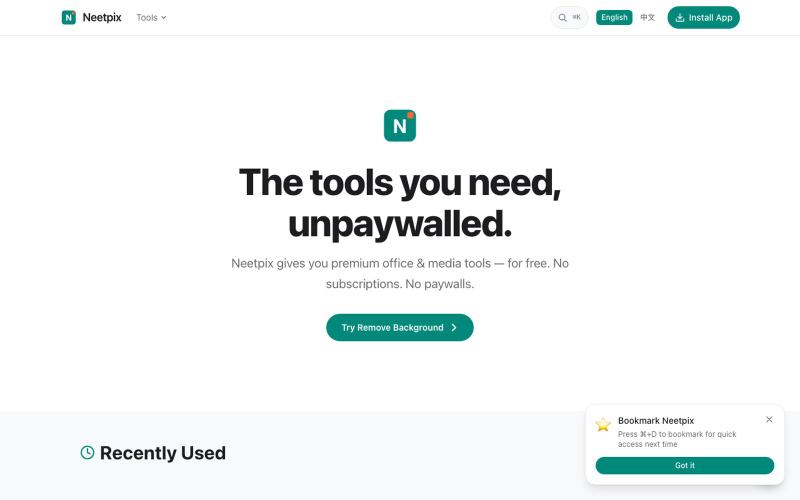
免登录的在线PDF和图像工具,支持合并、转换、压缩、编辑和生成等28+种功能。

@badbyeseason · X
Just shipped a big update to file transfer: resume broken transfers, multi-file queue, end-to-end encryption, custom room codes, and 2GB limit. Still 100% P2P, no server stores your files. 28+ tools live now. #buildinpublic #privacy