
完整作品展
技术栈
60 projects

Adaptive AI 是免费的AI个性化学习平台,提供动态课程和交互式编码沙箱。
new_user___1852026ab8b0f05013e6851 · Product Hunt
Adaptive AI Free AI-powered personalized learning platform

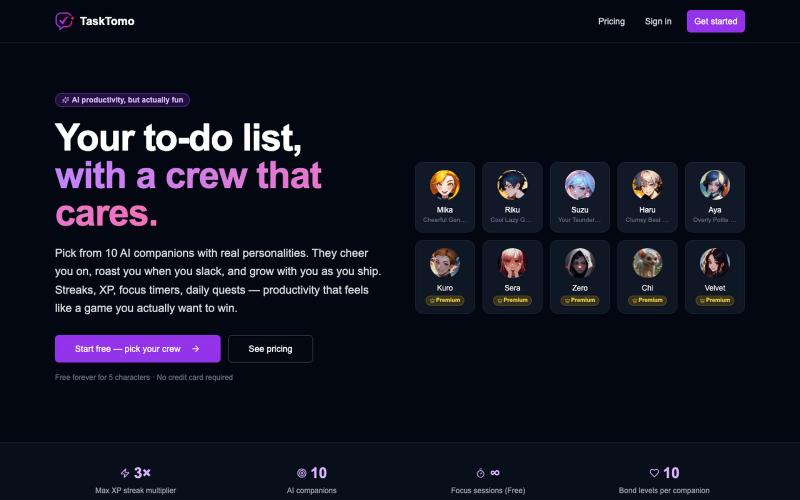
游戏化待办应用,有连续完成、XP、每日任务、专注计时器和AI鼓励功能。

@sealionjaywalk · X
I got tired of todo apps feeling like spreadsheets, so I built one that feels like a game. ・Finish a task → your AI crew cheers for you ・Streaks, XP, daily quests, focus timer
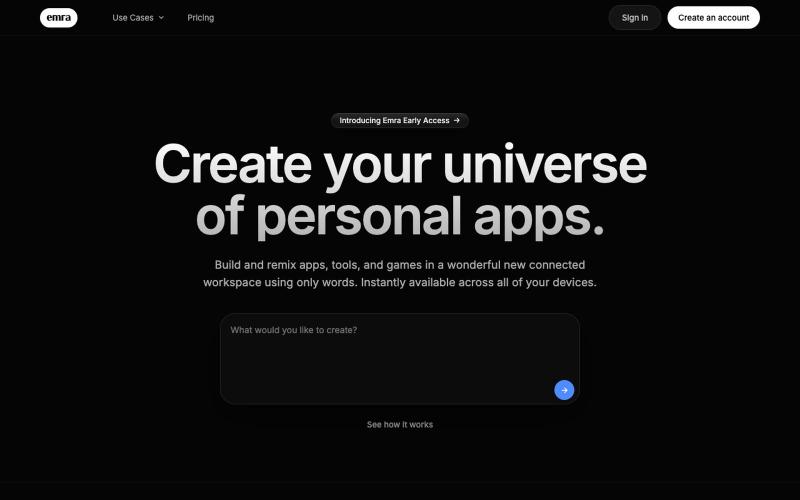
Create custom apps and tools in your browser without writing code.
thejarren · HN
Hey HN, I'm really excited to share Emra with you. The yc description would be: It's like "Notion meets Lovable". It's a workspace where you build full apps using AI and every app sits on one shared database and service layer. Generated apps are always editable, and (coming soon:) can interact with each other in the workspace. I'm of the opinion that the cost of software will go rapidly to zero (I don't think that's too surprising to any of you), but there will always be room for effort and creativity. Emra is essentially built for the future where every person is a developer. Essentially personal software for everyone. So far I've built notes apps with a 3d graph view to see connections, a video editing app and a canvas design tool (figma clone) with export capabilities, as well as a collection of project management tools and games. Right now the most satisfying thing is being able to fix a bug I run into in around the same amount of time that it takes to send a bug report in any tr
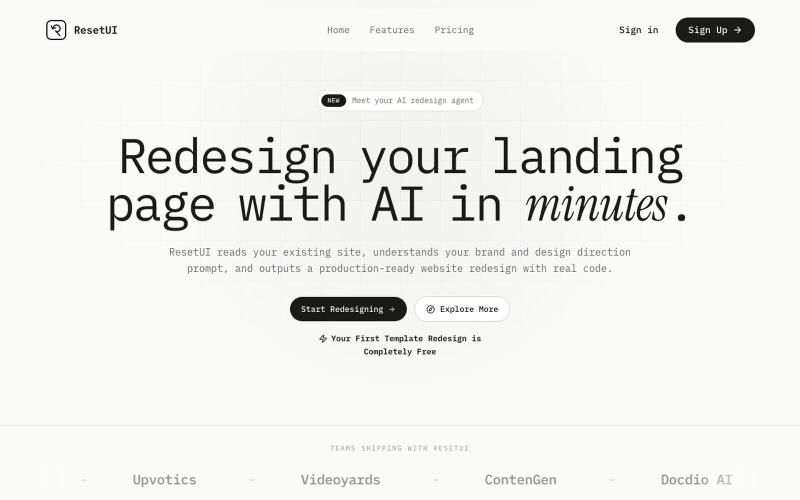
粘贴网址描述需求,用 ResetUI 生成现代化登陆页面设计。

@YaramasaGautham · X
Redesign you Landing page with URL
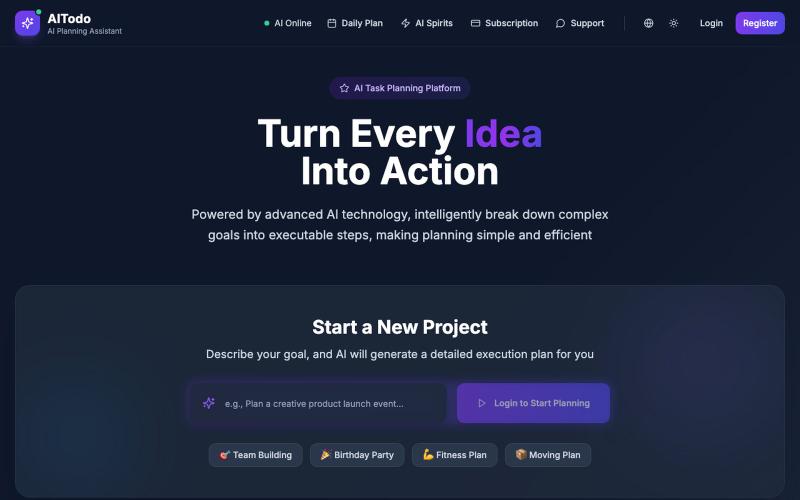
AI Todo 用智能方式将目标分解为可行步骤,优化任务优先级。
AI Todo — 像很多程序员一样,我日常要兼顾工作任务、生活琐事、项目计划,时常感到事情多但漏掉的也不少。想用智能方式管理这些待办,但市面上的工具要么设计臃肿,要么 AI 能力很弱。于是我花了几周开发了 AI Todo,目标是:
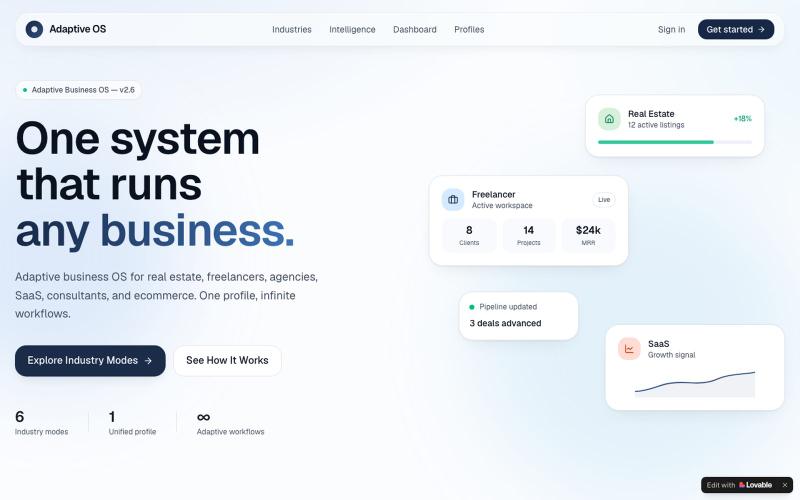
为您的行业量身定制的通用业务操作系统。

@BObalabi1 · X
Product designer working at the intersection of AI, UX, and product strategy. Portfolio: • • Most client work is under NDA, so sharing a few personal projects that showcase my design and product thinking. Happy to connect 👋
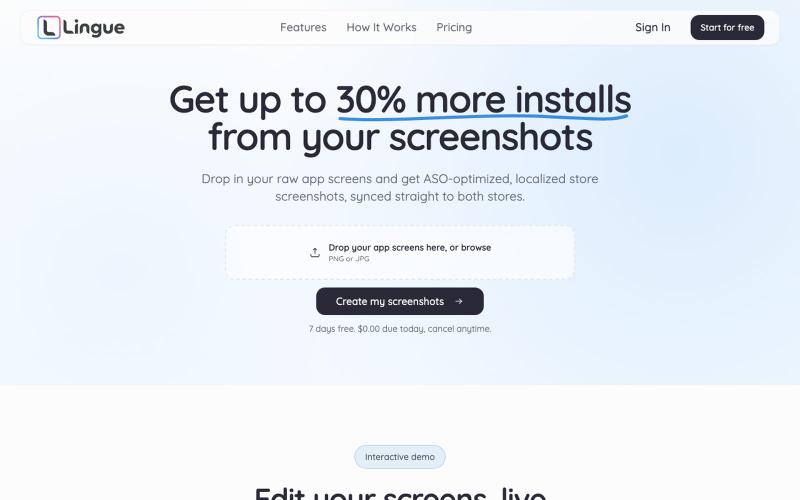
用 AI 生成应用商店优化截图,编辑后同步到 App Store 和 Play Store。

@radomir_3 · X
Let’s connect. I’m building App screenshot studio
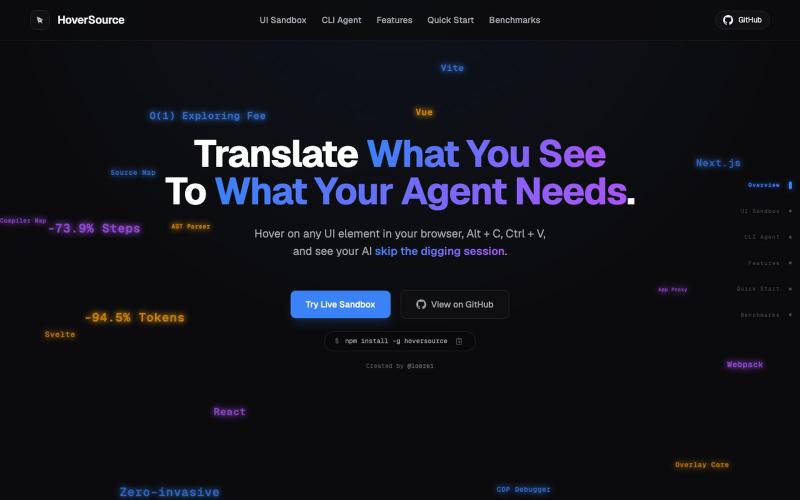
捕获UI元素及其代码上下文,与AI代理分享以调试视觉缺陷。
Loerei · HN
I found that describing where a broken UI is and taking screenshots for AI agents really sucks. I’m too lazy to explain an indescribable visual bug or capture a millisecond-long flash. I also don’t want to remember which file defines an element, whether it's right in the .tsx or a problem with the Parent Styles in .css. And even if you can point out the exact file, your agent still has to dig through thousands of lines of code to know what on earth you're yapping about. In a 7700-file monorepo like Cal.com, simply giving the right file in the prompt for your agent saves about 68.9% of execution time and 94.2% of the tokens your agent needs to digest. HoverSource gives all the needed information and further pushes it to -88.5% time and -94.5% tokens, basically skipping the entire digging session and jumping straight to reasoning and executing. The save is linear to how big your codebase is. I want to save tokens, but don’t want to spend my time and energy digging manually, and a junio


