
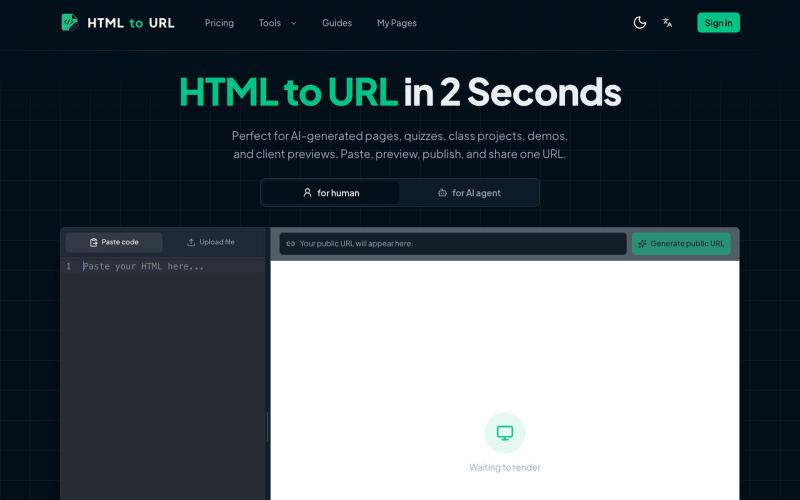
开发者工具1 month ago
HTML to URL Converter - Upload HTML and Get a Shareable Link
粘贴 HTML 代码一键生成可分享的在线链接。
htmltourl — 专为 AI 编程设计的快速上线工具,粘贴 HTML 代码即可一键生成在线访问链接
完整作品展
技术栈
16 projects
粘贴 HTML 代码一键生成可分享的在线链接。
htmltourl — 专为 AI 编程设计的快速上线工具,粘贴 HTML 代码即可一键生成在线访问链接
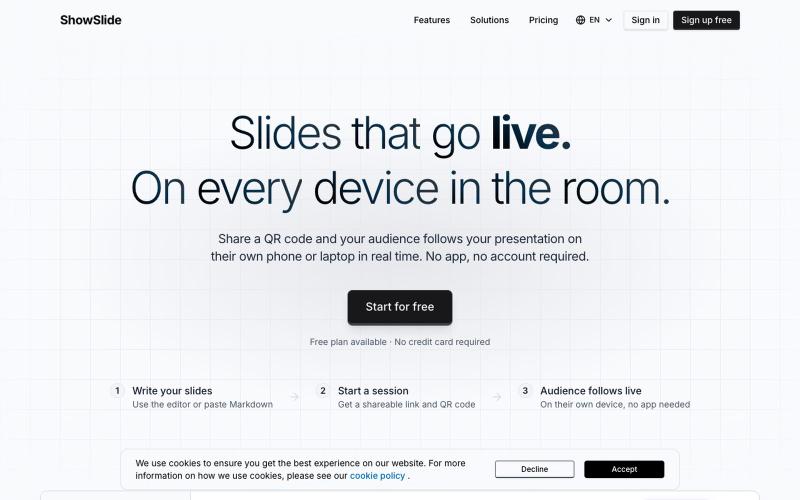
输入纯文本快速生成演讲幻灯片,实时广播到房间内的手机。

@danielberigoi · X
Type plain text, get a clean deck in 30 seconds, broadcast it live to every phone in the room
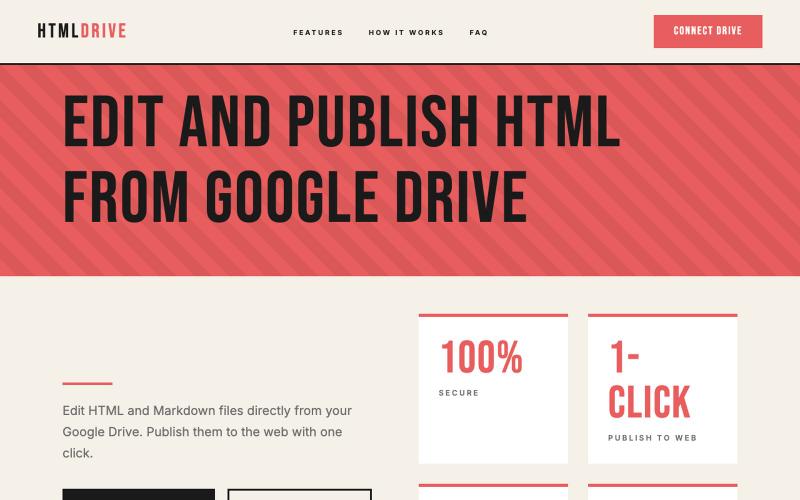
从 Google Drive 编辑和发布 HTML 文件。
debamitro · HN
I found that AI tools are generating excellent HTML documents nowadays, yet there's no easy way to show them to others. Yes, there's GitHub pages - but I don't know if it is user-friendly for non-technical people. This app allows you to keep your HTML file in your Google Drive and serve it from there. Feedback is most welcome.
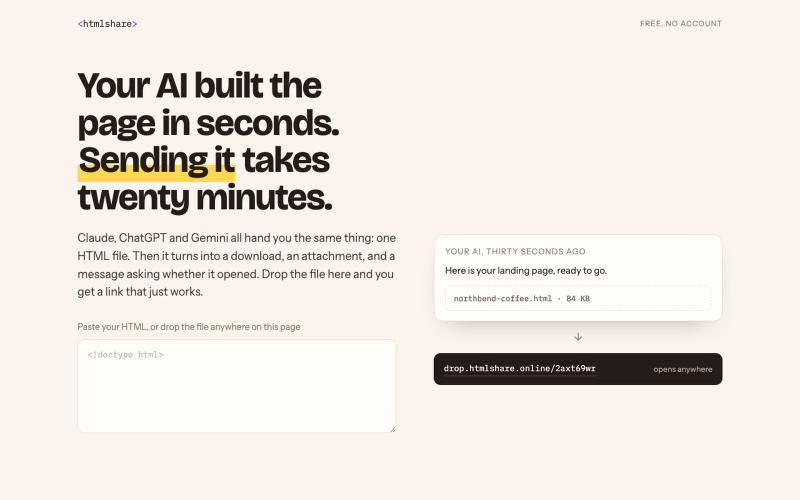
用临时链接分享 HTML 文件,无需邮件附件。

@prabalhere · X
I built to share HTML pages (mostly vibe-coded ones) with your team/clients. Drop the file, get a link, gone in 24 hours. Free and anonymous. There are other tools, but they're expensive, and it shouldn't cost that much. Building this into something more!

LinkedIn post formatter Chrome extension. Add bold, italic & 30+ Unicode fonts with AI proofread, drafts & live preview. Works on X, Facebook, Threads & more.

@a_shimanski · X
Post Formatter, a browser extension for LinkedIn and X. 30+ text styles in the editor and a live preview before you publish → Happy to check yours out 🤝
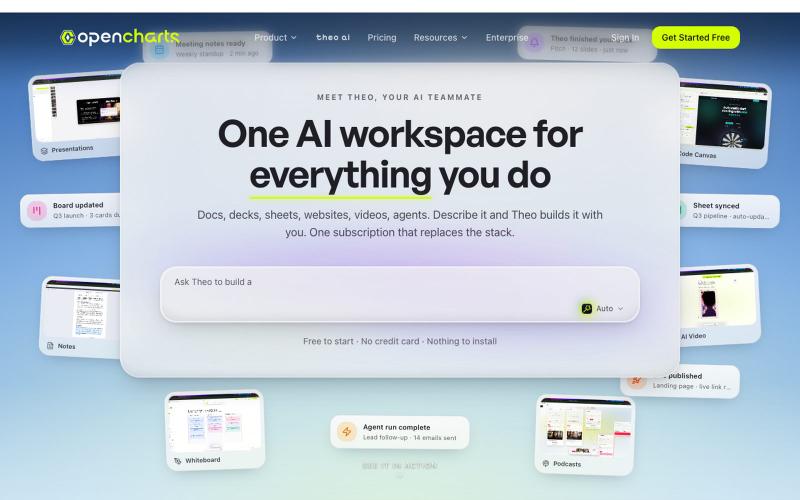
Create flowcharts, whiteboards, notes, and presentations with AI. Upload PDFs or describe what you need — OpenCharts builds it in seconds. Real-time collaboration included.

@arielopenins · X

Autoppt是AI演示文稿生成工具,快速制作专业幻灯片。
Autoppt — AI 演示文稿生成工具,彻底改变了您创建演示文稿的方式。凭借丰富的模板和强大的功能,让您轻松在几分钟内制作出令人惊叹的演示文稿
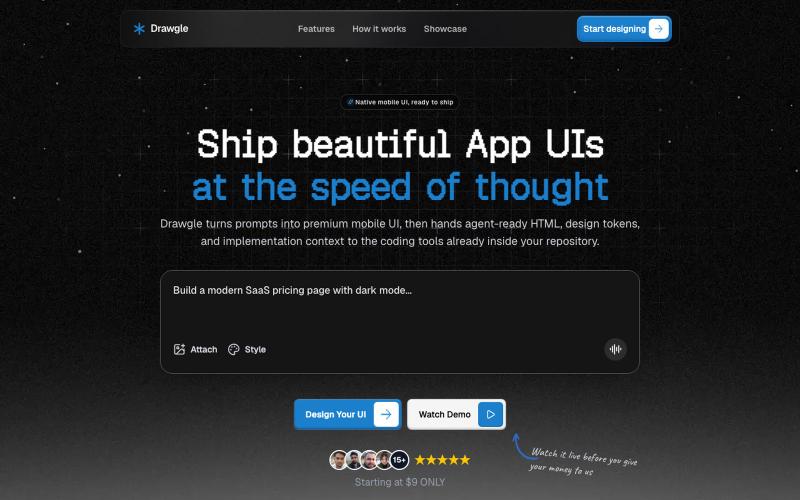
使用AI设计移动应用界面,导出HTML、设计令牌和代码。

@9to5_Dad · X
Ai mobile app ui designer with taste
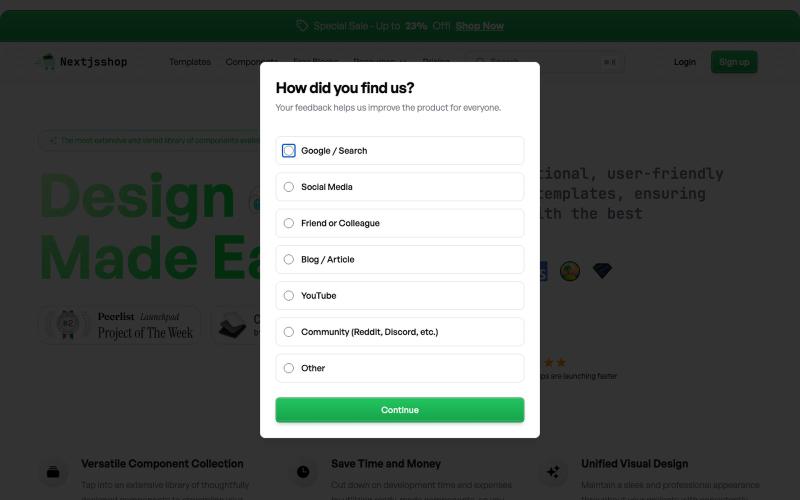
Browse premium multipage templates and components built with Next.js, Tailwind CSS, and modern CMS solutions. Designed for freelancers, developers, and small businesses.

@taher_max_ · X
Building and
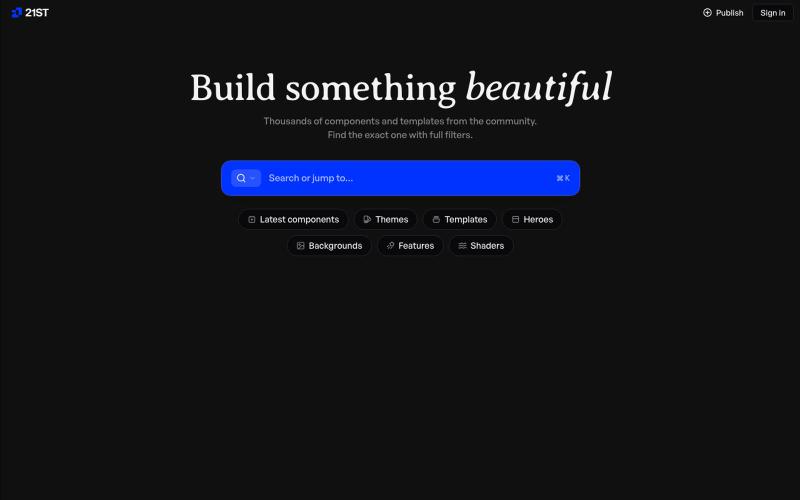
精心制作的 React 组件和模板,用于构建精美的用户界面。

@polyqoy · X
This video shows a fully animated 3D site built in 2 minutes with claude code. one terminal command. but the prompt was almost irrelevant. the real work was the pre-load: ui/ux pro max skill, a hero component from framer motion stacked in before claude touched anything the toolkit did the job. the prompt just pulled the trigger. that's also why most people's claude output looks generic. they skip the setup and blame the model.
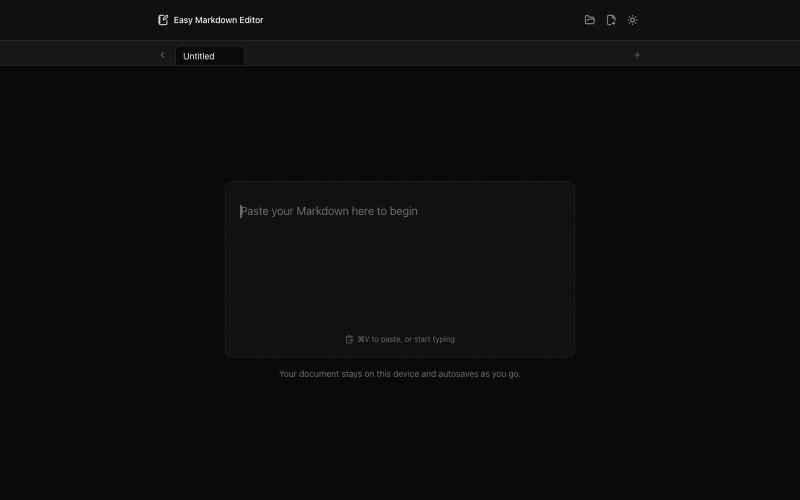
在浏览器中实时编写和预览Markdown文档,支持语法高亮。

@krishnakrmahto · X
Built Easy Markdown Editor — a reading-first Markdown editor where you edit the rendered document instead of raw Markdown.