
开发者工具1 month ago
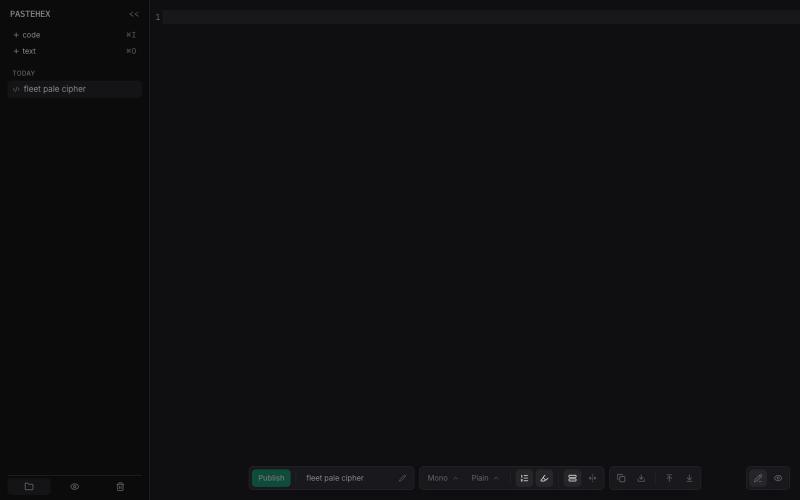
Pastehex
为 HTML 和 Markdown 页面添加加密的绘图和注释。
pandrre · HN
I've built tldraw for HTML and Markdown pages (with encryption)
完整作品展
技术栈
60 projects
为 HTML 和 Markdown 页面添加加密的绘图和注释。
pandrre · HN
I've built tldraw for HTML and Markdown pages (with encryption)
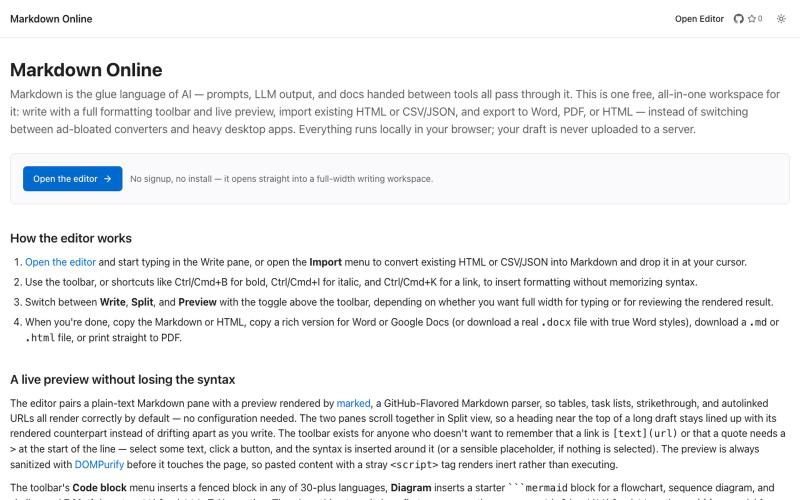
浏览器Markdown编辑器,支持实时预览和导出为HTML、Word、PDF。
u/Eleraffa · Reddit
Built a browser-only Markdown editor for my own daily LLM workflows — live DBML schemas, proper DOCX export, token counts Hey r/SideProject , I move a lot of text between LLMs, local docs, and web tools every day. I couldn't find a lightweight browser editor that handled a few specific micro-annoyances without shoving ads in my face, requiring a signup, or routing text through a server. So I vibe-coded Markdown Online (mostly hacked together with Claude) to solve my own itch. It’s a plai
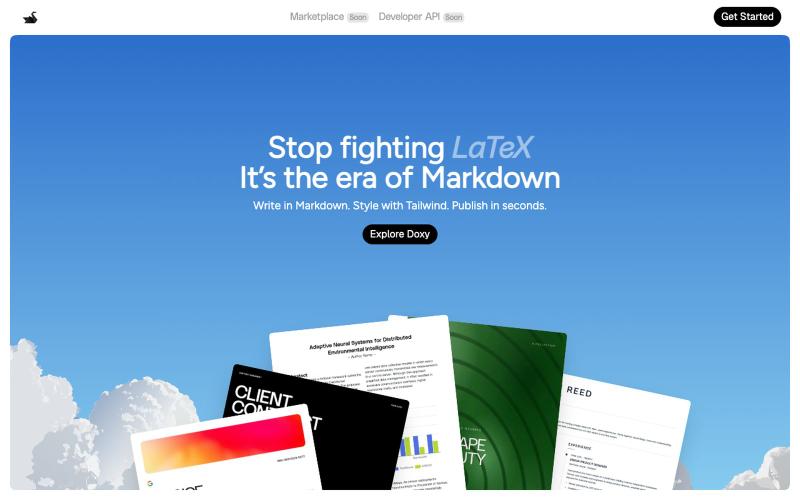
I built a markdown + HTML editor in the browser, I would love feedback Hey everyone, I just launched Doxy a browser-based editor that combines markdown and HTML. T
u/Foreign-Revenue6035 · Reddit
I built a markdown + HTML editor in the browser, I would love feedback Hey everyone, I just launched Doxy a browser-based editor that combines markdown and HTML. Think Overleaf but without LaTeX. It's free to write unlimited. Export to PDF. Paid plan adds AI + unlimited cloud storage. Works entirely in the browser. Would genuinely love feedback from people in this community what's missing, what's broken, what would make you actually use it. https://trydoxy.com/ sub
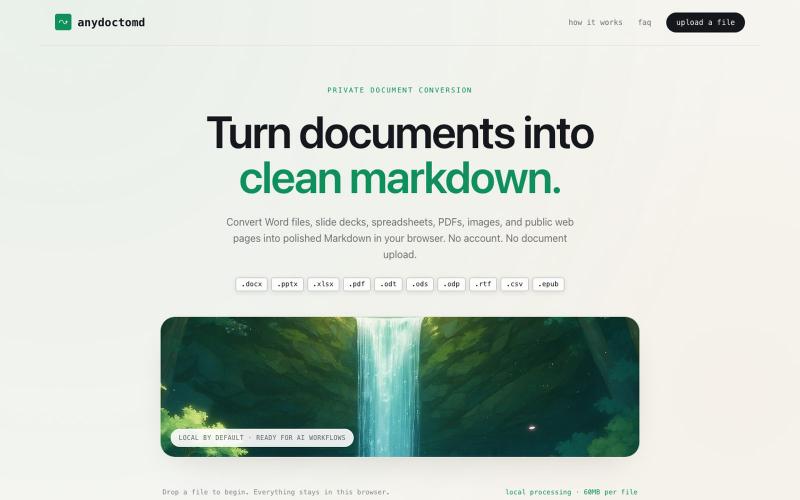
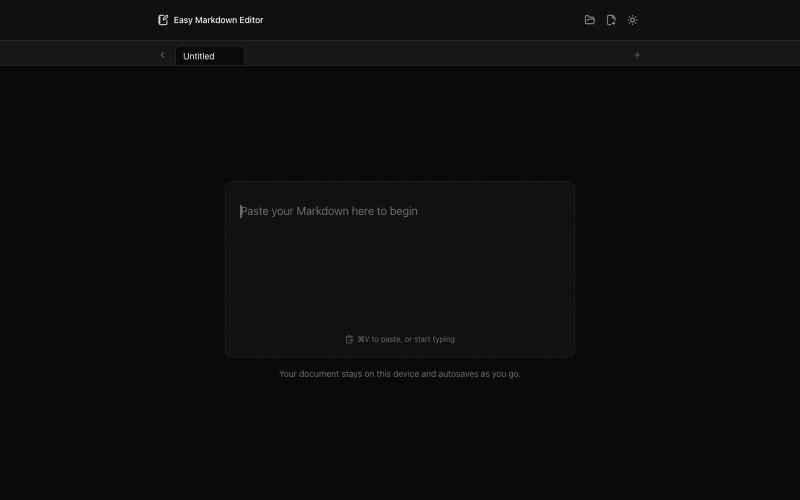
在浏览器中实时编写和预览Markdown文档,支持语法高亮。

@krishnakrmahto · X
Built Easy Markdown Editor — a reading-first Markdown editor where you edit the rendered document instead of raw Markdown.
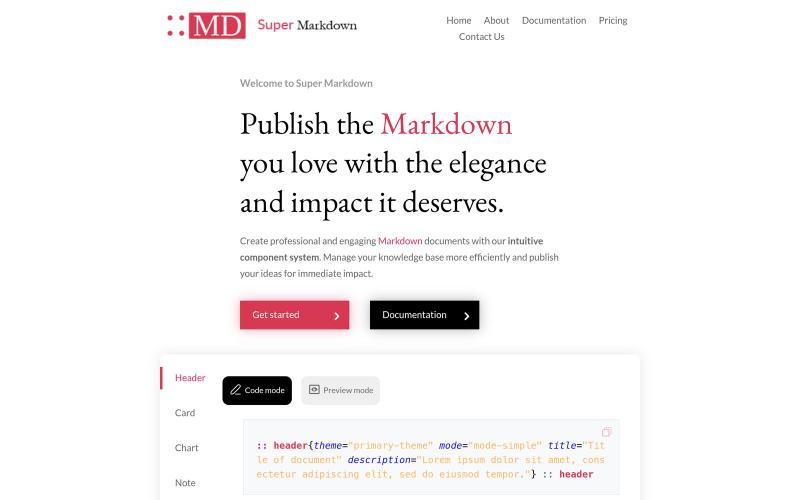
使用组件创建和设计 Markdown 文档,以组织和发布你的知识库。

@sidbyok · X
Write your documents in Markdown with a professional visual rendering without HTML/CSS, just native Markdown.
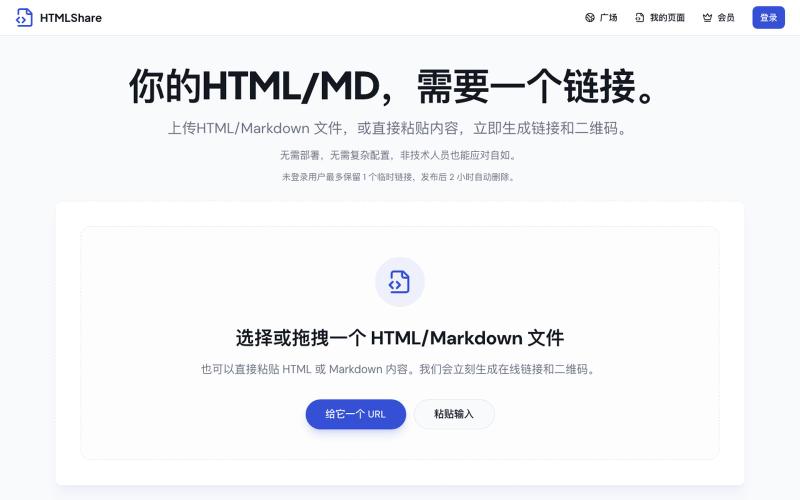
将 HTML 和 Markdown 转换成可分享的链接和二维码。

@gomixo · X
和团队做了一个非常实用的小工具:HTMLShare。 现在用 AI 生成网页、报告、可视化作品越来越方便,但生成后的 HTML 文件,想分享给别人却很麻烦:要么发文件,要么部署网站,要么截图。 HTMLShare 解决的就是这个问题: 👉 欢迎体验,也欢迎反馈建议。
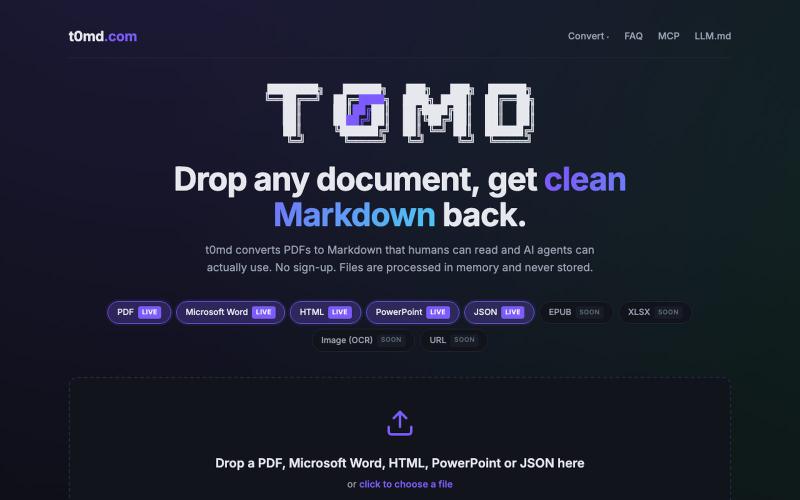
将 PDF、Word 等多种格式文档转换为 Markdown,用于 AI 代理。
u/kirillzubovsky · Reddit
Selling t0md.com – Privacy-first multi-format to Markdown converter A few months ago I was dumping research PDFs and Word docs into Claude and Cursor and watching the token bill climb for no good reason. Heavy formats are terrible for context windows as the agents have to first convert the documents, then parse the MD files, then do the processing. I thought I could help the agents, and I built t0md.com. However exciting it was to make something quickly that solves a big problem, it's not
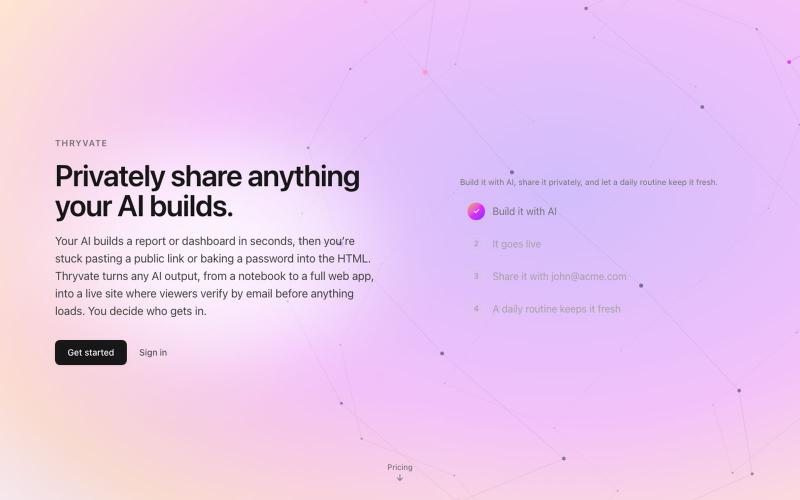
将 HTML、Markdown、笔记本或 PDF 转换为可分享的私密网站。

@thryvate · X
My AI built something cool, let’s share it with some friends.
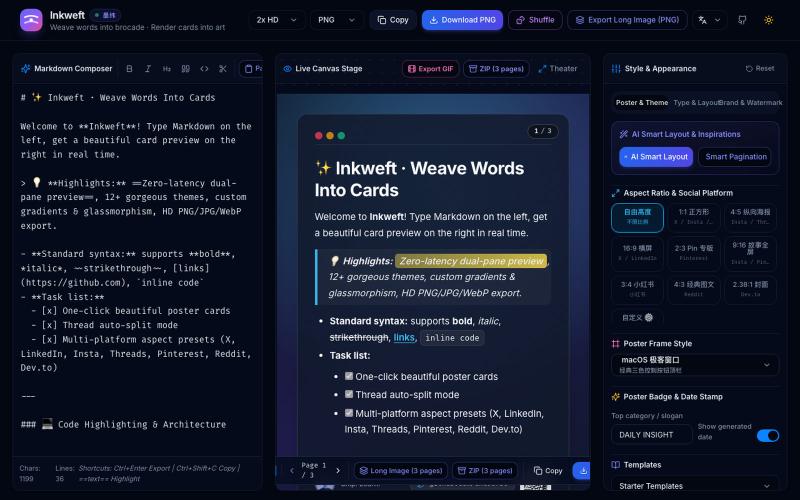
将 Markdown 笔记转换为高颜值社交海报卡片,12 个主题,导出 PNG/JPG/WebP。

@dxer0730 · X
做了一个把 Markdown 笔记 3 秒变成高颜值社交海报的小工具,支持连载切图与无缝长图拼接 在线体验 / 开源:
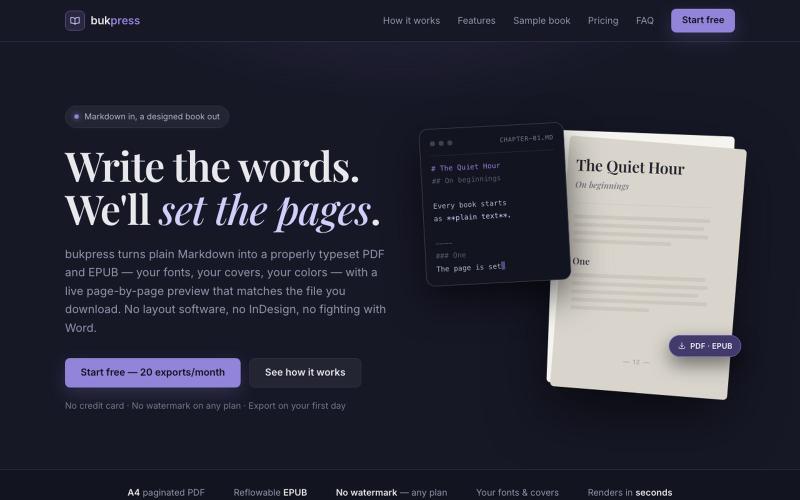
将 Markdown 转换为排版 PDF 和 EPUB,支持自定义字体、封面和颜色。

@hiddenbydigital · X
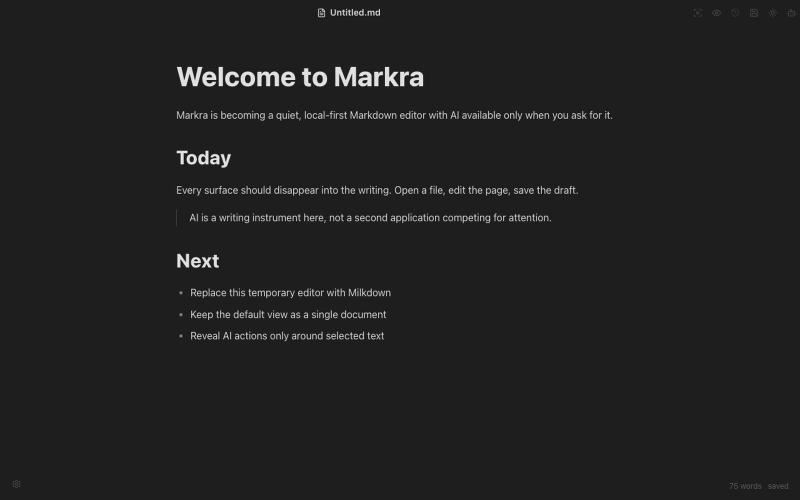
开源Markdown编辑器,支持本地存储、跨平台和AI辅助编辑。
Markra — 本地优先的开源所见即所得 Markdown 编辑器,支持 Web、macOS、Windows 和 Linux,AI 修改可预览后应用 - [更多介绍](https://github.com/markrahq/markra/blob/main/README.zh-CN.md)
