
创意工具1 month ago
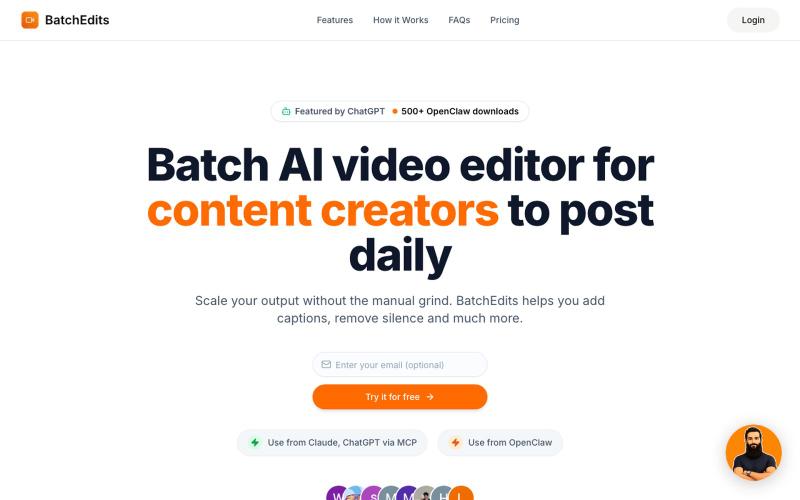
BatchEdits – Batch AI Video Editor & Auto Captions
使用 AI 批量编辑视频:移除静音、自动生成字幕,快速导出多个视频。
shayannadeem321 · HN
BatchEdits – Batch AI video editor to edit content in volume
完整作品展
技术栈
26 projects
使用 AI 批量编辑视频:移除静音、自动生成字幕,快速导出多个视频。
shayannadeem321 · HN
BatchEdits – Batch AI video editor to edit content in volume
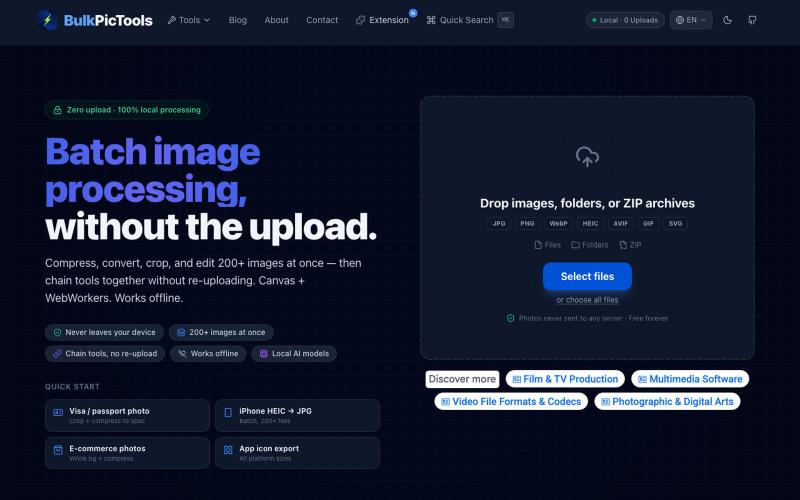
在浏览器中批量处理图片,支持工具链、本地AI和格式转换。
BulkPicTools — 免费浏览器端图片批量处理工具,支持**工具链串联**(压缩→转格式→裁剪一次完成,无需重复上传),本地 AI 去背景/人脸模糊(WebGPU,无需 API Key),支持 200+ 张图片批量处理,文件不上传服务器。
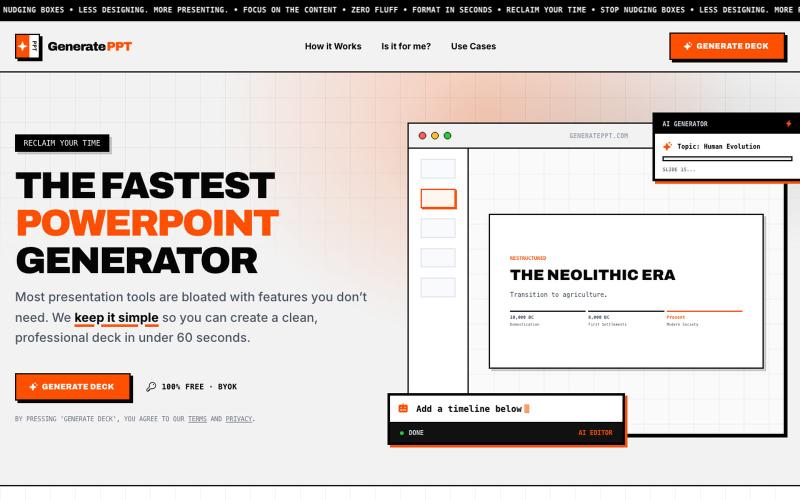
使用您的API密钥在60秒内生成AI演示幻灯片。
fer_momento · HN
I Made Generateppt.com Free
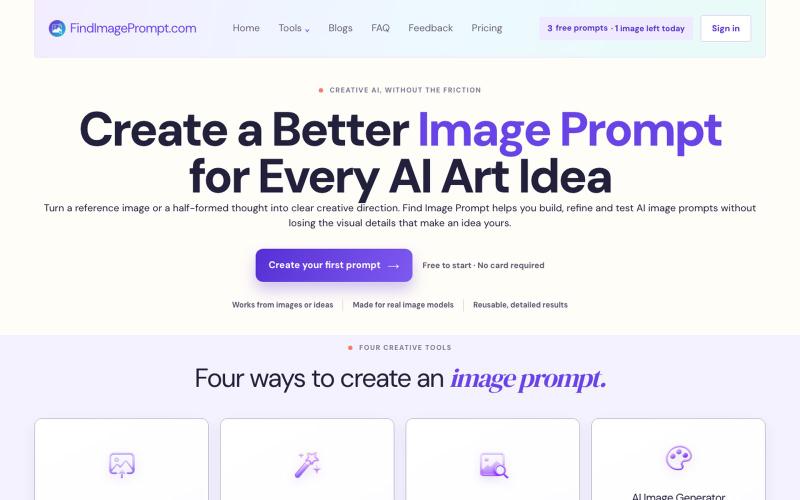
将图像或文本转换为AI图像生成优化的提示词。
weijiejason119 · V2EX
独立开发了一个「图片转 AI 绘画 Prompt」的小工具,欢迎体验 大家好,最近利用业余时间做了一个小工具站 Find Image Prompt ( https://findimageprompt.com ),主要是想解决自己平时刷到好图、 但写不出对应 prompt 的问题,顺手做出来给大家用。 目前有四个小工具: - 图生 Prompt ( Image to Prompt ):上传一张参考图,生成保留构图、 光影、风格的详细 prompt - 文生 Prompt ( Text to Prompt ):一句话想法扩写成结构化的 prompt - AI 图片描述( Image Describer ):拆解一张图的主体、氛围、构图 - AI 生图:直接拿 prompt 出图,方便对照迭代、反复微调 不需要注册,有免费额度可以直接试。生成的 prompt 是比较通用的 描述性语言,理论上换到 Midjourney / SD / 其他模型也能用。 刚上线不久,功能还比较简单,欢迎大家来体验,有 bug 或者想加的 功能欢迎在帖子里说,我会尽量回复。
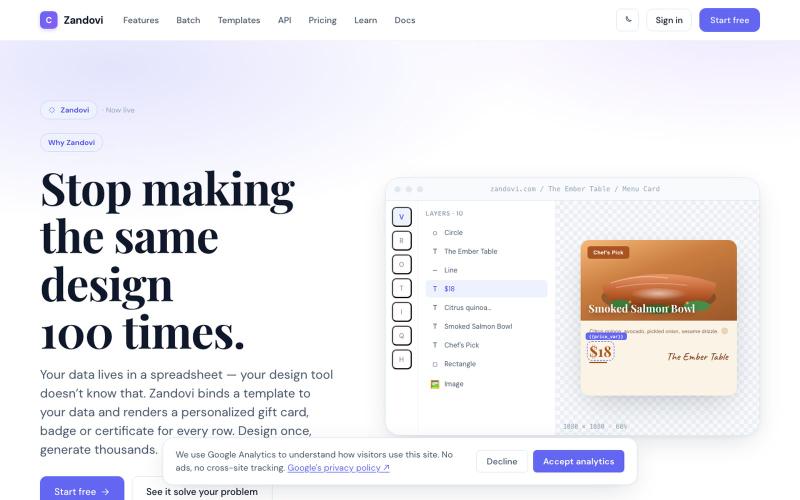
使用模板和变量从CSV或API生成大规模个性化设计。

@trebizant · X
Hi, I'm building : generating gift cards, invitations, basically any image using templates, variables by web or API
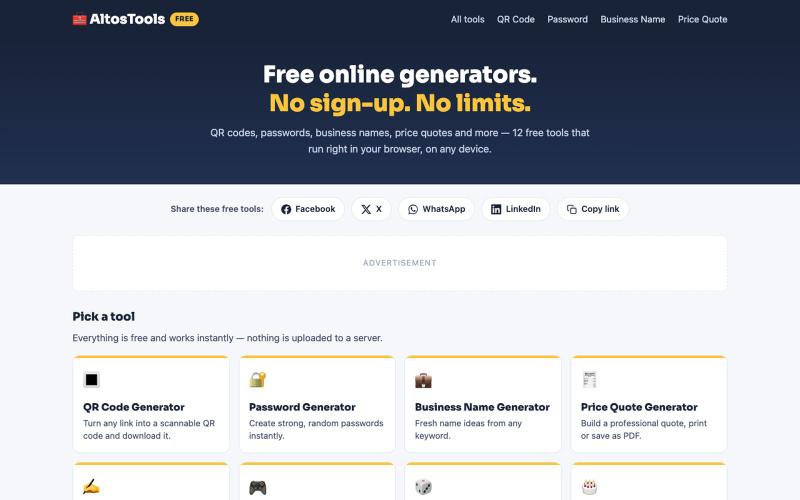
AltosTools 提供 12 个免费在线生成器,无需注册,直接在浏览器中使用。

@Oriam216 · X
Just launched AltosTools 🧰 — 12 free online generators in one place. QR codes, passwords, business names, price quotes & more. No sign-up, works on mobile, runs 100% in your browser. Try it 👉 #buildinpublic #freetools #indiehackers
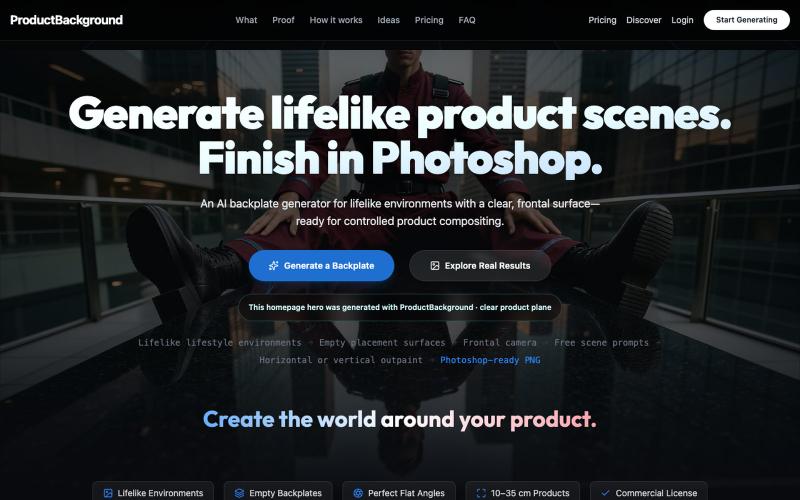
Generate lifelike empty AI backplates for controlled product compositing. The generator does not automatically remove or place products; your team finishes in Photoshop.

@3DOfficeAT · X
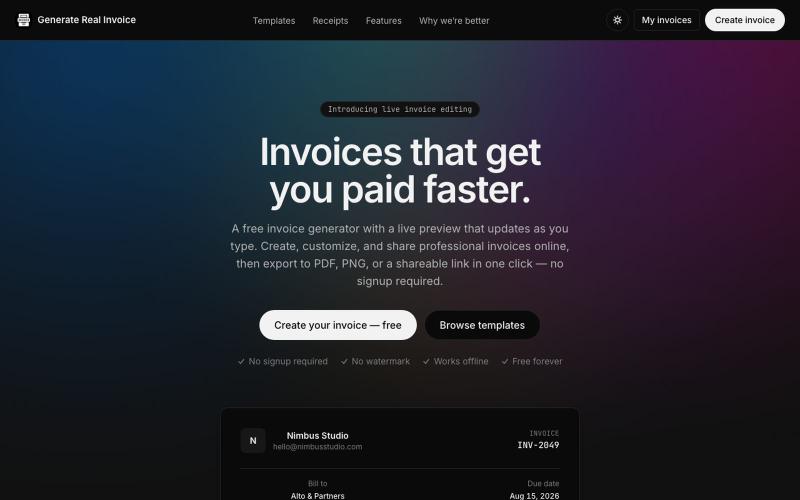
Free online invoice generator with a live preview, AI-powered import, and 21 industry templates. No signup required.

@bullor_bear · X
If you're a developer, you've probably experienced this: You need a realistic invoice for testing, and suddenly you're creating an account for a tool you'll only use once. I wondered if there was a simpler approach, so I am working on one for myself.
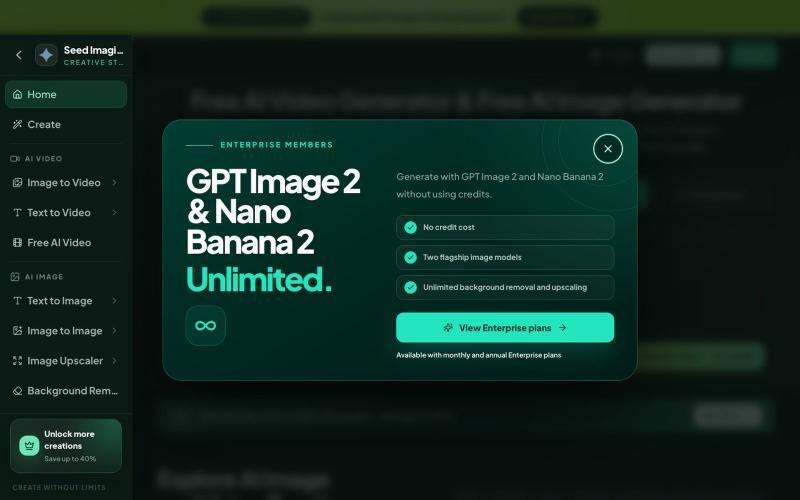
用文本和图片在浏览器中生成 AI 图像和视频。
Seed Imagine — AI 图片与视频创作工作台,支持文生图、图像编辑、文生视频和图生视频,可在同一网页选择模型和调整输出参数
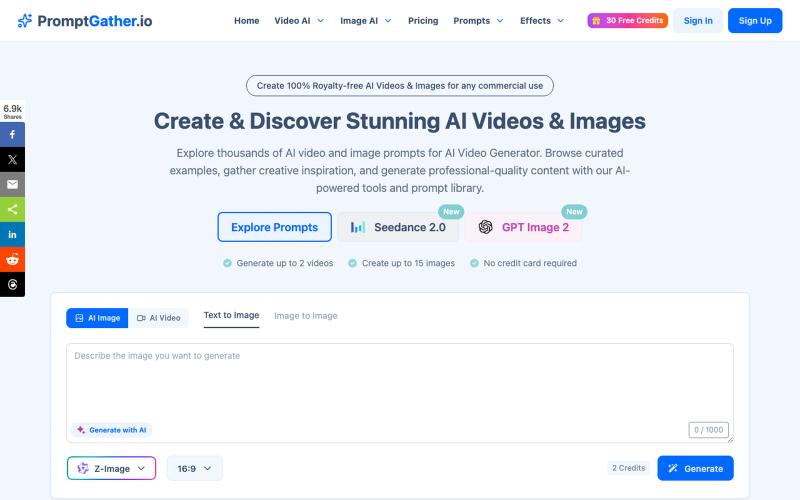
浏览精选提示词库,使用AI生成视频和图像。
PromptGather — 手工挑选的上千条视频、图片提示词,全部免费查看。可以直接复制使用,也可以用 AI 微调,生成图片、视频。
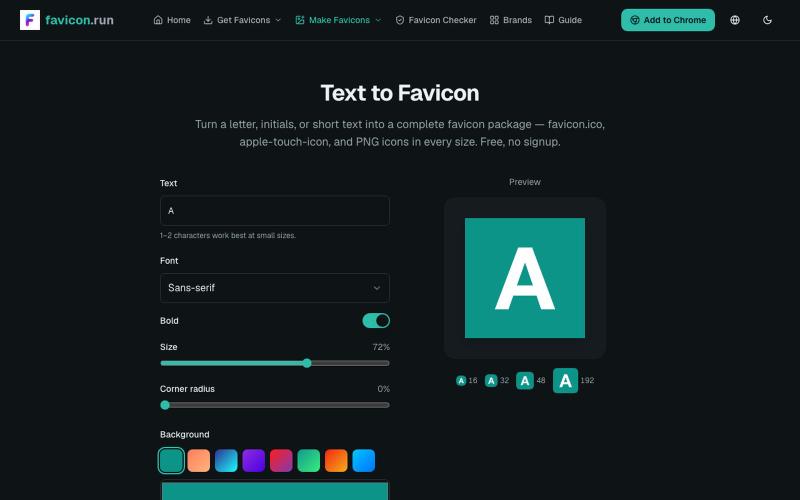
将文本和品牌色转换为完整的favicon包,包含多种格式和尺寸。
struy · HN
Turn a letter, initials, or short text into a complete favicon package — favicon.ico, apple-touch-icon, and PNG icons in every size. Free, no signup.
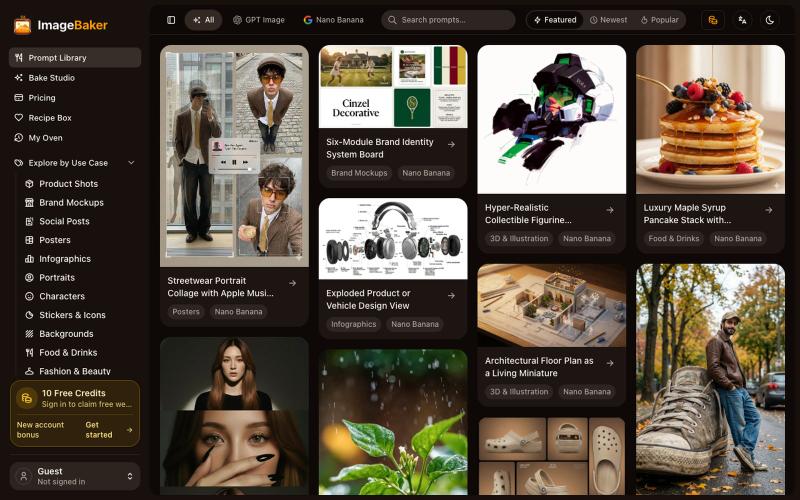
使用 ImageBaker 浏览和生成图像,保存提示词配方以便重复使用。
reake · V2EX
把 AI Image Prompt 做成 Recipe, ImageBaker 这个方向会不会更有意思? 做了一个小项目,叫 ImageBaker: 地址: https://imagebaker.com/ ImageBaker 顾名思义,就是一个「 AI 图片烘焙师」。 我觉得 AI 生图有点像做蛋糕: * Prompt 是原料 * Recipe 是配方 * AI 是烤箱 * 最后的图片是成品 很多时候,用户不是不会生成图片,而是不知道好的 Prompt 如何开始,也很难保存和复用自己的创作过程。 所以做了 ImageBaker ,把一些 AI 图片 Prompt 整理成可复用的 Recipe 。 目前可以: * 浏览 AI Image Recipe * 修改参数和风格 * 生成自己的图片 * 保存喜欢的配方 还在早期版本,想听听大家的建议: 你们使用 AI 生图时,会保存自己的 Prompt 吗? 还是每次都重新开始? 欢迎体验和交流。