
开发者工具2 days ago
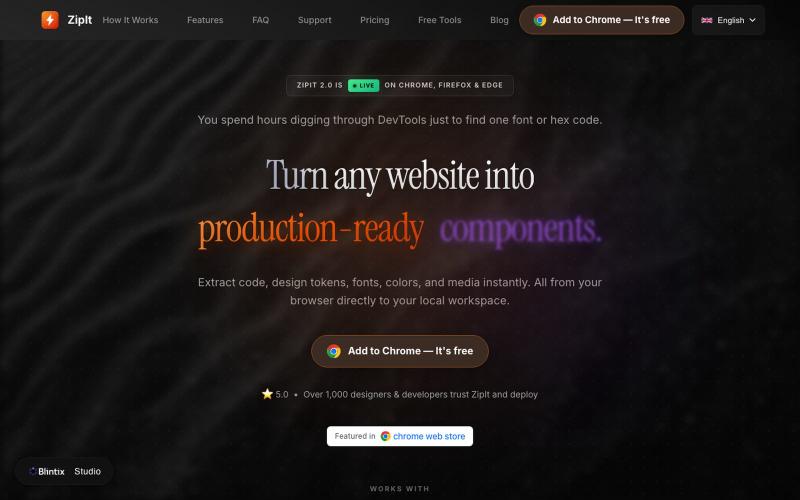
ZipIt — Extract Code, Fonts & Assets from Any Site
ZipIt:一键从任何网站提取代码、字体和设计资源。

@bharatmodi2014 · X
Extract code, design tokens, fonts, colors, and media instantly. All from your browser directly to your local workspace
完整作品展
技术栈
60 projects
ZipIt:一键从任何网站提取代码、字体和设计资源。
@bharatmodi2014 · X
Extract code, design tokens, fonts, colors, and media instantly. All from your browser directly to your local workspace
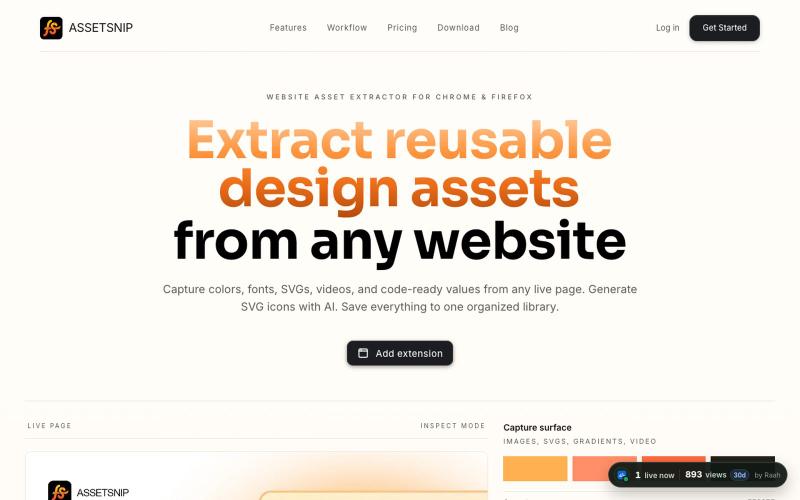
Extract colors, fonts, SVGs, videos, gradients, Lottie, and design values from any website. Save to a reusable library and export CSS, HTML, or Tailwind-ready code.

@Astrodevil_ · X
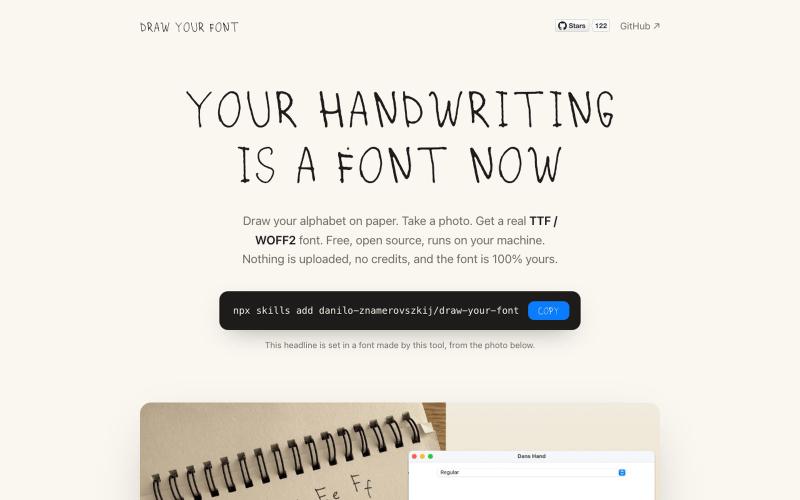
将手写笔迹转换为可下载的字体文件。
danilo-znamerovszkij · GitHub
draw-your-font Turn a photo of your handwriting into a real font (TTF/WOFF/WOFF2) - free, open source, no uploads. Node CLI + Claude Code skill.
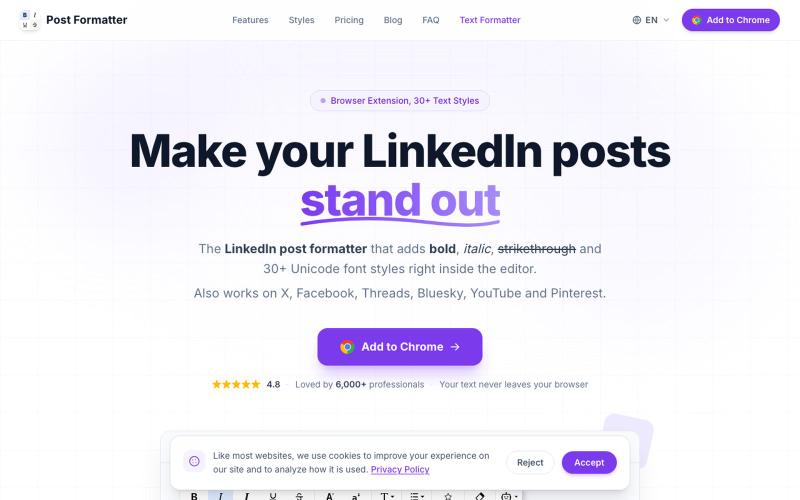
LinkedIn post formatter Chrome extension. Add bold, italic & 30+ Unicode fonts with AI proofread, drafts & live preview. Works on X, Facebook, Threads & more.

@a_shimanski · X
Post Formatter, a browser extension for LinkedIn and X. 30+ text styles in the editor and a live preview before you publish → Happy to check yours out 🤝
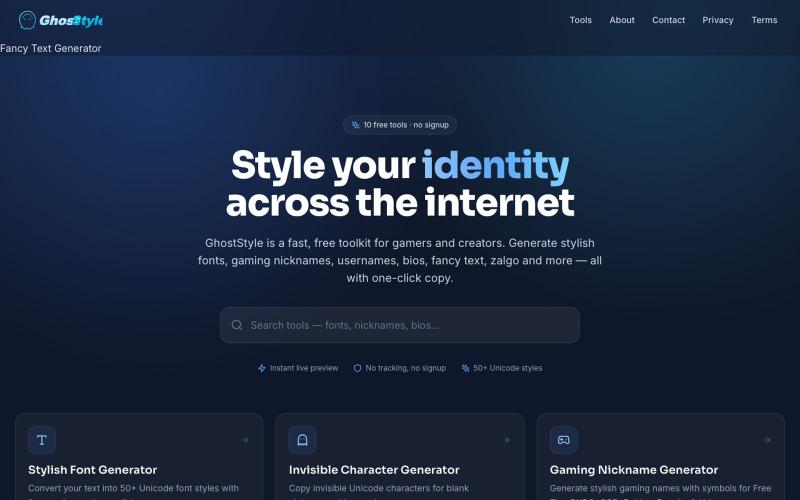
生成100+花哨字体和符号,轻松美化社交媒体和游戏用户名。

@phijay0 · X
🚀 Tired of having the same boring username as everyone else? ✨ Create stylish fonts 👻 Generate invisible names 🔥 Copy aesthetic symbols for your bio, games & social media — all in seconds. Try GhostStyle for free 👇 #GhostStyle #Gaming #FreeTools
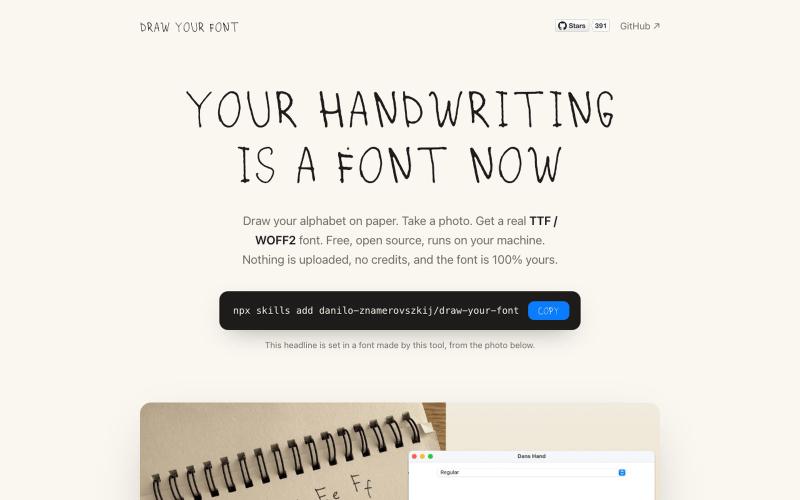
将手写字母照片转换成真实字体文件(TTF、WOFF、WOFF2)。
danilo-znamerovszkij · GitHub
draw-your-font Turn a photo of your handwriting into a real font (TTF/WOFF/WOFF2) - free, open source, no uploads. Node CLI + Claude Code skill.
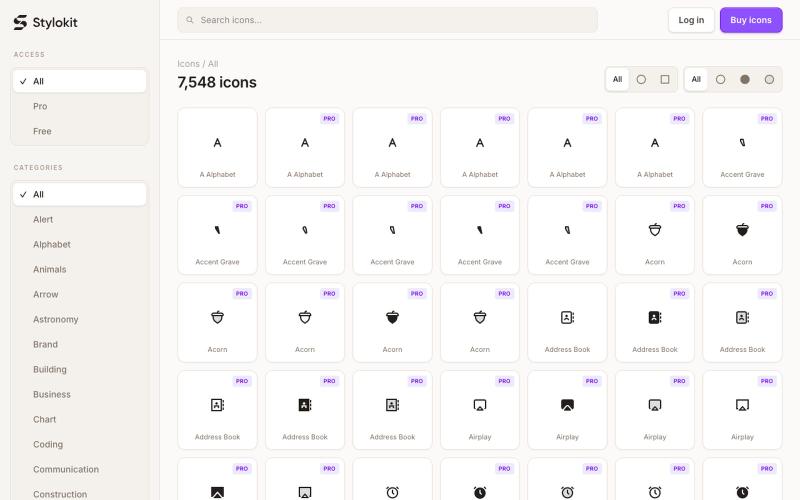
Browse 7,584+ consistent SVG icons for React, Figma, and Framer. Search Round and Sharp icon styles, then copy clean SVG, TSX, or React components for your next product.

@Dmytri_Design · X
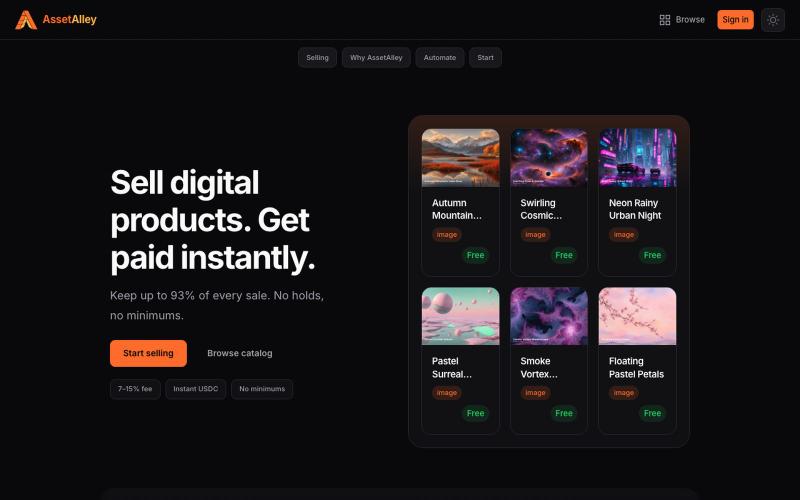
A digital product marketplace for sellers. List images, graphics, presets, and templates. Low fees, instant USDC payouts, no waiting on your money.

@TheTaiClaw · X

为 Codex Desktop 设计自定义主题,调整背景、颜色、透明度和视觉效果。
plutozc · V2EX
做了个 Codex Desktop 主题预览和切换工具,先调好再安装 最近一直在用 Codex Desktop ,觉得默认界面看久了有点单调,就顺手做了个主题编辑工具,分享一下: [Codex Skin]( https://getcodexskin.com) 可以先在网页里预览主题,调整背景透明度、面板透明度、颜色、模糊和圆角等参数,满意之后再下载并切换到 Codex Desktop 。 目前支持: - 自定义 JPG 、PNG 、WebP 背景 - 在线实时预览主题效果 - 调整透明度、颜色、模糊、圆角 - 预览满意后生成安装命令 - 不喜欢了可以恢复默认外观 目前主要面向 macOS 上的 Codex Desktop ,还是个人项目,功能和兼容性都在继续打磨。 欢迎试试,也想听听大家对主题参数、预览效果和安装流程的反馈。 直接网址: https://getcodexskin.com [轻喷 轻喷,可能还有些 bug

浏览真实网站的设计灵感、字体和调色板。
sim04ful · HN
Fudge – Web Design References for AI
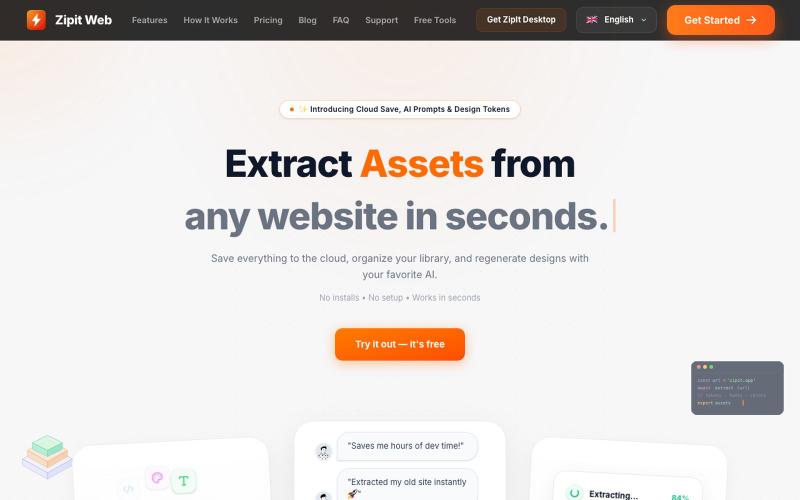
从任何网站即时提取代码、设计令牌、字体、颜色和媒体资源。
@bharatmodi2014 · X
Extract code, design tokens, fonts, colors, and media instantly. Save everything to the cloud, organize your library, and regenerate designs with your favorite AI.