
创意工具1 week ago
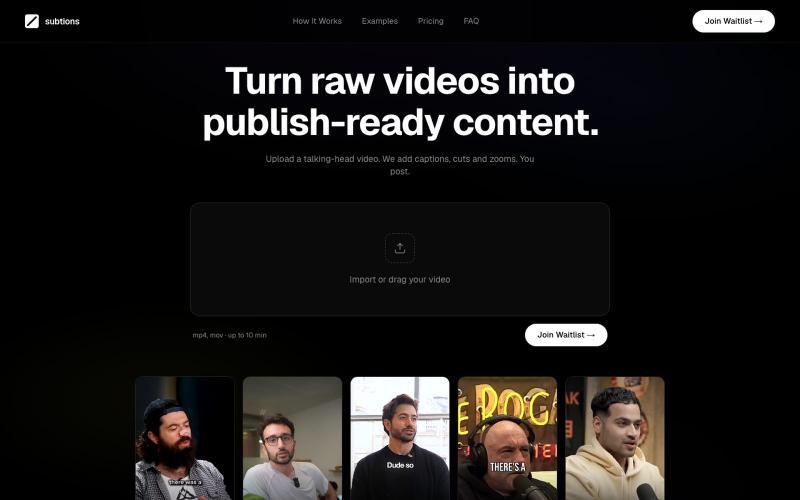
Subtions — Turn Raw Videos into Publish-Ready Videos
自动为社交媒体上的 talking-head videos 添加 captions、cuts 和 zooms。

@subtions · X
create publishing ready videos in under 40 seconds. Join the waitlist to get a month of pro free:
完整作品展
技术栈
60 projects
自动为社交媒体上的 talking-head videos 添加 captions、cuts 和 zooms。
@subtions · X
create publishing ready videos in under 40 seconds. Join the waitlist to get a month of pro free:
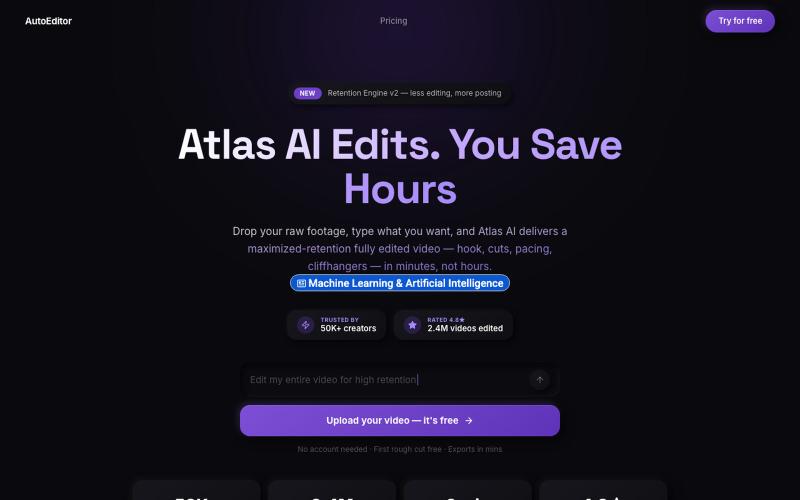
上传视频素材,AI 为您编辑并优化观看保留效果

@QuiseBuilds · X
- drop raw footage. Atlas maximizes retention. No editing needed.
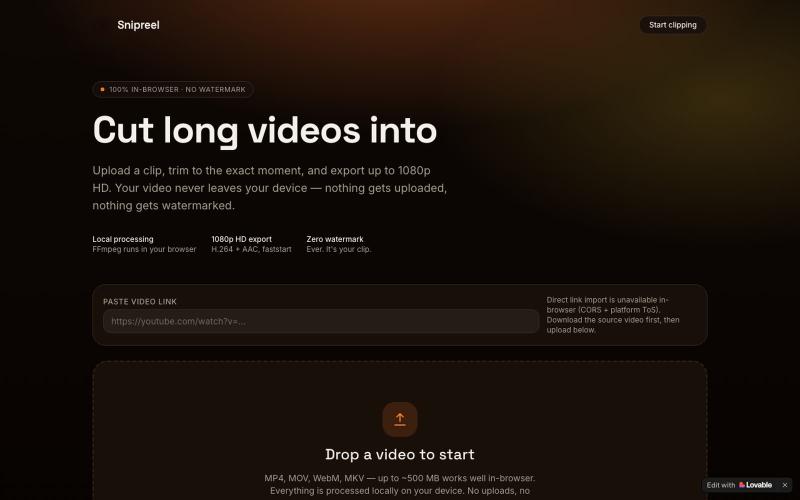
在浏览器中将长视频剪辑成最高1080p HD的短视频。

@cutearham46 · X
Check out what I just built with Lovable!

ArtPlayer 免费浏览器视频和音频编辑工具,支持压缩、裁剪、合并和格式转换。
zhw2590582 · V2EX
最近对网站进行了重构,做成了免费的视频工具站:[ArtPlayer Tools]( https://artplayer.org/tools/) 主要是围绕着 ffmpeg.wasm 和 mediabunny 实现的一些可以直接在浏览器里用的视频/音频工具,常用的有: - 视频压缩:[Compress Video]( https://artplayer.org/compress-video/) - 视频裁剪:[Crop Video]( https://artplayer.org/crop-video/) - 视频合并:[Merge Video]( https://artplayer.org/merge-video/) - 视频尺寸调整:[Resize Video]( https://artplayer.org/resize-video/) - 视频旋转:[Rotate Video]( https://artplayer.org/rotate-video/) - 视频调速:[Change Video Speed]( https://artplayer.org/change-video-speed/) - 添加文字到视频:[Add Text to Video]( https://artplayer.org/add-text-to-video/) - 添加水印:[Watermark Video]( https://artplayer.org/watermark-video/) - 提取字幕:[Subtitle Editor]( https://artplayer.org/subtitle-editor/) - HLS 转 MP4:[HLS to MP4]( https://artplayer.org/hls-to-mp4/) - 音频可视化:[Audio Visualizer]( https://artplayer.org/audio-visualizer/) 大部分工具都是本地处理,文件不会上传到服务器。最开始是因为自己偶尔要处理一些视频,开剪辑软件又有点重,在线工具又担心隐私,所以就慢慢做成了一个站。 目前还在持续完善,体验肯定还有不少粗糙的地方,比如不同浏览器的兼容、移动端操作、长视频性能之类的。 网站: [ArtPlayer Tools]( https:
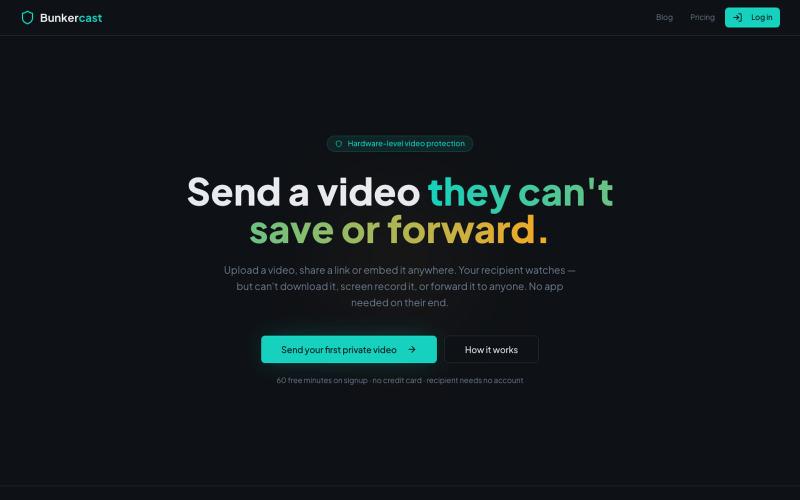
分享无法下载、截屏或转发的受保护视频。

@bunkercastDRM · X
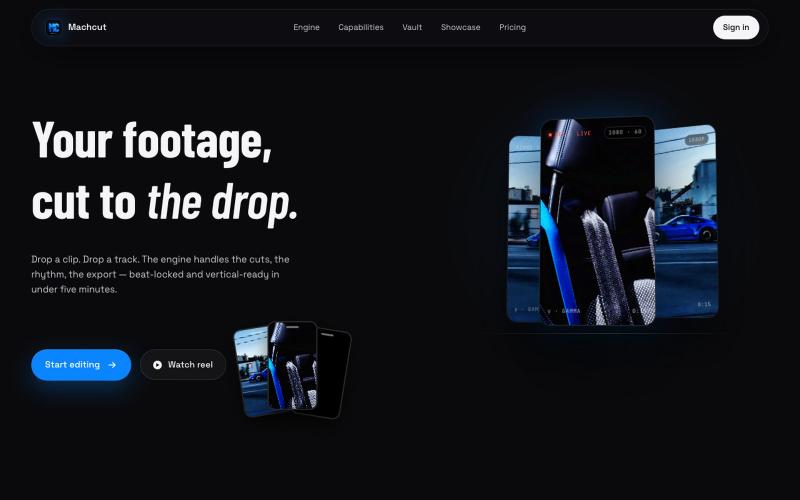
将汽车视频和音乐上传至Machcut,自动生成节拍同步的竖屏编辑。
u/Jonathanproductions · Reddit
We built a tool that automatically edits car videos to phonk beats... here's what it makes We've been building MACHCUT for the past few months. Drop in raw car footage and a phonk track and it produces a beat-synchronized vertical edit automatically. Python engine, not generative AI. Your real footage, automated cutting. The engine runs on A100 GPUs, uses YOLO to pick the best clips from your footage, locks cuts to the beat drop, and outputs vertical 1080p or 4K in about 6 min
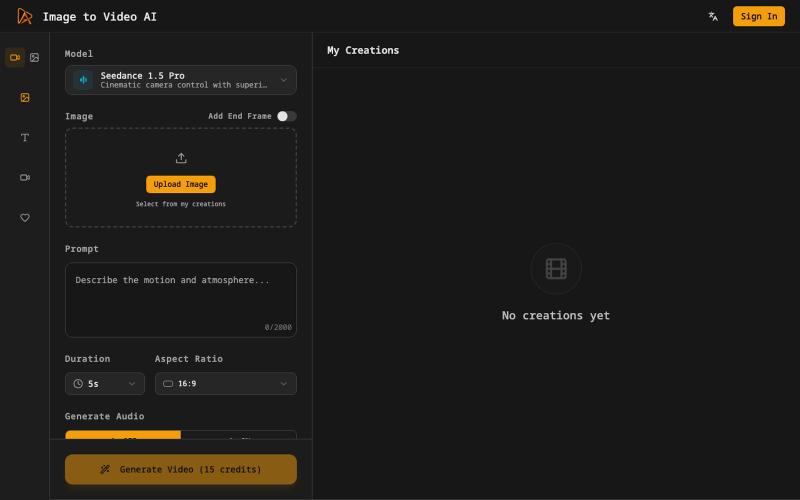
从静态图片生成电影级视频,包含AI运动效果和配音。
Image to Video AI — 将静态图片生成视频的 AI 工具
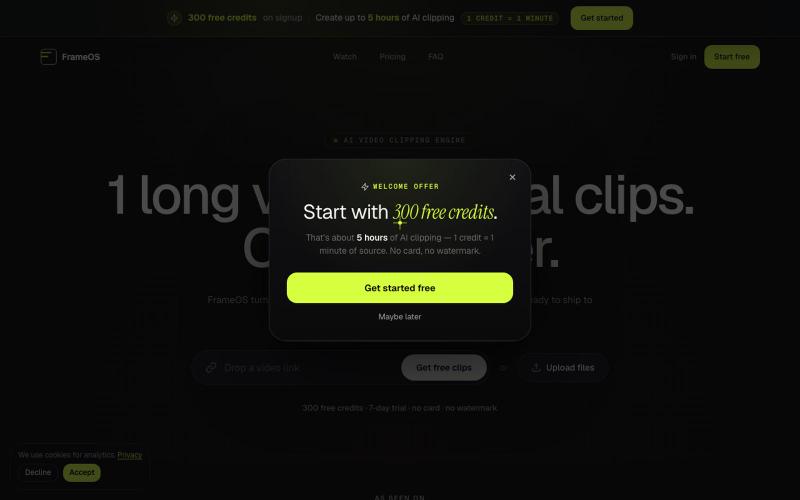
用AI从长视频自动生成短视频片段并导出为社交媒体格式。

@tryFrameOS · X
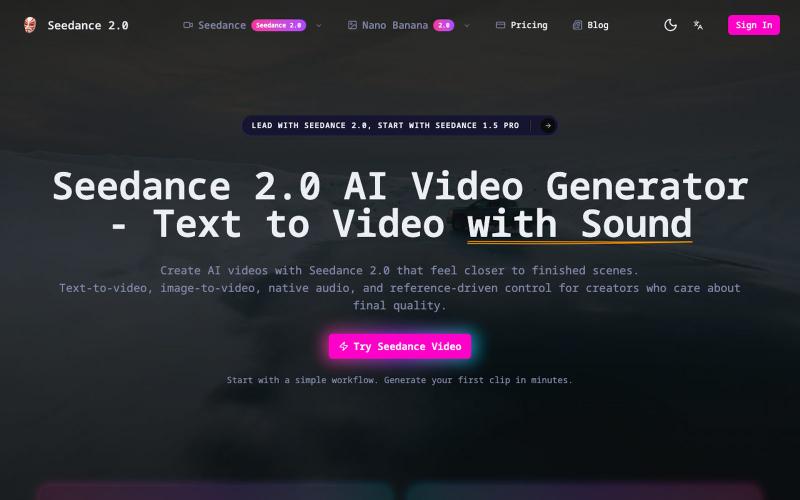
用文本或图像生成720p AI视频,包含自然对白和音效。
Seedance 2.0 — 创作电影级 AI 视频,支持多个模型的图片视频生成网站
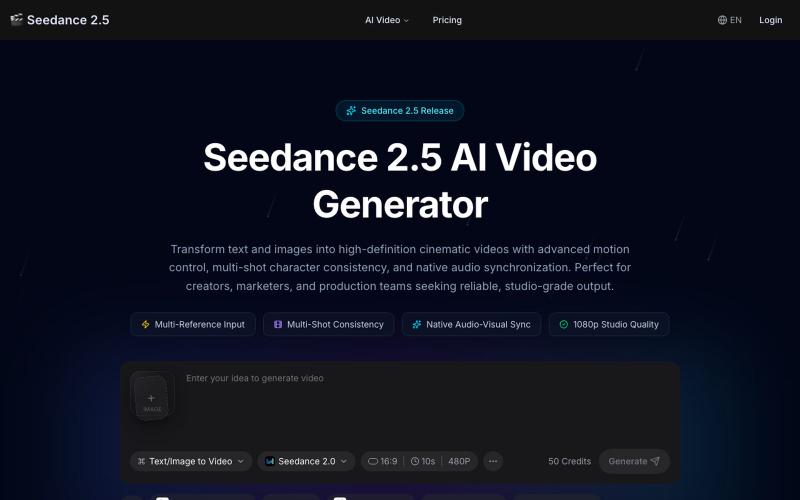
用 Seedance 2.5 生成AI视频,支持角色锁定、3D摄像机和音效同步。
seedance 2.5 — 在线 AI 视频生成平台,支持文生视频和图生视频,依托 Seedance 2.5 模型生成流畅自然的 AI 视频
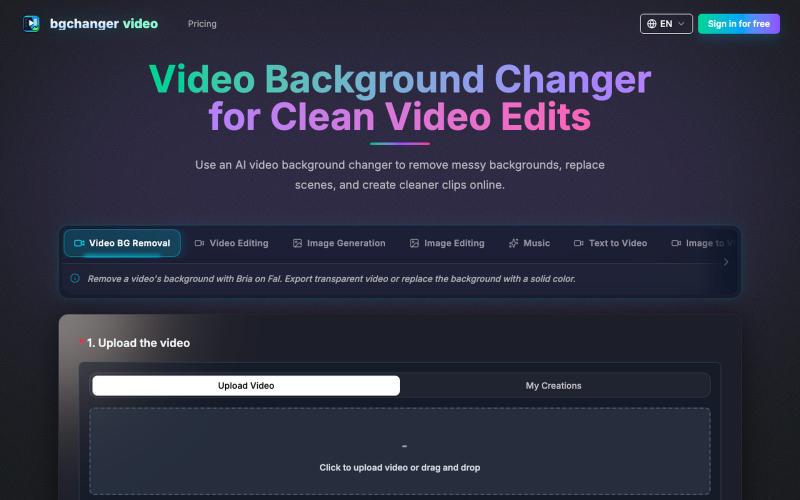
使用 AI 移除或替换视频背景,下载处理后的视频。
BGChanger - AI 视频背景移除与换脸 — 在浏览器中一键替换或移除视频背景,支持高精度 AI 换脸与基础视频剪辑,无需安装客户端与绿幕。
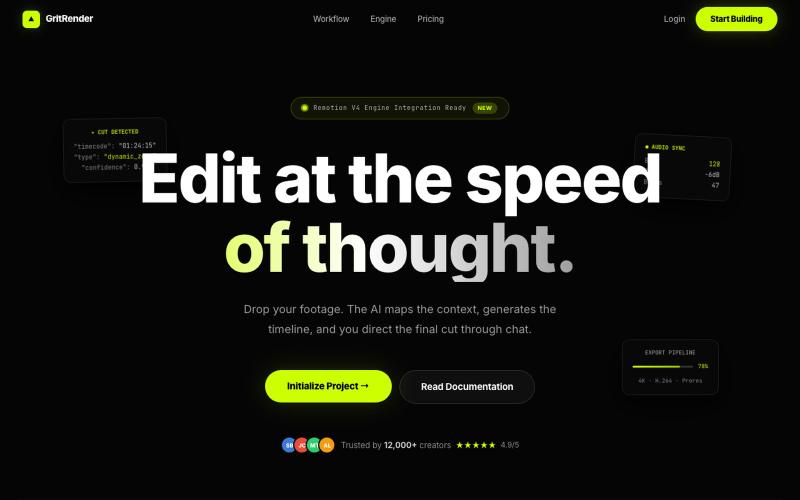
使用AI辅助编辑视频,同时保持完全的创意控制。
u/Juliur_ · Reddit
Built a "Cursor for Video Editing" because I couldn't stand another AI editor making decisions for me I've been building video tools for a while and here's my honest take: fully automated AI video editors are garbage. They cut the wrong frames, misplace captions, and you're stuck manually undoing everything. It's faster to just edit the damn thing yourself—but that takes 4+ hours per video. The problem isn't AI. It's that AI editors pretend they know better than you. They don't. So I buil