
创意工具1 month ago
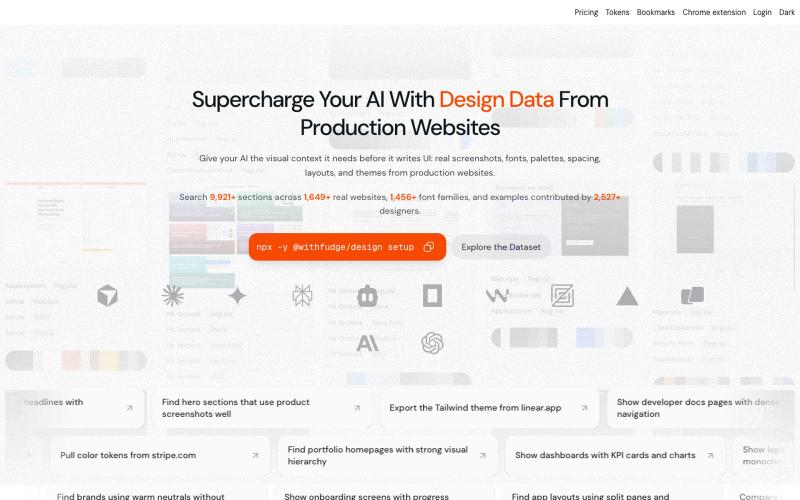
Fudge: AI-Powered Design Inspiration & Font Discovery
Fudge: 浏览来自真实网站的设计灵感、字体和调色板。
sim04ful · HN
Fudge – Web Design References for AI
完整作品展
技术栈
22 projects
Fudge: 浏览来自真实网站的设计灵感、字体和调色板。
sim04ful · HN
Fudge – Web Design References for AI
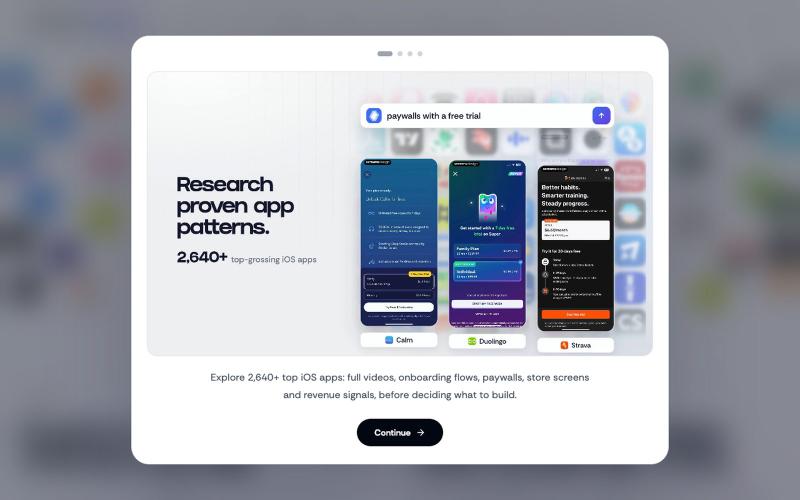
Discover how successful iOS apps design their screens, onboarding & paywalls. Perfect for designers, developers & product teams.

@VechAlex · X
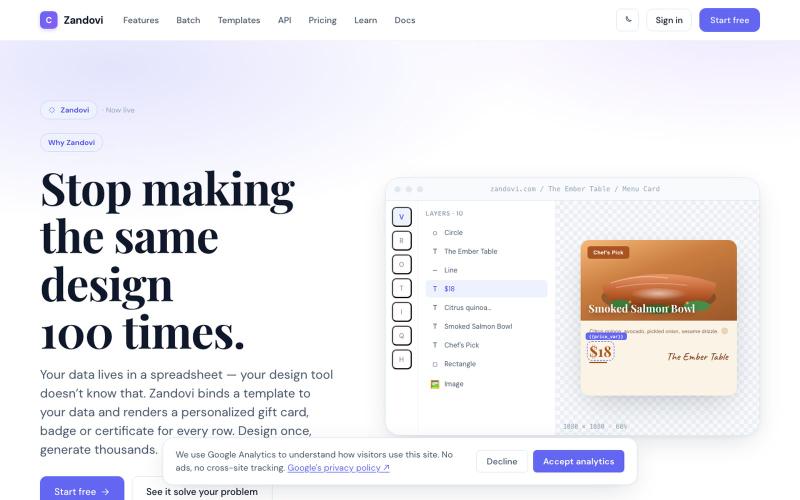
使用模板和变量从CSV或API生成大规模个性化设计。

@trebizant · X
Hi, I'm building : generating gift cards, invitations, basically any image using templates, variables by web or API
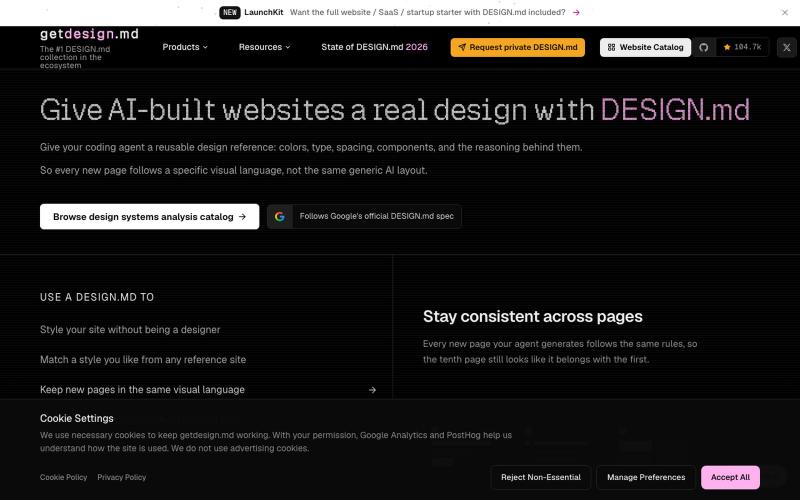
浏览知名网站的设计系统分析,作为AI编码助手的设计参考。

@whotf_snowball · X
Instead of starting from scratch, your AI coding agent can use these design specs as inspiration for typography, colors, spacing, components, and overall visual styles. #AI #VibeCoding #WebDesign #DesignSystems
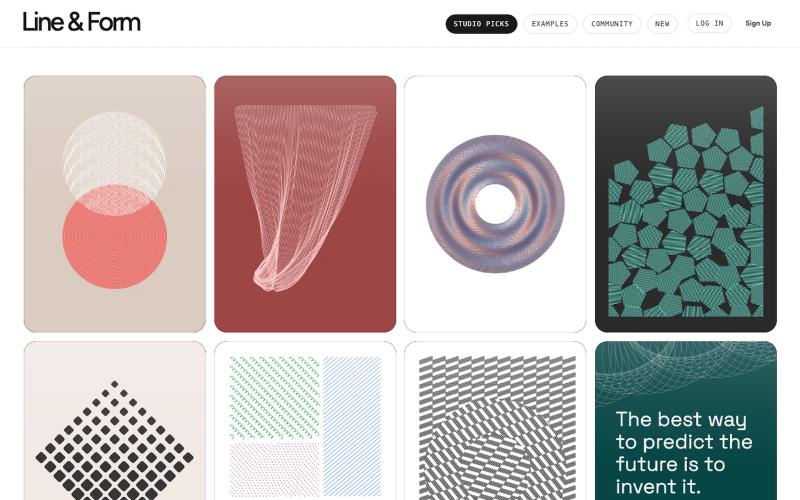
用线条和形状在浏览器中设计视觉艺术

@josephflaherty · X
by @golnik is the best vibe-coded software project I've seen, both in its aesthetics and the difficulty of its accomplishment. You can see the finished output of his work here:
使用 DREAMDWELL AI 从文本生成专业的产品、时尚和房地产视觉。

@sichy · X
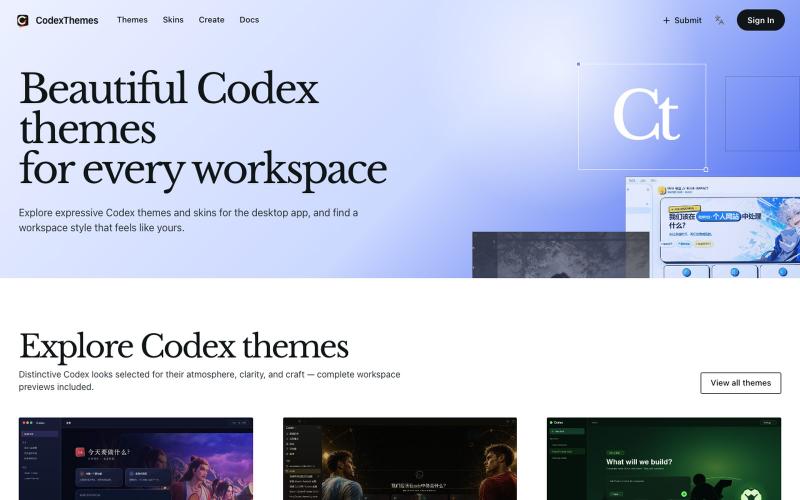
浏览和安装 Codex 主题,包含完整工作区预览,或分享你的设计。

@cnyzgkc · X
idoubi @idoubicc 老师执行力拉满! 直接做了一个 CodexThemes 主题站,把创建、分享、查找、安装、启用 Codex 主题的流程闭环! 使用方式:直接复制提示词发给 Codex,就可以让Codex 管理主题。 网站地址:
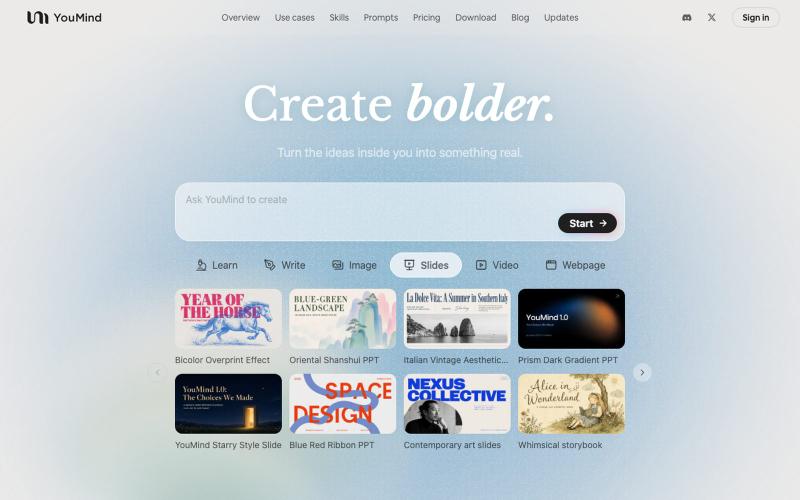
生成式AI工具,可将各类素材转化为精美设计的幻灯片演示。

@leahlibest · X
the most aesthetic AI slides website
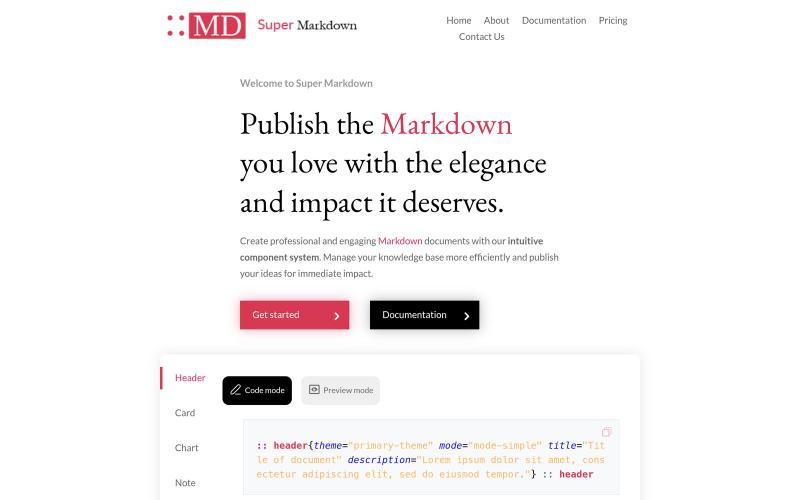
使用组件创建和设计 Markdown 文档,以组织和发布你的知识库。

@sidbyok · X
Write your documents in Markdown with a professional visual rendering without HTML/CSS, just native Markdown.
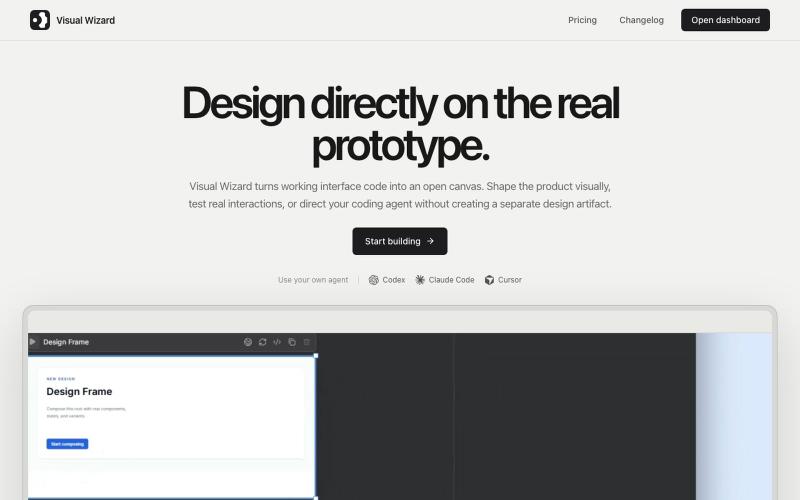
Visual Wizard 是一个视觉工作空间,与编程AI代理实时设计工作原型。
u/tokmako · Reddit
I am developing an alternative work environment to Claude Design. When I first tried Claude Design, I really liked the idea. But after generating a design, I kept wanting a more direct way to continue working on it not as a separate design representation, but as a live, working interface. That’s what I’m building with VisualWizard. The canvas contains real, interactive prototypes. You can select elements directly, move or resize them, change styles, and keep interactions and

为 Codex Desktop 设计自定义主题,调整背景、颜色、透明度和视觉效果。
plutozc · V2EX
做了个 Codex Desktop 主题预览和切换工具,先调好再安装 最近一直在用 Codex Desktop ,觉得默认界面看久了有点单调,就顺手做了个主题编辑工具,分享一下: [Codex Skin]( https://getcodexskin.com) 可以先在网页里预览主题,调整背景透明度、面板透明度、颜色、模糊和圆角等参数,满意之后再下载并切换到 Codex Desktop 。 目前支持: - 自定义 JPG 、PNG 、WebP 背景 - 在线实时预览主题效果 - 调整透明度、颜色、模糊、圆角 - 预览满意后生成安装命令 - 不喜欢了可以恢复默认外观 目前主要面向 macOS 上的 Codex Desktop ,还是个人项目,功能和兼容性都在继续打磨。 欢迎试试,也想听听大家对主题参数、预览效果和安装流程的反馈。 直接网址: https://getcodexskin.com [轻喷 轻喷,可能还有些 bug
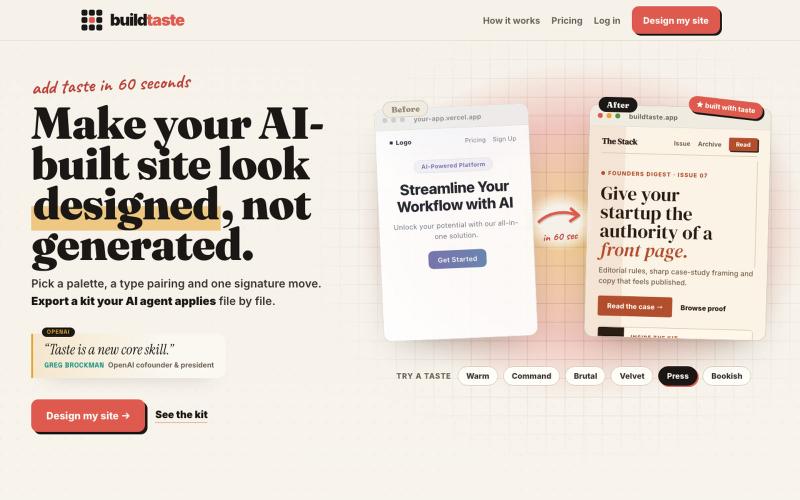
为你的AI生成网站应用设计系统和字体。

@Hamzadevio · X
just shipped. my goal is to help founders add taste to their vibe coded ugly looking apps. (especially the purple gradient, can't see it no more..)