
创意工具2 weeks ago
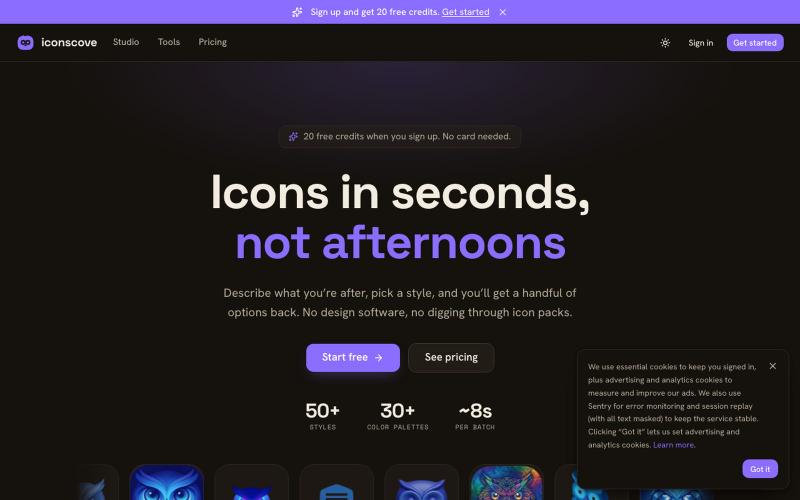
IconsCove — AI icon generator
输入文本描述生成专业图标,50+种风格可选,支持PNG下载。
mantasge · Product Hunt
IconsCove AI Icon Generator with 50+ styles and library management
完整作品展
技术栈
27 projects
输入文本描述生成专业图标,50+种风格可选,支持PNG下载。
mantasge · Product Hunt
IconsCove AI Icon Generator with 50+ styles and library management
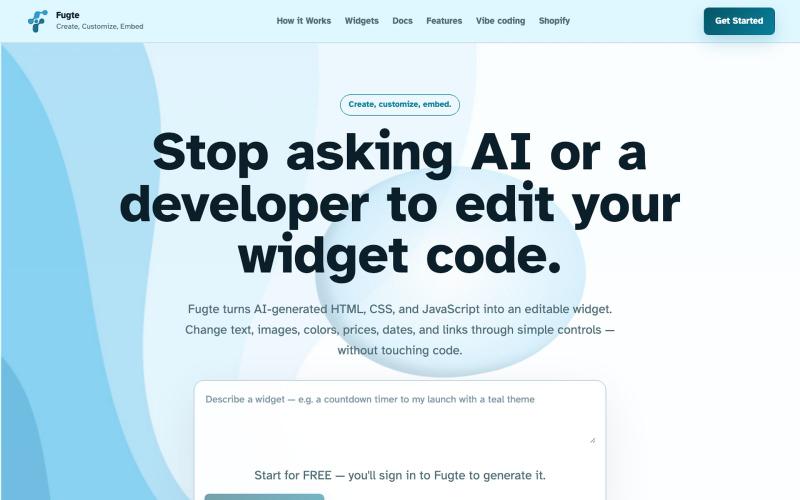
用 AI 创建自定义交互小部件并嵌入到任何网站。

@fugteapp · X
which empowers nontechnical users to be able to customize code generated by AI or developer, and be able to share and embed it to the website they are already using

为 Codex Desktop 设计自定义主题,调整背景、颜色、透明度和视觉效果。
plutozc · V2EX
做了个 Codex Desktop 主题预览和切换工具,先调好再安装 最近一直在用 Codex Desktop ,觉得默认界面看久了有点单调,就顺手做了个主题编辑工具,分享一下: [Codex Skin]( https://getcodexskin.com) 可以先在网页里预览主题,调整背景透明度、面板透明度、颜色、模糊和圆角等参数,满意之后再下载并切换到 Codex Desktop 。 目前支持: - 自定义 JPG 、PNG 、WebP 背景 - 在线实时预览主题效果 - 调整透明度、颜色、模糊、圆角 - 预览满意后生成安装命令 - 不喜欢了可以恢复默认外观 目前主要面向 macOS 上的 Codex Desktop ,还是个人项目,功能和兼容性都在继续打磨。 欢迎试试,也想听听大家对主题参数、预览效果和安装流程的反馈。 直接网址: https://getcodexskin.com [轻喷 轻喷,可能还有些 bug
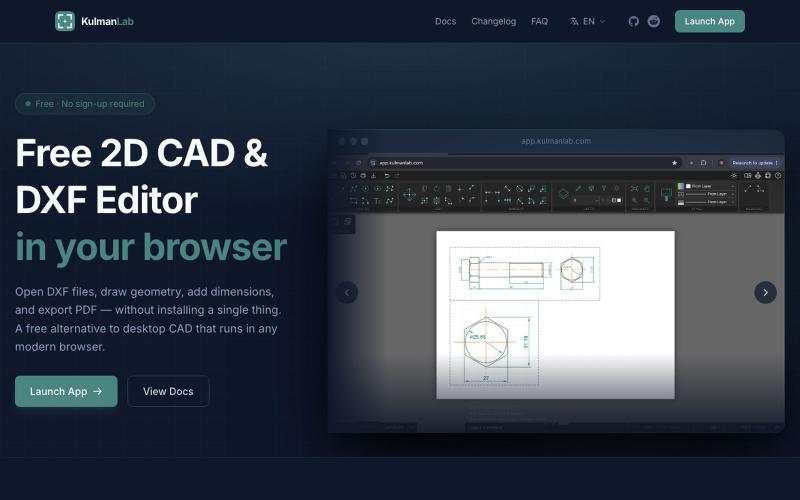
在浏览器中绘制和编辑2D CAD设计,然后导出为DXF或PDF。

@KulmanLab · X
- a free and accountless alternative to Autocad


在浏览器中编辑、压缩、转换和合并视频及音频文件。
zhw2590582 · V2EX
最近对网站进行了重构,做成了免费的视频工具站:[ArtPlayer Tools]( https://artplayer.org/tools/) 主要是围绕着 ffmpeg.wasm 和 mediabunny 实现的一些可以直接在浏览器里用的视频/音频工具,常用的有: - 视频压缩:[Compress Video]( https://artplayer.org/compress-video/) - 视频裁剪:[Crop Video]( https://artplayer.org/crop-video/) - 视频合并:[Merge Video]( https://artplayer.org/merge-video/) - 视频尺寸调整:[Resize Video]( https://artplayer.org/resize-video/) - 视频旋转:[Rotate Video]( https://artplayer.org/rotate-video/) - 视频调速:[Change Video Speed]( https://artplayer.org/change-video-speed/) - 添加文字到视频:[Add Text to Video]( https://artplayer.org/add-text-to-video/) - 添加水印:[Watermark Video]( https://artplayer.org/watermark-video/) - 提取字幕:[Subtitle Editor]( https://artplayer.org/subtitle-editor/) - HLS 转 MP4:[HLS to MP4]( https://artplayer.org/hls-to-mp4/) - 音频可视化:[Audio Visualizer]( https://artplayer.org/audio-visualizer/) 大部分工具都是本地处理,文件不会上传到服务器。最开始是因为自己偶尔要处理一些视频,开剪辑软件又有点重,在线工具又担心隐私,所以就慢慢做成了一个站。 目前还在持续完善,体验肯定还有不少粗糙的地方,比如不同浏览器的兼容、移动端操作、长视频性能之类的。 网站: [ArtPlayer Tools]( https:
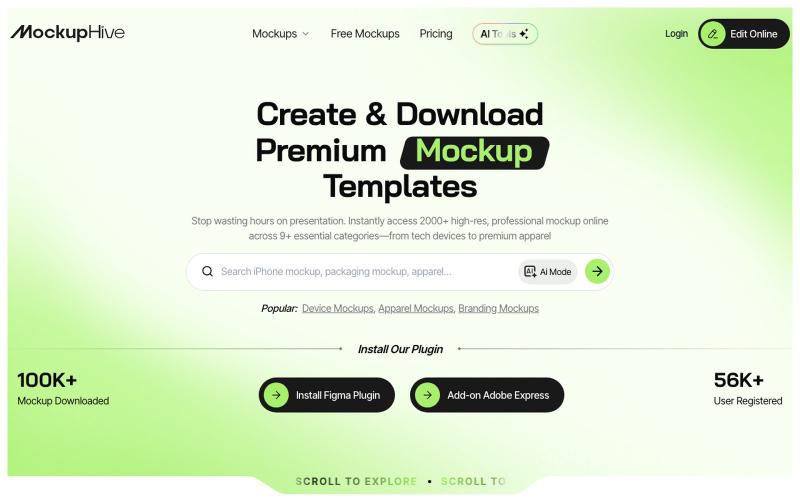
为UI/UX、品牌和产品设计创建和展示逼真的设计效果图。

@mhroxy3112 · X

在浏览器中免费转换、压缩和编辑文件,文件不上传服务器。

@faisalhaleem · X
Just launched — free browser-based file tools runs entirely in your browser. Video to GIF (with trim slider) Merge / Split / Shrink PDF Your files NEVER leave your device. No sign-up needed. Free forever. #buildinpublic #webdev #indiedev #tools #privacy

在浏览器中编辑、调整大小、裁剪和转换图像,无需上传文件。

@its_ajseven · X
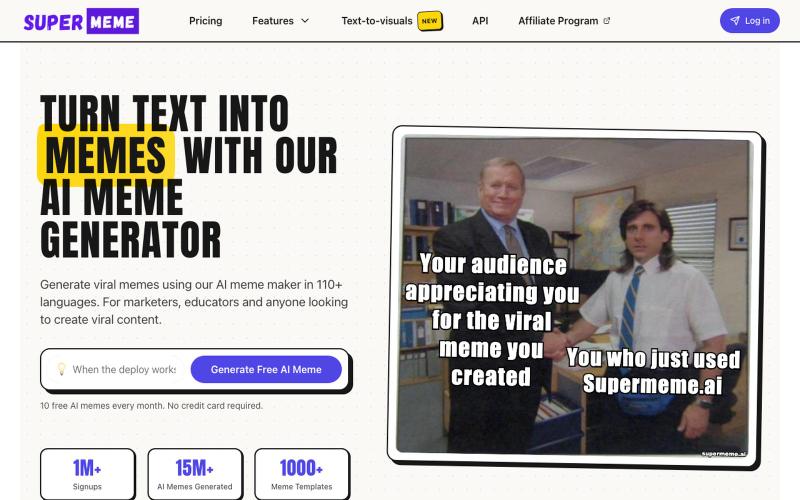
使用AI生成自定义表情包,然后用文本和图片进行自定义。

@MrRoshanA · X
I think we're massively underestimating what's happening inside modern marketing teams. Last week, I sat in a room with 20+ GTM leaders. Sanjeev (ex-Freshworks, founder of pulled up Claude Code and showed how his non-technical marketing team works today. In under 90 minutes, they: → Generated 20+ SEO pages without a CMS → Pulled Apollo leads, researched every company, and wrote personalized emails → Created on-brand blog visuals with Gemini The crazy part? His team had zero GitHub experience before January. Today, they merge multiple PRs a day. Marketing teams aren't just learning AI. They're becoming builders. That's exactly why we built GTMxAI - a space where founders and GTM leaders share real workflows, experiments, and playbooks instead of AI hype. We're 250 members in, keeping it invite-only and high-signal. Comment "+1" if you want to be in !
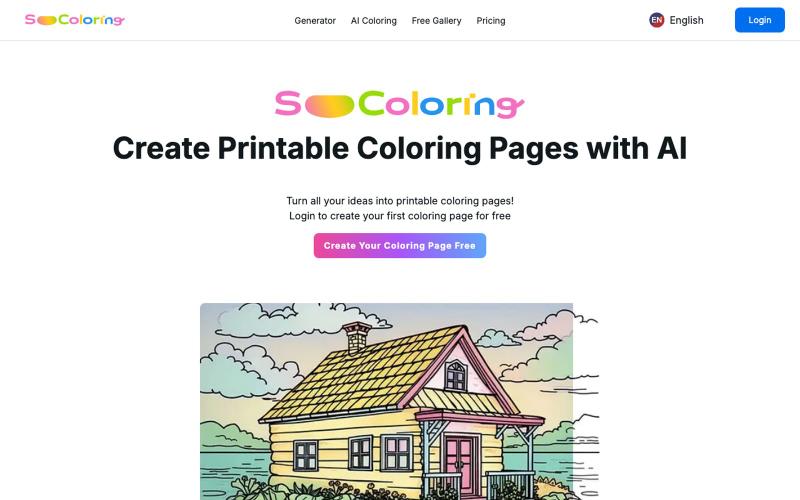
用 AI 生成和下载可打印的填色稿。
SoColoring — AI 驱动的可打印填色稿生成平台,支持文本生成填色稿、AI一键上色等功能,同时还有丰富的免费填色稿图库供用户自由下载,欢迎来这里寻找填色的乐趣
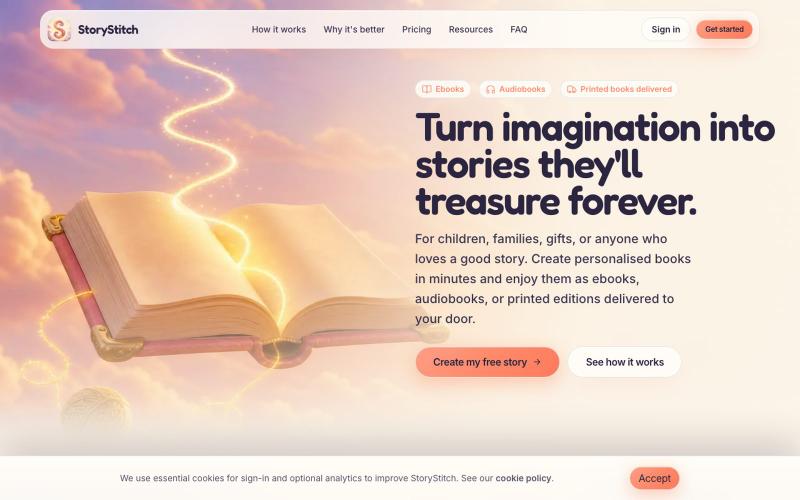
利用一致的AI角色创建个性化插图故事书和有声书。

@StoryStitchApp · X
