

创意工具4 weeks ago
Rawnd — Open, cull and develop RAW photos in your browser
在浏览器中直接编辑和筛选 RAW 照片,本地处理无需上传。

@am56ay · X
完整作品展
技术栈
5 projects
在浏览器中直接编辑和筛选 RAW 照片,本地处理无需上传。
@am56ay · X
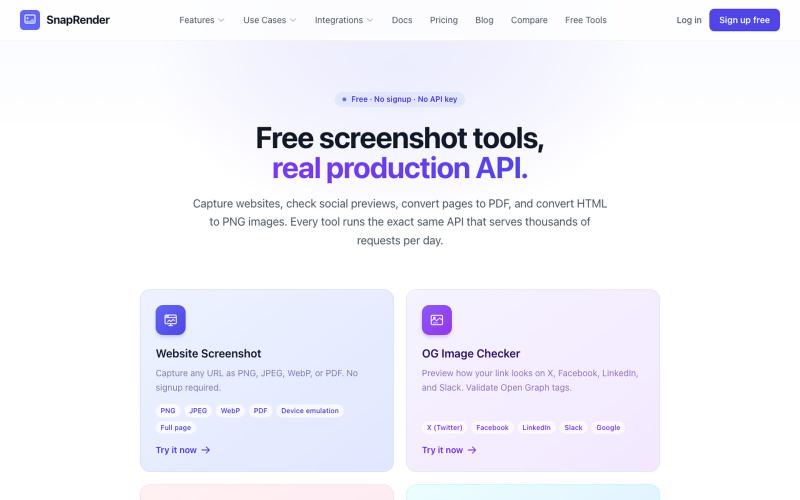
无需登录,支持网站截图、PDF/PNG转换和OG图像检查。
u/SpecificNo8047 · Reddit
I built a screenshot API because my personal Puppeteer setup kept breaking. Six months later it has an MCP server and hundereds of users Solo founder here, this is my product, full disclosure. It started as super simple helper self hosted tool for myself: I needed website screenshots for a project, self-hosted Puppeteer, and spent more time babysitting Chromium than building. So I turned the babysitting into a product, because why not. What it does: one GET request in, rendered screenshot
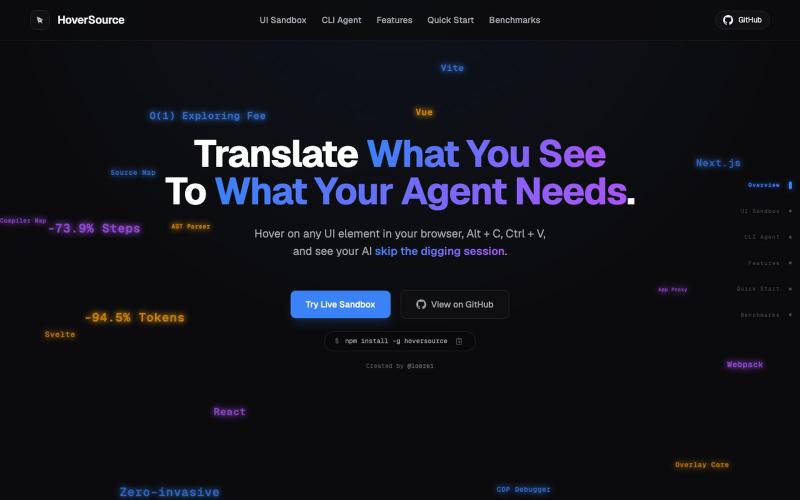
捕获UI元素及其代码上下文,与AI代理分享以调试视觉缺陷。
Loerei · HN
I found that describing where a broken UI is and taking screenshots for AI agents really sucks. I’m too lazy to explain an indescribable visual bug or capture a millisecond-long flash. I also don’t want to remember which file defines an element, whether it's right in the .tsx or a problem with the Parent Styles in .css. And even if you can point out the exact file, your agent still has to dig through thousands of lines of code to know what on earth you're yapping about. In a 7700-file monorepo like Cal.com, simply giving the right file in the prompt for your agent saves about 68.9% of execution time and 94.2% of the tokens your agent needs to digest. HoverSource gives all the needed information and further pushes it to -88.5% time and -94.5% tokens, basically skipping the entire digging session and jumping straight to reasoning and executing. The save is linear to how big your codebase is. I want to save tokens, but don’t want to spend my time and energy digging manually, and a junio
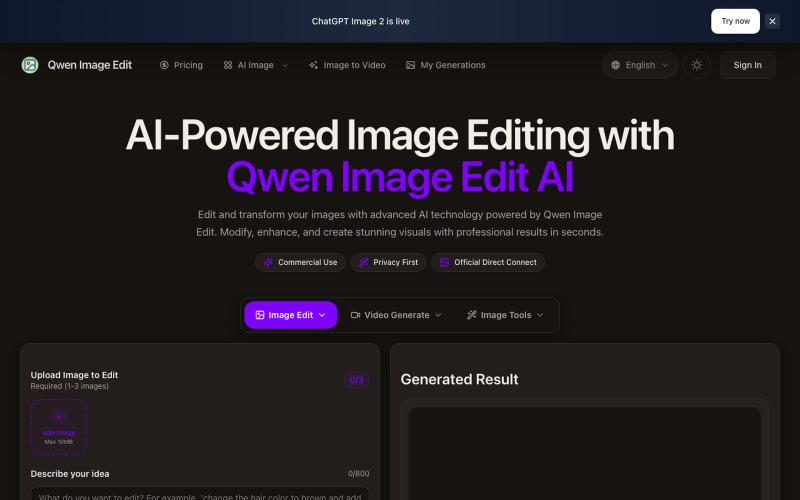
基于文本的AI图像编辑工具,支持照片修复、水印移除和头像生成。
Qwen Image Edit — AI 图像编辑工具,支持文本指令编辑、照片修复、去水印、专业头像生成和多图像处理
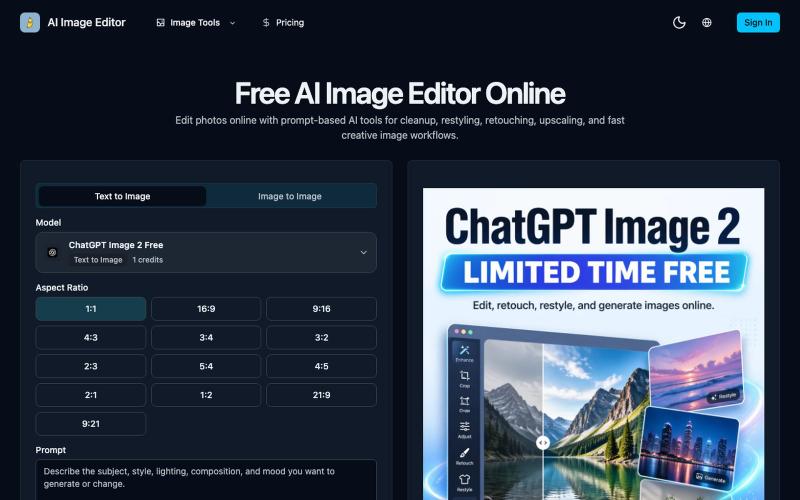
AI Image Editor —用提示词驱动的在线修图工具,支持修饰、清除、放大和图片生成。
AI Image Editor — 在线 AI 修图与图片生成工具,支持抠图、消除、放大、风格化和基于提示词的图片编辑,并提供 [ChatGPT Image 2](https://ai-image-editor.io/chatgpt-image-2) 免费体验