
完整作品展
技术栈
31 projects
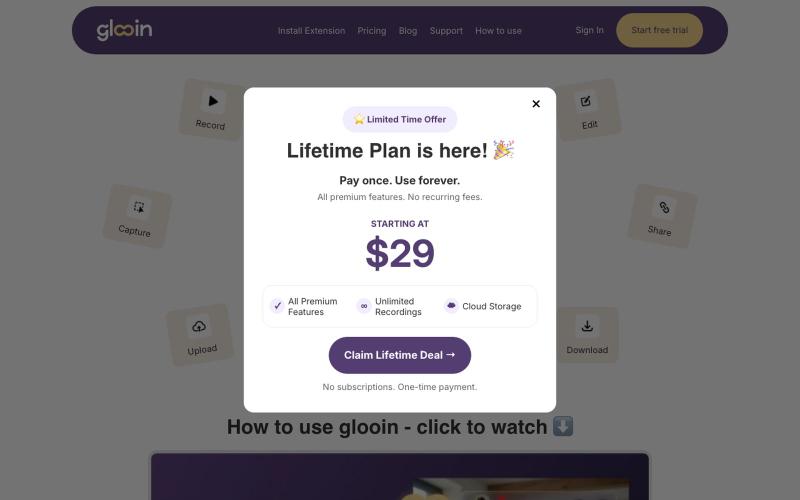
Best screen recorder extension for Chrome to capture screen, webcam, and audio in one click. Free, fast, and easy to use. Start recording with Glooin !

@Divyamangla1 · X

在浏览器中用 Screely 创建专业截图效果图,支持框架、背景和标注。

@Aticmatic_com · X
of course for people:

Imagerry - 浏览器图片编辑工具,可裁剪、缩放、转换格式

@its_ajseven · X
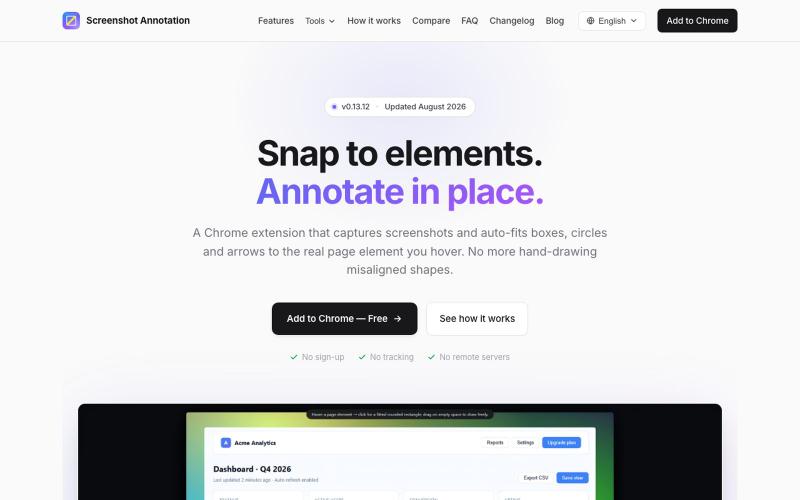
Chrome 扩展程序,自动调整注释框和箭头以标注网页元素。

@virgil_dean94 · X
Just launched my new screenshot plugin! 🎉 ✅ Smart zoom effects on key details ✅ Text extraction ✅ 100% Free Perfect for devs, designers, and anyone who wants to communicate visually with clarity! Try it out! 👇 #BuildInPublic #ProductLaunch
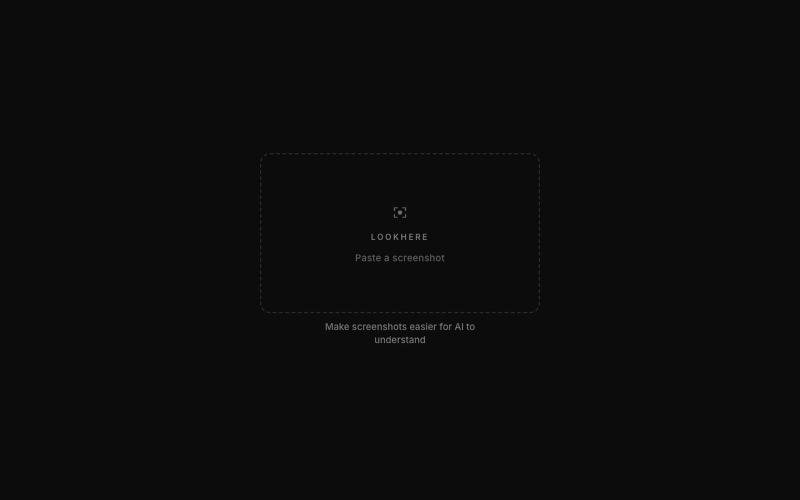
标记和提取截图部分分享给 ChatGPT 或 Claude。
akshitdandyan · Product Hunt
Label.Photos Make screenshots easier for AI to understand
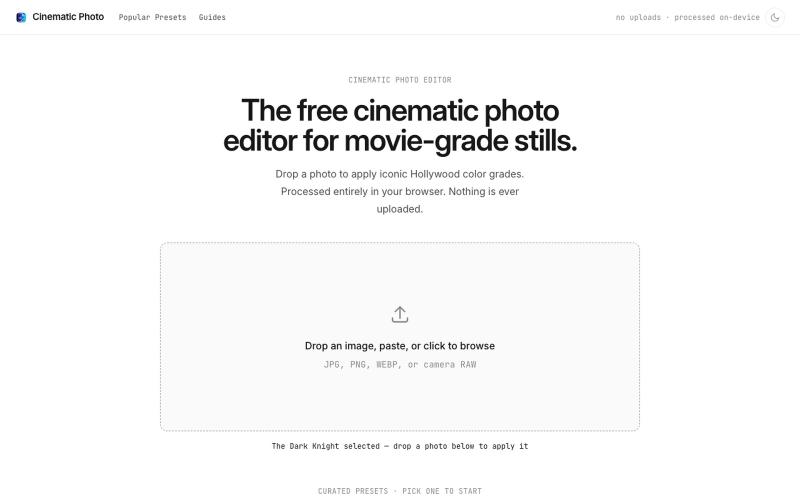
Cinematic Photo Editor 可在浏览器中对照片一键应用电影风格调色
u/huuughmangasorr · Reddit
I built a tool that gives your photos a movie color grade (no AI generation) I kept seeing photo tools that "cinematic-ify" images by running them through AI and spitting out something that's basically a different picture. I wanted the opposite: keep my actual photo, just make it feel like a frame from a film. So I built CinematicPhoto — a browser tool where you upload a photo, pick a movie look, and get a graded version back. Your original stays intact; it's color grading and effects d

在浏览器中直接编辑和筛选 RAW 照片,本地处理无需上传。

@am56ay · X
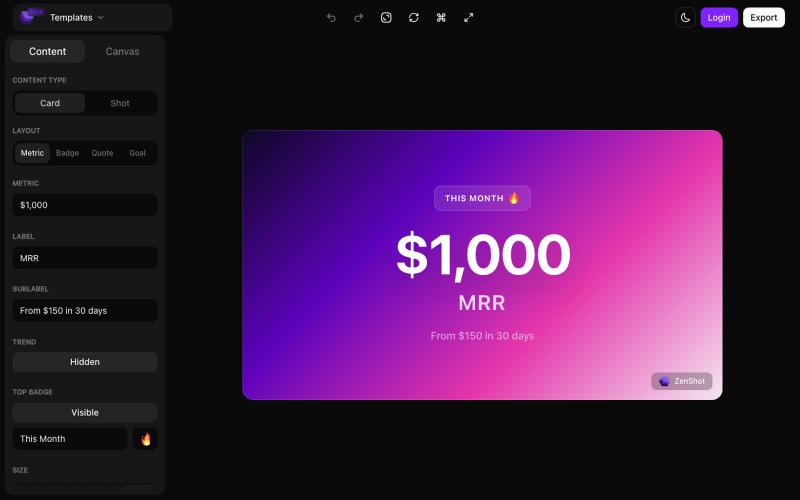
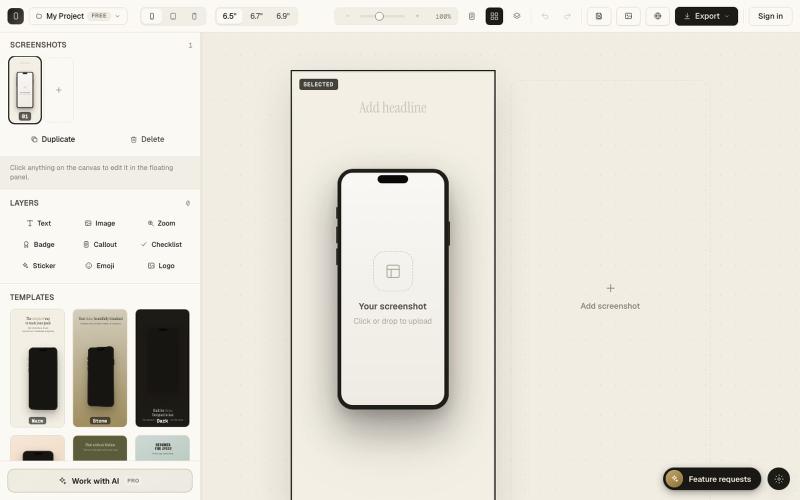
创建精美的 screenshots 和 progress cards,准备好与您的受众分享。

@shreyassihasane · X
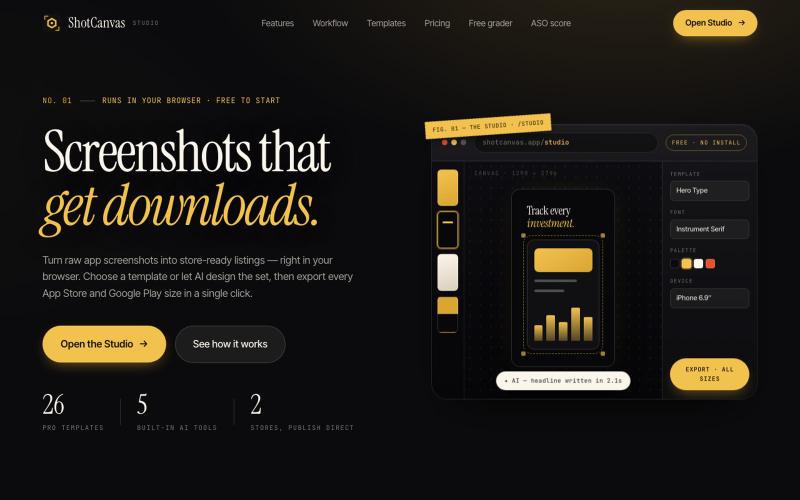
ShotCanvas Studio turns raw app screenshots into store-ready listings — 26 pro templates, AI-designed layouts and headlines, and one-click export in every App Store and Google Play

@shotcanvasapp · X
anyone willing to give feedback, ill do the same in return!

将社交媒体帖子转换为精美可分享图像,支持多个平台。

@larsbuilds · X
here's the link for the lazy ones :)
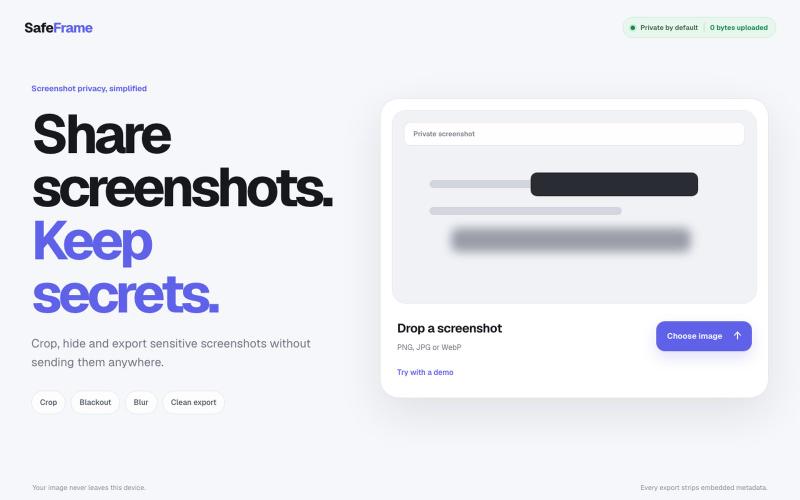
裁剪、编辑、模糊和导出截图,完全私密,无需上传任何数据。

@noshkass · X
Built SAFEFRAME a private, browser-only screenshot sanitizer. Crop, blackout, blur, and export sensitive screenshots without uploading a single byte. Try it: Built with ChatGPT Sites. @chatgptapp #Giveaway
