
创意工具1 month ago · 6 次试用
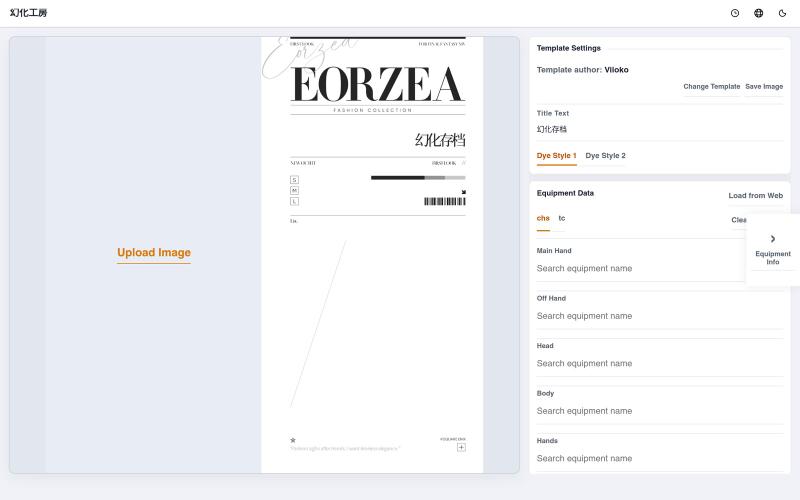
幻化工房
浏览 FF14 幻化装扮模板,支持多语言装备名称显示。

@franandneo · X
我做了一个ff14幻化模板网站,搭载了我和我的好友自行制作的模板,支持展示不同语言的装备名称(也能用自己熟悉的语言写好后再切换成其他语言展示),欢迎大家尝试使用~ 其他语言的翻译还比较粗糙,网页还不太成熟,但物品名称都是正确的,后续会逐步完善
完整作品展
技术栈
96 projects
浏览 FF14 幻化装扮模板,支持多语言装备名称显示。
@franandneo · X
我做了一个ff14幻化模板网站,搭载了我和我的好友自行制作的模板,支持展示不同语言的装备名称(也能用自己熟悉的语言写好后再切换成其他语言展示),欢迎大家尝试使用~ 其他语言的翻译还比较粗糙,网页还不太成熟,但物品名称都是正确的,后续会逐步完善
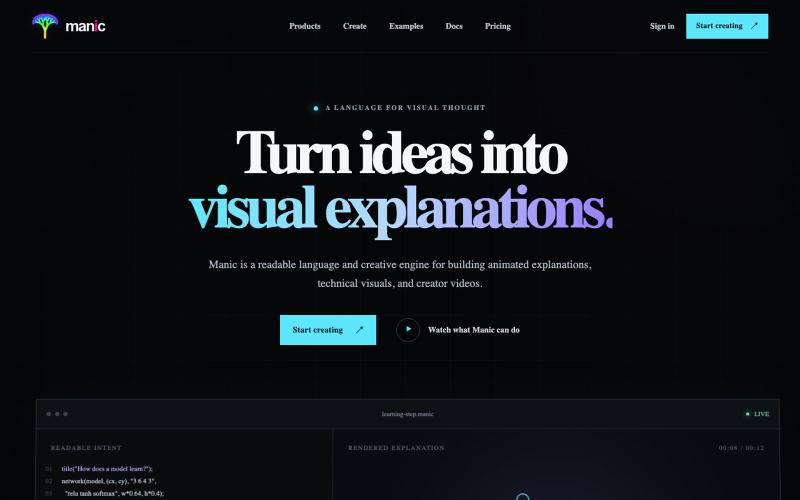
Turn math, science, systems, and ideas into polished animated videos. Write readable Manic, preview locally or in your browser, and export when the story is ready.
u/anish2good · Reddit
Turn selected web-page text, equations, and diagrams into an animation manic is a declarative language for visual explanation. You write a readable text file; Manic turns it into a smooth, deterministic animation. No timeline scrubbing and no hand-managed keyframes — you describe the objects, the relationships, and the story beats while the engine handles motion, continuity, layout, rendering, and repeatable output. Manic powers visual explanations, animated lessons, simula
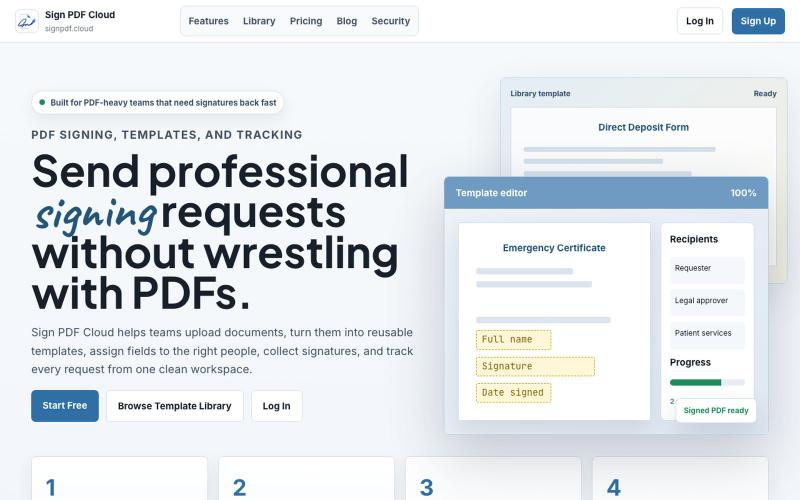
Sign PDF Cloud - 在线PDF签署工具和文档自动化平台。

@qayyumabro · X
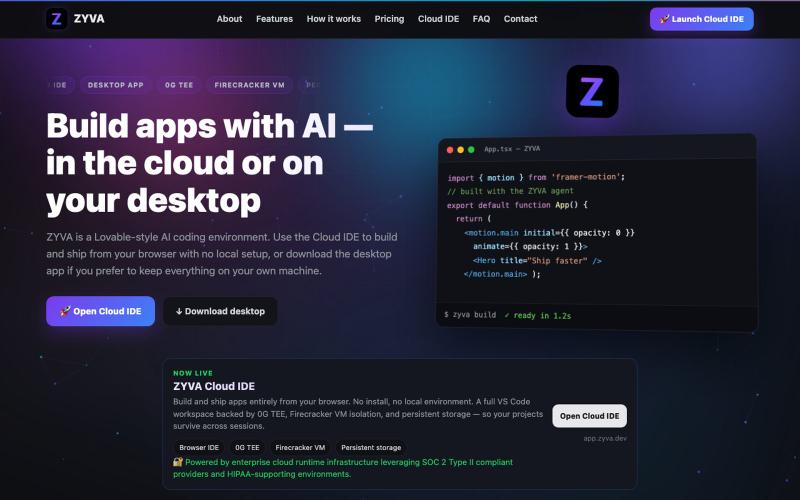
AI驱动的浏览器IDE,提供实时编辑、网站构建和设计功能。

@zyvadev · X
✨ AI Vibe Coding 🎨 Website Cloning 💻 Live Code Editor 👀 Live Preview 🎭 Design Presets 🖼️ Auto Logo & Favicon 🗄️ Database 🌐 Free Hosting & Subdomains Native 0G SDKs: ⚡ 0G Compute 💾 0G Storage ⛓️ 0G Chain Everything in one AI Cloud IDE. build with 0G
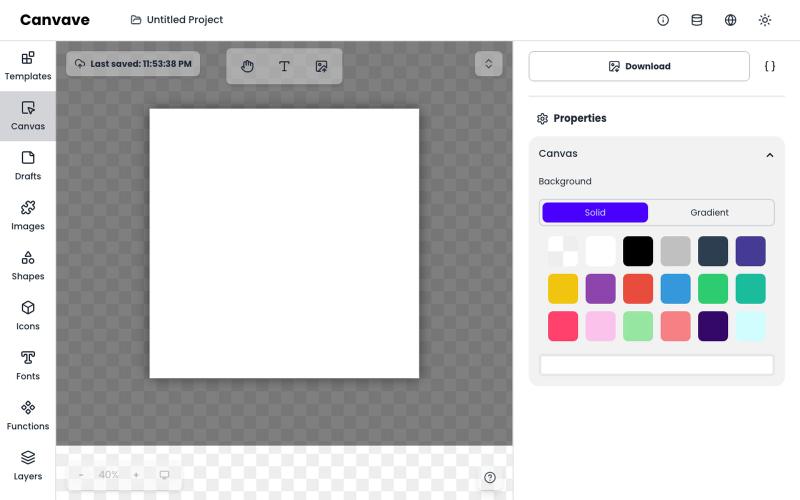
免费图形设计和动画工具,支持AI文生图和图生图功能。
Canvave — 简单图形设计和动画制作平台。无须专业技能也能做出任意尺寸的精美设计;最高支持图片 3x 或动画 240 FPS 导出;内置基于 Flux 的 AI 文生图、图生图;适合电商卖家、广告设计、社媒运营、独立开发等有设计需求的群体
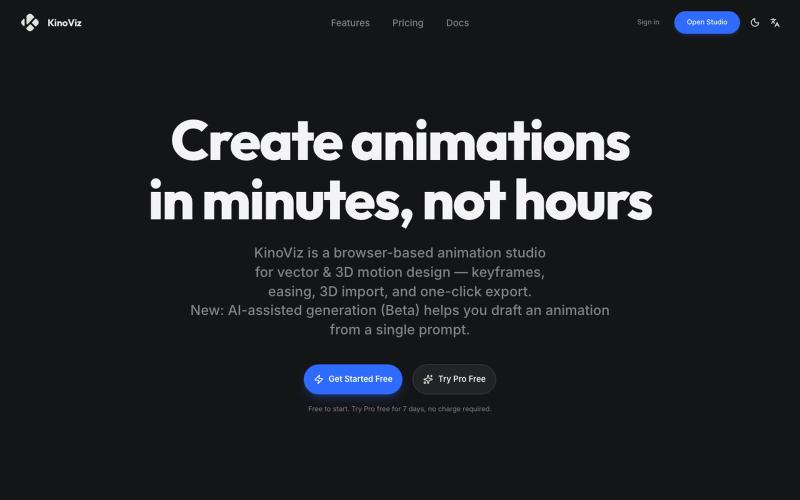
使用AI生成和关键帧编辑,在浏览器中创建矢量和3D动画。

@listudio · X
Fable 5 规划+Codex 执行,效率真的很 ok。一个周末上线了两个工具网站。麻了。。 👉: 和
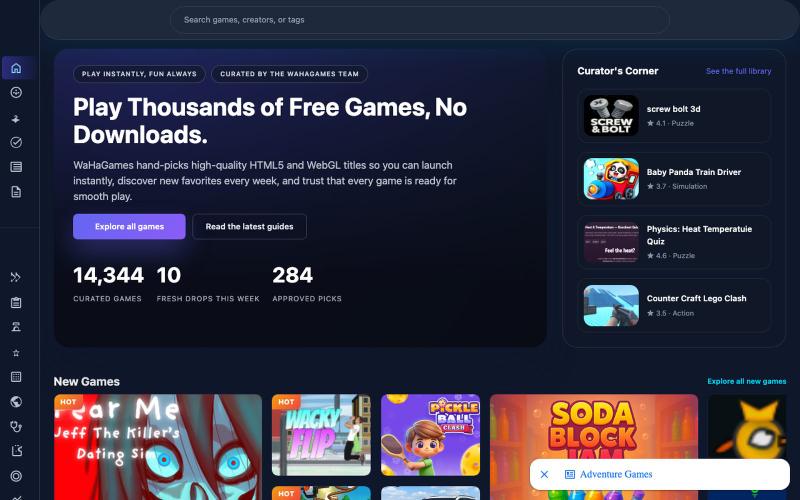
在浏览器中即时玩精选的 HTML5 和 WebGL 游戏,无需下载或登录。
WaHaGameStore — 在线 HTML 游戏,免登录、免下载
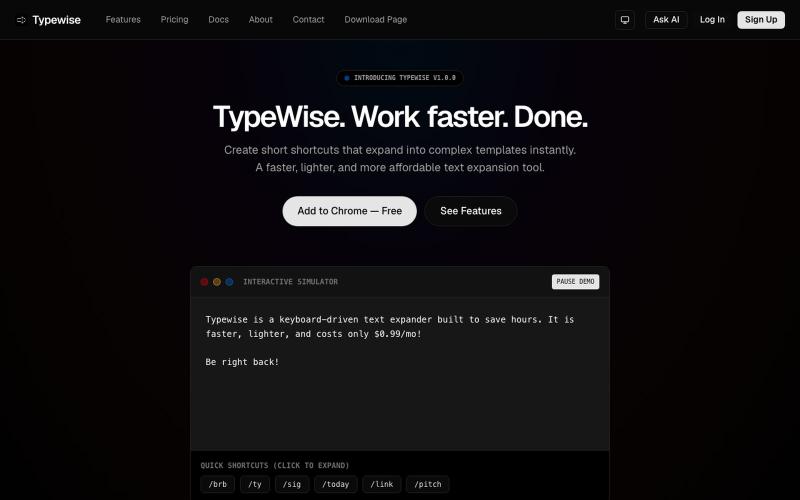
在浏览器中创建文本快捷方式,可自动展开为较长片段。

@goldlion123RP · X
- This is a Snippet Extension tool, with cross device sync, auto cloud backup, sounds, animations etc. features. Do explore it & I'm open to receive feedback.
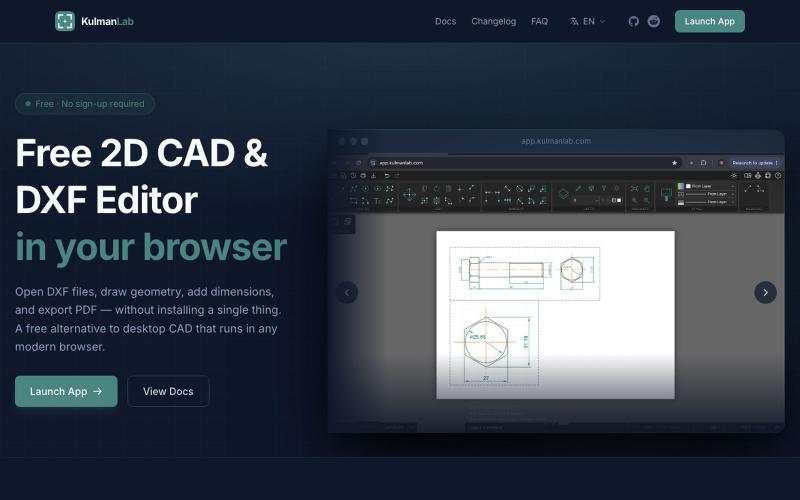
免费浏览器CAD编辑器,绘制和编辑2D设计并导出为DXF或PDF。

@KulmanLab · X
- a free and accountless alternative to Autocad

在浏览器中编辑、压缩、转换和合并视频和音频文件。
zhw2590582 · V2EX
最近对网站进行了重构,做成了免费的视频工具站:[ArtPlayer Tools]( https://artplayer.org/tools/) 主要是围绕着 ffmpeg.wasm 和 mediabunny 实现的一些可以直接在浏览器里用的视频/音频工具,常用的有: - 视频压缩:[Compress Video]( https://artplayer.org/compress-video/) - 视频裁剪:[Crop Video]( https://artplayer.org/crop-video/) - 视频合并:[Merge Video]( https://artplayer.org/merge-video/) - 视频尺寸调整:[Resize Video]( https://artplayer.org/resize-video/) - 视频旋转:[Rotate Video]( https://artplayer.org/rotate-video/) - 视频调速:[Change Video Speed]( https://artplayer.org/change-video-speed/) - 添加文字到视频:[Add Text to Video]( https://artplayer.org/add-text-to-video/) - 添加水印:[Watermark Video]( https://artplayer.org/watermark-video/) - 提取字幕:[Subtitle Editor]( https://artplayer.org/subtitle-editor/) - HLS 转 MP4:[HLS to MP4]( https://artplayer.org/hls-to-mp4/) - 音频可视化:[Audio Visualizer]( https://artplayer.org/audio-visualizer/) 大部分工具都是本地处理,文件不会上传到服务器。最开始是因为自己偶尔要处理一些视频,开剪辑软件又有点重,在线工具又担心隐私,所以就慢慢做成了一个站。 目前还在持续完善,体验肯定还有不少粗糙的地方,比如不同浏览器的兼容、移动端操作、长视频性能之类的。 网站: [ArtPlayer Tools]( https:
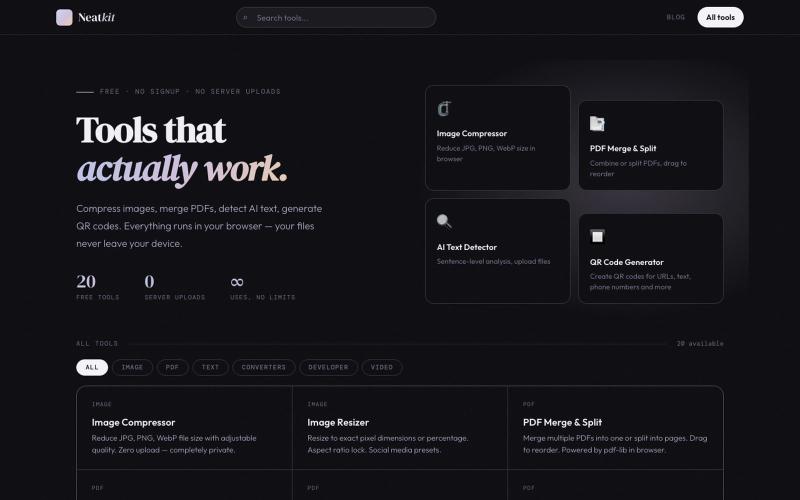
Neatkit——免费图像压缩、PDF合并、二维码生成和AI文本检测工具。

@ChazXtine · X
I have been working on which is basically a site for free tools no pay wall. Currently I'm at 20 tools but I will be slowly expanding it.
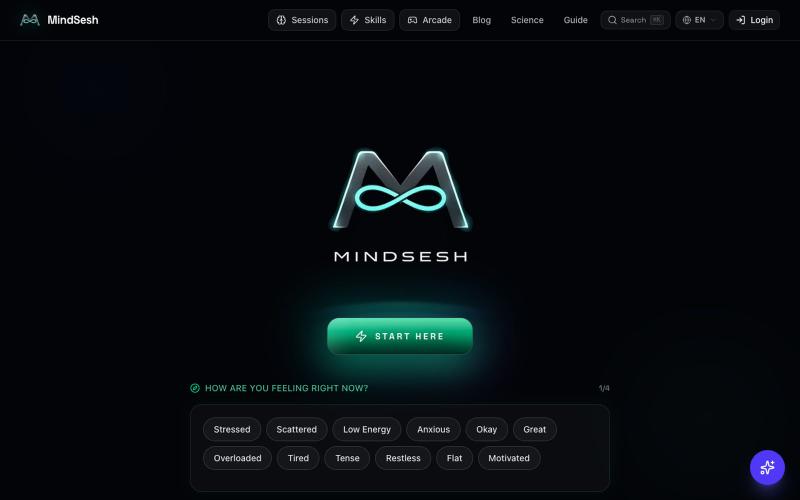
AI引导的心理健身课程,含呼吸、接地和专注练习,在浏览器中使用。

@LenvanderHof · X
Building - Experimental, EMDR-inspired, AI-guided, advanced mental fitness sessions and gamified micro-courses. Let's connect!