
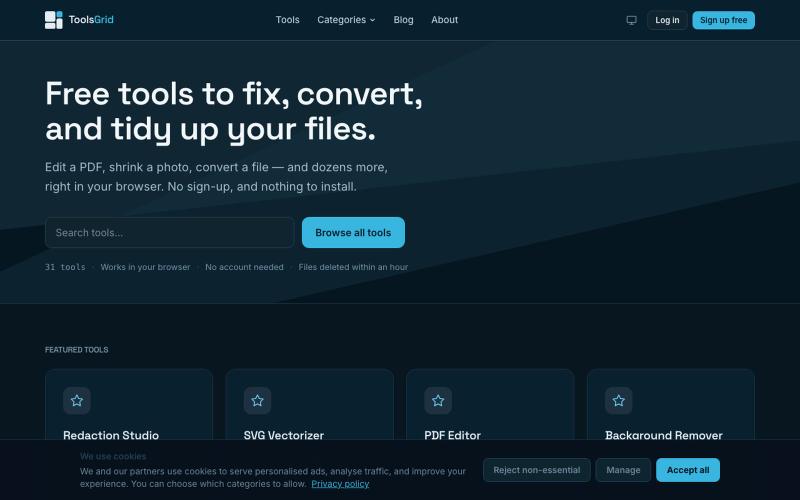
实用工具3 weeks ago
Free Online PDF, Image and File Tools | ToolsGrid
编辑和转换 PDF、图像、视频、JSON、SVG 和电子邮件文件的免费在线工具。

@bigchusstheory · X
完整作品展
技术栈
17 projects
编辑和转换 PDF、图像、视频、JSON、SVG 和电子邮件文件的免费在线工具。
@bigchusstheory · X
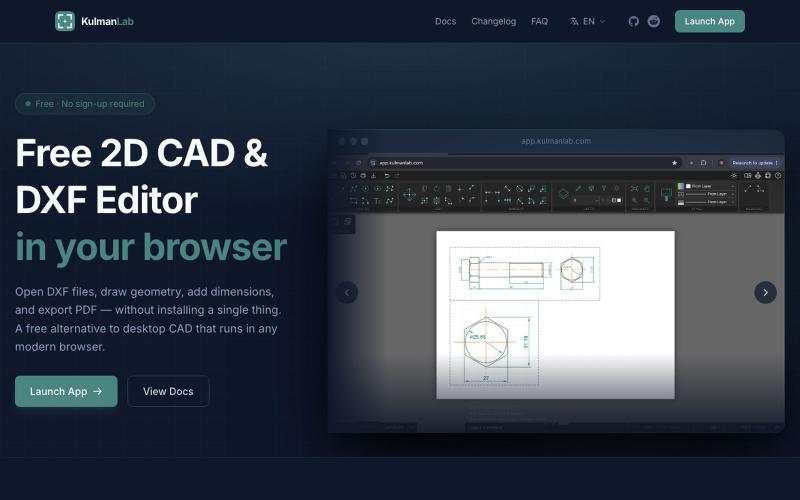
免费浏览器CAD编辑器,绘制和编辑2D设计并导出为DXF或PDF。

@KulmanLab · X
- a free and accountless alternative to Autocad

Imagerry - 浏览器图片编辑工具,可裁剪、缩放、转换格式

@its_ajseven · X
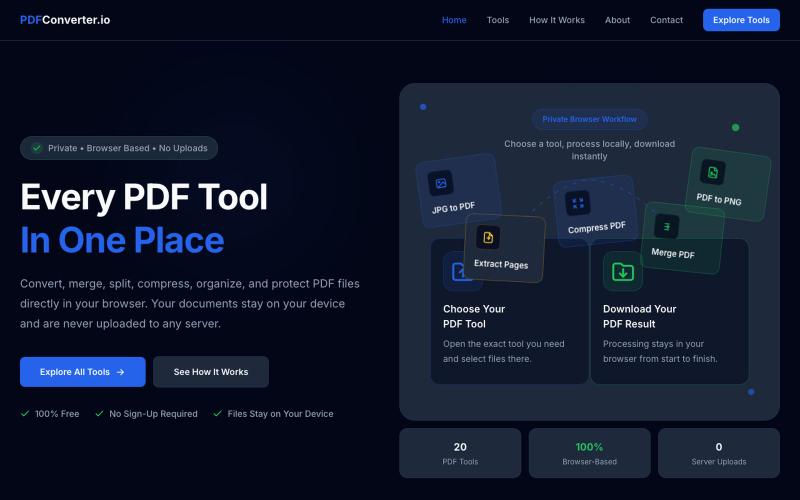
使用20个免费浏览器PDF工具来转换、合并、拆分和压缩PDF文件。

@meuzairqureshi · X
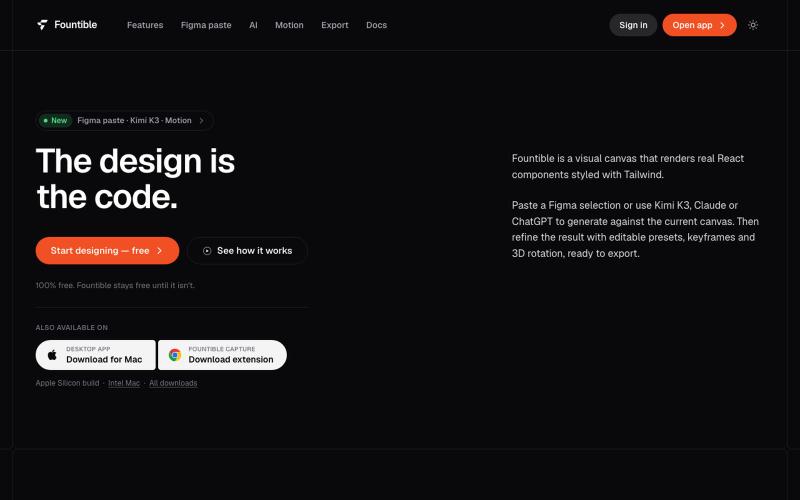
将 Figma 选区转换为原生 React 和 Tailwind 代码,具有 AI 设计和 3D 功能。

@onuro · X
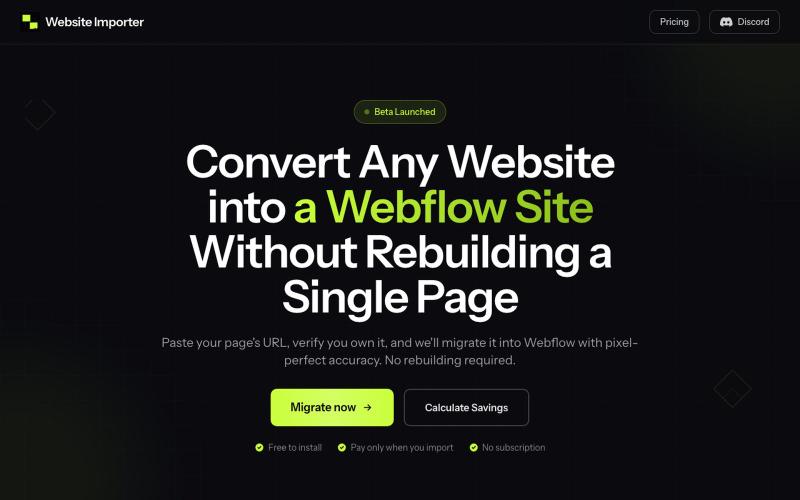
将任何网站转换为 Webflow 网站,保留完美布局和样式。

@elvis_cibalinda · X
Convert your #lovable site to #Webflow and scale

在浏览器中免费转换、压缩和编辑文件,文件不上传服务器。

@faisalhaleem · X
Just launched — free browser-based file tools runs entirely in your browser. Video to GIF (with trim slider) Merge / Split / Shrink PDF Your files NEVER leave your device. No sign-up needed. Free forever. #buildinpublic #webdev #indiedev #tools #privacy
浏览和下载网站项目的现成 CSS 动画。

@imdecentralized · X
How I avoid UI's that looks vibe coded: This is my inspiration store. Beyond just an existing website it has specific components and animations that you can use directly rather than asking claude to generate some based on a website. Stop the slop

用于图片调整、JSON格式化、PDF处理、文本分析和设计的免登录浏览器工具合集。
musekit · Product Hunt
Free AI Tools Free browser tools for everyday tasks, no login
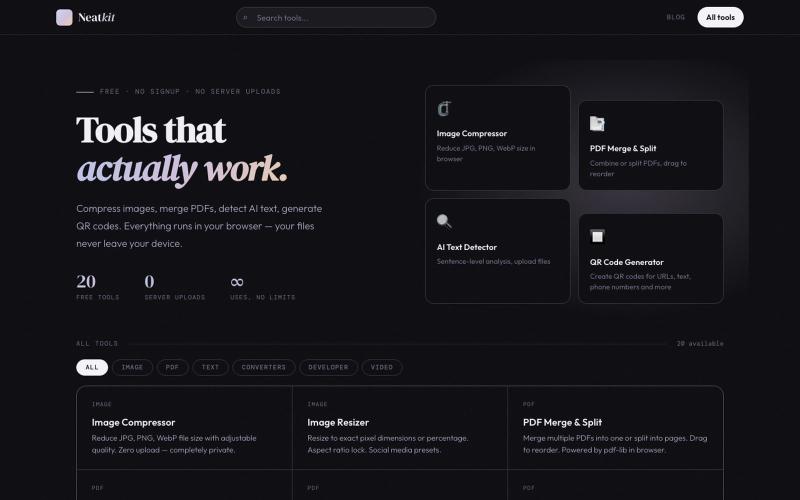
Neatkit——免费图像压缩、PDF合并、二维码生成和AI文本检测工具。

@ChazXtine · X
I have been working on which is basically a site for free tools no pay wall. Currently I'm at 20 tools but I will be slowly expanding it.
Hyperiux Vault - React和Next.js库,包含30+免费交互效果,可预览和安装。

@jyotipathak___ · X
We launched Vault today and we’re excited to take you through an experience designed to impress from the first scroll to the last. Vault is a React/Next.js effects library. Preview the effect. Install it. Ship it. Constructive feedbacks appreciated
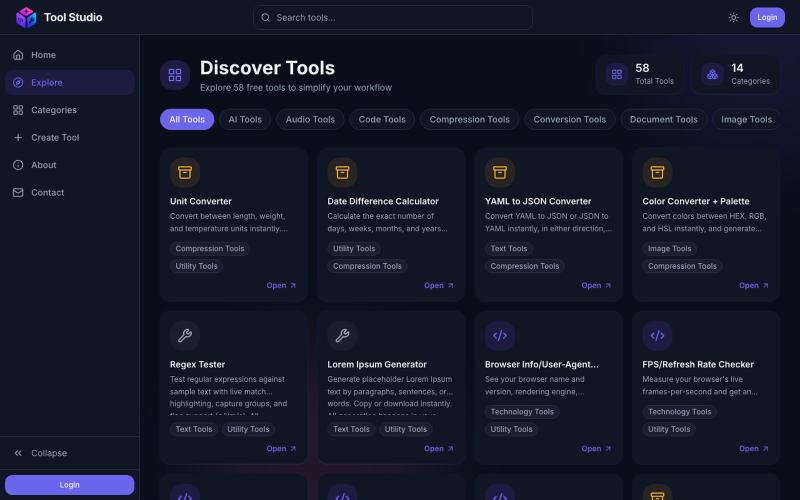
Browse the full Tool Studio catalog — free PDF, image, video, and developer tools.

@rashid_aziz_18 · X
Checkout: 🚀 I am building a platform where people don't have to wander around multiple tools for basic needs + For non tech users who wants to create dashboards, or any custom tools, we'll be launching AI based tool creation