
创意工具1 month ago
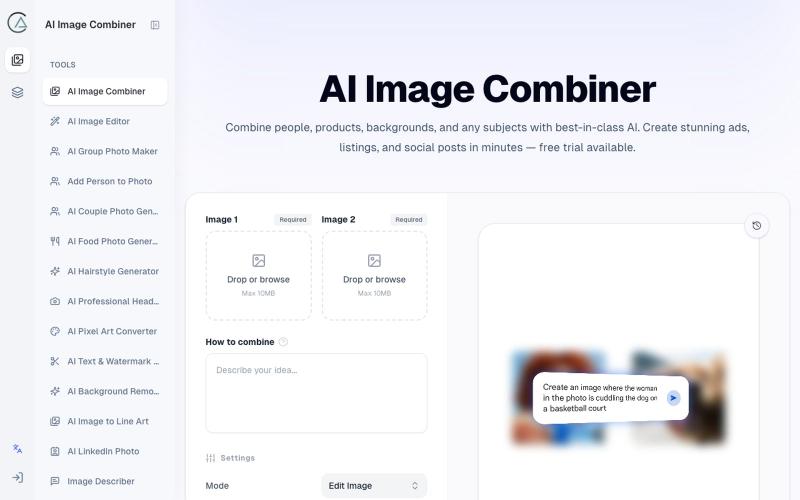
AI Image Combiner - Merge Two Photos into One Online Free
使用 AI Image Combiner 融合两张照片,快速生成专业级视觉效果。
ai image combine — AI 图像站,预设了一些场景的 prompt ,不用编写复杂的 prompt 直接使用
完整作品展
技术栈
20 projects
使用 AI Image Combiner 融合两张照片,快速生成专业级视觉效果。
ai image combine — AI 图像站,预设了一些场景的 prompt ,不用编写复杂的 prompt 直接使用
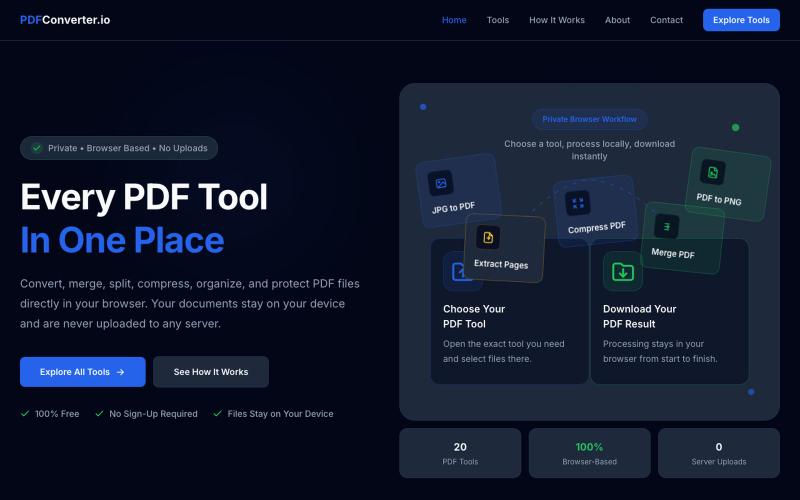
使用20个免费浏览器PDF工具来转换、合并、拆分和压缩PDF文件。

@meuzairqureshi · X
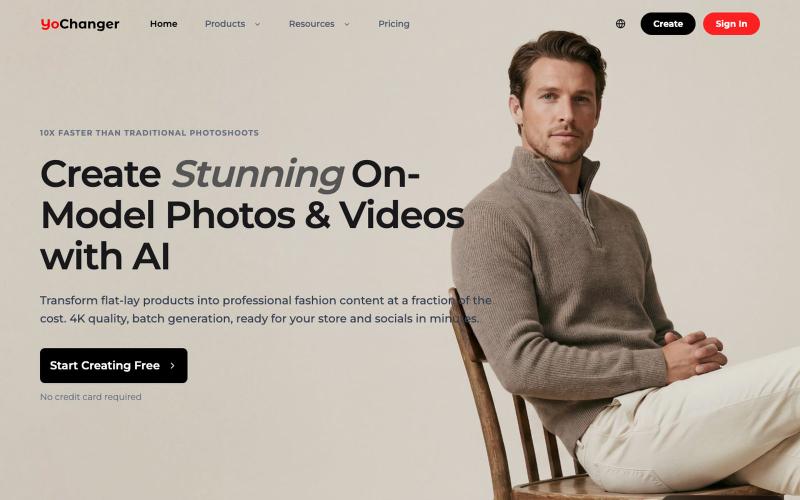
用AI将平铺商品照转换为穿衣效果图
YoChanger — AI 换装,在线试衣间
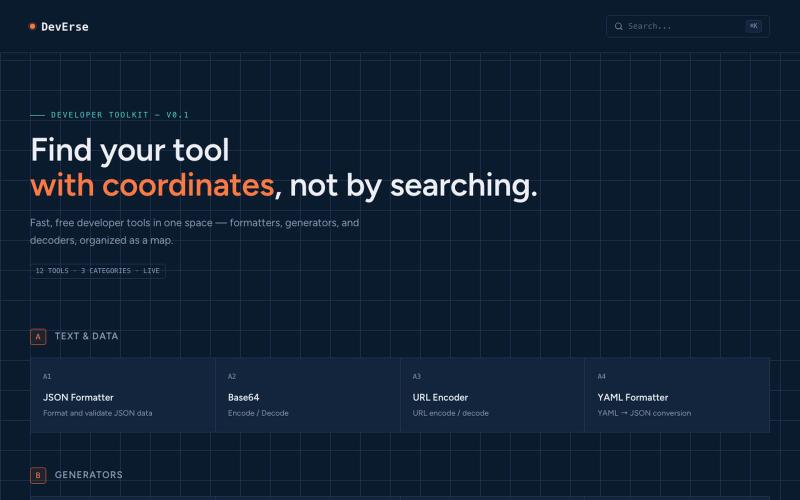
免费开发者工具集合,以地图形式组织,包括格式化、生成和解码工具。

@AntiaIuri · X
Just shipped DevErse 🚀 A curated directory for dev tools & AI utilities built to speed up your workflow. It's super early stage — check it out and let me know your thoughts! 👇 🔗 #buildinpublic #indiehackers #laravel #reactjs
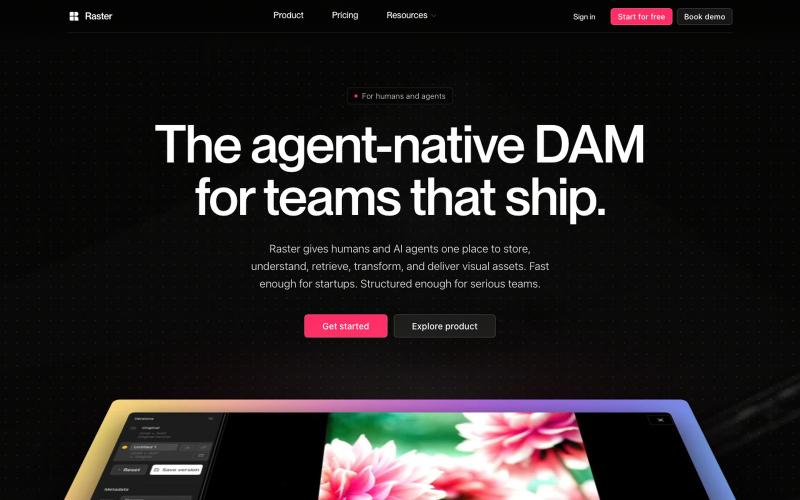
用于组织和共享视觉资产的数字资产管理平台,支持 AI 代理集成。

@raster_app · X
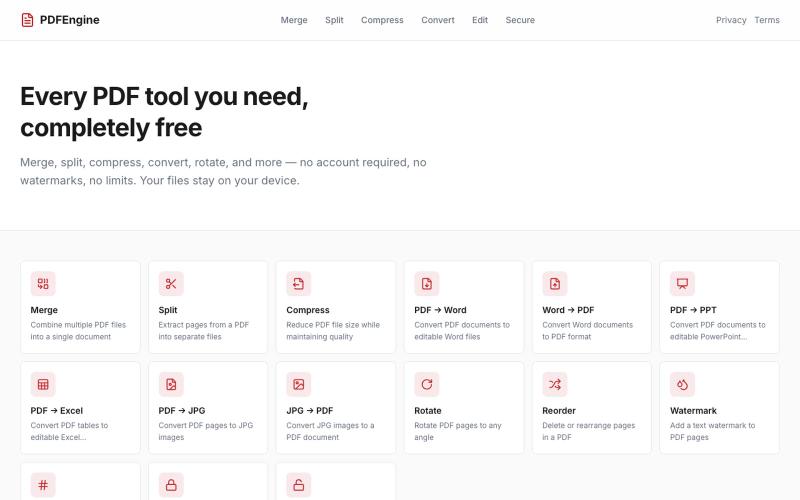
免费在线PDF工具:合并、拆分、压缩、转换和旋转文件。
u/Successful_Respond31 · Reddit
My first "vibe coding" experiment: I built a 100% free, client-side PDF engine with zero backend uploads Hey Reddit, I’ve been watching the "vibe coding" trend and decided to run an experiment: building a complete, production-ready web utility entirely through prompt-based AI coding. The result is PDFEngine ( https://pdfengine-neon.vercel.app ). I got tired of online PDF converters that force you to create an account, cap you at 2 files per day behind a paywall, or upload your sensiti
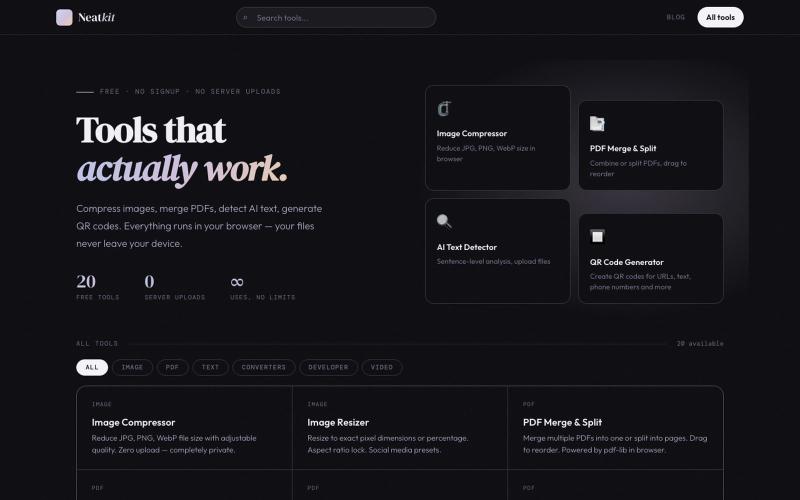
Neatkit——免费图像压缩、PDF合并、二维码生成和AI文本检测工具。

@ChazXtine · X
I have been working on which is basically a site for free tools no pay wall. Currently I'm at 20 tools but I will be slowly expanding it.
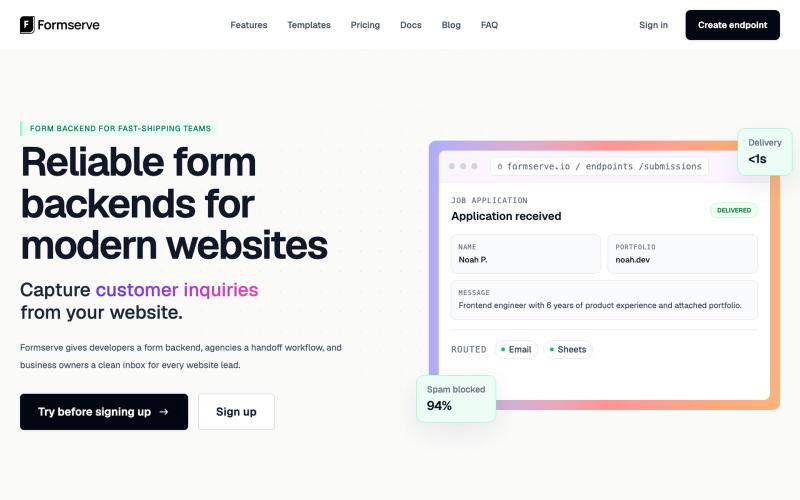
Formserve是静态网站和AI应用的表单后端,捕获提交并路由到你的工具。

@AbhilashVeettil · X
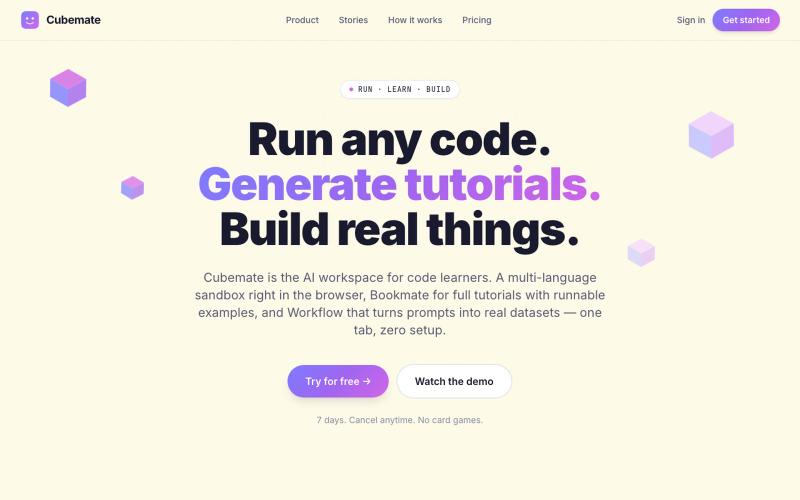
多语言代码学习助手,可在浏览器中直接编写和执行代码。

@francis7_a · X
Building - learning tools for devs and student. happy to connect.
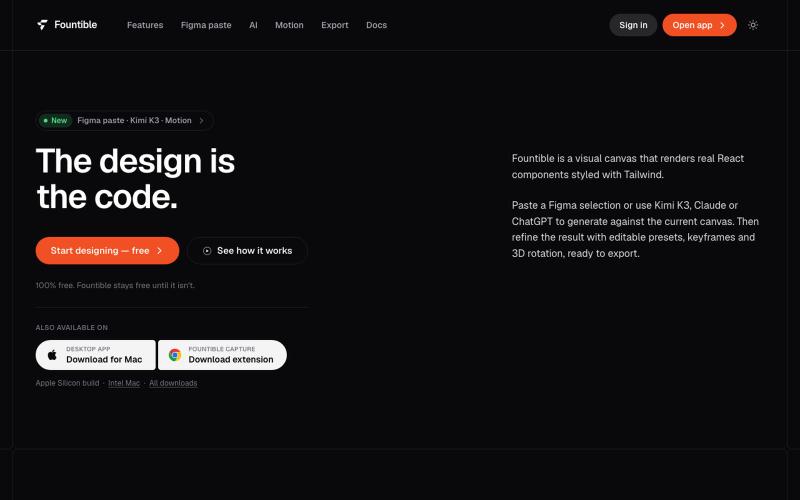
将 Figma 选区转换为原生 React 和 Tailwind 代码,具有 AI 设计和 3D 功能。

@onuro · X
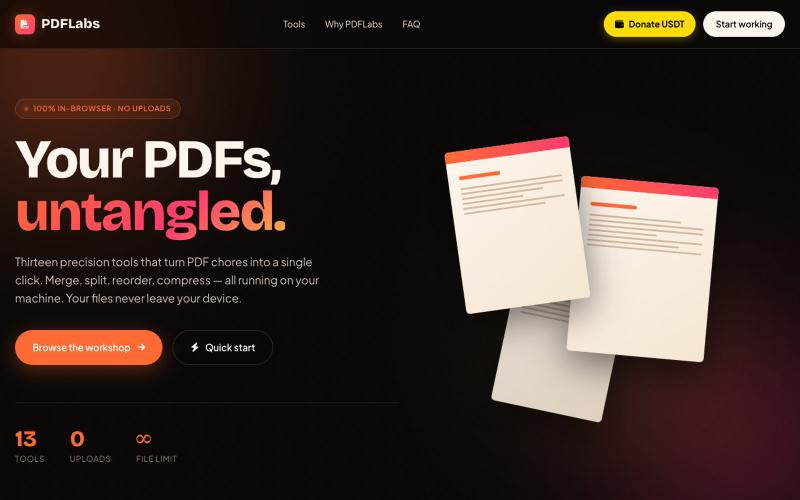
在浏览器中免费合并、拆分、压缩 PDFs,完全私密无需上传。

@no_hitori69465 · X
*"I just launched PDFLabs! 🚀 A free PDF toolkit (merge, split, compress) that runs 100% in your browser. No servers, no uploads, 100% private. Built with vanilla JS and pdf-lib. Try it out and let me know what you think! [ #buildinpublic #100DaysOfCode

在浏览器中编辑、压缩、转换和合并视频和音频文件。
zhw2590582 · V2EX
最近对网站进行了重构,做成了免费的视频工具站:[ArtPlayer Tools]( https://artplayer.org/tools/) 主要是围绕着 ffmpeg.wasm 和 mediabunny 实现的一些可以直接在浏览器里用的视频/音频工具,常用的有: - 视频压缩:[Compress Video]( https://artplayer.org/compress-video/) - 视频裁剪:[Crop Video]( https://artplayer.org/crop-video/) - 视频合并:[Merge Video]( https://artplayer.org/merge-video/) - 视频尺寸调整:[Resize Video]( https://artplayer.org/resize-video/) - 视频旋转:[Rotate Video]( https://artplayer.org/rotate-video/) - 视频调速:[Change Video Speed]( https://artplayer.org/change-video-speed/) - 添加文字到视频:[Add Text to Video]( https://artplayer.org/add-text-to-video/) - 添加水印:[Watermark Video]( https://artplayer.org/watermark-video/) - 提取字幕:[Subtitle Editor]( https://artplayer.org/subtitle-editor/) - HLS 转 MP4:[HLS to MP4]( https://artplayer.org/hls-to-mp4/) - 音频可视化:[Audio Visualizer]( https://artplayer.org/audio-visualizer/) 大部分工具都是本地处理,文件不会上传到服务器。最开始是因为自己偶尔要处理一些视频,开剪辑软件又有点重,在线工具又担心隐私,所以就慢慢做成了一个站。 目前还在持续完善,体验肯定还有不少粗糙的地方,比如不同浏览器的兼容、移动端操作、长视频性能之类的。 网站: [ArtPlayer Tools]( https: