
实用工具1 month ago
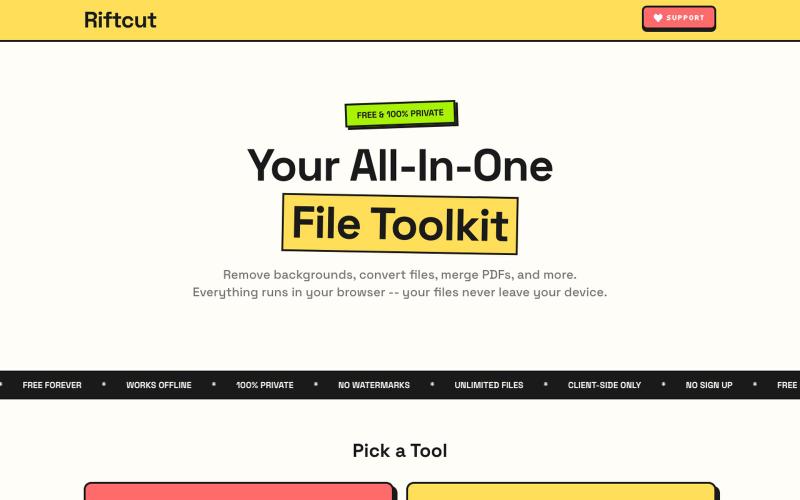
Riftcut — Free Private File Toolkit | Background Remover, PDF Tools
AI背景移除工具,支持PDF转换、合并和创建,完全私密地在浏览器进行。

@irshit0 · X
完整作品展
技术栈
25 projects
AI背景移除工具,支持PDF转换、合并和创建,完全私密地在浏览器进行。
@irshit0 · X
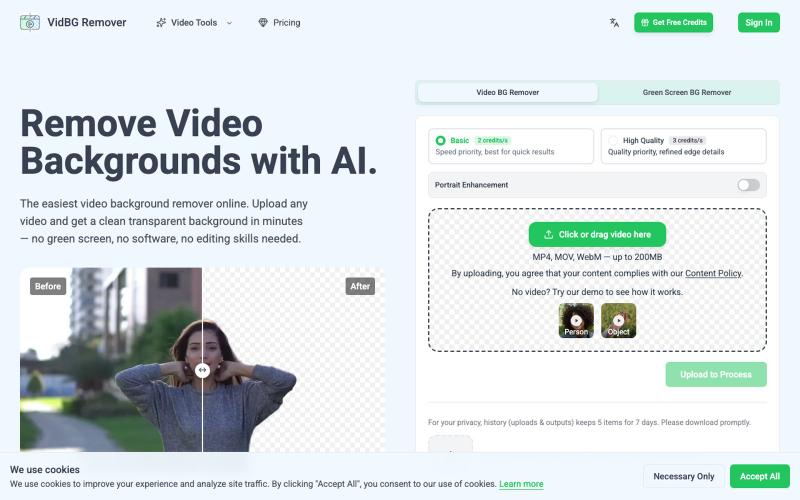
用AI移除视频背景,无需绿幕
yee_jan · Product Hunt
VidBG Remover Remove video backgrounds with AI.

用 AI 背景移除和设计功能创建编辑电商产品照片。
Aluo AI — AI 产品图生成与电商图片编辑工具
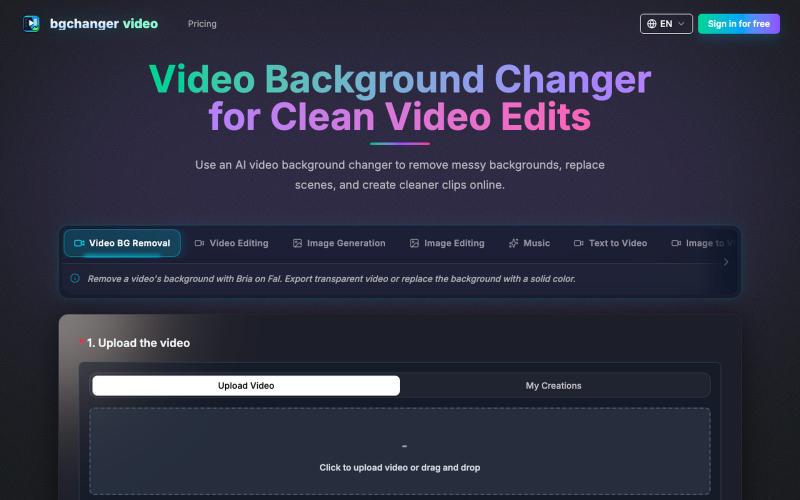
使用 AI 移除或替换视频背景,下载处理后的视频。
BGChanger - AI 视频背景移除与换脸 — 在浏览器中一键替换或移除视频背景,支持高精度 AI 换脸与基础视频剪辑,无需安装客户端与绿幕。
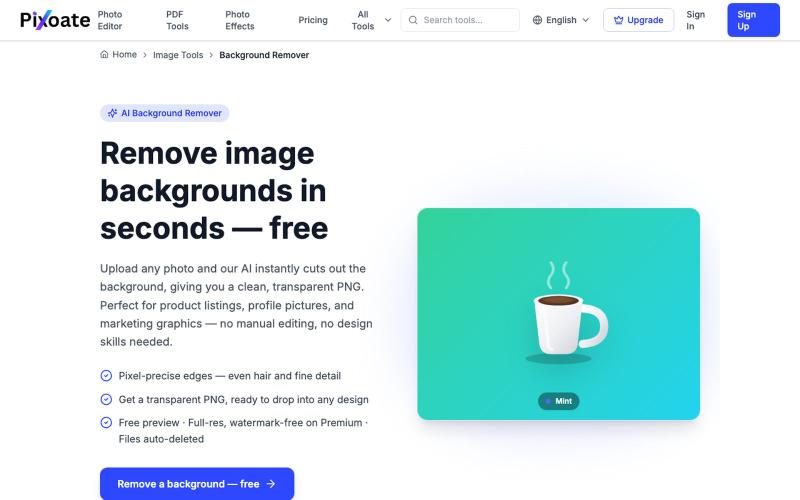
用AI快速移除图片背景,下载透明PNG文件。
HSK11 · HN
Unlimited Remove Background and AI Uplscale Image and Pdf Tool Kit

浏览器中免费合并PDF、压缩图片、去除背景和其他实用工具。

@damiadeh · X
Your files utility tools stacks in your browser. No uploads, files stays on your pc.
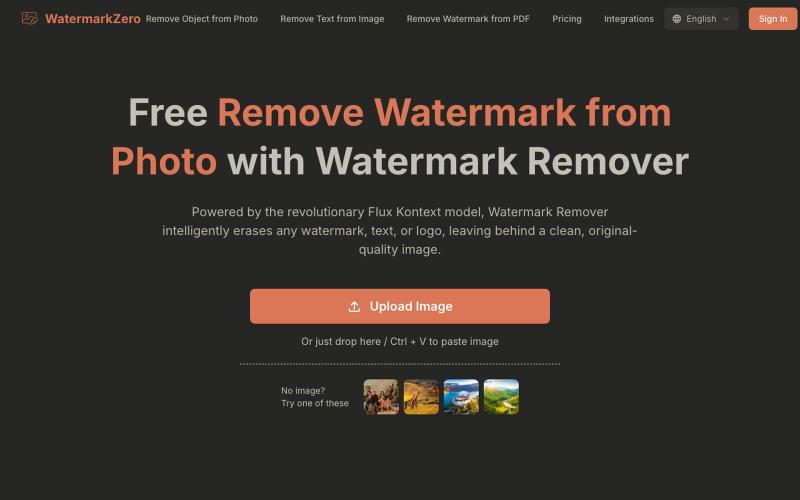
用AI去除照片中的水印和文字,智能重建自然背景。
Watermarkzero — AI 免费去除图片水印。擦除您照片上多余的水印、文字或标志。它并非仅仅涂抹或模糊水印,而是智能地重建水印后方的背景。 最终呈现的是一张完美干净、自然的照片,仿佛水印从未存在过
上传发型照和自拍,AI 从三个角度生成完美发型效果图。
u/Traditional_Song4452 · Reddit
19yr old friend and I made an ai haircut tool! Hey all, my friend and I dropped a haircut visualization tool a few weeks ago to cut down onmiscommunication in the barbershop by generating a photo of you with the cut you want from three angles. We have officially launched now with around 25 users and are trying to get more to try it out! The first generation is free so we’d love as many as possible to try it out if you get a minute! Good luck to all your side projects! subm
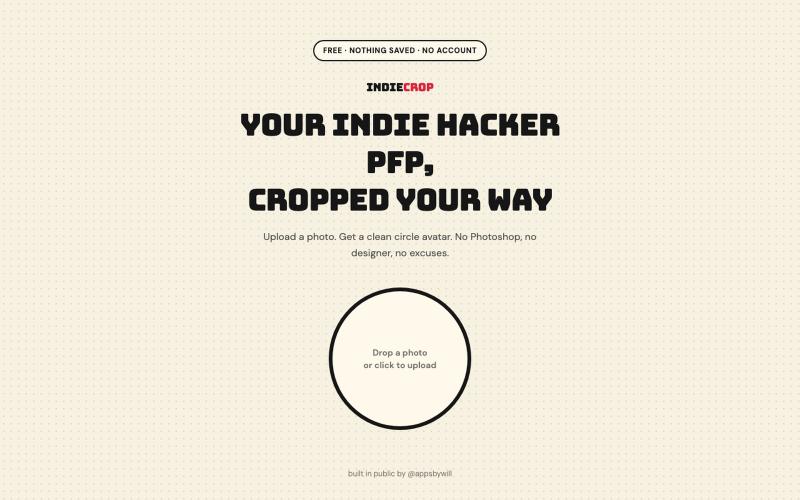
从任何照片生成圆形头像,浏览器中自动去背。

@appsbywill · X
i've been playing around with this profile picture maker, I really want to fine tune the background removal and add more styling templates. Let me know if you find more bugs!
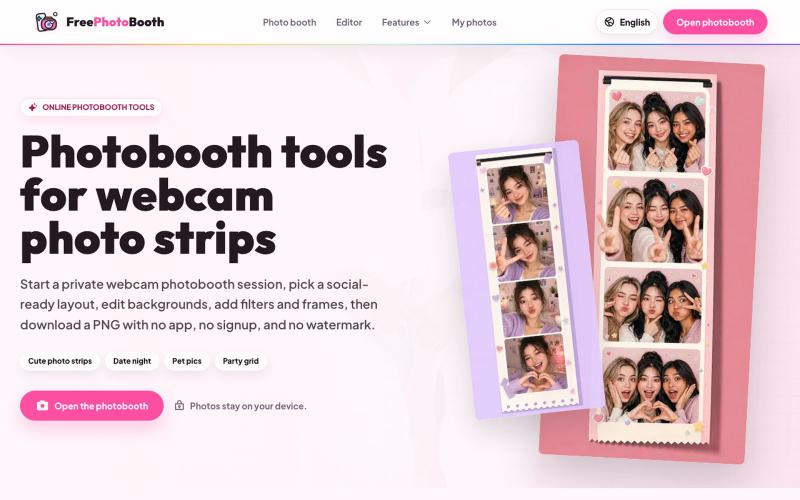
用摄像头拍摄照片纸条,支持滤镜、相框和背景编辑。
cmlanche · V2EX
做的在线照相亭本来还有点流量,结果我 301 瞎整一通,彻底废了,重新上了一个站 地址:[freephotobooth.online]( https://freephotobooth.online/) 上面是老地址,本来流量还可以,上站第二天就有 300 个新点击,但我嫌弃域名后期没有品牌优势,所以 301 到了另外一个域名,但上了之后看到流量没有了,又很焦虑,然后又把新站 301 到老站,现在彻底 game over 不得已重新写了一个站,再上,有兴趣可以围观一下,看看哪个更好,有啥问题我可以改改,主打听劝 新站地址:[https://photobooth100.com/]( https://photobooth100.com/)
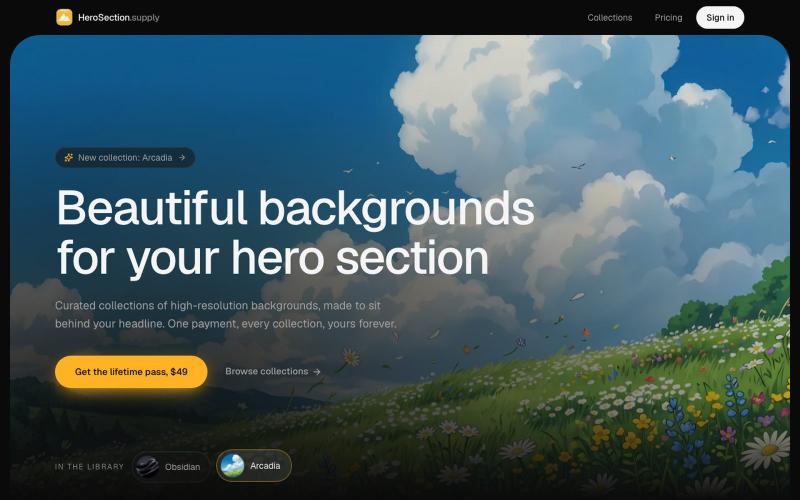
购买为 Hero Section 设计的精选背景图。

@ugo_builds · X
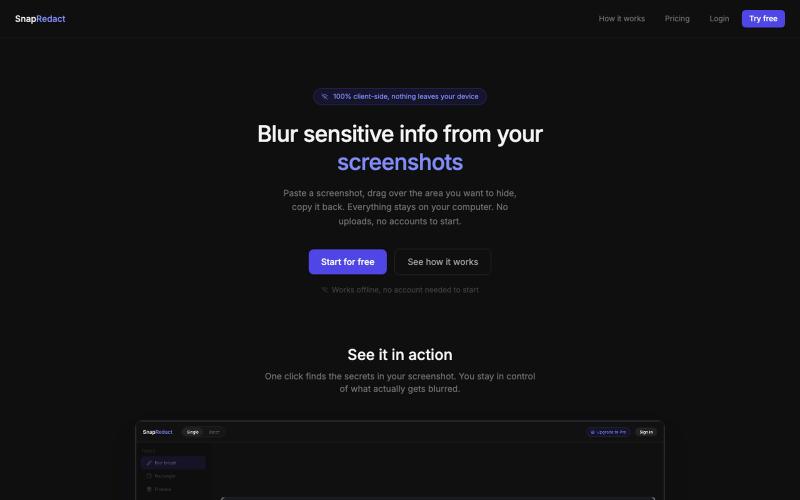
粘贴截图来模糊敏感信息,所有处理均在浏览器本地完成。

@fmonteirox · X
Simple client-side tool that lets you paste a screenshot, blur or redact the sensitive parts (manually or via built-in AI/OCR detection), all without anything ever leaving your browser. (