
创意工具1 day ago
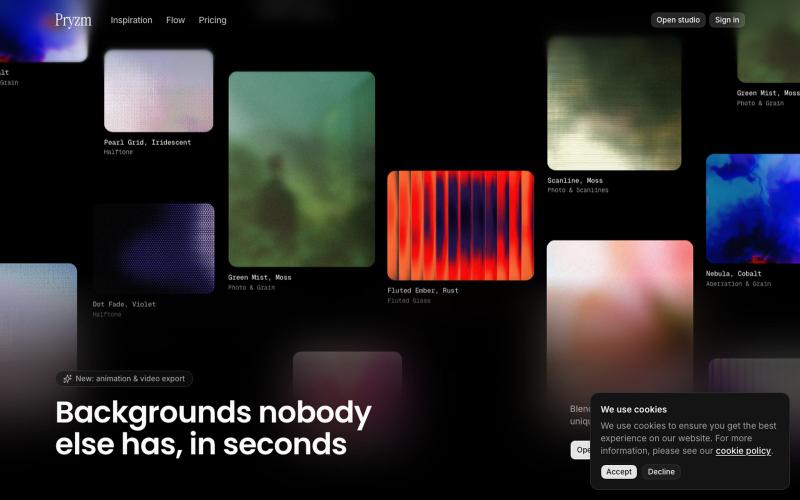
Pryzm | Background & Visual Studio for Designers
在浏览器中快速创建网站和设计用的背景与纹理。

@pryzm_design · X
完整作品展
技术栈
60 projects
在浏览器中快速创建网站和设计用的背景与纹理。
@pryzm_design · X
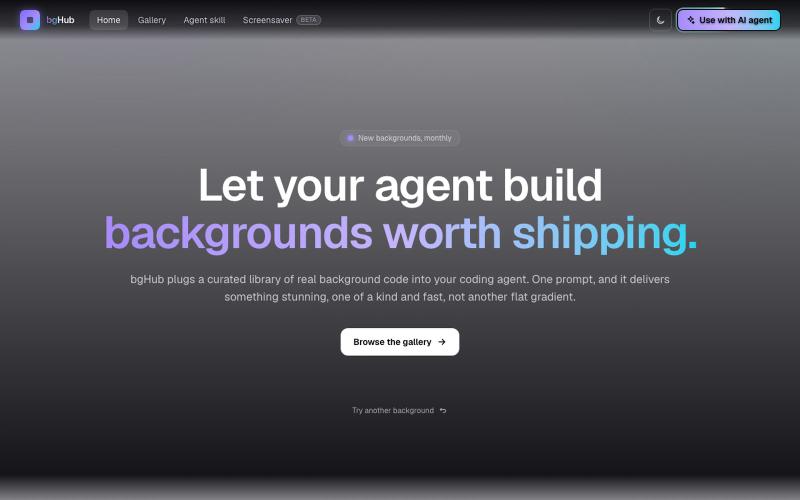
bgHub:为你的项目发现和集成精选的动画网页背景。

@thaipham278 · X
Just shipped bgHub 🚀 A small UI library focused entirely on backgrounds for vibe coding. AI can generate backgrounds, but it often misses the vibe, bgHub is a curated collection of ideas that actually look good. 🆓 Completely free Check it out:

为 Codex Desktop 设计自定义主题,调整背景、颜色、透明度和视觉效果。
plutozc · V2EX
做了个 Codex Desktop 主题预览和切换工具,先调好再安装 最近一直在用 Codex Desktop ,觉得默认界面看久了有点单调,就顺手做了个主题编辑工具,分享一下: [Codex Skin]( https://getcodexskin.com) 可以先在网页里预览主题,调整背景透明度、面板透明度、颜色、模糊和圆角等参数,满意之后再下载并切换到 Codex Desktop 。 目前支持: - 自定义 JPG 、PNG 、WebP 背景 - 在线实时预览主题效果 - 调整透明度、颜色、模糊、圆角 - 预览满意后生成安装命令 - 不喜欢了可以恢复默认外观 目前主要面向 macOS 上的 Codex Desktop ,还是个人项目,功能和兼容性都在继续打磨。 欢迎试试,也想听听大家对主题参数、预览效果和安装流程的反馈。 直接网址: https://getcodexskin.com [轻喷 轻喷,可能还有些 bug
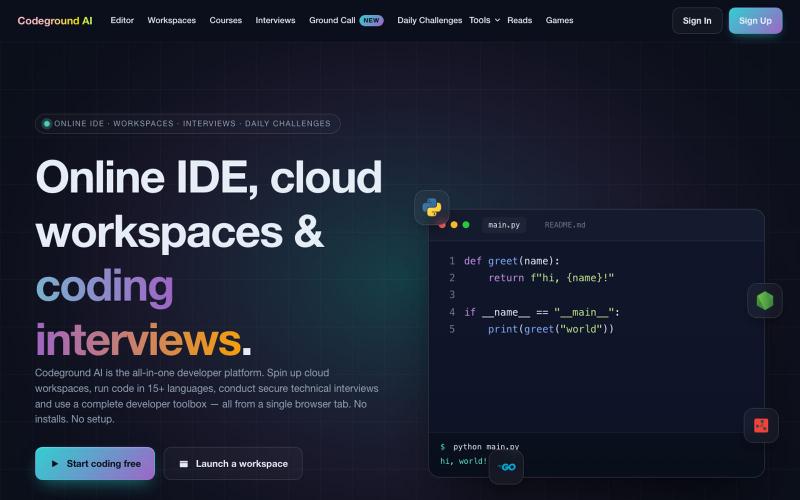
支持15+语言的免费在线IDE,包括云工作空间、代码面试和交互式课程。
aashhuttossh · HN
Codeground – run and share code in the browser
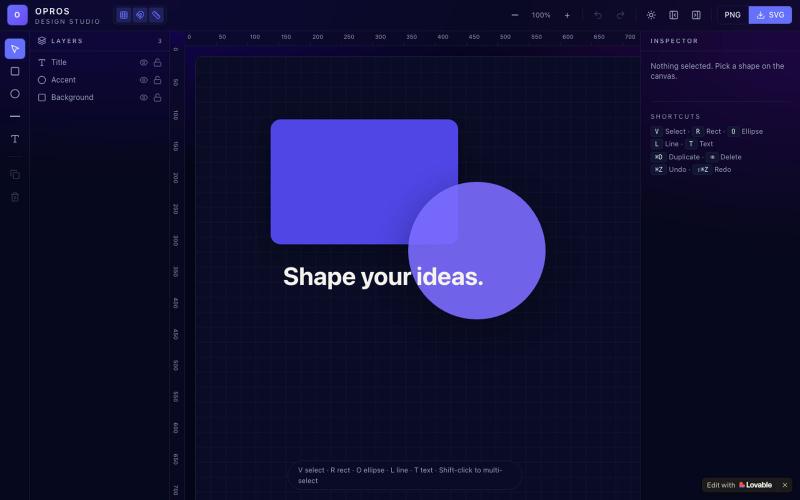
在网络上创建和可视化设计的创意工作室OPROS Design Studio。

@OprosOlamiflex · X
Check out what I just built with Lovable!
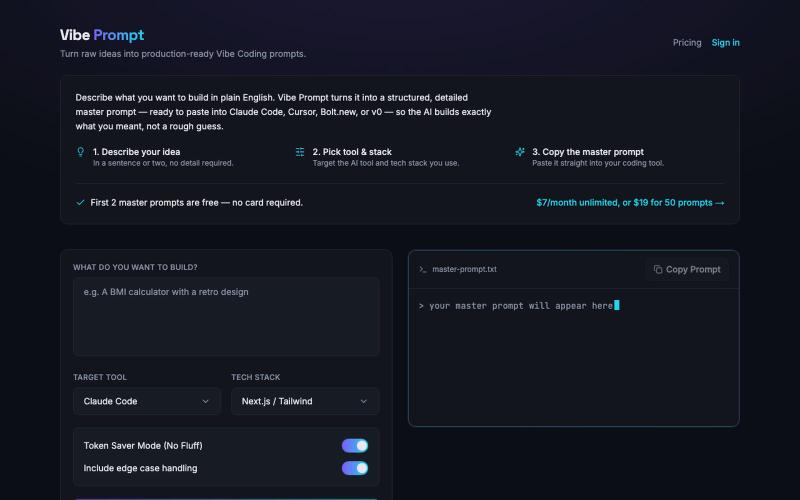
从原始想法生成生产就绪的 Vibe Coding 提示。

@itskalenai · X
stop writing bad prompts. #ai #claudecode #vibecoding
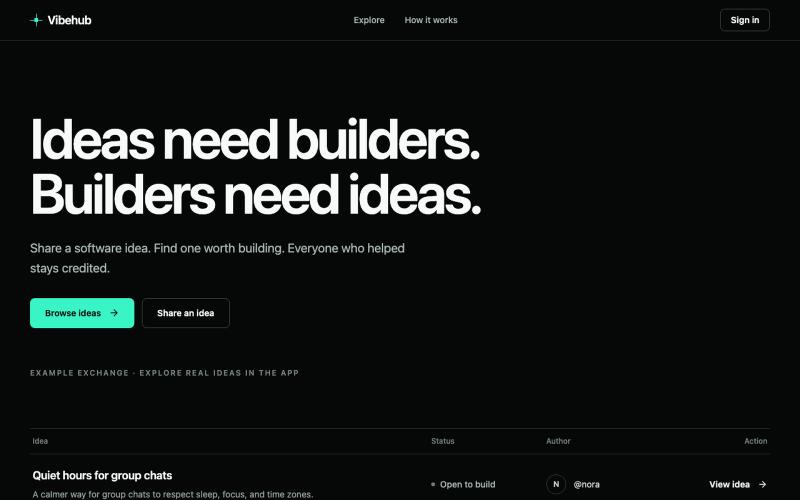
分享软件创意、发现项目、跟踪贡献者的公开待办事项。
u/ramu9703 · Reddit
I built a public ledger that tracks a software idea from "shower thought" to shipped code hey everyone, I spent my weekend building a public backlog called vibehub (thanks 5.6 sol :) ) the main problem i wanted to solve is that too many good micro-ideas die in notes apps, and too many open-source projects launch without anyone knowing why they were built, who had the original spark, or how they evolved vibehub tracks the entire lineage of a project: - public feed of software briefs
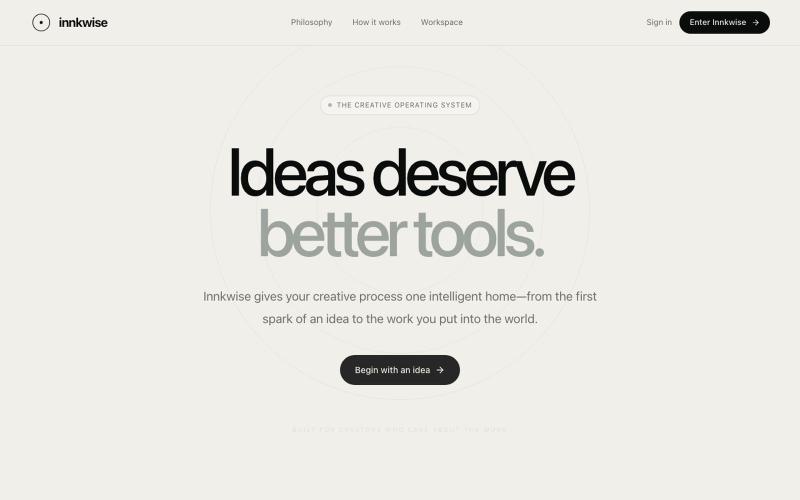
AI驱动创意操作系统,助力创作者将想法转化为有意义的作品。

@amruthashwa · X
AI powered Creator OS for content creators
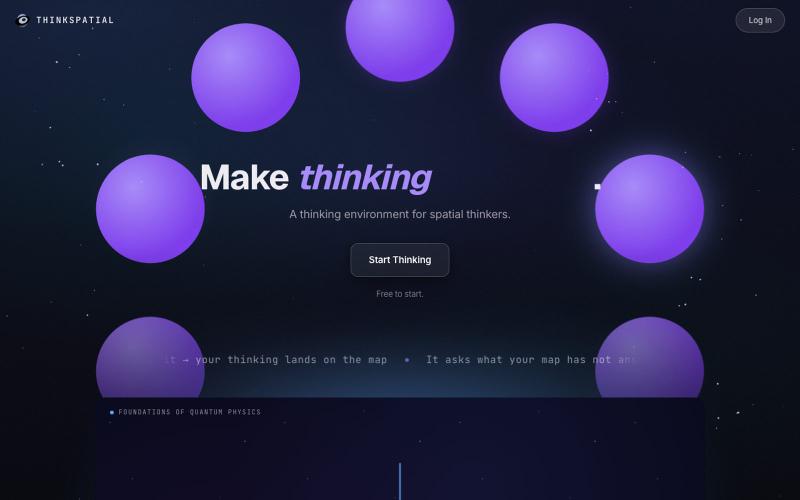
将想法组织为视觉地图,提取关键见解并转化为文档和演讲稿。
u/shadowosa1 · Reddit
I rebuilt my landing page after 300+ visitors still didn’t understand what my app does. I’ve been building a spatial thinking environment called ThinkSpatial, and one of the hardest parts hasn’t been building the product. It’s been explaining what it is in the first few seconds. The basic idea is simple. You speak or type, and your thinking gets turned into a visual map instead of disappearing into a chat box, doc, or note-taking app. My first landing page was way too focused on showing h
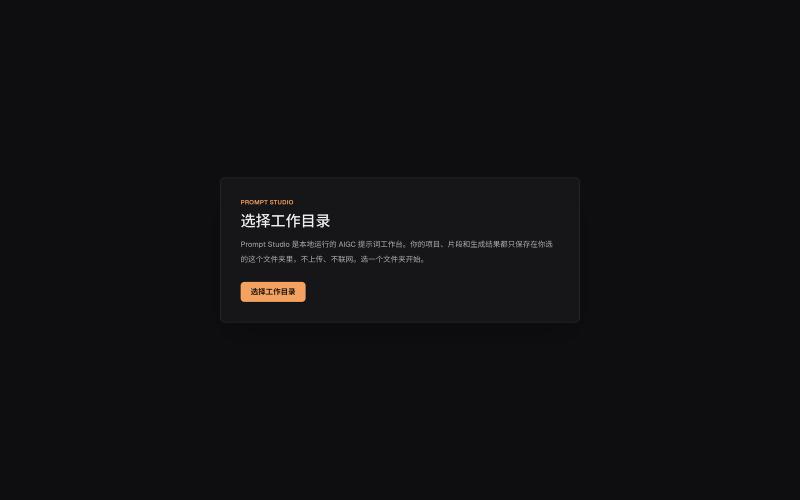
本地管理 AIGC 提示词、角色设定和视觉描述的工作台。
innerpeace03 · V2EX
做了个管 AIGC 提示词的本地工作台 —— Prompt Studio 先放地址(纯静态、无后端,打开即用): https://prompt-studio-7gh.pages.dev ## 为什么做这个 起因是身边一个做漫剧 / AI 短视频的朋友,她的 prompt 和素材全靠飞书文档 + 手动复制粘贴管理。 同一段角色设定、画风描述,在几十条 prompt 里被物理复制了几十遍 —— 真实样本里同一段片段重复出现了 16 次。 改一个设定就得全文档翻着改,漏一处就出错。 市面上要么是「以图为中心」的图库( MJ / Civitai 那种),要么是通用文档( Notion / 飞书), 都没解决「同一段提示词在很多地方被重复、想改一处就同步所有引用」这件事。所以自己动手做了一个。 ## 它是什么 一句话:浏览器里运行、数据全在本地、单人用的「提示词 + 素材」工作台。 核心就一件事 —— 消灭 prompt 片段的物理重复: - 片段层 + 规则层两级可复用资源,prompt 里用「引用」而不是复制粘贴 - 改一次片段,所有引用它的
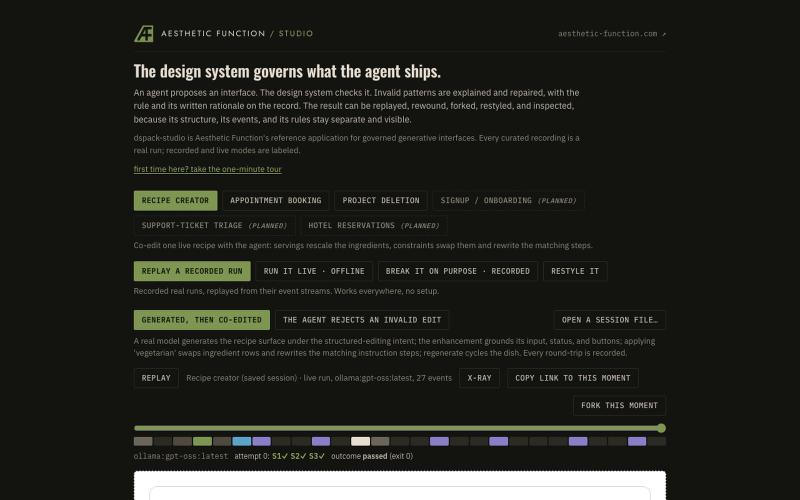
AI代理在设计系统约束下生成UI界面,支持检查、修复和重放。
ryandmonk · HN
Dspack Studio – An agent builds UI, the design system gates what ships
