

开发者工具4 days ago
seus.ai — Autonomous Software Creation Engine
seus.ai 自动设计、构建和部署软件系统。

@Bim_evaporates · X
Check out DMs open
完整作品展
技术栈
28 projects
seus.ai 自动设计、构建和部署软件系统。
@Bim_evaporates · X
Check out DMs open

AI 团队工具,帮助创作者构建和部署应用

@daogangtang · X
my claw team to help creators/OPC ship their app without the tech team. We help them build, deploy, and auto scale.
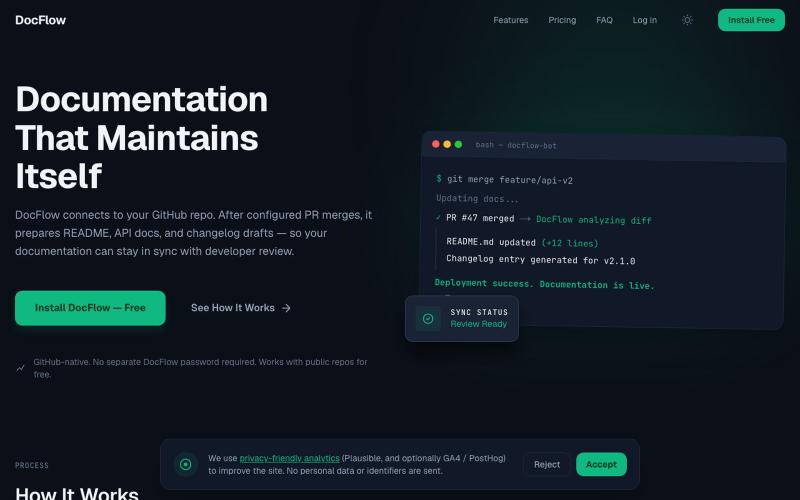
在GitHub pull requests上自动生成代码文档。
Aldasams · HN
Show HN: DocFlow – AI documentation updates for GitHub pull requests

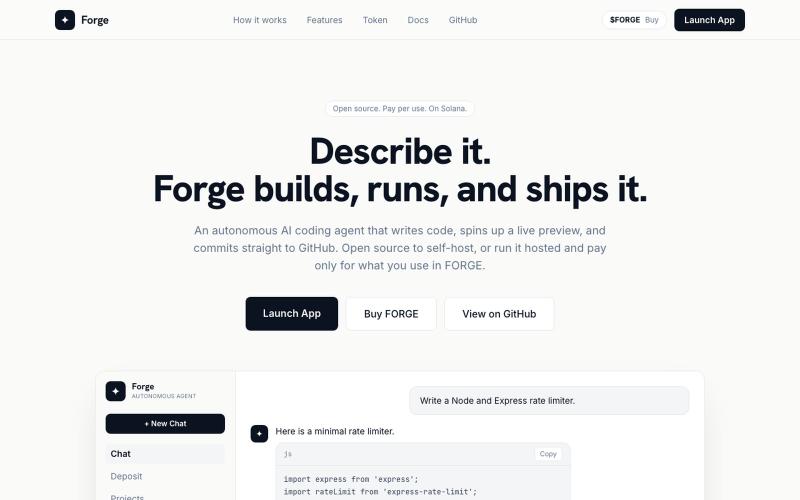
从文本提示自动生成、构建和部署完整项目的AI代理。

@liquidated0x · X
building an AI coding agent that ships full projects from a prompt — if you're if you're curious
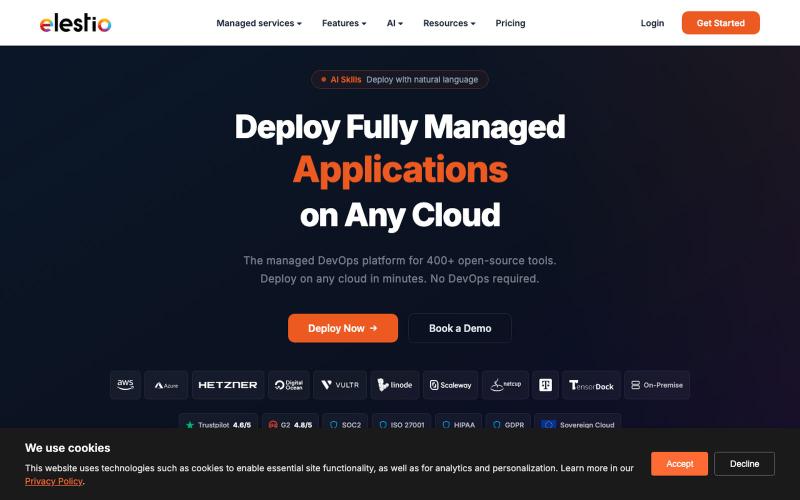
部署400+开源工具到9个云提供商中任意一个。

@Dil_Lynn · X

用 AI 代理自动改进代码库并生成合并就绪的 PR。

@javimosch · X
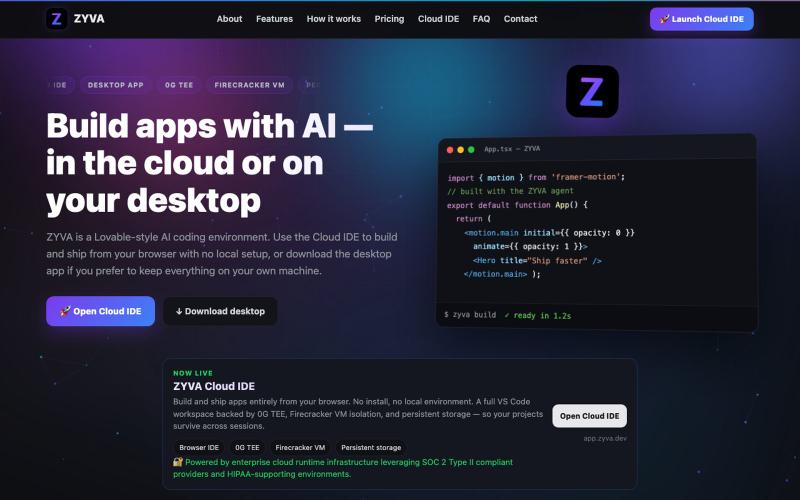
AI驱动的浏览器IDE,提供实时编辑、网站构建和设计功能。

@zyvadev · X
✨ AI Vibe Coding 🎨 Website Cloning 💻 Live Code Editor 👀 Live Preview 🎭 Design Presets 🖼️ Auto Logo & Favicon 🗄️ Database 🌐 Free Hosting & Subdomains Native 0G SDKs: ⚡ 0G Compute 💾 0G Storage ⛓️ 0G Chain Everything in one AI Cloud IDE. build with 0G
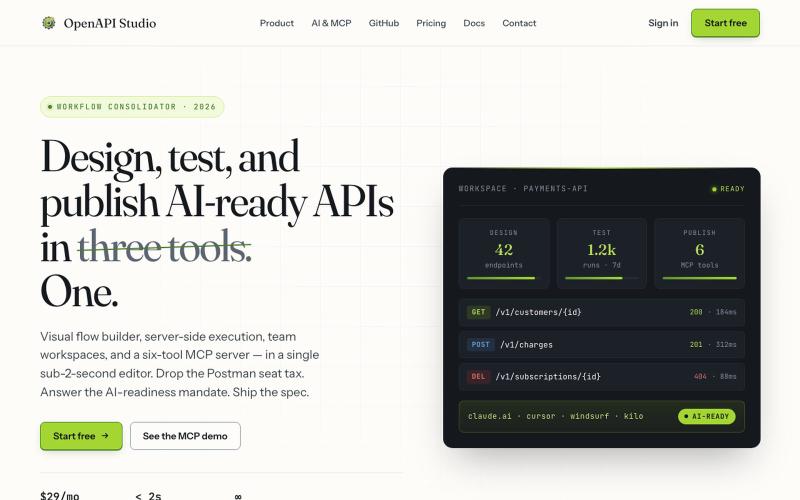
用可视化编辑器设计、测试和发布AI就绪的API。

@milonspace · X
A specification nobody can find is functionally the same as no specification.
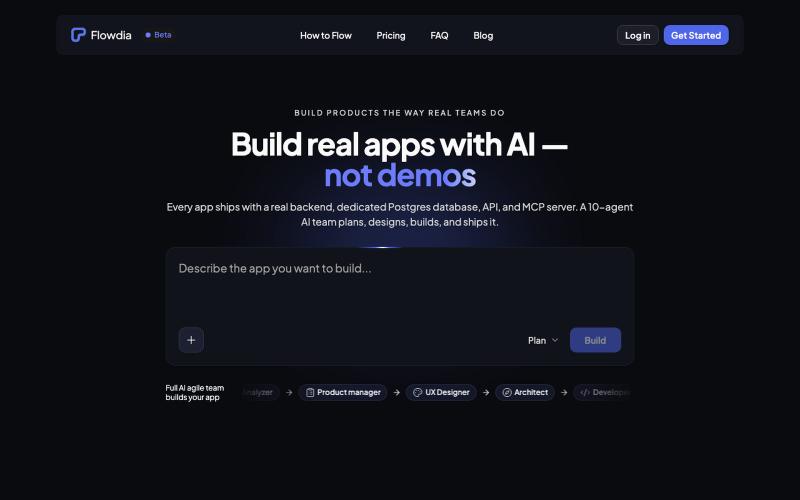
Flowdia 用 AI 团队来规划、设计和部署配备真实数据库和 API 的应用。

@islamtaha · X
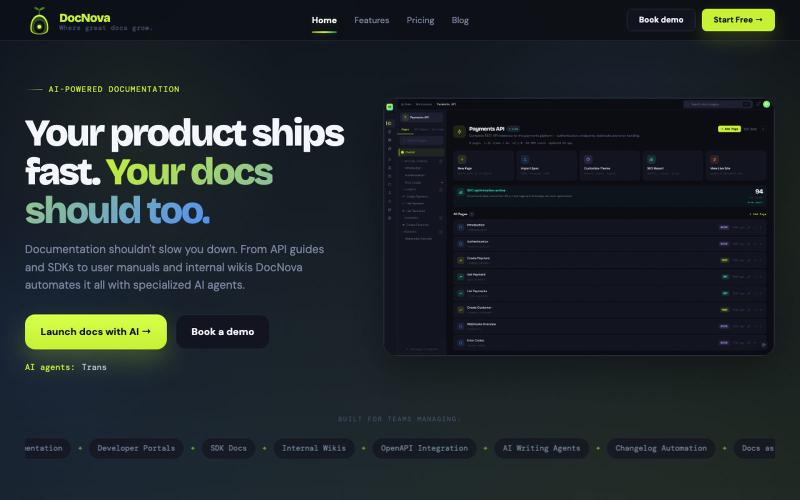
通过 AI 辅助写作,从 API 规范和文档生成品牌化的开发者门户

@jitendraballa · X
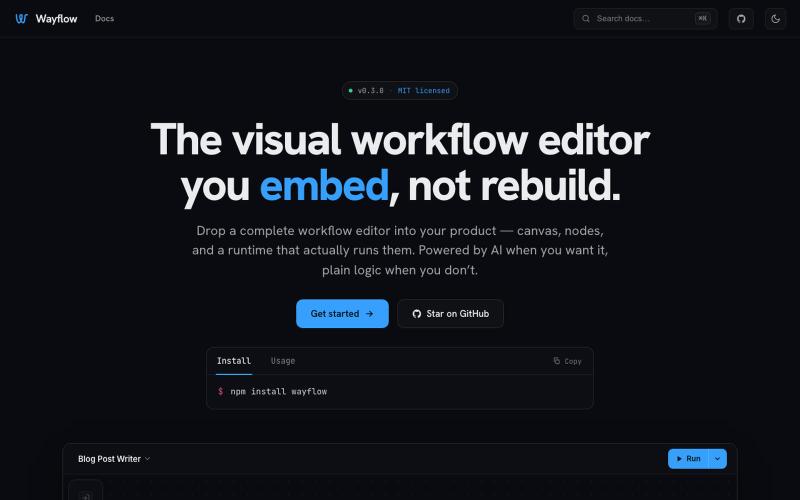
可嵌入的可视化工作流编辑器,支持AI驱动或纯逻辑设计。
tahazsh · HN
Hi! I’m Taha. In many agentic products that support workflows (including one I worked on), I noticed they either don’t support node-based editors, or use React Flow and go through the difficult work of integrating it into their product to run it and work with their existing logic. So I thought about creating a tool that could help with this by closing the gap between the editor and the runtime. That’s why I created Wayflow. The basic architecture is simple: you just need to create a graph (which is a JSON object) that the runtime knows how to run. The runtime doesn’t care where that graph is coming from, it just needs the right schema. And with the help of the editor, you can create the graph, and then export it or directly save it on your backend in your database. And then when you want to execute it, you just hand it to the runtime. The runtime can either stream the execution (which is useful for the editor), or give you the final result. How you execute the graph is up to you: t