
开发者工具1 month ago
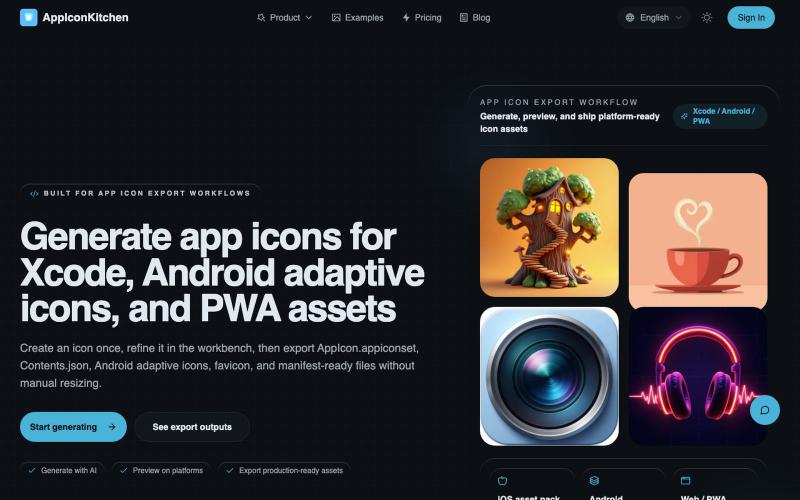
Generate app icons for Xcode, Android adaptive icons, and PWA assets | AppIconKi
生成 AI 图标,导出 iOS、Android、PWA 优化版本。
AppIconKitchen — 最好用的免费 AI 应用图标生成器,专为开发者设计。一键导出 iOS、Android(支持自适应图标)和 Web/PWA 全平台资源,完美符合 App Store 和 Google Play 规范。
完整作品展
技术栈
60 projects
生成 AI 图标,导出 iOS、Android、PWA 优化版本。
AppIconKitchen — 最好用的免费 AI 应用图标生成器,专为开发者设计。一键导出 iOS、Android(支持自适应图标)和 Web/PWA 全平台资源,完美符合 App Store 和 Google Play 规范。
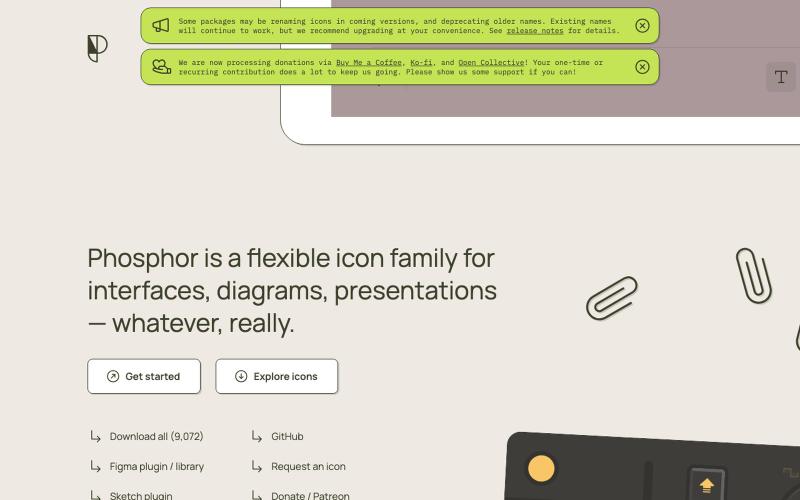
灵活的Phosphor Icons图标库,含动画效果,可用于界面设计。

@imdecentralized · X
How I avoid UI's that looks vibe coded: This is my inspiration store. Beyond just an existing website it has specific components and animations that you can use directly rather than asking claude to generate some based on a website. Stop the slop
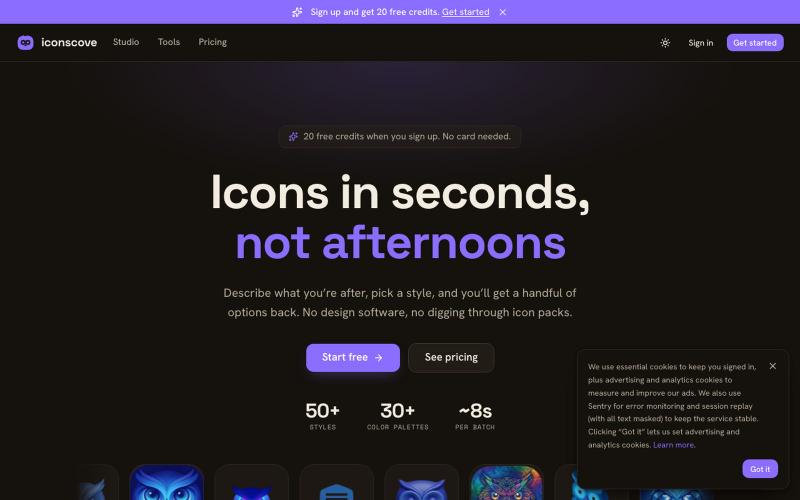
输入文本描述生成专业图标,50+种风格可选,支持PNG下载。
mantasge · Product Hunt
IconsCove AI Icon Generator with 50+ styles and library management
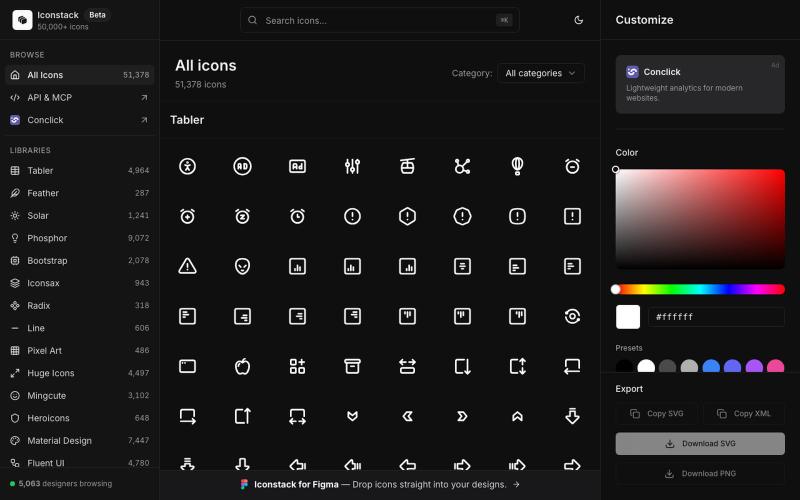
搜索50000+免费SVG图标,自定义颜色和线宽,下载SVG/PNG/XML,无需登录。

@thedeepflux · X
i'm shipping for designers who need a massive library of high-quality icons without the subscription. it solves the 'i need it now' problem. for other builders, how do you handle feature creep vs. sticking to the core problem?
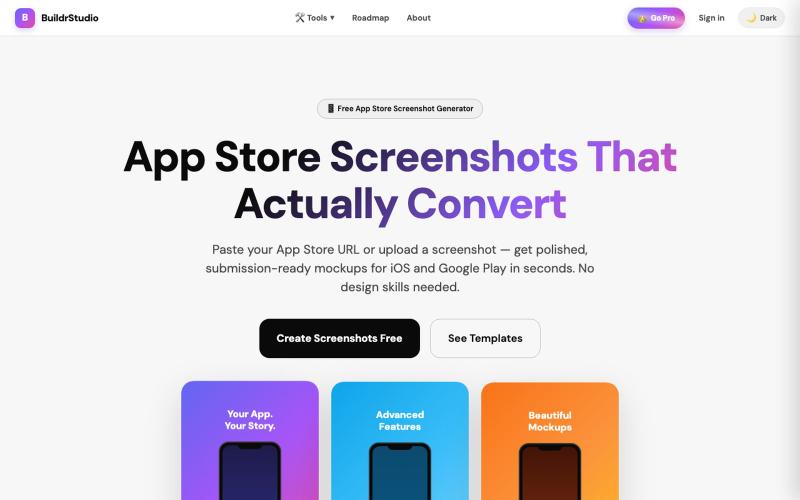
AI 生成 App Store 和 Play Store 应用截图及标题。

@buildrstudio · X
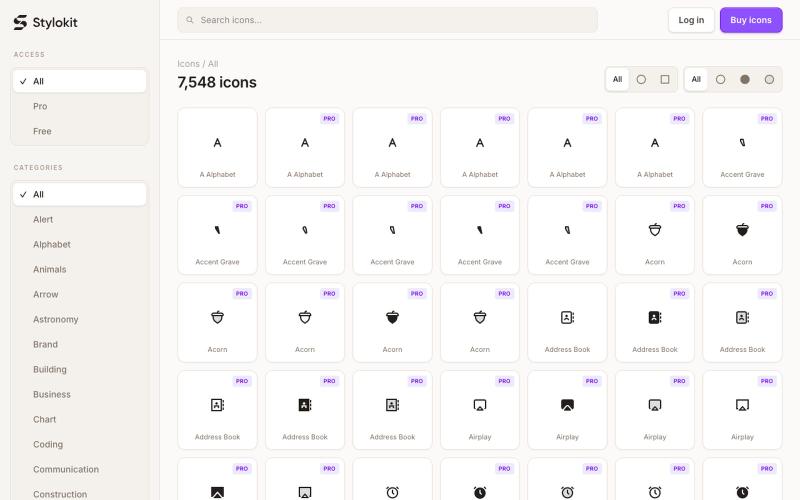
Browse 7,584+ consistent SVG icons for React, Figma, and Framer. Search Round and Sharp icon styles, then copy clean SVG, TSX, or React components for your next product.

@Dmytri_Design · X
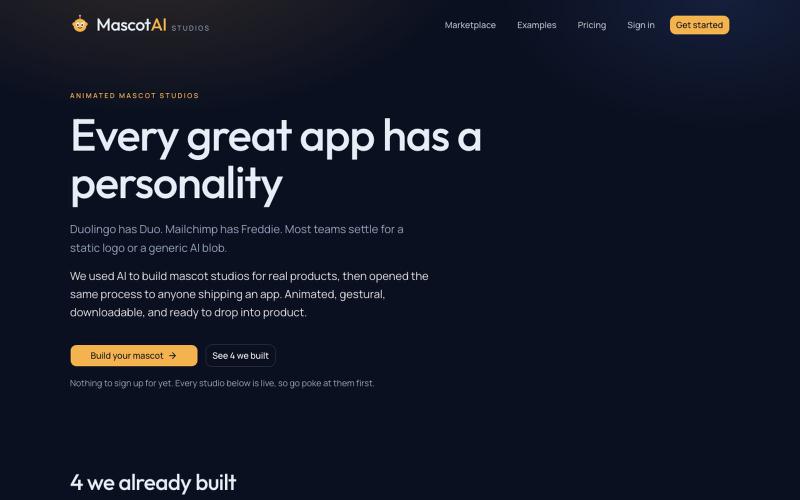
Generate animated SVG mascots for web and mobile apps. Gestures, themes, and download-ready packs you can ship straight into product.

@indie_tahir · X
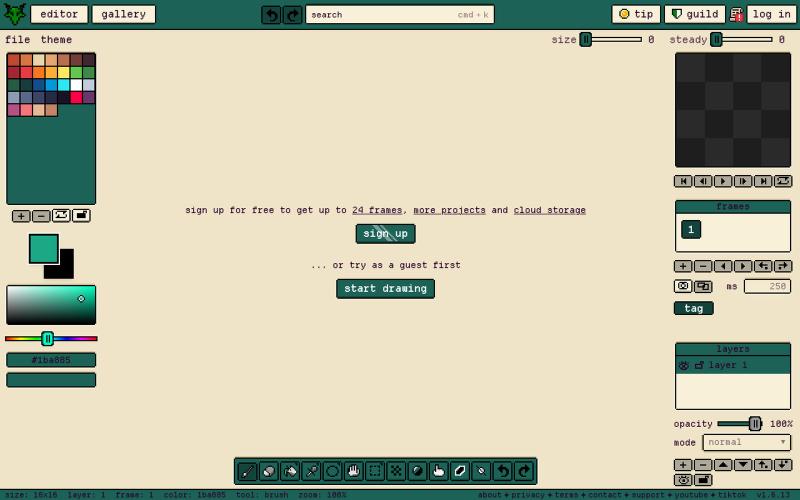
Gribble is a free pixel art editor for any device to draw, animate, and share pixel art frame by frame. No install, no signup needed.

@napahlmdev · X
working on at a baseline it's a cross-platform extensive pixel art tool, but got volume usage potential for everything from young artists to crochet design to image pixelation
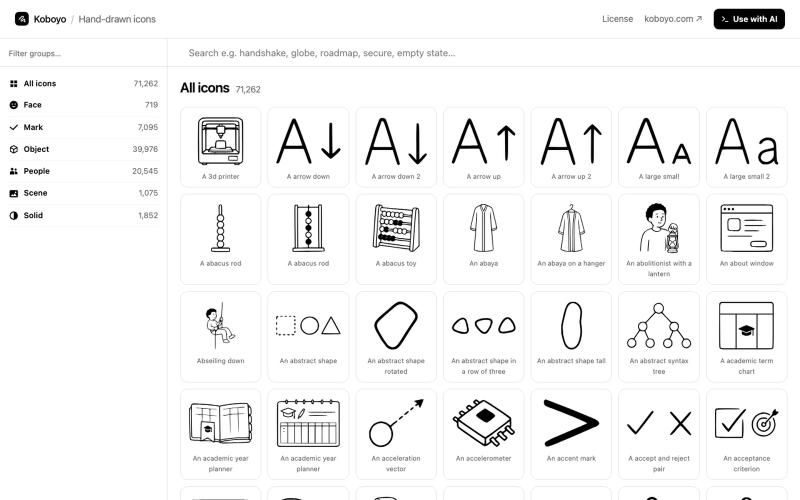
搜索 71,262 个免费手绘 SVG 图标库,支持智能同义词匹配。
kamranahmedse · HN
I made 70K+ hand-drawn icons using AI
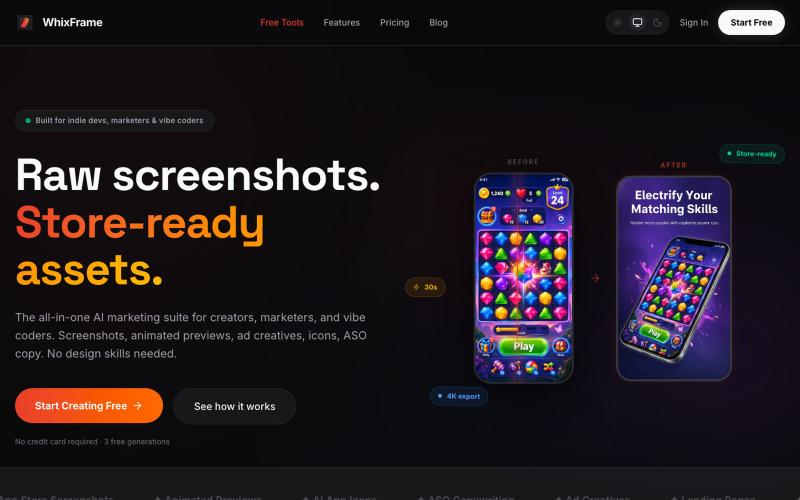
无需设计技能,用AI生成应用商店截图、图标和营销素材。

@Erdousky · X
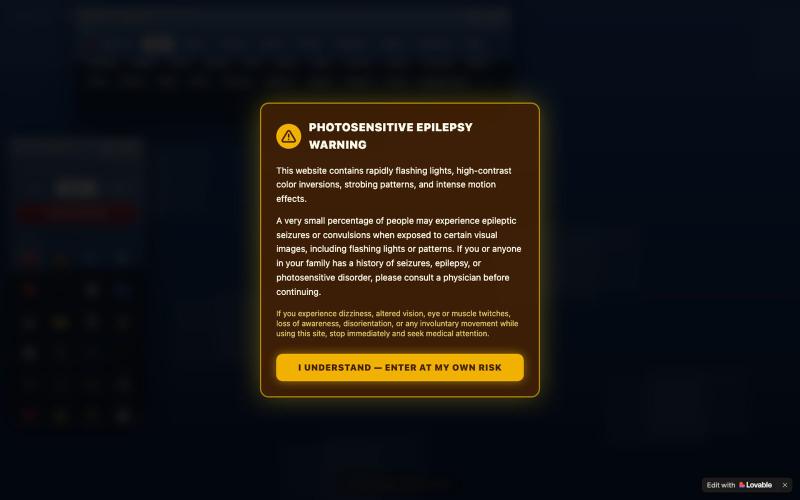
用复古Windows图标绘画,应用故障、反演、隧道、镜像和像素化等视觉效果。

@yarikholk · X
Check out what I just built with Lovable!

通过描述快速生成高保真UI界面,支持移动和网络应用。

@ninakolari · X
Google just dropped Stitch and it changes the entire vibe coding workflow. You describe what you want your app to look like. It builds full high-fidelity screens in seconds. No Figma. No designer. No credit card. Here is how to use it: Go to Sign in with your Google account. That’s it. You’re in. Instead of typing “make me an app” type this: “A lesson planning app for teachers. Clean and calm. Inspired by Notion. Minimal. White space.” The more specific you are the better your screens. Then refine with follow up prompts. Change the nav. Try dark mode. Get 3 menu variations. Or just speak it. Your screens become a clickable prototype in seconds. Click a button and Stitch generates the next screen automatically. Your entire app flow. Before you write one line of code. Then take it further. Export to Lovable or Cursor and build the logic on top. Use the MCP server to keep your design and code in sync. Pull any website’s design system in seconds. Save everything as