
开发者工具1 month ago
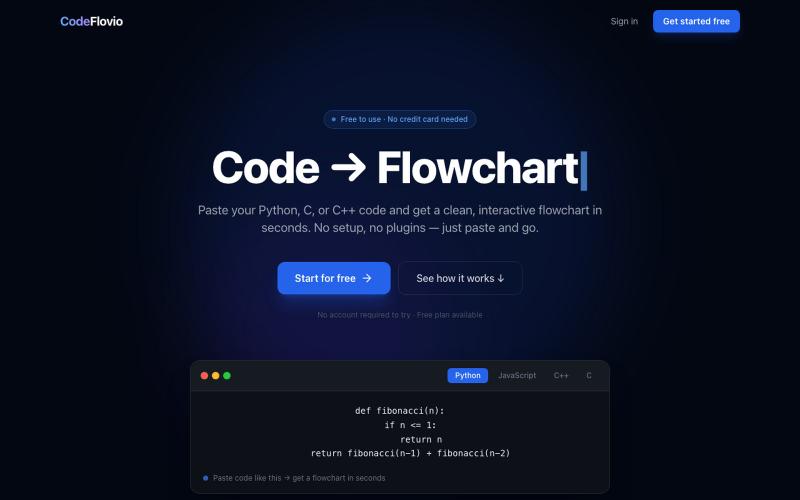
CodeFlovio | Code to Flowchart & Algorithm Visualizer Tool
CodeFlovio 将代码转换为交互式流程图,便于学习、调试和文档编制。

@Sparsh209 · X
Hi isha! Check it out here at: Would love to hear your feedbacks
完整作品展
技术栈
24 projects
CodeFlovio 将代码转换为交互式流程图,便于学习、调试和文档编制。
@Sparsh209 · X
Hi isha! Check it out here at: Would love to hear your feedbacks
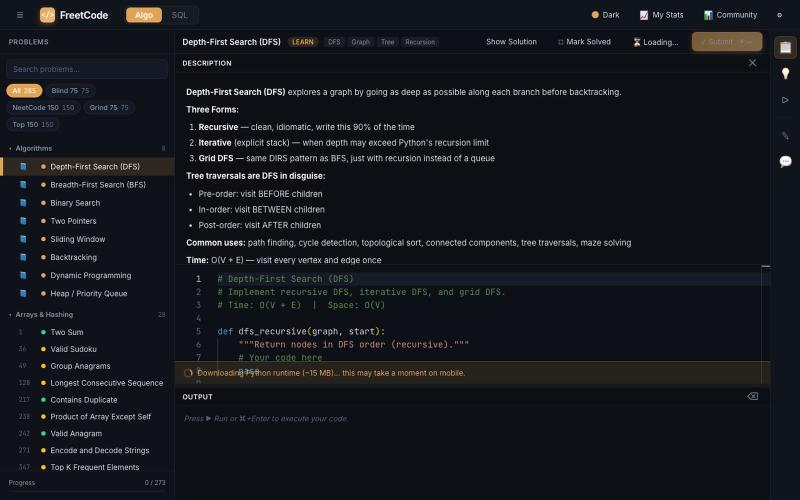
FreetCode:免费练习算法面试题,带解法和互动可视化。

@Galliard232634 · X
Come study with me on
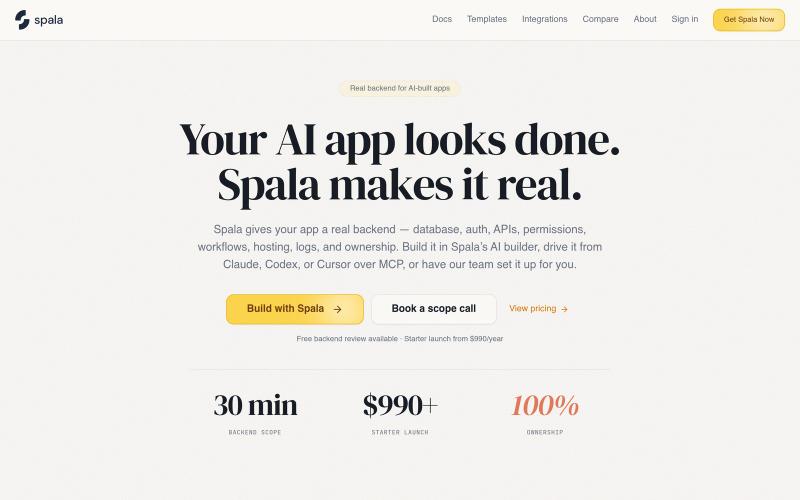
将AI生成的后端代码转化为可视化、可验证的逻辑层。

@SpalaAi · X

构建AI智能体并在交互式仪表板上实时可视化其执行。

@Aurelsuuu · X
this is my product, come take a look:

AI 图像编辑与生成工具,在浏览器和移动设备上编辑和扩展图像。
visuali · HN
Like Claude Code for Images
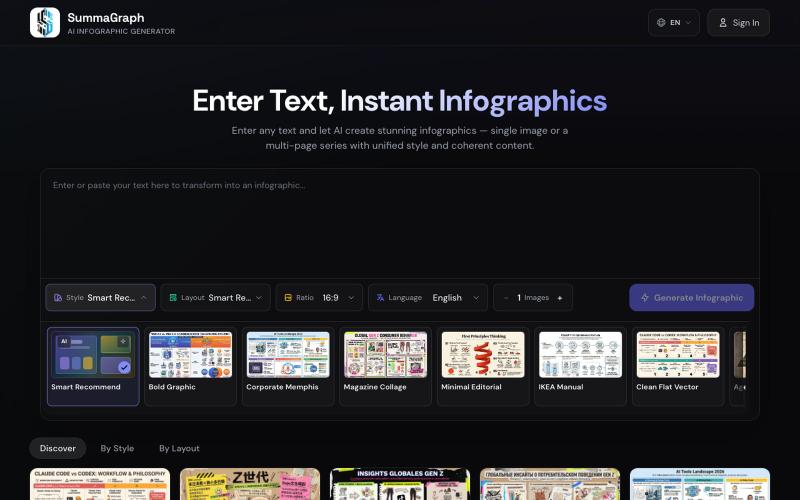
Summagraph 用 AI 将文本转换为信息图,提供 17 种风格和 20 种布局选择。
SummaGraph — AI 信息图生成工具,粘贴任意形式的文本即可一键生成高质量信息图,内置 20 种视觉风格 × 20 种布局模板,支持系列模式一次生成多页风格连续的信息图,覆盖中英日韩等 9 种语言
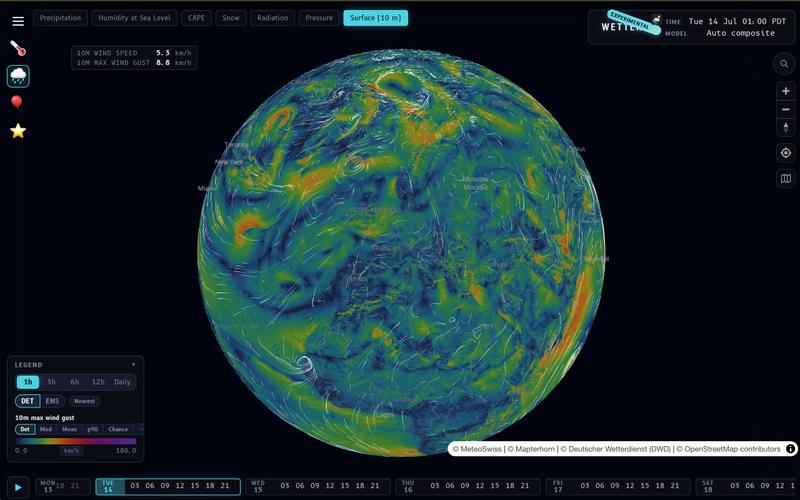
Wetter 支持本地计算和自定义聚合模式的天气预报和可视化应用。
__mp · HN
I built my own weather prediction / visualization app: https://wx.rsp.li (on-device temperature lapsing, on device interpolation modes, user-selectable aggregations, etc…). One of these days I should do a writeup. I also asked Claude to build a photo gallery for me https://places.pascalspoerri.ch (HDR, map support, similar images)
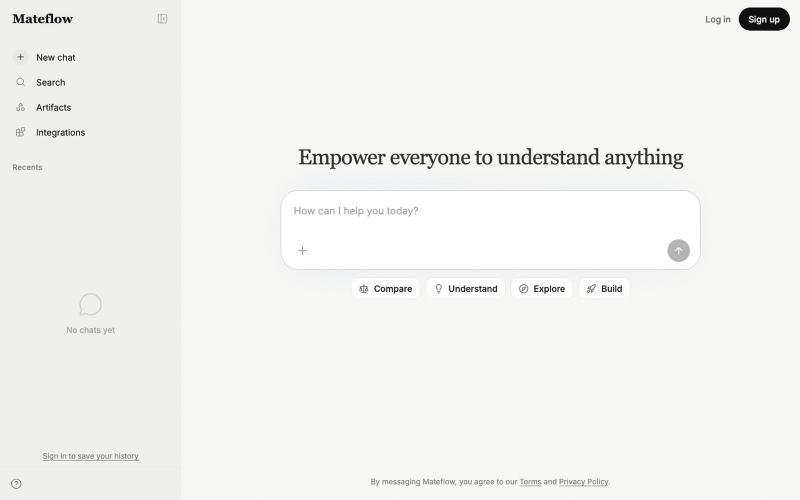
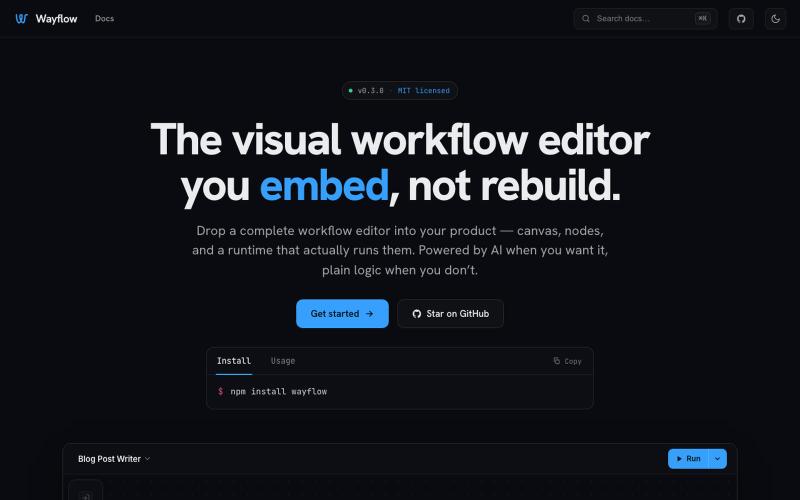
可嵌入的可视化工作流编辑器,支持AI驱动或纯逻辑设计。
tahazsh · HN
Hi! I’m Taha. In many agentic products that support workflows (including one I worked on), I noticed they either don’t support node-based editors, or use React Flow and go through the difficult work of integrating it into their product to run it and work with their existing logic. So I thought about creating a tool that could help with this by closing the gap between the editor and the runtime. That’s why I created Wayflow. The basic architecture is simple: you just need to create a graph (which is a JSON object) that the runtime knows how to run. The runtime doesn’t care where that graph is coming from, it just needs the right schema. And with the help of the editor, you can create the graph, and then export it or directly save it on your backend in your database. And then when you want to execute it, you just hand it to the runtime. The runtime can either stream the execution (which is useful for the editor), or give you the final result. How you execute the graph is up to you: t
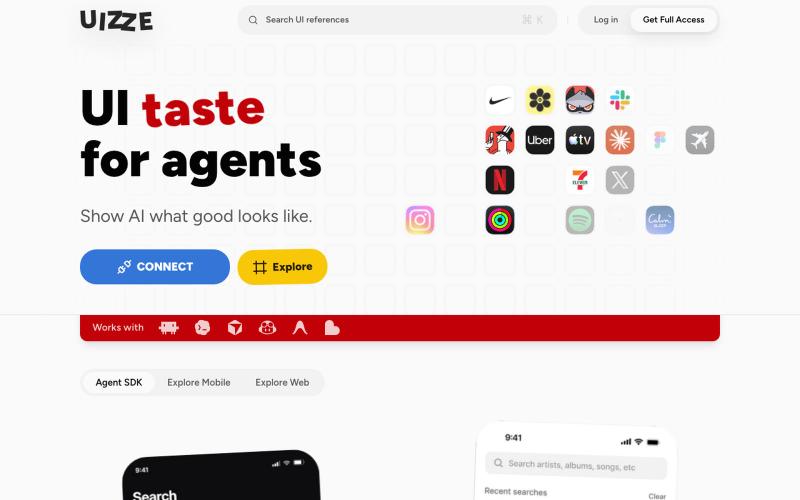
UIZZE 分析 UI 截图并为 AI 代理提供设计审计。
u/albanianspy · Reddit
the boring internal tool became the product we didn’t start with a saas idea. we were just annoyed that every agent-built UI looked weirdly related. so we made an internal finish gate: real screen references, a design contract, browser checks, and a ban list for generic AI defaults. one developer kept asking why it wasn’t public. eventually we stopped having a good answer. now UIZZE has a few paid users. builder disclosure: it’s mine, $9/mo or $99 lifetime: https://uizze.com current
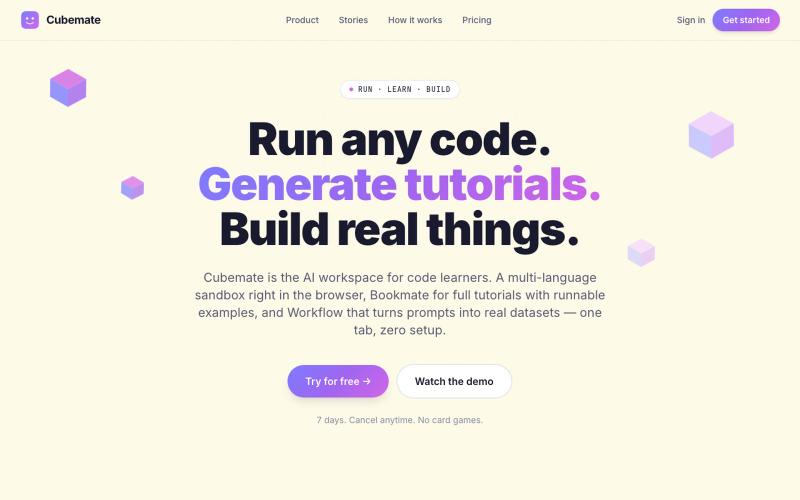
多语言代码学习助手,可在浏览器中直接编写和执行代码。

@francis7_a · X
Building - learning tools for devs and student. happy to connect.
