
创意工具1 day ago
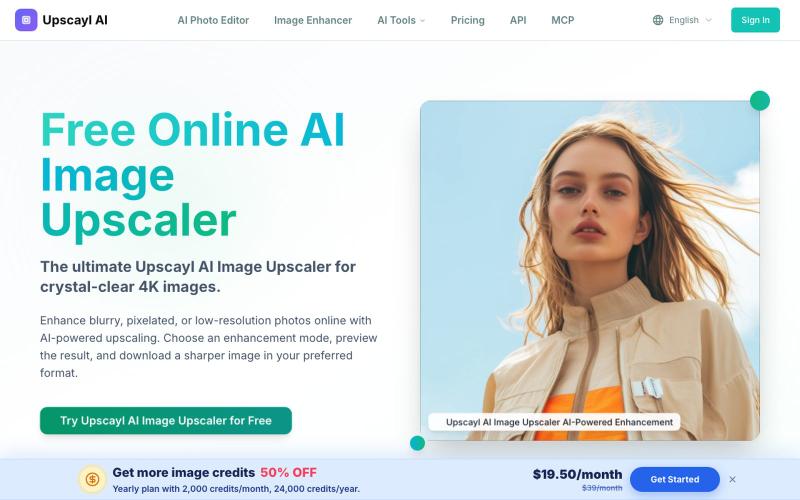
Image Upscaler Online Free – Upscale to 4K with AI | Upscayl
Upscayl是在线AI图片放大工具,支持去模糊、老照片修复和背景移除。
Upscayl — 在线 AI 图片放大与增强工具,支持图片去模糊、老照片修复和背景移除,无需安装桌面软件
完整作品展
技术栈
26 projects
Upscayl是在线AI图片放大工具,支持去模糊、老照片修复和背景移除。
Upscayl — 在线 AI 图片放大与增强工具,支持图片去模糊、老照片修复和背景移除,无需安装桌面软件
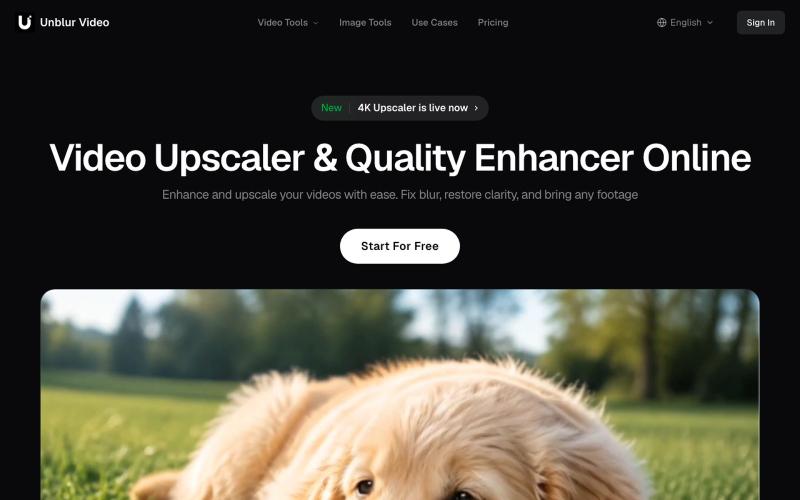
Enhance video quality online with Unblur Video. Upscale videos to 4K, unblur low-resolution footage, reduce noise, brighten dark scenes, and sharpen details.

@chris_pangpang · X
building Unblurvideo a simple tool that upscales and enhances video. Lets connect👋
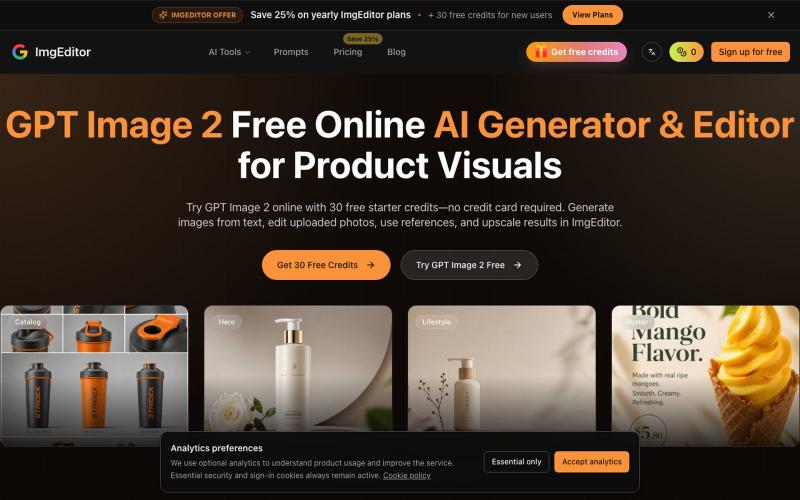
使用 GPT Image 2,通过文本提示生成和编辑图像。
GPT Image 2 — AI 图片生成工具,支持快速生成高质量图片,适合用于设计灵感、内容创作、社交媒体配图等场景。
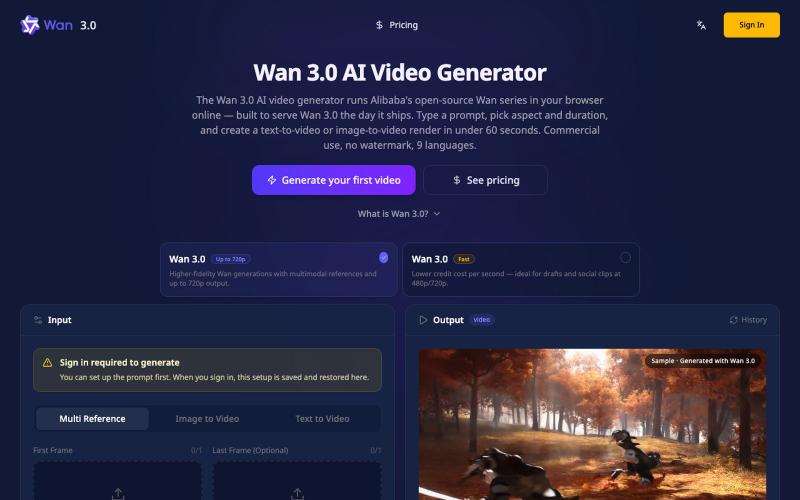
在浏览器中从文本或图像生成4K视频,无需GPU。
Wan3Pro — AI 在线视频生成工具
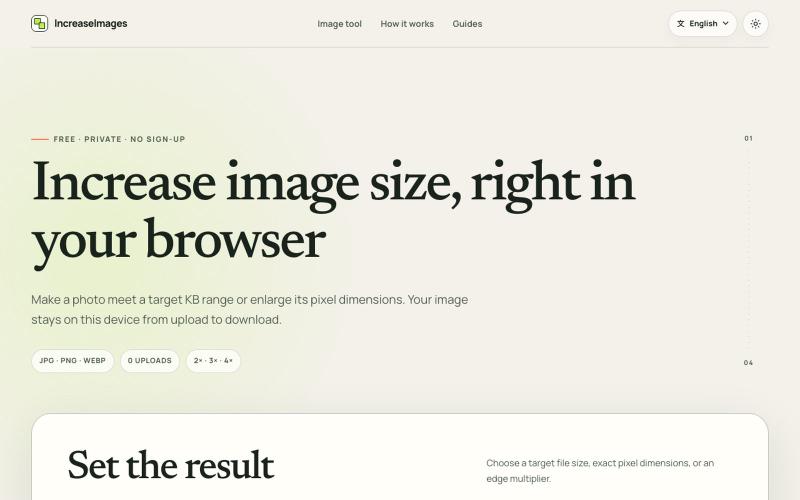
IncreaseImages:在浏览器中调整和压缩图片至目标KB或尺寸。
lby910722 · V2EX
做了一个完全在浏览器本地处理的图片 KB / 尺寸调整工具: IncreaseImages 大家好,最近做了一个免费图片调整工具 **IncreaseImages**: https://increaseimages.org/ 最初想解决的是一个很具体的问题:很多报名、考试或资料上传表单,同时限制图片的 KB 、像素尺寸和格式。普通压缩工具往往只告诉你“压小了多少”,但不会把目标要求和实际输出放在一起核对。 目前支持: - 按目标 KB 或 KB 区间重新编码 - 按宽高尺寸调整,或按 2×–4× 放大 - JPG 、PNG 、WebP 输入与输出 - 生成前后预览尺寸、格式和文件大小 - SSC 、IBPS 、UPSC 等常见上传范围示例(仍会提示以最新官方要求为准) - 英文及 8 种本地化语言页面 我比较在意隐私,所以图片从选择、处理到下载都留在当前浏览器里,不会上传到 IncreaseImages 服务器,也不需要注册。 它不是 AI 超分工具:可以增加像素或文件字节,但不会声称恢复原图里不存在的细节。当前版本主要想把“像素变大”和“
ClaudeNovo是免费矢量编辑器,配备AI背景移除和图像放大。

@qazzhoubin · X
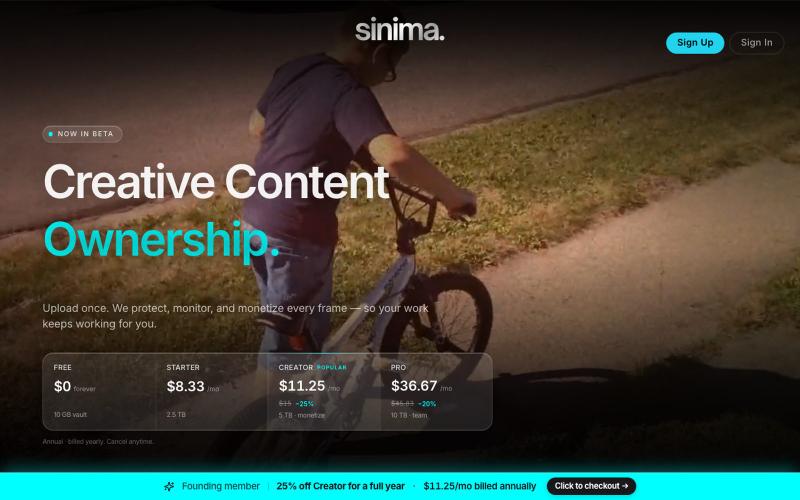
上传屏幕录制以保护和授权给AI平台

@LisaTrublet · X
Vimeo alternative for creators and filmmakers, with IP protections built in. 25% off Creator Core. 🎉

用 AI 从文本故事创建网络漫画和漫画,支持多种艺术风格和 4K 导出。
StarVeil AI - 星河入梦 — 使用AI生成连续漫画的网站
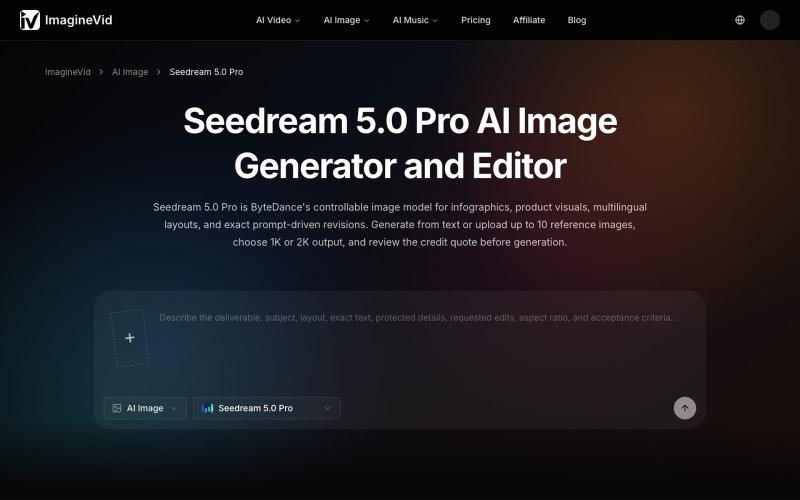
使用参考图片和多语言文本支持,生成和编辑分辨率达2K的AI图像。
imaginevid-ai · GitHub
Awesome-seedream-5-pro-prompts-and-skills About World's largest Seedream 5.0 Pro prompt library — 10,000+ curated prompts with preview images, 16 languages. Dreamina Seeream AI image generation. Free & open source.
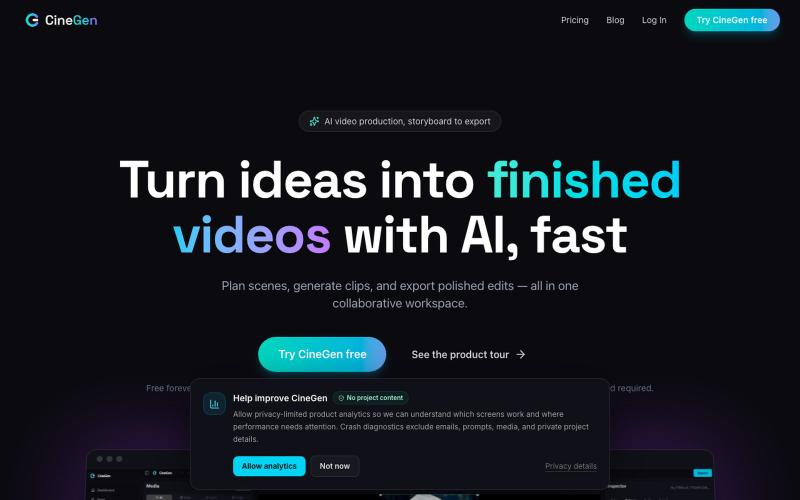
使用AI角色、3D场景和多轨编辑生成高分辨率视频的影视制作工具。
u/OutdatedMemeKing · Reddit
I've been working on video editing software. (This does have AI capabilities inline, but is not the full focus) Hi everyone! I've been working on video editing software for a while. I had this idea back when Gen AI was really popping off and everyone was trying it out. I saw major gaps in it as well as in websites that were coming out in regards to allowing users to create video content. The gaps I saw were mainly consistency being a major issue also that prompt box that every

Mac & Windows 屏幕录制工具,支持点击自动缩放、渐变背景和摄像头叠加。

@zuess05 · X
Shipped some banger updates to
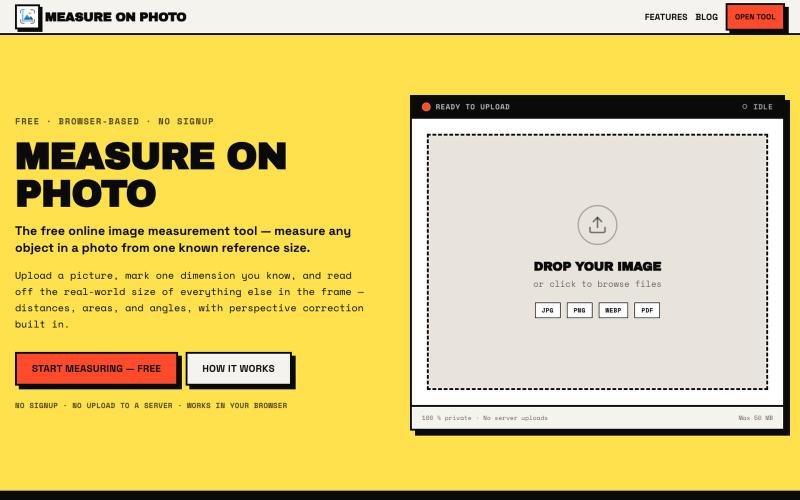
通过设置一个已知参考尺寸来测量照片中的物体。

@Laxman101058405 · X
A few days ago I needed to measure something from a photo. Instead of searching for the perfect tool, I thought: "Why not build it?" So over the next 2 days, I built a Photo Measurement Tool using Cursor. If you try it, I'd love to know what you think.