Kling Motion Control - AI Motion Transfer with Kling 3.0
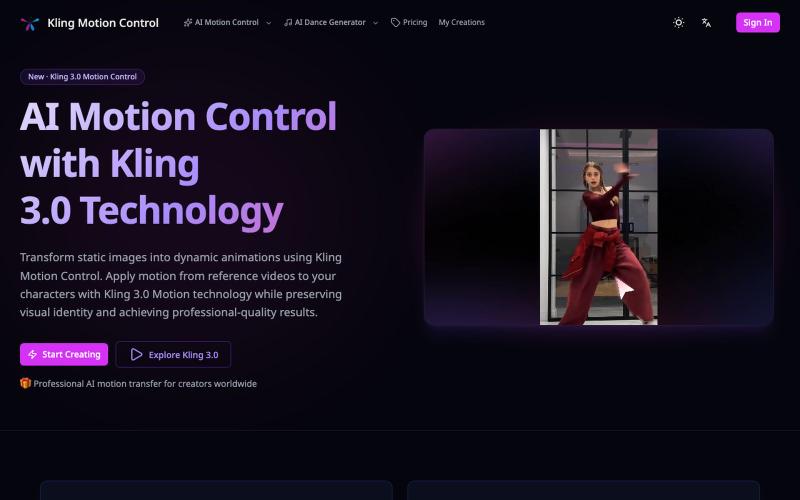
使用参考视频的动作将静态图像转换为动画。
Kling Motion Control — AI Motion Transfer with Kling 3.0
完整作品展
技术栈
20 projects

使用参考视频的动作将静态图像转换为动画。
Kling Motion Control — AI Motion Transfer with Kling 3.0

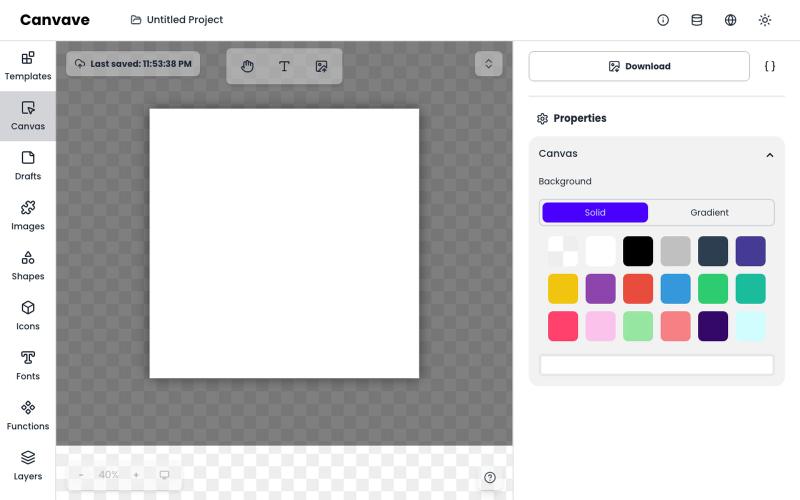
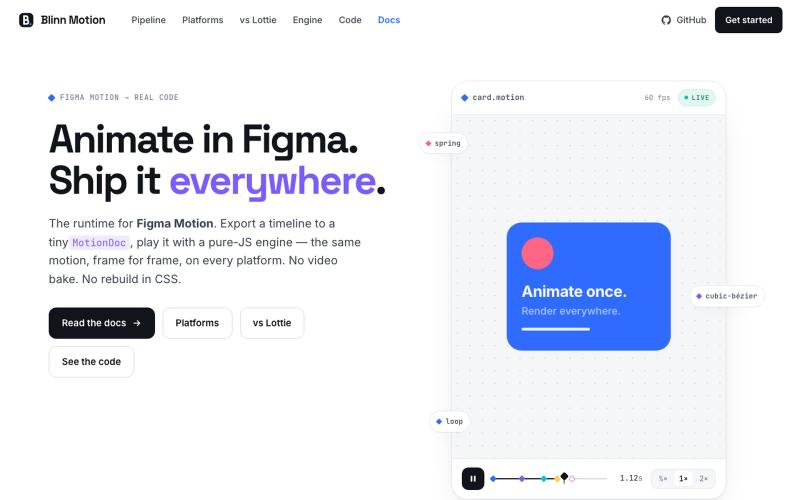
免费图形设计和动画工具,支持AI文生图和图生图功能。
Canvave — 简单图形设计和动画制作平台。无须专业技能也能做出任意尺寸的精美设计;最高支持图片 3x 或动画 240 FPS 导出;内置基于 Flux 的 AI 文生图、图生图;适合电商卖家、广告设计、社媒运营、独立开发等有设计需求的群体

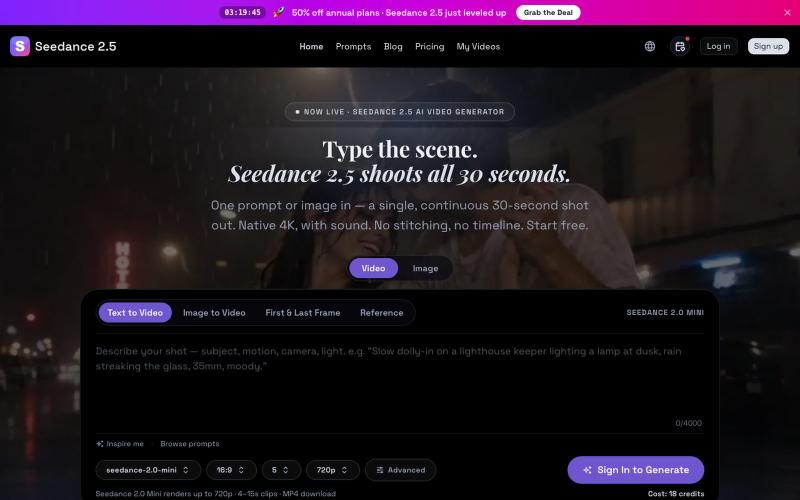
Seedance 2.5 从文字提示生成原生 4K 视频,可达 30 秒。
Seedance 2.5 — 字节跳动推出的 AI 视频生成器,输入提示词生成原生 4K 画质、时长达 30 秒的视频,支持最多 50 个参考输入,免费使用

ArtPlayer 免费浏览器视频和音频编辑工具,支持压缩、裁剪、合并和格式转换。
zhw2590582 · V2EX
最近对网站进行了重构,做成了免费的视频工具站:[ArtPlayer Tools]( https://artplayer.org/tools/) 主要是围绕着 ffmpeg.wasm 和 mediabunny 实现的一些可以直接在浏览器里用的视频/音频工具,常用的有: - 视频压缩:[Compress Video]( https://artplayer.org/compress-video/) - 视频裁剪:[Crop Video]( https://artplayer.org/crop-video/) - 视频合并:[Merge Video]( https://artplayer.org/merge-video/) - 视频尺寸调整:[Resize Video]( https://artplayer.org/resize-video/) - 视频旋转:[Rotate Video]( https://artplayer.org/rotate-video/) - 视频调速:[Change Video Speed]( https://artplayer.org/change-video-speed/) - 添加文字到视频:[Add Text to Video]( https://artplayer.org/add-text-to-video/) - 添加水印:[Watermark Video]( https://artplayer.org/watermark-video/) - 提取字幕:[Subtitle Editor]( https://artplayer.org/subtitle-editor/) - HLS 转 MP4:[HLS to MP4]( https://artplayer.org/hls-to-mp4/) - 音频可视化:[Audio Visualizer]( https://artplayer.org/audio-visualizer/) 大部分工具都是本地处理,文件不会上传到服务器。最开始是因为自己偶尔要处理一些视频,开剪辑软件又有点重,在线工具又担心隐私,所以就慢慢做成了一个站。 目前还在持续完善,体验肯定还有不少粗糙的地方,比如不同浏览器的兼容、移动端操作、长视频性能之类的。 网站: [ArtPlayer Tools]( https:

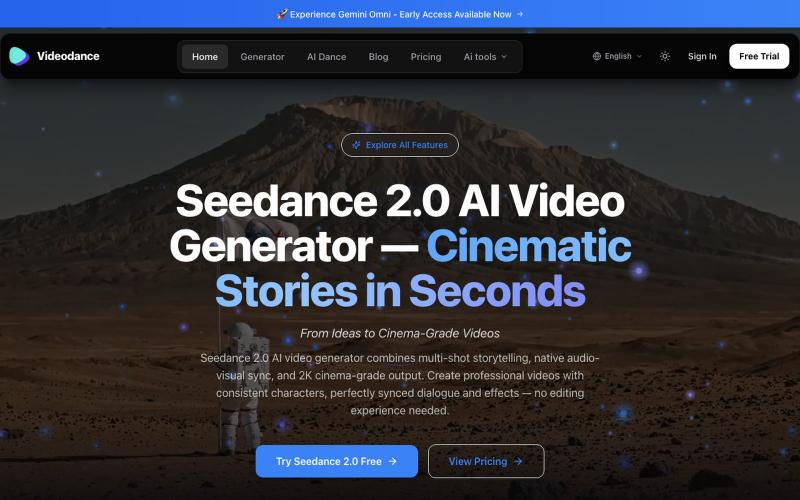
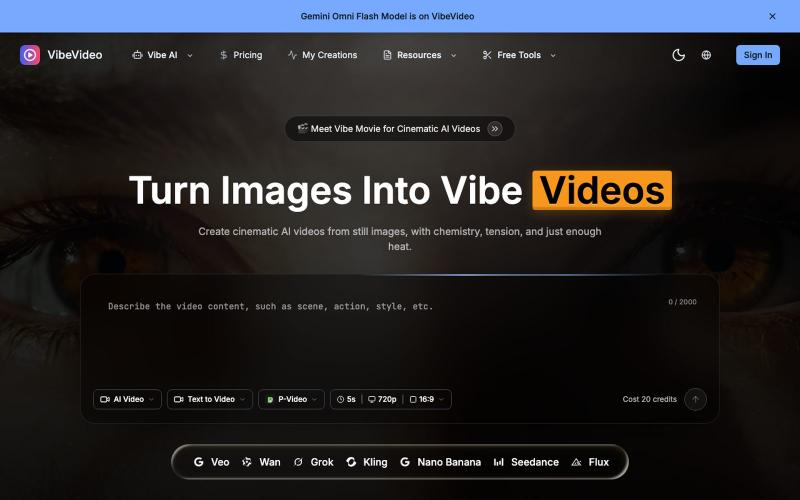
Vibe Video — 将图像和文本转化为电影级视频的 AI 生成器。
Vibe Video — 面向普通用户的 AI 视频生成网站,支持文生视频、图生视频、参考图生视频和电影化镜头控制,适合创作者和营销团队快速产出视频
Flux AI 免费生成编辑 AI 图像和视频
FLUX AI ART — 基于 Flux 的图像生成网站


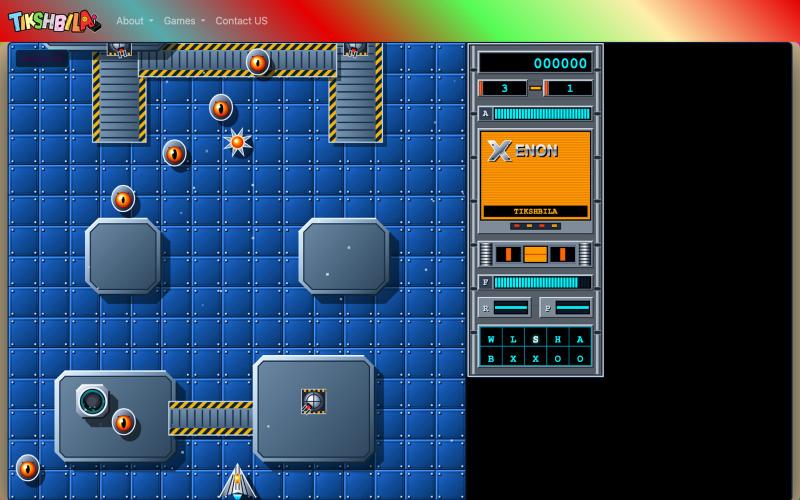
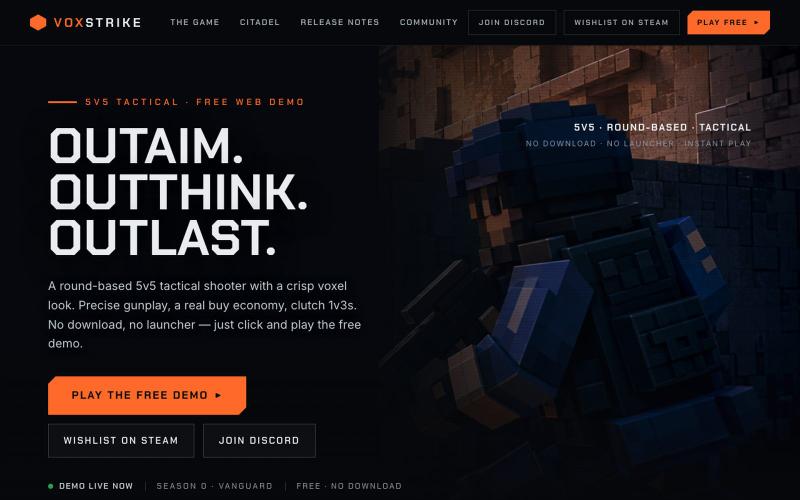
一个作为Roblox替代品的FPS游戏。
davitb · HN
I'm a father of two, 7 and 12. They are obsessed with Roblox, especially Rivals. Like a lot of parents, we did not love it. We tried the usual things: block it, limit it, set timers." It became a daily battle, a lose-lose situation. So I flipped the problem. Instead of fighting what they loved, I decided to lean into it, but with a twist. Why just play an FPS when you could build one together? My kids became the PMs. Claude and I became their engineer. I was shocked by how fast we moved. We picked a name, Cooked and started building. Get in. Lock in. Get cooked! In the first 3 hours, we had an actual FPS we could play together in the browser. Next day I invited my friend's two kids over. Suddenly, I had four PMs. We had 3 laptops, 1 iPad and 1 iPhone. So in 30mins we added mobile support and could play all 5 together. The kids would ask for features: "Can we have a rocket launcher that knocks people off the map?" "The knife should stab faster when you hold it." I know al

输入主题,AI在一分钟内生成完整的纪录片视频。
pw · HN
Hiya! So I've been playing around with having Claude make videos for a bit now even had some success posting the results to TikTok (and setup a whole pipeline so Claude can generate and post autonomously). With the release of Nano Banana 2 Lite, I was curious show fast I could make the generation, so last night I gave it a whirl and got down to around 30s for short-form video. It uses GLM-5.2 fast via Fireworks to generate the scripts and image prompts and, like I said, Nano Banana 2 Lite for the images, gpt-4o-mini-tts for the narration, and ffmpeg to string it all together and add the Ken Burns zoom effect (which still has a shake I haven't been able to get rid of). The video compilation proved to be the blocker once the rest was in place, but I was able to speed that up by putting it on a 64 vCPU EC2. The cost might be the most interesting aspect as the short form videos tend to be about 25 cents. Almost 90% of that is the images, which are 3.336 cents a piece. Of course, running


将教程视频转换为Playwright测试、操作图和n8n工作流。
@bhavin_Confuse · X
BEHAVR ( @Behavr_AI ) — chat with any video instead of scrubbing through it. Ask "where does he fix the CORS bug?" → get the answer with the exact timestamp.

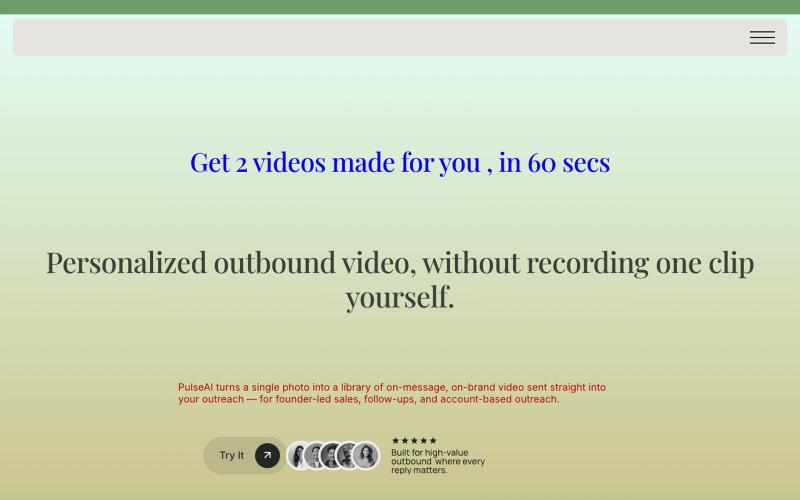
从URL或描述生成SaaS启动视频,60秒内完成AI优化编辑。
@VanillaSkyAI · X
is like Lovable for video. Paste a URL, get a launch video, chat to edit, post 🎬 Here's one I made in minutes 👇