完整作品展
技术栈
60 projects


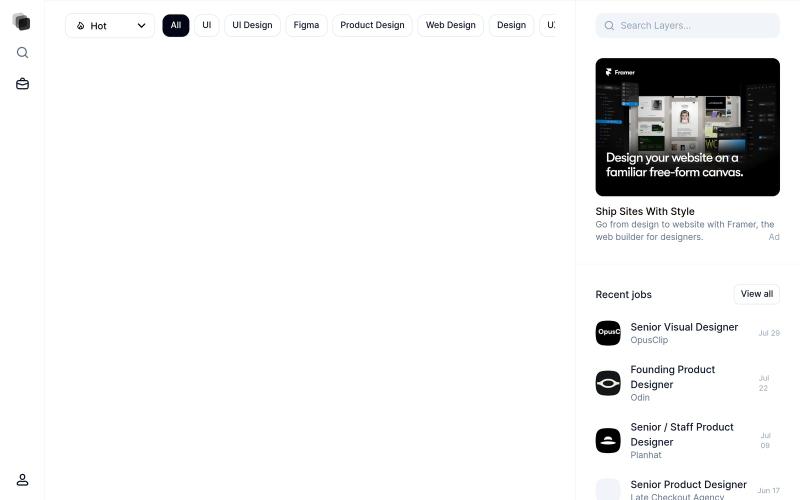
为 Framer 项目提供的可复用 UI 组件和设计资源库。
@gustavwf · X
Working on a new @framer creation for

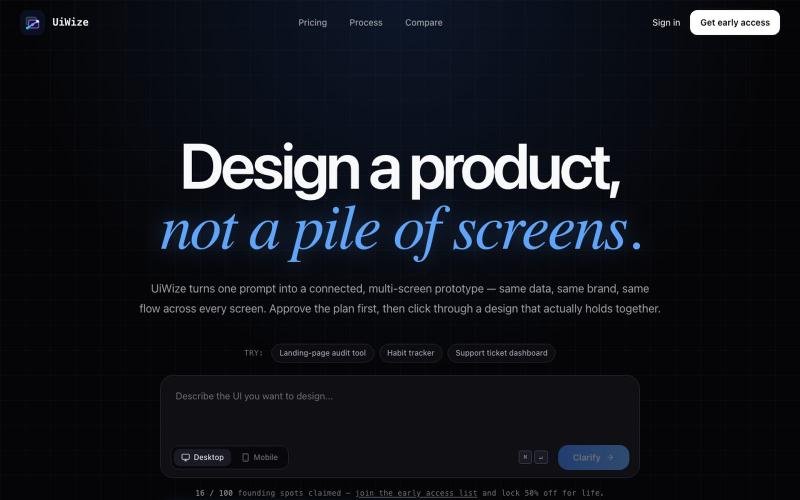
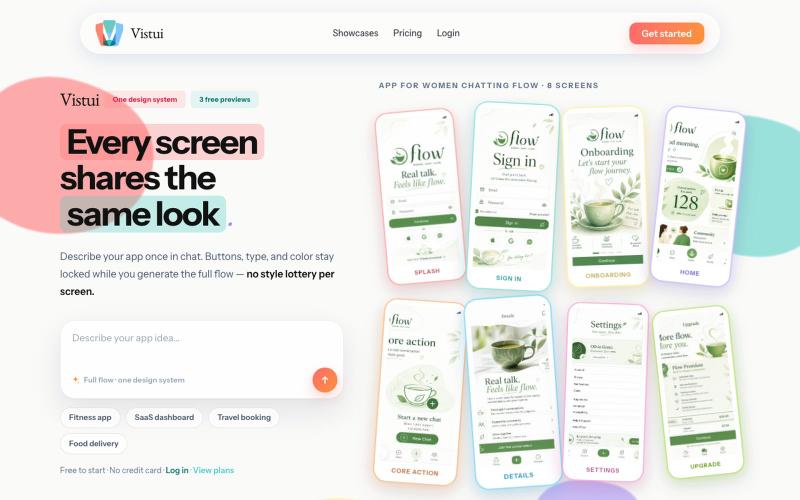
从文本提示生成完整的应用和网站设计流程,包含最多30个屏幕。
u/Salt-Pop6476 · Reddit
(Feedback Needed) I built Vistui – AI that generates complete, consistent app & website design flows from one prompt Hey everyone, I built vistui an AI tool that turns one prompt into a complete multi-screen design flow (up to 30 screens) with a locked design system, so every screen stays consistent. Would love honest feedback from designers and makers: • Does the consistency feel useful in real work? • What’s missing or confusing? • Would you actually use this? You can try 3 free

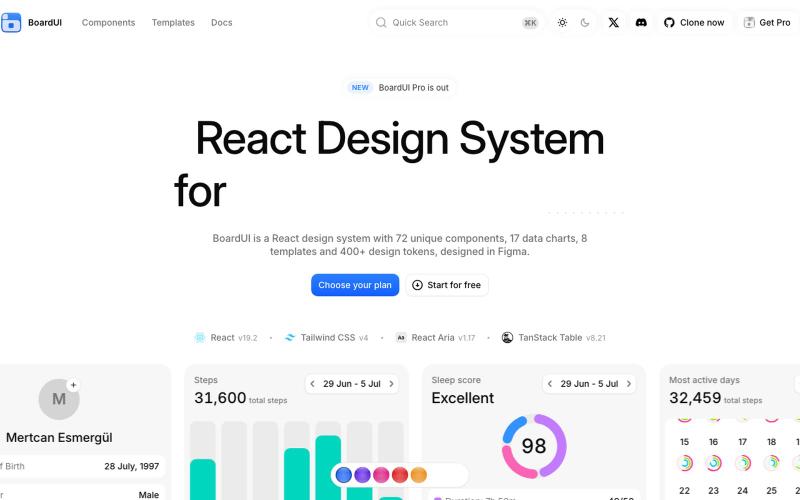
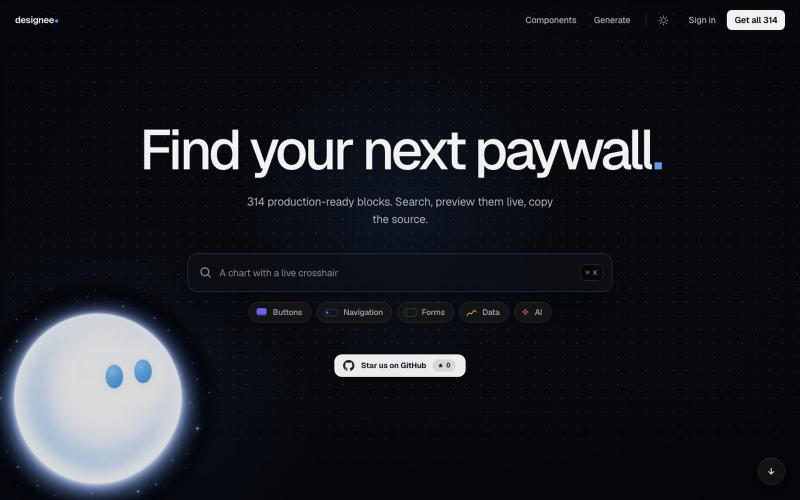
80+免费Liquid Glass React组件库,可实时预览和复制代码。
@AdeebMirza83 · X
🚀 I just shipped IntelliHelper UI — my Liquid Glass React component library. Try it: GitHub: 80+ components. 5 gorgeous themes. CLI installs in seconds. Frosted chrome that stays quiet. Expressive content panels that pop. Built for Next.js + Tailwind, copy-paste ownership like shadcn, but with a stunning glass design system that feels premium. And yes — official plugins & MCP so Claude, Grok, Cursor & agents actually understand how to use it. Live previews, full source, open source (MIT). What do you think of the glass effect? 👇 Drop your feedback — building in public starts now! #React #NextJS #Tailwind #UI #OpenSource #WebDev #DesignSystem

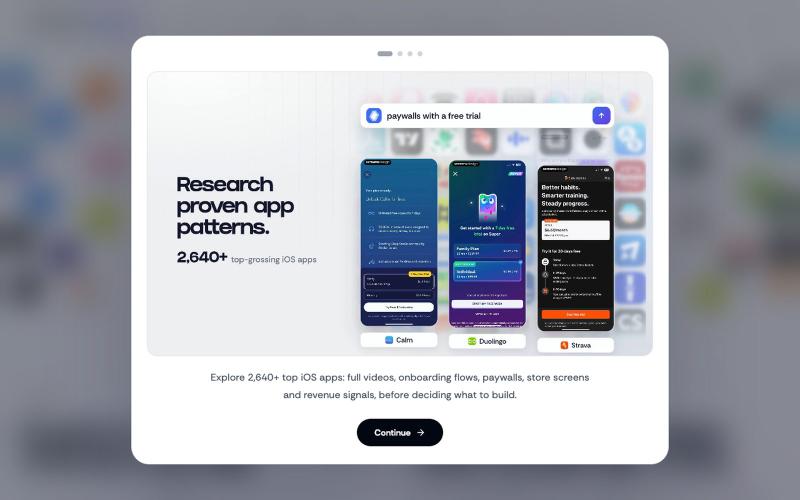
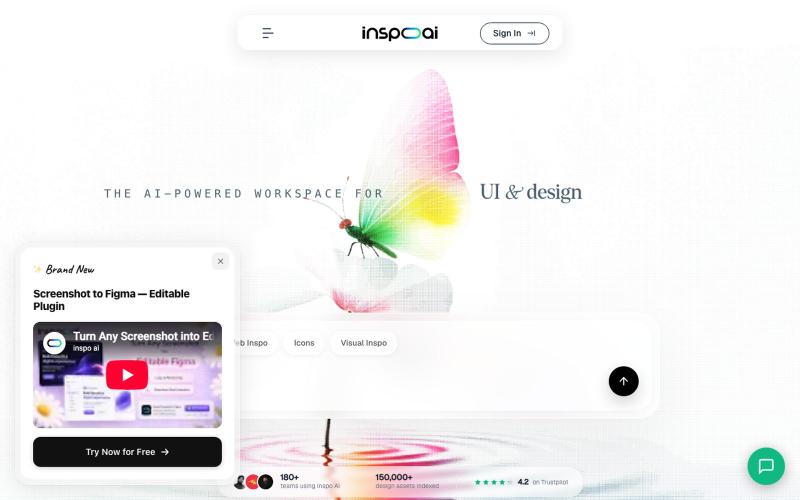
描述应用界面即可生成交互式UI设计,可导出为代码或Figma。
@ArjunVr58131189 · X
- Design mobile apps like you own a team!


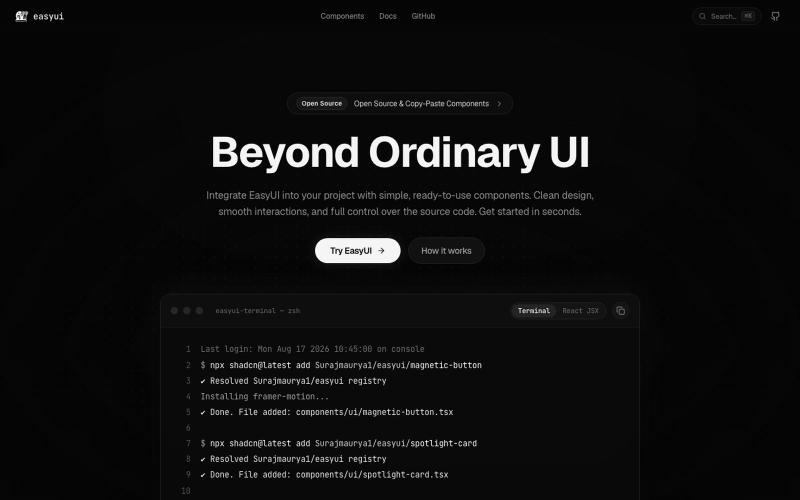
探索 React 和 Next.js 组件库、区块和模板。
@Ksparth12 · X

与 AI 聊天生成生产级 HTML 和 Tailwind UI。
@AmberProgrammer · X
I am building an Ai powered ui generator that can generate Mobile App UI, Desktop App UI, Website UI & Responsive Web Design. Try it!

浏览 React 和 Next.js 的生产级 UI 模板和组件库。
@vanta_ui · X
UI Library built from real products

捕获UI元素及其代码上下文,与AI代理分享以调试视觉缺陷。
Loerei · HN
I found that describing where a broken UI is and taking screenshots for AI agents really sucks. I’m too lazy to explain an indescribable visual bug or capture a millisecond-long flash. I also don’t want to remember which file defines an element, whether it's right in the .tsx or a problem with the Parent Styles in .css. And even if you can point out the exact file, your agent still has to dig through thousands of lines of code to know what on earth you're yapping about. In a 7700-file monorepo like Cal.com, simply giving the right file in the prompt for your agent saves about 68.9% of execution time and 94.2% of the tokens your agent needs to digest. HoverSource gives all the needed information and further pushes it to -88.5% time and -94.5% tokens, basically skipping the entire digging session and jumping straight to reasoning and executing. The save is linear to how big your codebase is. I want to save tokens, but don’t want to spend my time and energy digging manually, and a junio