
生产力1 week ago
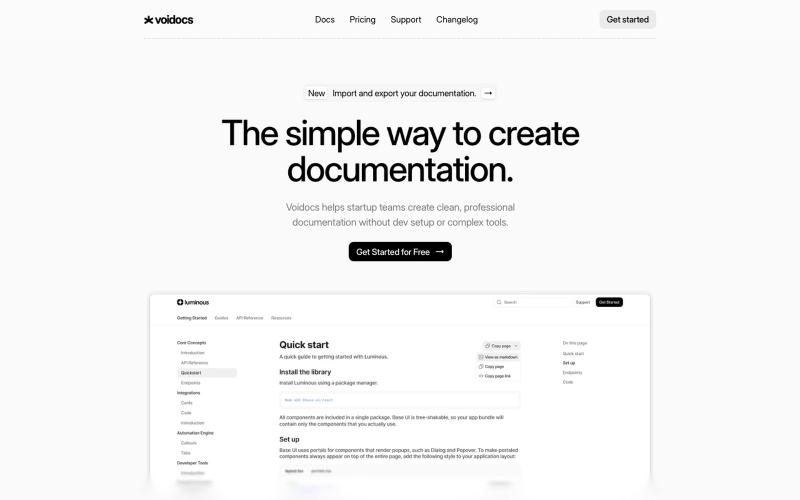
Voidocs - The simple way to create documentation
Voidocs 为初创团队创建专业文档,无需代码配置。

@hannah24_app · X
完整作品展
22 projects
Voidocs 为初创团队创建专业文档,无需代码配置。
@hannah24_app · X
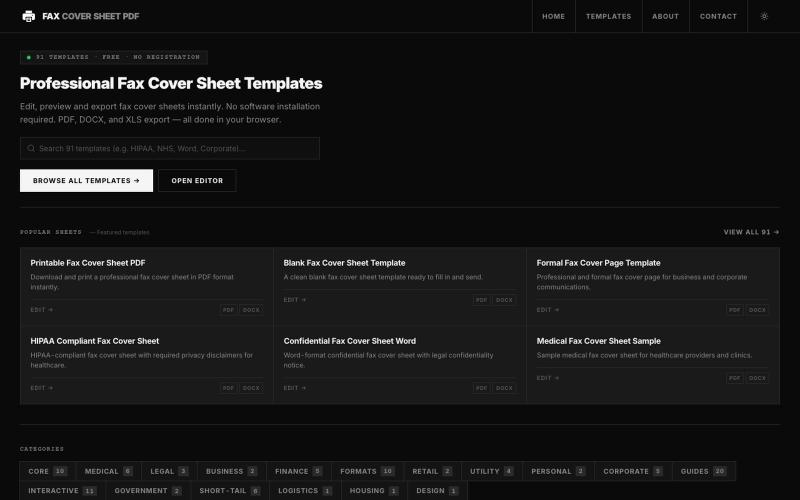
在线浏览和编辑50多种专业传真封面模板,无需软件。

@darsh0891 · X
Fax Cover Sheet PDF is a web-based repository providing zero-cost, printable, and fillable fax cover templates designed for administrative and regulatory compliance. #buildinpublic #saas #webapp
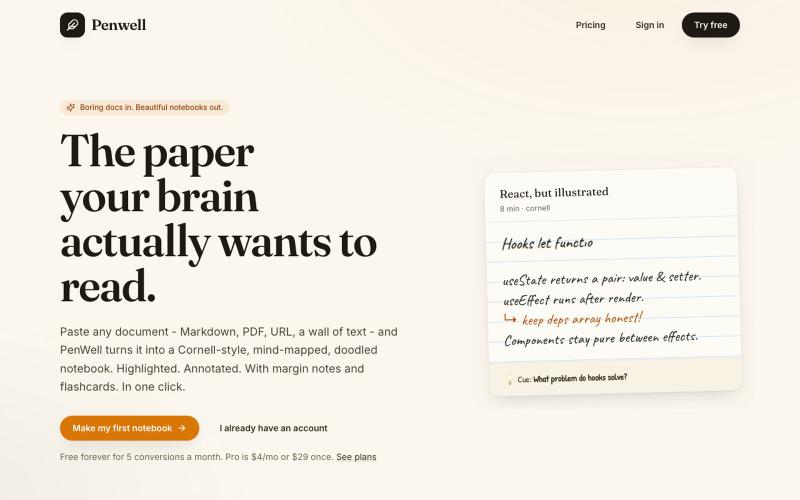
粘贴文档,Penwell 用 AI 生成康奈尔笔记和思维导图。

@penwellapp · X
Boring docs in. Beautiful notebooks out. Try it here: 🚀 We just launched on Product Hunt! Your support would mean the world: #BuildInPublic #ProductHunt #AI #Notes #IndieHackers #CornellNotes #Productivity #StudyNotes #Penwell
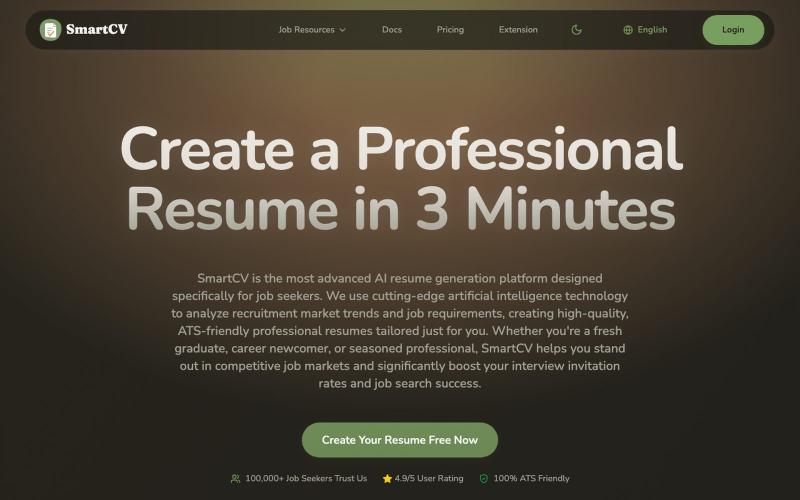
SmartCV AI简历制作工具,提供专业模板、ATS优化和PDF导出。
SmartCV — AI 智能简历制作平台,提供简历模板、AI优化建议、多种格式导出等功能

为 Codex Desktop 设计自定义主题,支持背景、颜色、透明度和视觉效果。
plutozc · V2EX
做了个 Codex Desktop 主题预览和切换工具,先调好再安装 最近一直在用 Codex Desktop ,觉得默认界面看久了有点单调,就顺手做了个主题编辑工具,分享一下: [Codex Skin]( https://getcodexskin.com) 可以先在网页里预览主题,调整背景透明度、面板透明度、颜色、模糊和圆角等参数,满意之后再下载并切换到 Codex Desktop 。 目前支持: - 自定义 JPG 、PNG 、WebP 背景 - 在线实时预览主题效果 - 调整透明度、颜色、模糊、圆角 - 预览满意后生成安装命令 - 不喜欢了可以恢复默认外观 目前主要面向 macOS 上的 Codex Desktop ,还是个人项目,功能和兼容性都在继续打磨。 欢迎试试,也想听听大家对主题参数、预览效果和安装流程的反馈。 直接网址: https://getcodexskin.com [轻喷 轻喷,可能还有些 bug
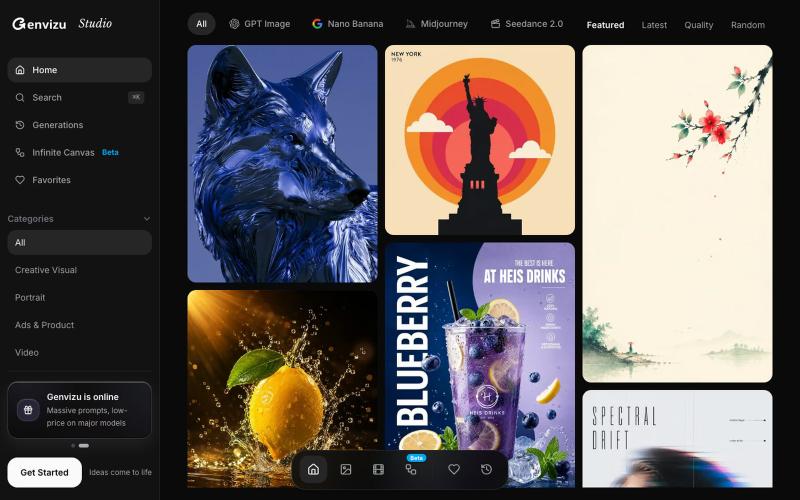
生成AI图像和视频,或浏览社区作品。

@listudio · X
Fable 5 规划+Codex 执行,效率真的很 ok。一个周末上线了两个工具网站。麻了。。 👉: 和
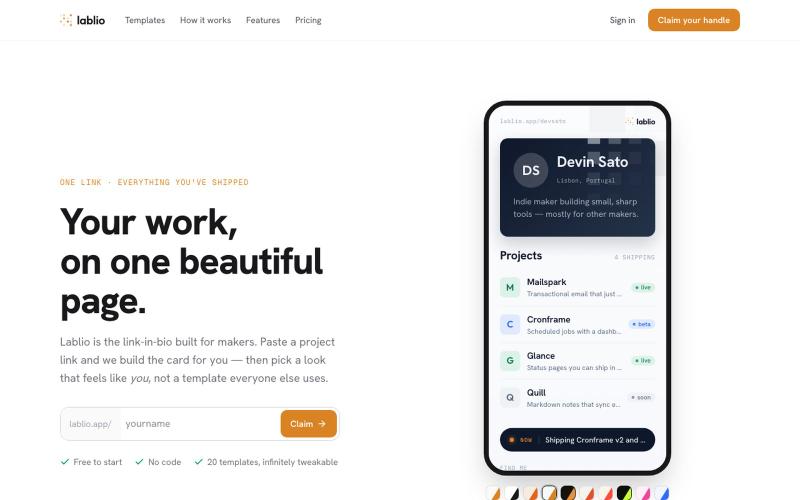
粘贴链接并选择模板来创建您的作品集页面。

@lovestolead · X
a founder focused linkinbio tool that has the most generous free tier including waitlist functionality. From nothing to elegant portfolio in a couple minutes.
从文本提示或图像生成无缝纹理,支持预览、重新着色和导出。
Seamless Canvas — AI 无缝纹理生成器,通过文字描述或上传图像生成可平铺纹理 - [更多介绍](https://seamlesscanvas.com)

使用 SpecIQ 自动生成符合标准的产品规格表和技术文档。

@speciq_app · X
is a documentation engine that transforms unstructured product details into professional, compliant technical documents. Unlike generic AI chat tools, SpecIQ provides structured templates and branded outputs tailored for real business use.
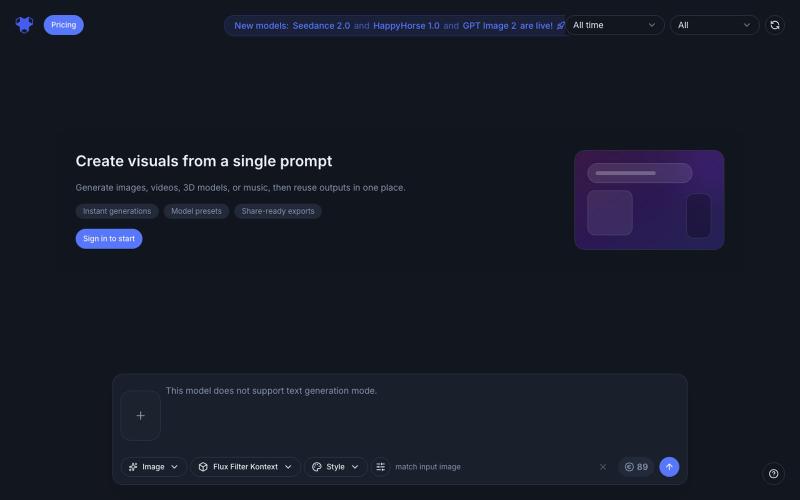
Indream是AI滤镜和生成器,可转换照片、生成视频、音乐和3D内容。
AI Filter — 用 AI 滤镜将你的照片变换为动漫、粘土、3D、像素、表情符号、视频游戏、贴纸等多种滤镜风格
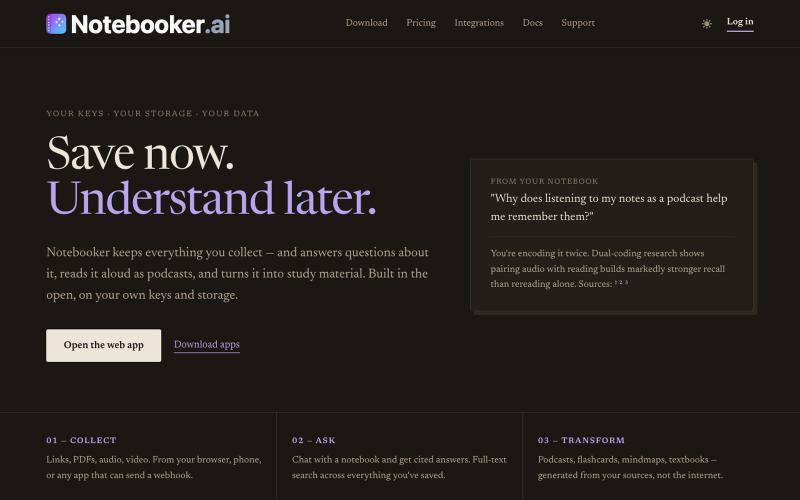
整理您的笔记和合集,提出问题,生成播客和学习材料。
mistakevin · HN
I've been working on https://notebooker.ai if anyone is interested in giving some feedback. I tried to post a Show HN yesterday with details about how I built it, but was auto-flagged and not sure what rules I broke. Everything that I've built on top of open-notebook, like the plugin system for your own "creators" (aka, podcasts, infographics, etc) is at https://github.com/Notebooker-ai plus a Cloudflare Worker AI deployer to play with different models. Been working on it for about six months.
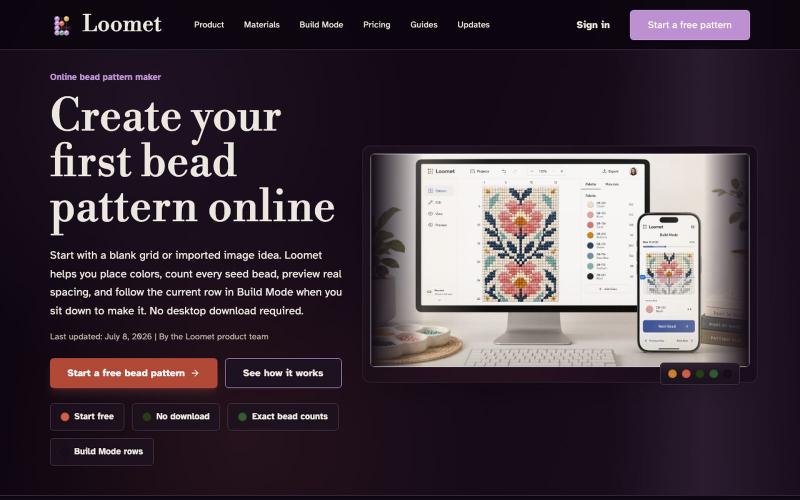
在线绘制或导入串珠图案,自动计算珠子数量,导出PDF。
letsgogogo · V2EX
做了一个串珠子的工具,支持拼豆。 我做了一个在线串珠图案工具 Loomet 。 可以画图案、自动算珠子数量、导出 PDF 。也支持拼豆模式。 https://loomet.app