Image to Image AI: Free AI Image Generator from Image
使用 AI 即时编辑和重绘图像,生成高质量结果。
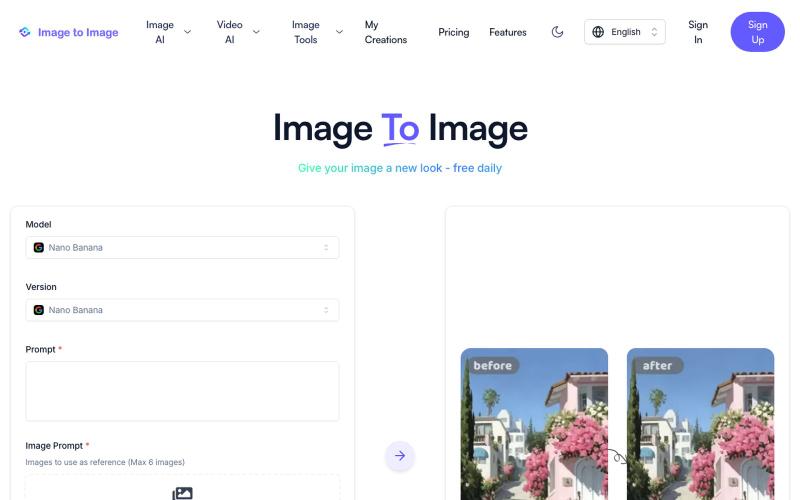
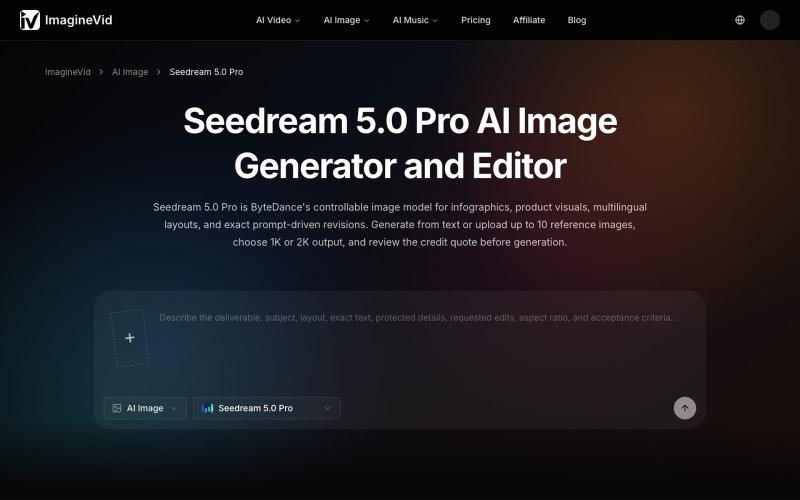
Image to Image AI — 基于 AI 的图片修改和重绘工具
完整作品展
技术栈
35 projects

使用 AI 即时编辑和重绘图像,生成高质量结果。
Image to Image AI — 基于 AI 的图片修改和重绘工具

在一个工作区对比并运行多个AI模型生成文本、图像和视频。
AI Onekit — AI 聚合模型创作平台 - [更多介绍](https://aionekit.com/models)

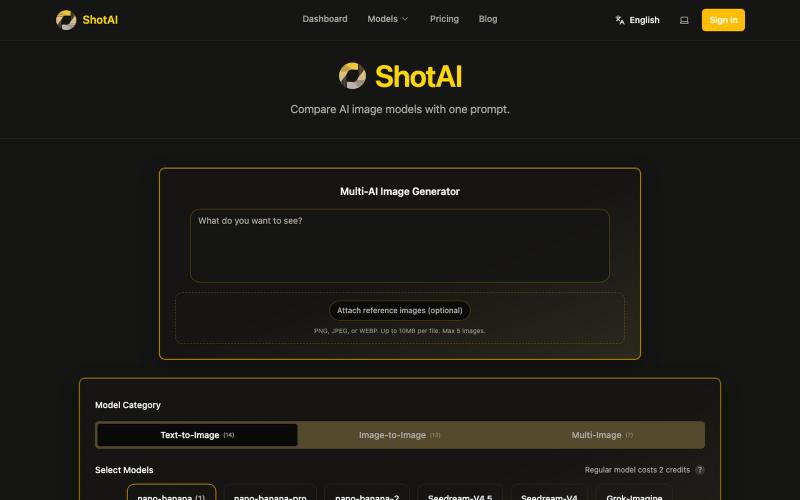
一键生成多个 AI 模型的图片,方便对比效果。
ShotAI — 一键生成多个 AI 模型的图片,方便对比效果

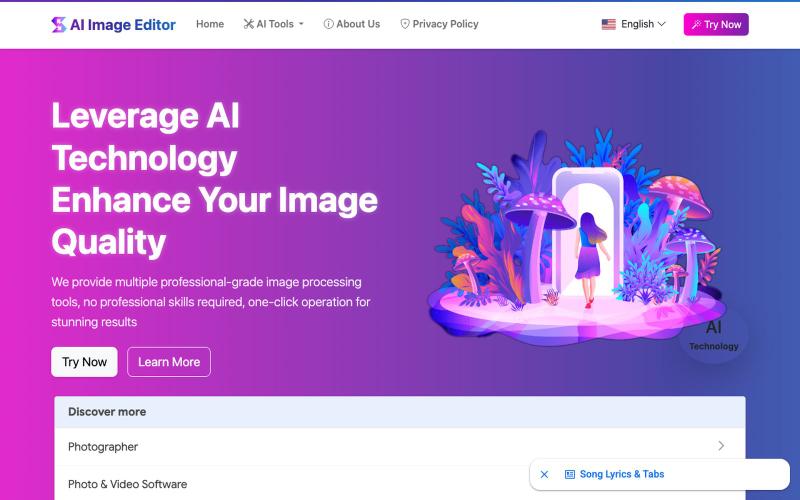
AI Image Editor:12个免费工具支持图片增强、去水印、风格转换、背景编辑。
AI Image Editor — AI 图片处理工具,支持图片增强、去水印、抠图、风格转换、线稿提取等十余种功能。无需下载软件,无需注册,上传图片即可一键生成专业效果。适用于电商设计、社交内容创作、摄影后期、教育教学等多种场景,让图片编辑变得更智能、更高效、更简单!

通过ImagesArt.ai从文本描述生成专业图像,支持多个AI模型。
ImagesArt.ai — 生成完美的AI艺术提示词。使用这个工具为Flux、Midjourney和Stable Diffusion模型生成并优化图像提示词。

用 Google Gemini 生成和编辑 AI 图像
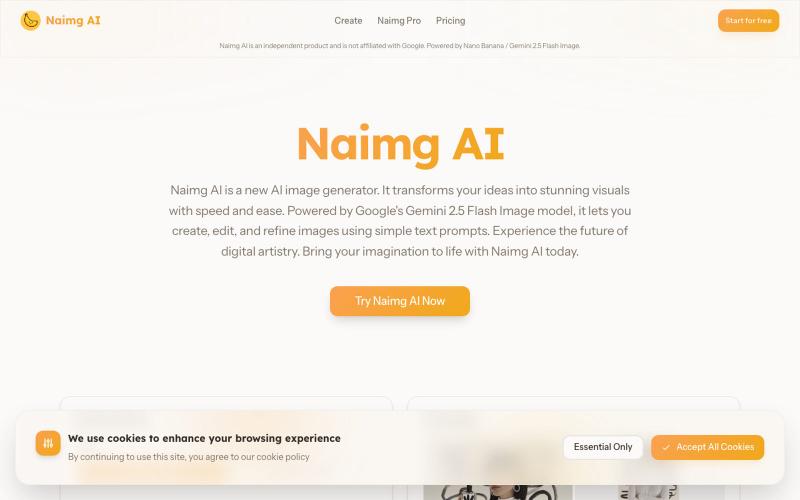
Nano Banana AI — 基于市面上最强的 AI 图像编辑模型 Nano Banana 开发的图片编辑器,用嘴改图、保持角色一致性、控制细节、图片融合

AI Amazing - 从文字提示生成商业级图像和视频。
AI Amazing — AI 图像/视频生产平台,面向创作者与团队

使用 AI Image Combiner 融合两张照片,快速生成专业级视觉效果。
ai image combine — AI 图像站,预设了一些场景的 prompt ,不用编写复杂的 prompt 直接使用

用文字描述来编辑照片:增强、去除背景、擦除物体、交换人脸。
AI 图像编辑器 — 图像编辑工具套件,集多种功能于一体。从照片质量、放大低分辨率图像、进行创意设计等等

用 AI Photo Editor 在浏览器一键编辑照片,无需注册。
vtoolpro · HN
AI Photo Editor – Professional-Grade Image Editing with Text Prompts

用 Muse Image 生成包含可读文字的多参考合成图像
zxhywork · V2EX
Muse Image AI Meta Superintelligence Labs 7 月 7 号发布了他们第一个图像模型 Muse Image ,内部代号 Mango 。玩了两天,这个模型有几个点确实有意思: - **Agentic 生成**:出图前先规划布局,需要事实的场景会联网搜,画完自查一轮再交稿,长 prompt 一次过的概率明显高 - **图内文字能看了**:海报标题、图表、甚至可扫的二维码都能直接画进图里,这是大部分生图模型至今糊掉的地方 - **多参考图合成**:从几张照片里分别取人脸、服装、产品、背景,融成一张不违和的图 官方入口在 Meta AI App / meta.ai / Instagram Stories ,国内用着别扭,还得装 App 。我就照着上一个站的路子做了个纯网页版:[museimages.io]( https://museimages.io/)。 产品上砍得很狠,只做图像,三个入口: - [Meta Muse Image 在线生成器]( https://museimages.io/ai-image-generator)

用一个 API 访问 500+ Hugging Face 开源模型,免费注册无需信用卡。
@pengsonal · X
500+ Hugging Face models through a single free API no credit card just an email signup 😳 launched on July 3 as a unified gateway for Hugging Face models one API key one endpoint 500+ models what you get for $0: • 500+ open-source models through an OpenAI-compatible API • no separate API keys for different providers • works with Cursor, Claude Code, Hermes, OpenCode, and anything that supports a custom base URL • email signup only setup takes about 2 minutes: 1. Go to 2. Sign up with your email 3. Generate an API key 4. Set your base URL to 5. Choose any model from the catalog and start building a few things worth knowing: • is a third-party gateway, not an official Hugging Face product • the free tier is rate-limited, but the exact limits haven't been published yet • i wouldn't build production apps that depend entirely on a free aggregator what i like is the simplicity instead