
生产力2 months ago
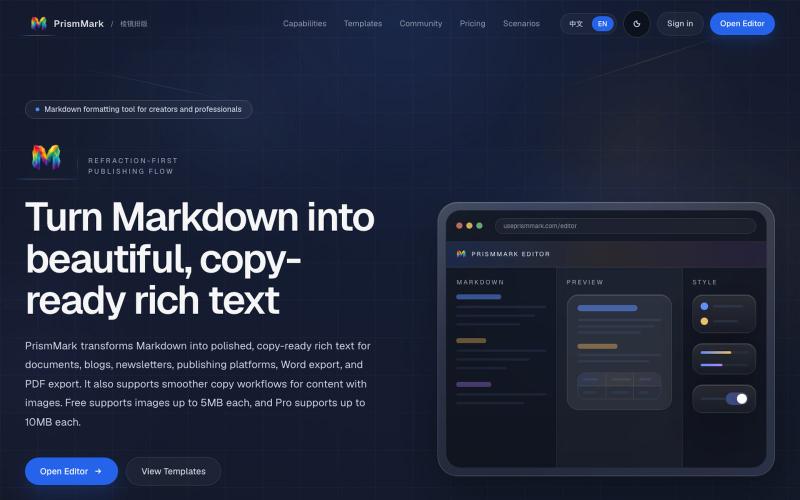
把 Markdown 一键排版成可复制到公众号和 Word 的成品 | PrismMark
将 Markdown 转换为适合微信公众号、Word 和 PDF 的排版内容。

@bingobray · X
我做了一个类似的工具: 除了支持公众号,还支持word和pdf😁
完整作品展
技术栈
30 projects
将 Markdown 转换为适合微信公众号、Word 和 PDF 的排版内容。
@bingobray · X
我做了一个类似的工具: 除了支持公众号,还支持word和pdf😁
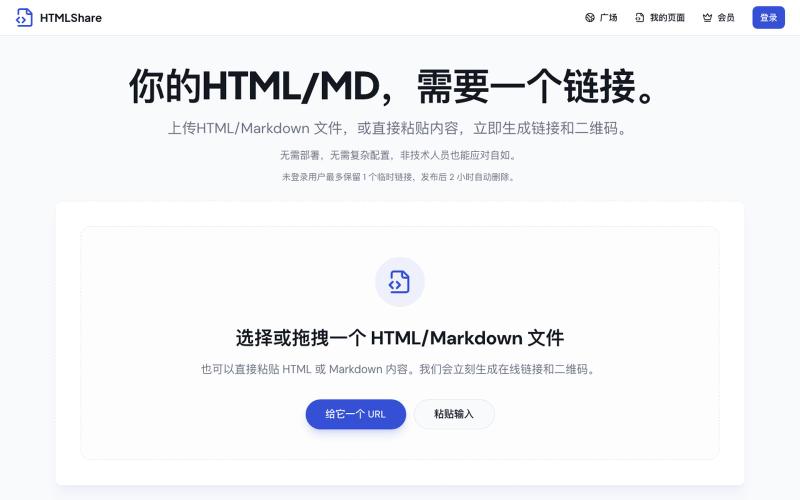
将 HTML 和 Markdown 转换成可分享的链接和二维码。

@gomixo · X
和团队做了一个非常实用的小工具:HTMLShare。 现在用 AI 生成网页、报告、可视化作品越来越方便,但生成后的 HTML 文件,想分享给别人却很麻烦:要么发文件,要么部署网站,要么截图。 HTMLShare 解决的就是这个问题: 👉 欢迎体验,也欢迎反馈建议。
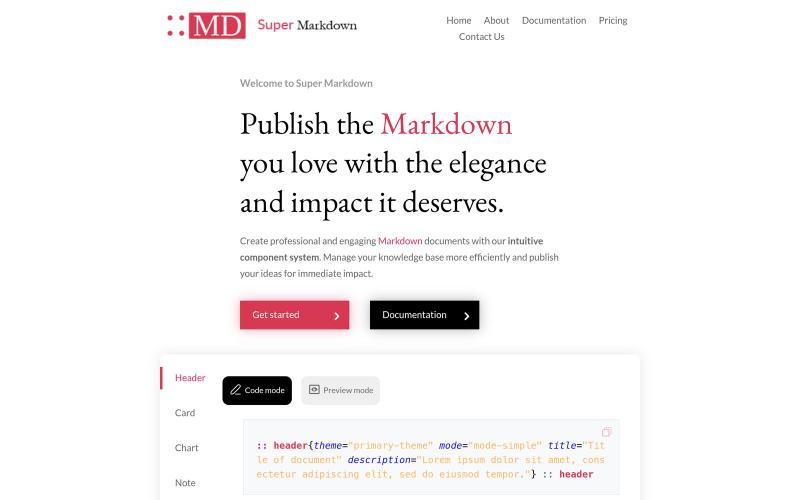
使用组件创建和设计 Markdown 文档,以组织和发布你的知识库。

@sidbyok · X
Write your documents in Markdown with a professional visual rendering without HTML/CSS, just native Markdown.
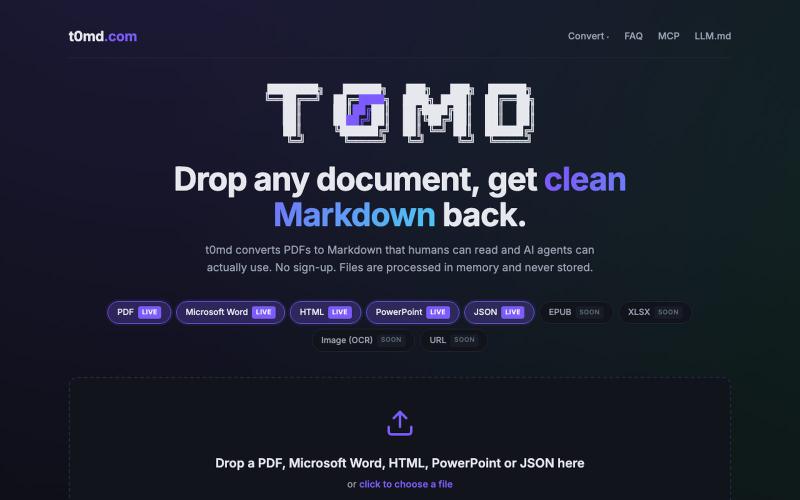
将 PDF、Word 等多种格式文档转换为 Markdown,用于 AI 代理。
u/kirillzubovsky · Reddit
Selling t0md.com – Privacy-first multi-format to Markdown converter A few months ago I was dumping research PDFs and Word docs into Claude and Cursor and watching the token bill climb for no good reason. Heavy formats are terrible for context windows as the agents have to first convert the documents, then parse the MD files, then do the processing. I thought I could help the agents, and I built t0md.com. However exciting it was to make something quickly that solves a big problem, it's not
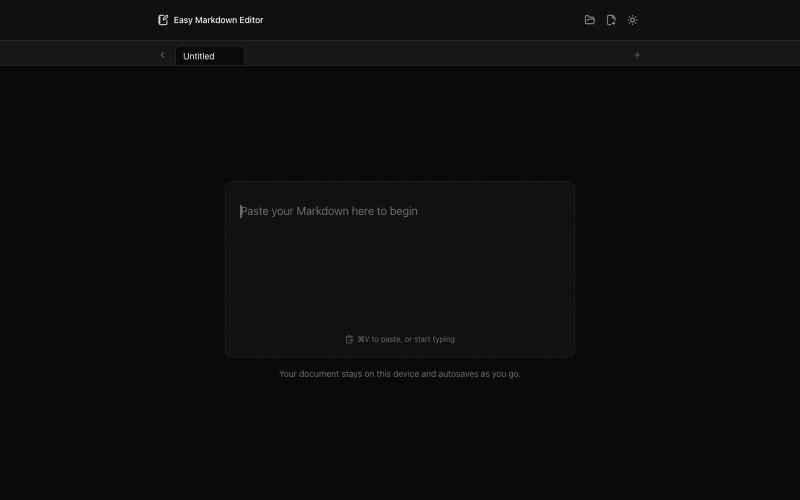
在浏览器中实时编写和预览Markdown文档,支持语法高亮。

@krishnakrmahto · X
Built Easy Markdown Editor — a reading-first Markdown editor where you edit the rendered document instead of raw Markdown.
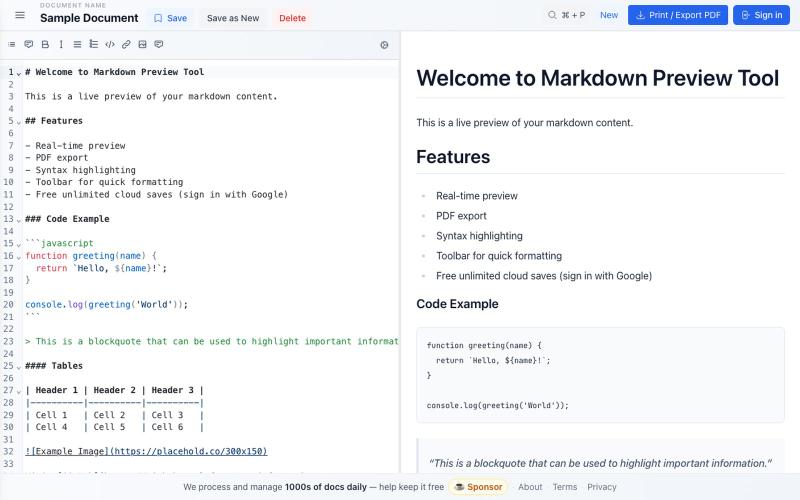
免费 Markdown 编辑器,实时预览、云保存和 PDF 导出。

@bheru_l · X
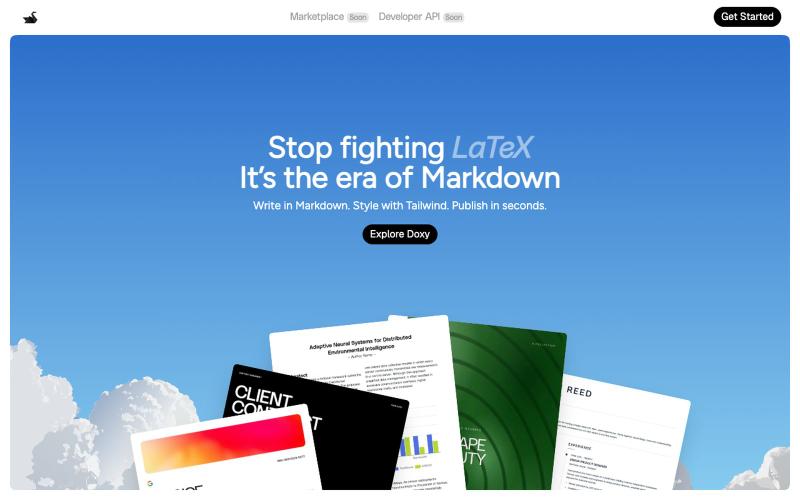
I built a markdown + HTML editor in the browser, I would love feedback Hey everyone, I just launched Doxy a browser-based editor that combines markdown and HTML. T
u/Foreign-Revenue6035 · Reddit
I built a markdown + HTML editor in the browser, I would love feedback Hey everyone, I just launched Doxy a browser-based editor that combines markdown and HTML. Think Overleaf but without LaTeX. It's free to write unlimited. Export to PDF. Paid plan adds AI + unlimited cloud storage. Works entirely in the browser. Would genuinely love feedback from people in this community what's missing, what's broken, what would make you actually use it. https://trydoxy.com/ sub
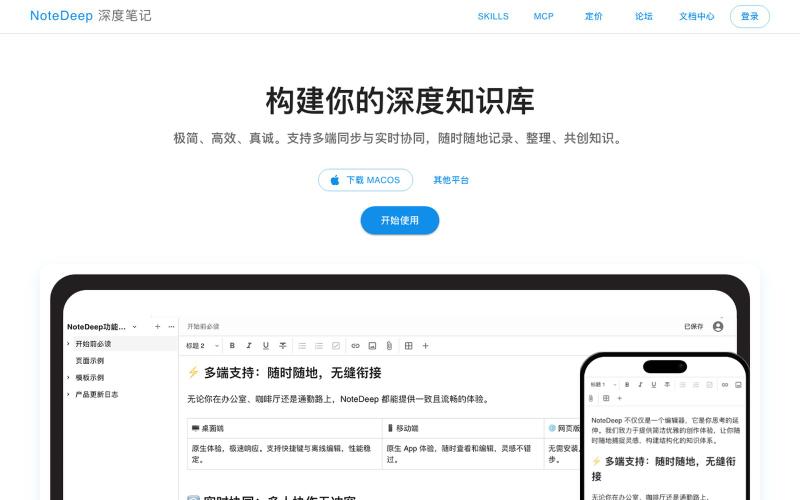
创建笔记、组织知识库、与团队协作处理结构化文档的工具。
lerongwan1 · V2EX
上班前的三小时,属于我的独立开发时间 - - # 上班前的三小时,属于我的独立开发时间 白天要上班,真正能留给自己的整块时间并不多。 所以我开始在早上 5 点多起床。城市还没完全醒来,我已经坐到电脑前,用上班前的三个小时做自己的产品。 这段时间很安静,没有临时消息,也没有其他事情打断。每天只推进一点,可能只完成一个很小的任务,但它确实属于我。 早起并不轻松。不过一天最清醒的时间,正在被我用来完成真正想做的事。 我的产品,怎么才能有用户 -> [使用 NoteDeep 开始整理你的知识库]( https://www.notedeep.com) #独立开发 #副业 #程序员日常 #个人产品 #NoteDeep
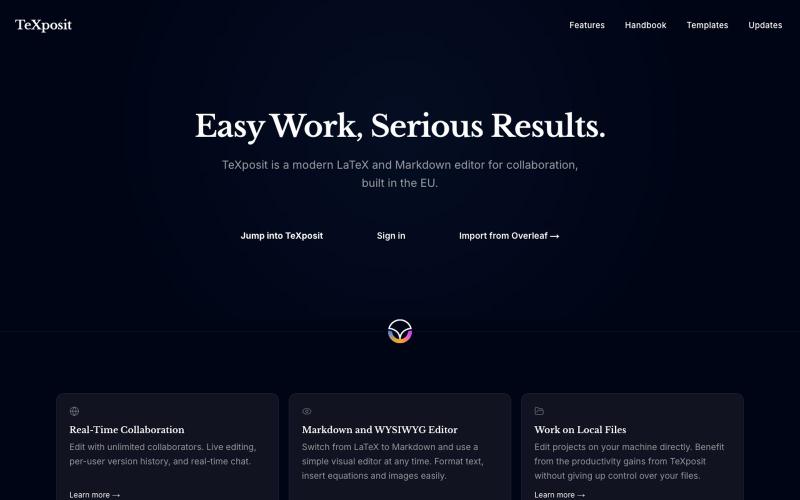
支持Markdown的协作LaTeX编辑器,提供实时编辑和参考文献管理。
danielszabo · HN
Online editor with LaTeX, Markdown, LaTeX+Markdown Hybrid and WYSIWYG (MD only) support, AI assistant with resource lookup and anti-hallucination features, live collaboration and more fun things. Still in quite early beta. First institutional deployment scheduled in the autumn. Feel free to play around.
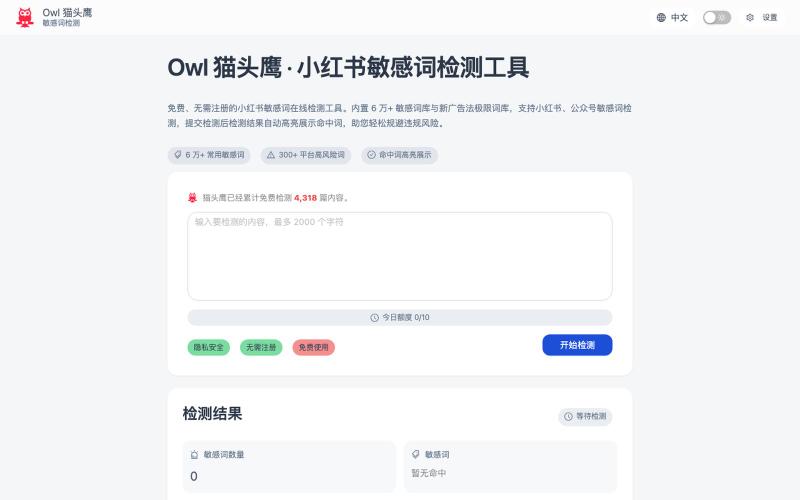
Owl 猫头鹰:免费检测小红书、公众号、抖音等平台的敏感词和违禁词。
Owl 猫头鹰 — 小红书公众号在线敏感词检测工具。我做了半年自媒体之后才发现需要规避平台敏感词,但是之前用的工具停服了,市面上其他的需要登录或者关注他们的公众号才可以使用,于是我 vibe coding 了一个敏感词检测工具,词库是根据网上找的,精简下来有 6 万多个。用了 cloudflare 的开发者穷鬼套餐,所以每人每天限制 10 次,主要是防止第三方调接口把额度耗完大家都没得用,应该对于
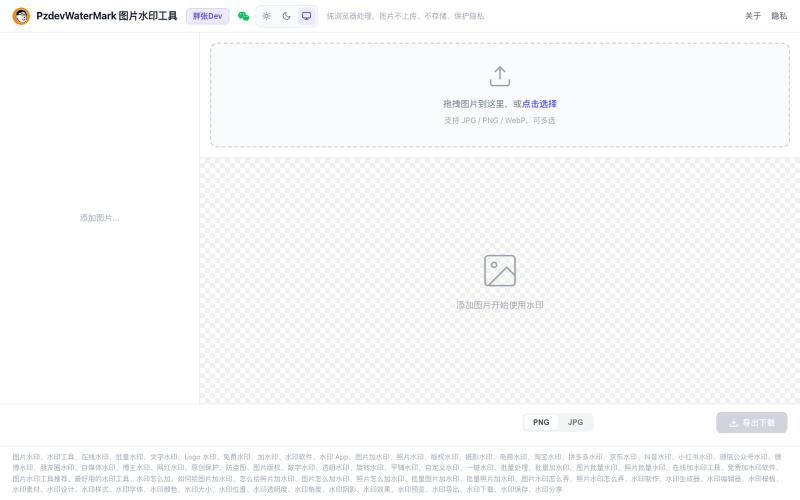
批量为图片添加文字和Logo水印,纯浏览器处理,无需上传,隐私保护。

@pzdev000 · X
经常写博客要加水印,现有工具都不顺手,自己 vibe coding 写了一个: ✅ 纯前端,批量处理 ✅ 隐私第一:图片不上传,浏览器本地处理,无需注册登录。 ✅ 文字 + Logo图片水印 ✅ 实时预览,所见即所得 ✅ PNG/JPEG 导出
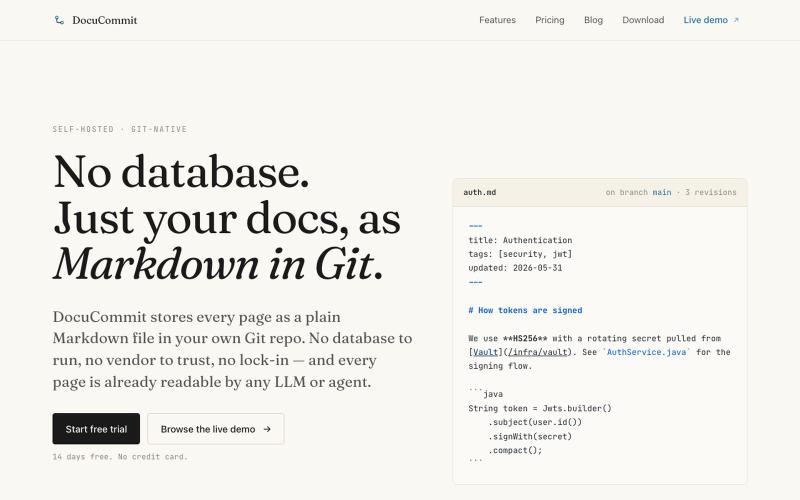
在Git仓库中存储Markdown文档,无数据库依赖,无厂商锁定。

@alizreim · X
Documentation that lives in your own git repository