
生产力1 day ago
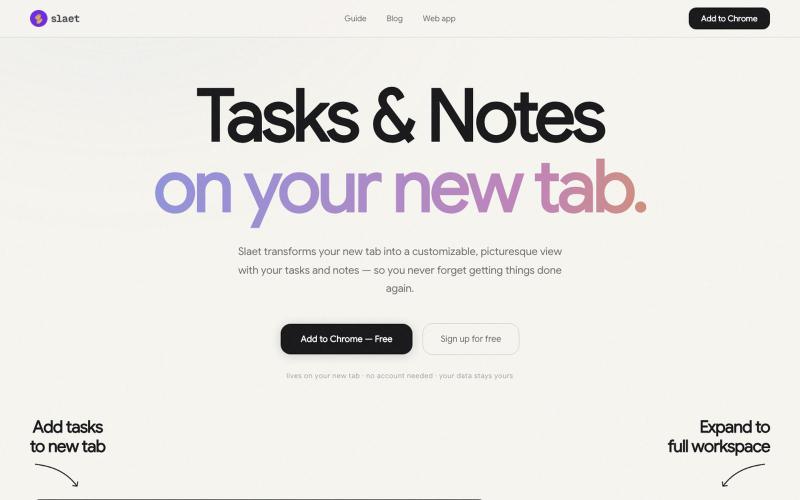
Slaet — Custom New Tab Wallpaper, To-Do, Notes & Reminders | Free Chrome Extensi
为你的 Chrome 新标签页添加自定义壁纸、任务、笔记和提醒。

@Slaetapp · X
完整作品展
技术栈
115 projects
为你的 Chrome 新标签页添加自定义壁纸、任务、笔记和提醒。
@Slaetapp · X

图片转 ASCII 字符画、复制符号、查看码表、进制转换——全在浏览器。
HeStudy · V2EX
做了个纯前端的 ASCII 工具站:图片转字符画、banner 生成、符号一键复制 平时偶尔需要查 ASCII 码表、复制一些特殊符号(箭头、制表符这类),每次都是搜一个满屏广告的老站凑合用,索性自己做了一个: https://getascii.com 目前有这些工具: 图片转 ASCII 字符画(拖一张图进去就行,支持调宽度/字符集/反色) 文字转 ASCII banner 大字 常用符号一键复制(箭头、制表符、数学符号、颜文字) 完整 ASCII 码表 + 一个交互式键盘映射图(点键盘上的键显示对应的 dec/hex 码) 进制转换器( hex/dec/bin ↔ ASCII ) 几个实现上的点: Astro 构建的纯静态站,所有工具都是纯客户端计算,图片不会上传到任何服务器 没有账号系统,没有付费墙,打开就用 整站是绿色荧光终端风( CRT 扫描线 + JetBrains Mono ),算是给终端审美交个作业 顺手给它做了个 25 秒的宣传片: https://www.youtube.com/watch?v=AjzU5mw1PrI
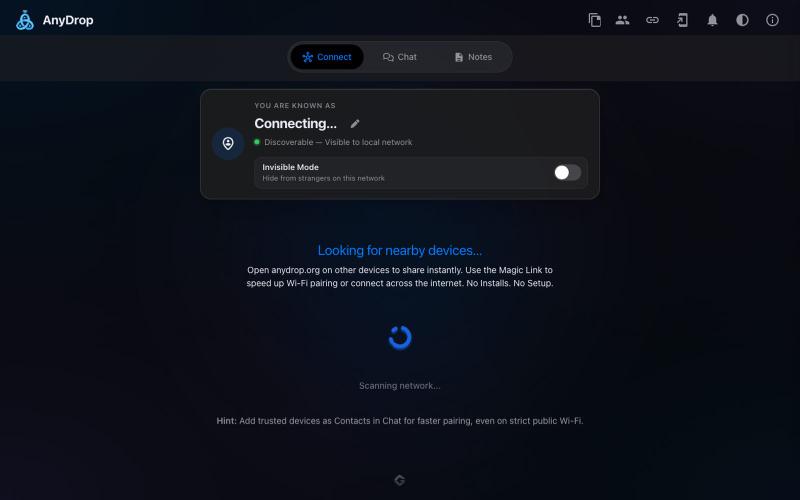
在浏览器中跨设备(Mac、PC、iOS、Android、Smart TV)即时分享文件和文本,无需注册。

@WackyCrocoGator · X
This one doesn’t require any signup or payment. Just load and multiple device by opening the site on them and connect them for an easy way to drop text and file to each other.
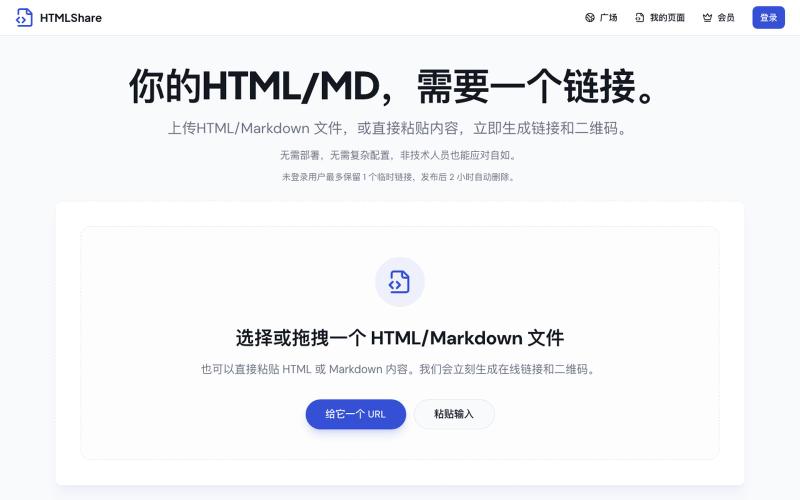
将 HTML 和 Markdown 转换成可分享的链接和二维码。

@gomixo · X
和团队做了一个非常实用的小工具:HTMLShare。 现在用 AI 生成网页、报告、可视化作品越来越方便,但生成后的 HTML 文件,想分享给别人却很麻烦:要么发文件,要么部署网站,要么截图。 HTMLShare 解决的就是这个问题: 👉 欢迎体验,也欢迎反馈建议。
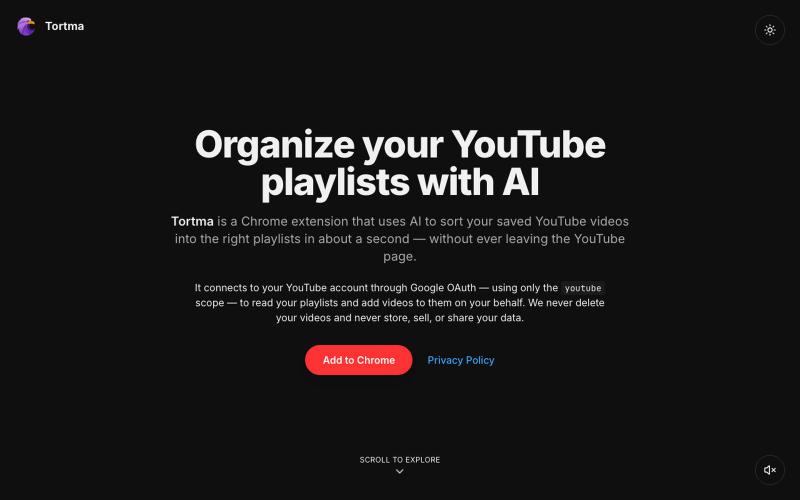
用AI自动整理YouTube视频到播放列表的Chrome扩展。

@almalimir · X
– a @YouTube extension for organizing videos
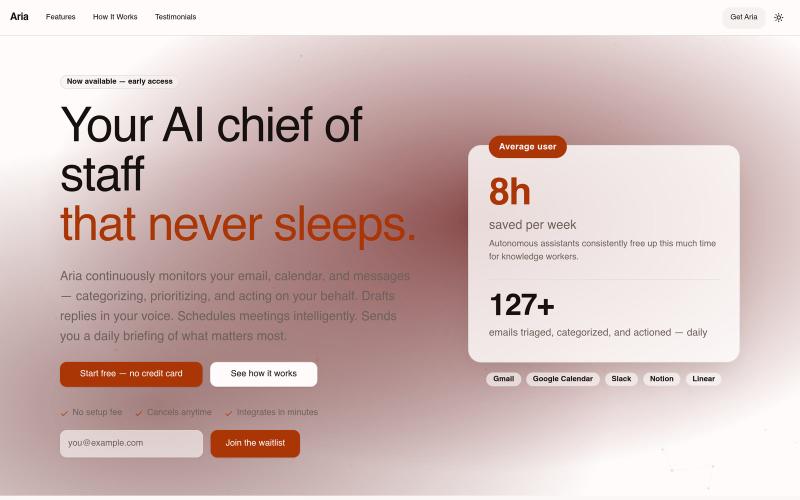
你的永不休眠的AI首席助手。不间断地监控你的电子邮件、日历和消息,为你自动分类、优先排序和处理任务。

@AriaInbox · X
Aria is an AI chief of staff that reads your inbox, drafts replies in your voice, and books meetings while you sleep.
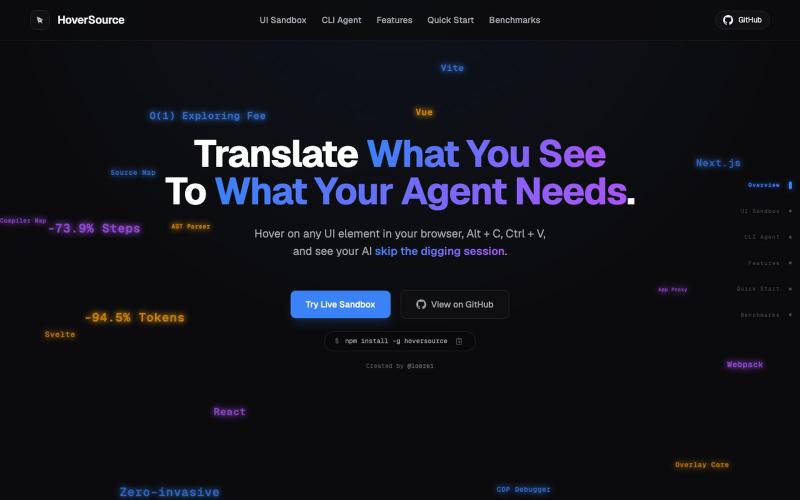
捕获UI元素及其代码上下文,与AI代理分享以调试视觉缺陷。
Loerei · HN
I found that describing where a broken UI is and taking screenshots for AI agents really sucks. I’m too lazy to explain an indescribable visual bug or capture a millisecond-long flash. I also don’t want to remember which file defines an element, whether it's right in the .tsx or a problem with the Parent Styles in .css. And even if you can point out the exact file, your agent still has to dig through thousands of lines of code to know what on earth you're yapping about. In a 7700-file monorepo like Cal.com, simply giving the right file in the prompt for your agent saves about 68.9% of execution time and 94.2% of the tokens your agent needs to digest. HoverSource gives all the needed information and further pushes it to -88.5% time and -94.5% tokens, basically skipping the entire digging session and jumping straight to reasoning and executing. The save is linear to how big your codebase is. I want to save tokens, but don’t want to spend my time and energy digging manually, and a junio
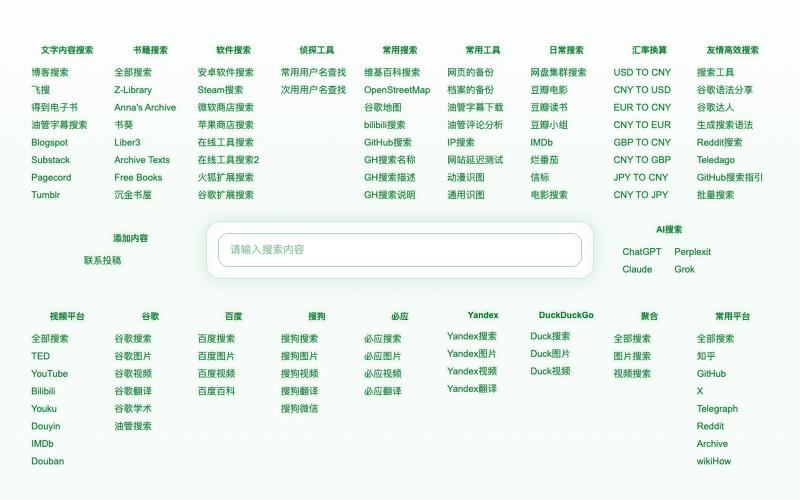
聚合多个搜索引擎和实用工具的极简无广告搜索门户。

@thinking_555 · X
🚀 我做了一个超有意思的网站! 「S」—— 一个极简、纯粹、能让你安静思考的地方。 没有广告、没有推送、没有干扰,只有干净的内容和思考空间。 感兴趣的朋友欢迎来坐坐 👉 #极简 #思考 #个人网站 #极简搜索
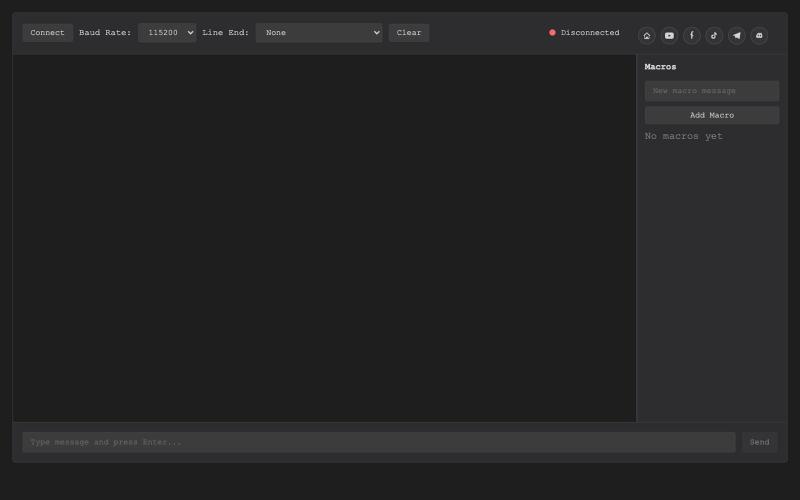
基于浏览器的USB串行终端,用于硬件调试和通信。

@thembeddevguy · X
The USB Type-C <-> RS-232 dongle got its well-deserved (and totally vibe-coded) browser-based serial terminal! No ads, no tracking, and the cookies are only there to store the settings.

支持Markdown的协作LaTeX编辑器,提供实时编辑和参考文献管理。
danielszabo · HN
Online editor with LaTeX, Markdown, LaTeX+Markdown Hybrid and WYSIWYG (MD only) support, AI assistant with resource lookup and anti-hallucination features, live collaboration and more fun things. Still in quite early beta. First institutional deployment scheduled in the autumn. Feel free to play around.
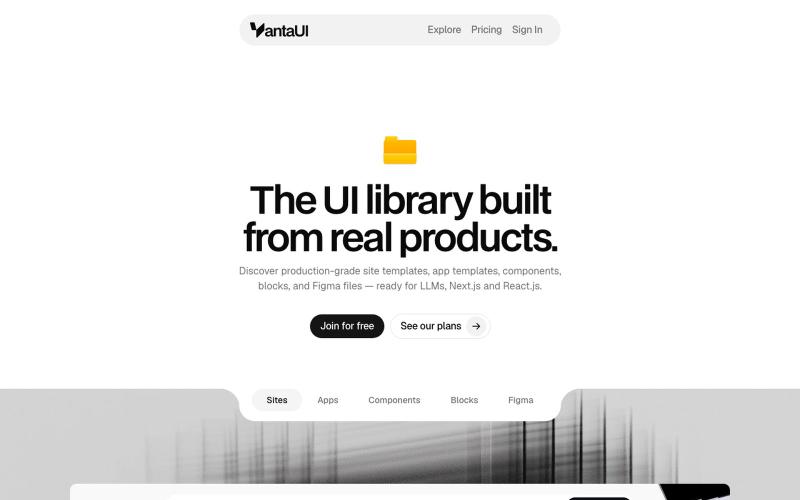
浏览 React 和 Next.js 的生产级 UI 模板和组件库。

@vanta_ui · X
UI Library built from real products