
生产力1 week ago
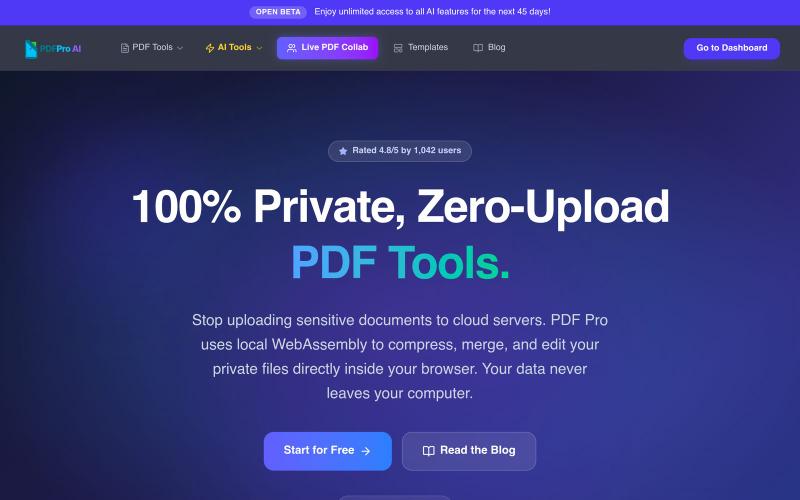
PDF Pro — Free PDF Tools for India | Privacy-First, No Cloud Uploads
在浏览器中编辑PDF,支持压缩、合并、AI分析,无云上传。

@pdfproindia · X
完整作品展
技术栈
95 projects
在浏览器中编辑PDF,支持压缩、合并、AI分析,无云上传。
@pdfproindia · X
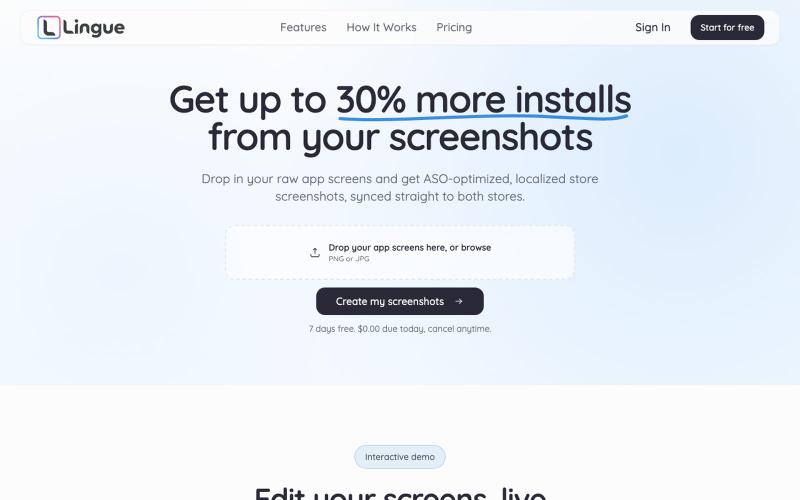
用AI生成针对App Store和Play Store优化的应用截图。

@radomir_3 · X
Let’s connect. I’m building App screenshot studio
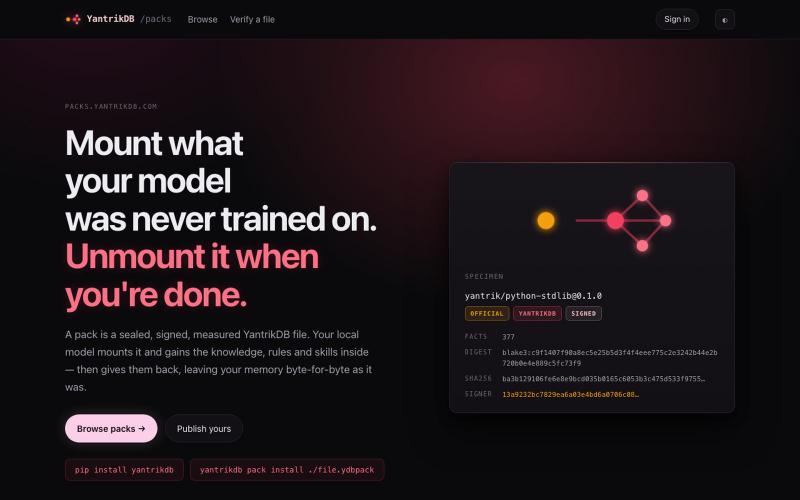
Mount what your model was never trained on. Unmount it when you're done. Sealed, signed, measured knowledge packs for local models.

@developerpranab · X
YantrikDB: mountable knowledge for local models. A 4B scores 7/53 on the MCP spec published this week; 42/53 with the pack mounted. No retraining.
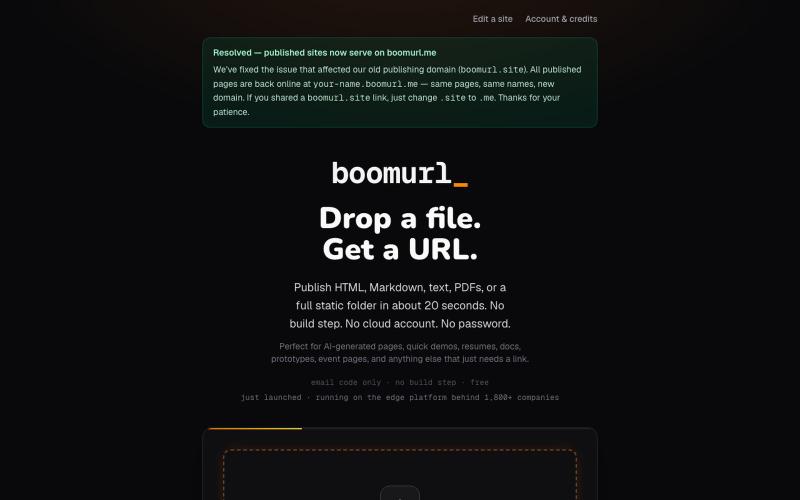
拖拽 HTML 文件或项目即可快速发布到自定义域名。

@dorongrinstein · X
drag and drop any .html and go live with a custom domain in 20 seconds
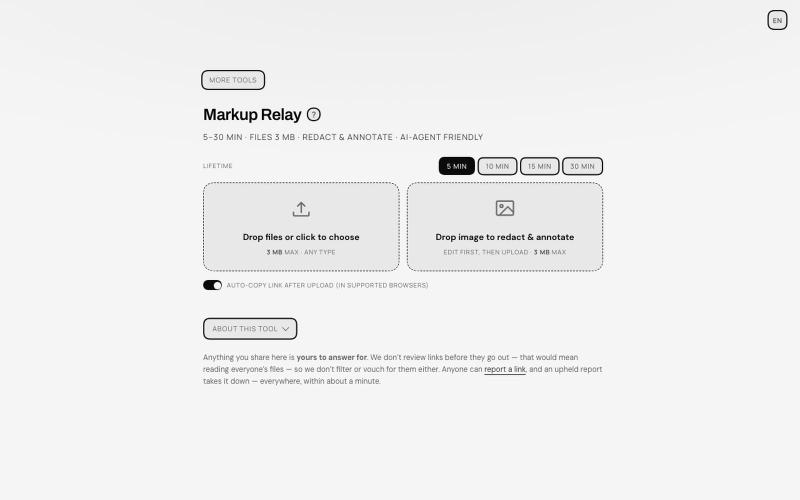
在浏览器标注和编辑文件,通过自动过期链接分享,AI 代理专用。
TANTFENG · V2EX
周末到啦 介绍一个更加通用的 AI 导盲犬 Ampcode 推出的 Orbs 非常好用 但是反反复复提交图片 debug 会有点心累 现在远程 vibe coding 开发的场景越来越多了 agent 的识图能力也越来越强 但是如何给 agent 传递且描述准确的信息成了瓶颈 像 cursor design mode 这种好用的工具并不在大多数地方提供 尤其是画面动态变化的时候 或者步骤较多的时候可能需要多次标注以及关键帧引导才行 Markup Relay 作为 SUB&SUB 工作室第一个构想的开源产品提供了一个还在不断完善的思路 来作为 agent 的导盲和接力助手 让标注的内容能够被 agent 读懂 即便是视频 也可以方便的提取关键帧来描述画面的变动 https://tools.subnsub.com/relay 使用方法很简单 在桌面端浏览器内 你可以通过拖动支持的文件到窗口内进行快速编辑 如果是框选工具 在处理完毕后会对未框选的区域在浏览器端自动打码并上传至 cloudflare 的 R2 桶 并在设定时间内自动删除 https://i.
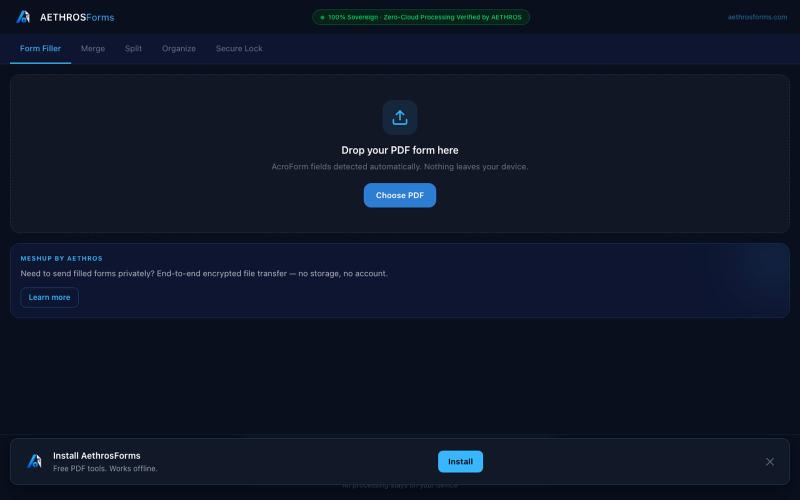
在浏览器中直接处理PDF,支持填充、合并、拆分、加密,无需上传。

@aethrosX · X
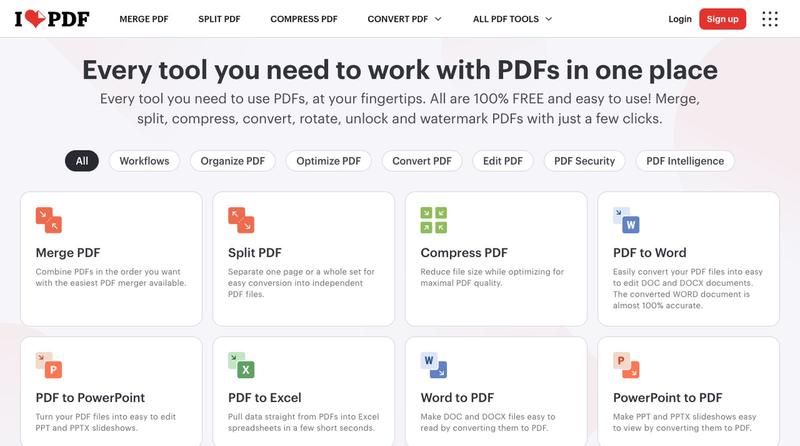
- a free pdf utility tools
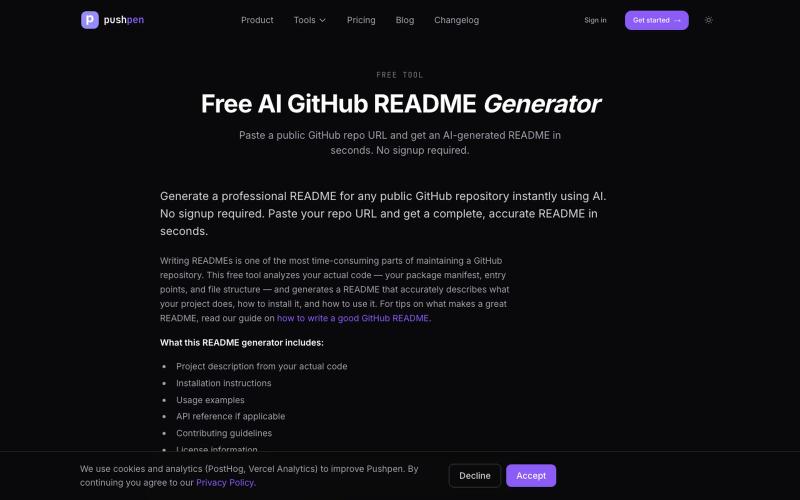
使用AI即时从仓库URL生成专业的GitHub README文档,无需注册。

@david_kubgak · X
Generate a professional README from any GitHub repository in seconds.
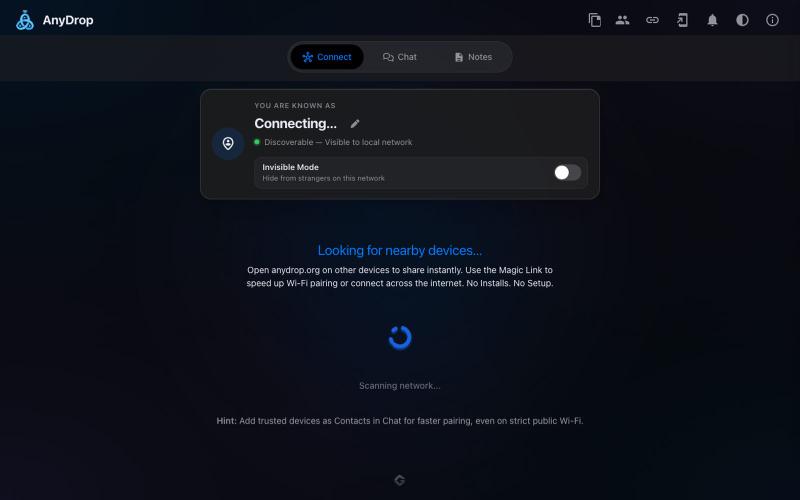
在浏览器中跨设备(Mac、PC、iOS、Android、Smart TV)即时分享文件和文本,无需注册。

@WackyCrocoGator · X
This one doesn’t require any signup or payment. Just load and multiple device by opening the site on them and connect them for an easy way to drop text and file to each other.
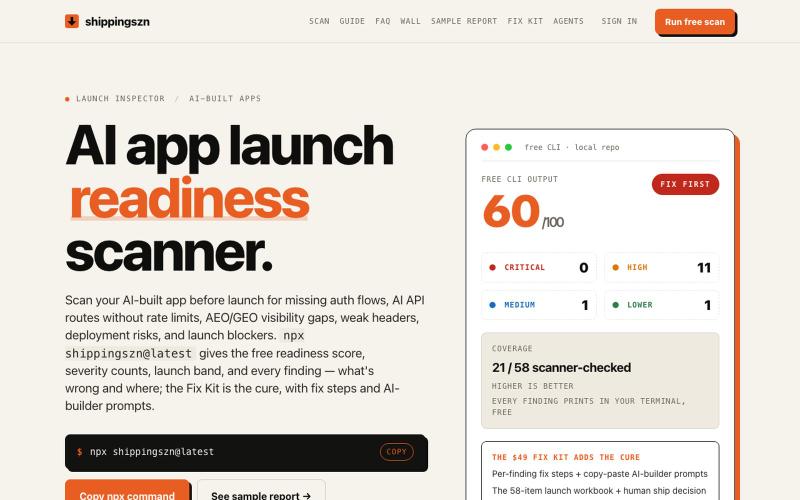
在发布前扫描 AI 应用的身份验证、API 和部署风险。
keeptahoeblue · HN
A pre-launch scanner for AI-built apps (it scores itself 60/100)
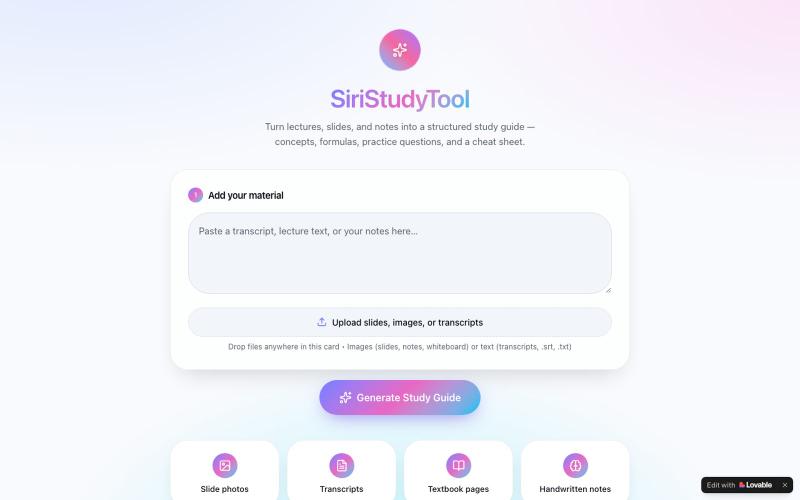
从讲义、笔记或教科书图片生成结构化学习指南,附含关键概念和练习题。

@SundayEzek4130 · X
Still struggling with long lecture notes? Turn any difficult course into simple, easy-to-read notes in seconds. 🚀 Try it now: Check out what I just built with Lovable!
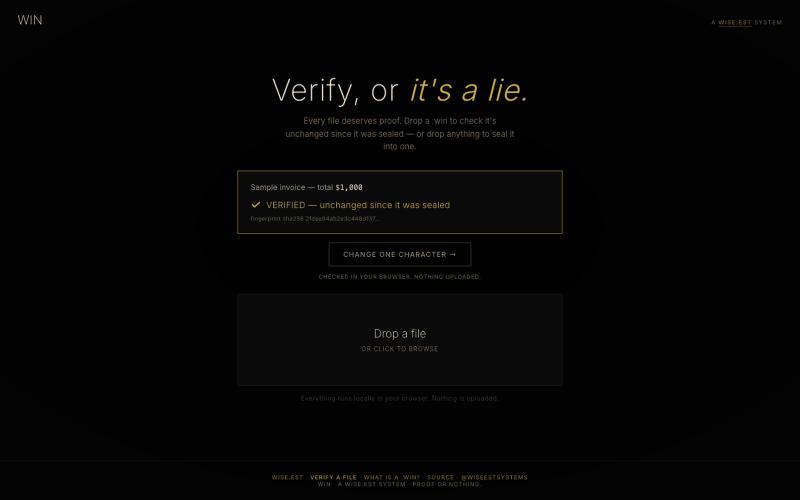
拖放文件来生成密码学证明它们未被改动——完全在浏览器中验证

@WiseEstSystems · X