
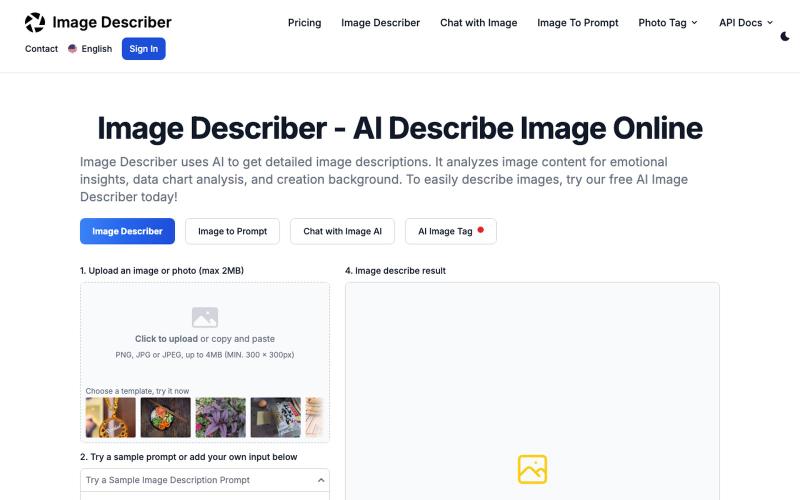
创意工具1 month ago
Image Describer - AI Describe Image Online, Free Trial (No Login Required)
无需登录生成图片的AI描述,快速获取见解和新视角。
AI Image Description Generator — 精准提取图片中的主要元素,解读图片创作目的;可用于科研、艺术创作中图文互搜领域
完整作品展
技术栈
60 projects
无需登录生成图片的AI描述,快速获取见解和新视角。
AI Image Description Generator — 精准提取图片中的主要元素,解读图片创作目的;可用于科研、艺术创作中图文互搜领域
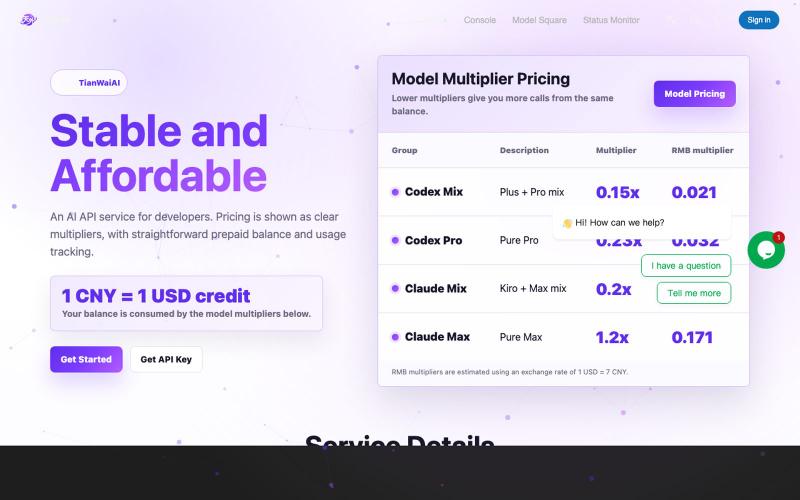
Unified AI API gateway and admin dashboard.
aixnode350 · V2EX
[低价易得,稳定难求] 做了个中转站,福利送码 市面上做 AI 接入的中转站很多,但真正能长期稳定用、账单清楚、状态透明的并不多。 TianWaiAI 目前稳定运营中,主要面向需要接 Claude / GPT 的开发者、AI Agent 、自动化脚本和小团队。 网站: https://tianwaiai.com/ 平台核心能力: ✅ 支持模型: claude-fable-5 / claude-opus-4-8 / claude-opus-5 / claude-sonnet-5 / gpt-5.5 / gpt-5.6-sol / gpt-5.6-terra ✅ 公开价格页,方便直接比价 https://tianwaiai.com/pricing ✅ 实时状态监控 https://tianwaiai.com/state ✅ 实时消费明细 https://tianwaiai.com/dashboard/overview ✅ 简单配置 官网创建 API 后,直接把 Key 配到自己的应用、Agent 或工具里即可 ✅ 基础服务稳定
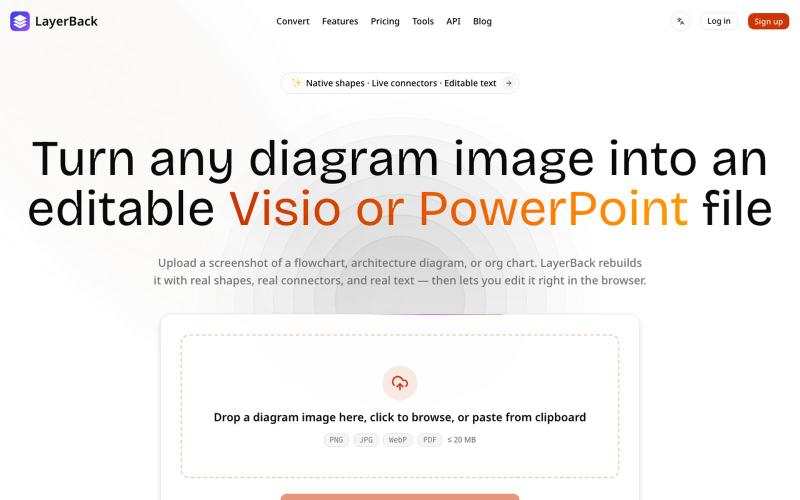
将图表图像转换为可编辑的 Visio、PowerPoint 和 draw.io 文件。

@ChenDavie_AI · X
Just shipped a new LayerBack update 🚀 Turn screenshots, photos, and diagram images into editable Visio or PowerPoint files — directly in the browser or via API. Image in. Editable files out. #buildinpublic #AI #SaaS
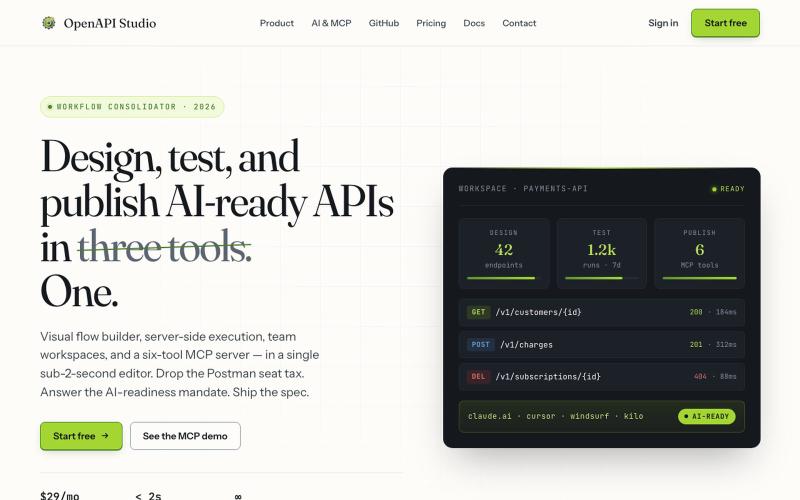
用可视化编辑器设计、测试和发布AI就绪的API。

@milonspace · X
A specification nobody can find is functionally the same as no specification.
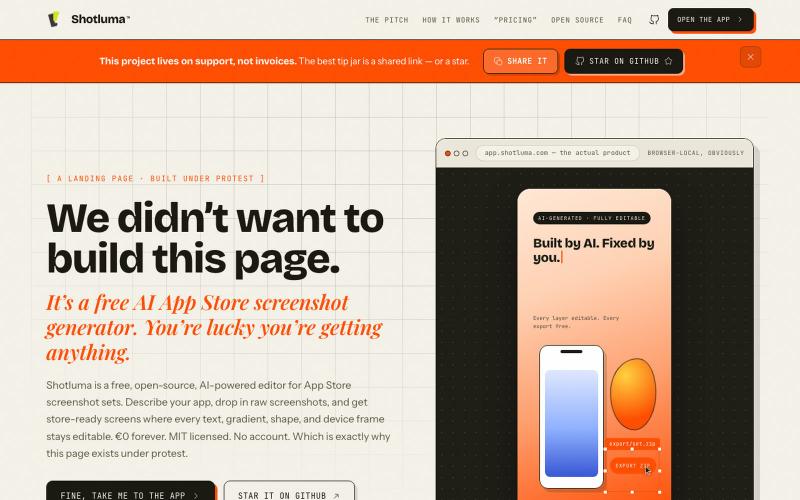
用 AI 生成应用商店截图,支持浏览器编辑。
u/Born_Excuse_5610 · Reddit
Free & Open Source AI AppStore Screenshot Generator I’ve been building Shotluma, an open-source editor for creating iOS App Store screenshots. The main idea is pretty simple: I didn’t want the AI to generate a flat image that looks nice but becomes annoying the second you want to change something. In Shotluma, the AI works inside the actual editor. It can add text, gradients, shapes, screenshots and device mockups, but those things stay normal canvas elements afterward. You
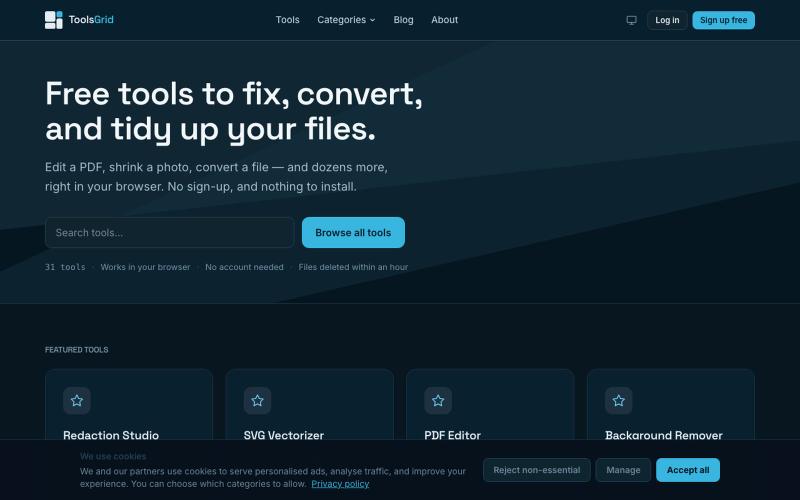
在线编辑和转换 PDF、图像、视频、JSON、SVG 和电子邮件的免费工具。

@bigchusstheory · X
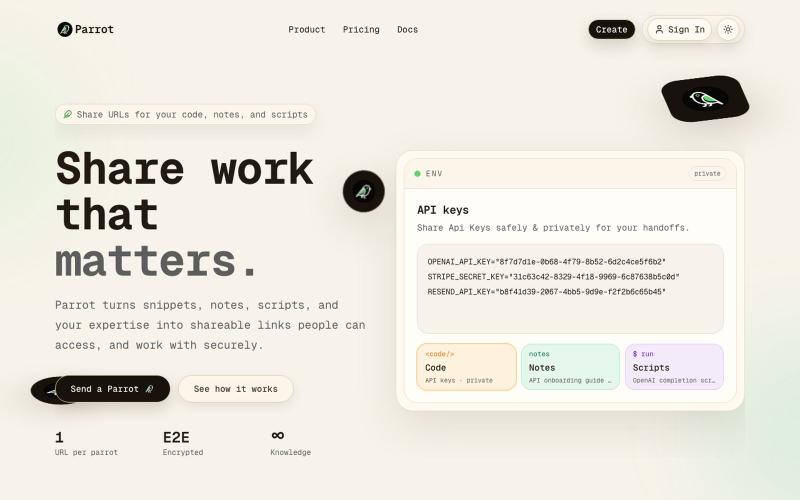
通过加密URL分享代码、笔记、脚本和AI内容。

@parrotwiki · X
one url. everything they need. code, notes, scripts, keys. end-to-end encrypted. 🦜

用于图片调整、JSON格式化、PDF处理、文本分析和设计的免登录浏览器工具合集。
musekit · Product Hunt
Free AI Tools Free browser tools for everyday tasks, no login
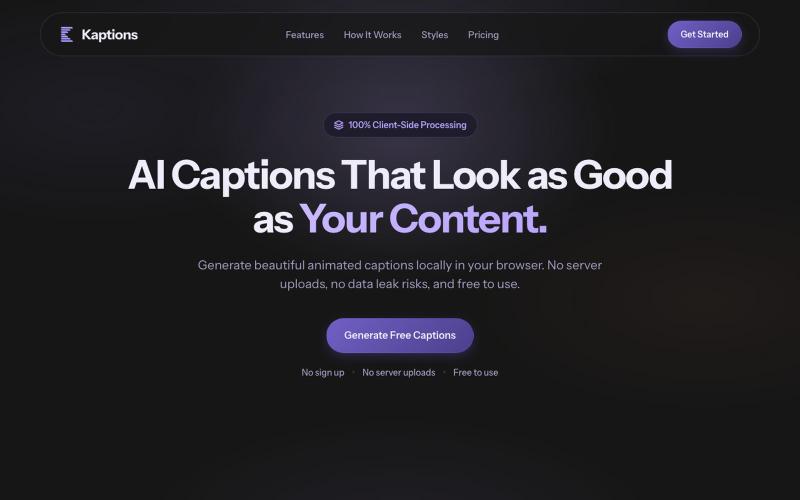
在浏览器中为视频生成多种风格的动画字幕,无需上传,完全隐私。

@Rajveer_k12 · X
we just shipped 🚀 Kaption AI is live & free — upload a video, get captions in multiple styles. 100% in your browser, no data leaving your device. built with @aayaan_07 → feedback appreciated 👇 #buildinpublic
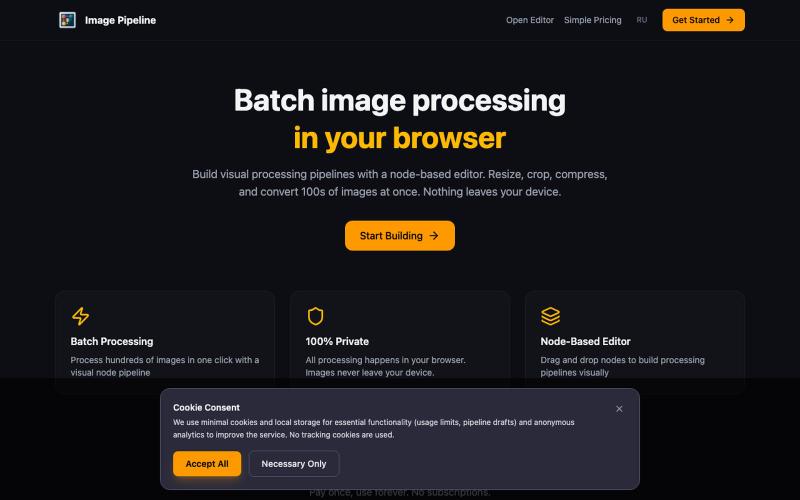
在浏览器中本地批量调整、裁剪、压缩和转换图像。

@MaximMitenkov · X
🔒 Just launched Image Pipeline — batch image processing in your browser. 100% private. No signup. Pay once, use forever. #buildinpublic #webdev #privacy
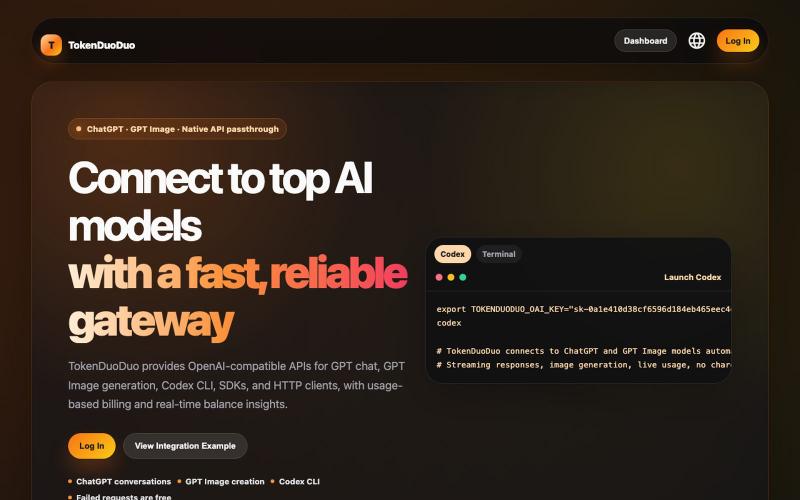
低倍率GPT模型API网关,支持聊天和图像生成
lraining · V2EX
稳定运行一个月的 GPT 中转站,支持 GPT5.5, GPT5.6, GPT 生图,回帖送 10 刀 # 稳定运行 1 个月的 GPT 中转站(低倍率 + 全模型支持) 地址: https://tokenduoduo.cc 主要特点: - 稳定性优先 - 支持多种 GPT 模型 - 低倍率使用 - GPT 生图 支持模型: - GPT-5.3 - GPT-5.4 - GPT-5.5 - GPT-5.6 - GPT-IMAGE-1 - GPT-IMAGE-2 倍率: GPT Pro 号池:0.2 另外提供一个小福利: 留言附用户 ID ,赠送 10 刀额度。 地址: https://tokenduoduo.cc 。
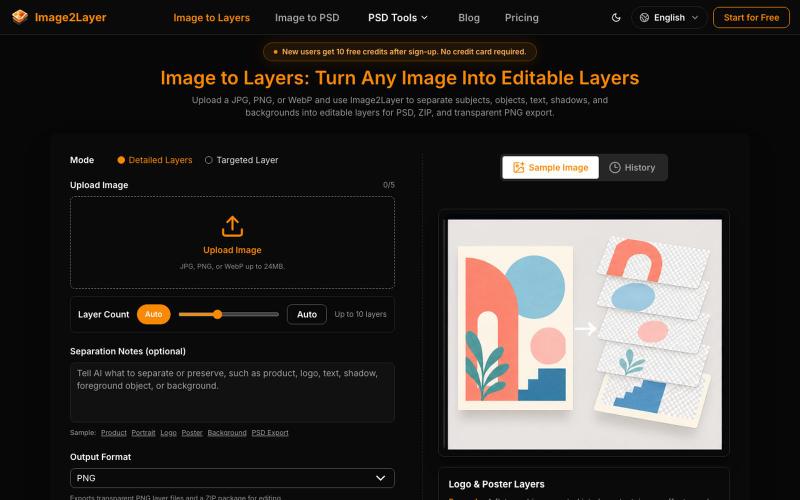
使用AI将平面图片分解为可编辑的图层,支持PNG、ZIP和PSD格式导出。
295732356 · V2EX
Image2Layer:用 AI 将图片转换为可编辑 PSD 图层 最近在做设计和内容制作时,我发现一个很常见的问题:很多图片只有一张扁平化的 JPG 或 PNG 文件,想要修改其中的对象、背景或文字,往往需要重新抠图、建立蒙版,再手动整理图层。 所以我们做了 [Image2Layer]( https://image2layer.com),这是一个基于 AI 的图片图层处理工具,目标是帮助用户更快地把普通图片转换成可编辑的设计素材。 ## Image2Layer 可以做什么? Image2Layer 的核心功能是 AI image layer separation 。用户上传一张图片后,系统会分析其中的主体、对象、背景和其他视觉元素,并尝试将它们拆分成独立图层,方便后续编辑和复用。 如果你主要需要进行图片格式转换,也可以使用: - [Image to PSD]( https://image2layer.com/image-to-psd):将图片转换为可编辑的 PSD 文件 - [PNG to PSD]( https://image2layer.com/p