创意工具1 month ago
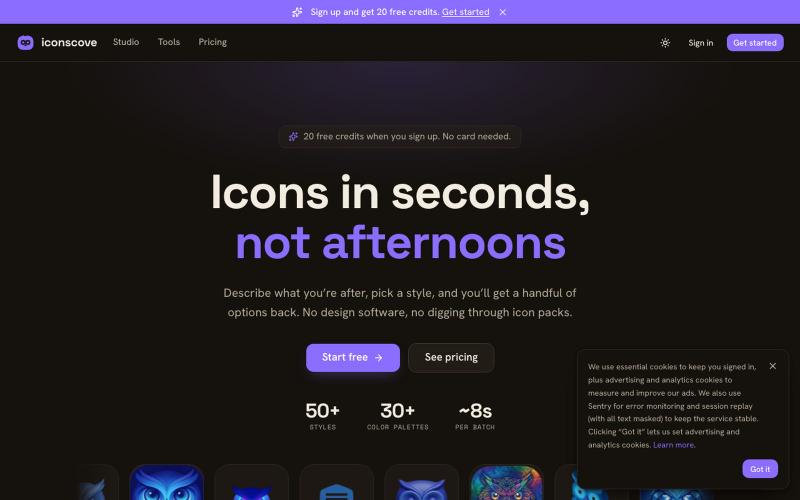
IconsCove — AI icon generator
输入文本描述生成专业图标,50+种风格可选,支持PNG下载。
mantasge · Product Hunt
IconsCove AI Icon Generator with 50+ styles and library management
完整作品展
技术栈
62 projects
输入文本描述生成专业图标,50+种风格可选,支持PNG下载。
mantasge · Product Hunt
IconsCove AI Icon Generator with 50+ styles and library management
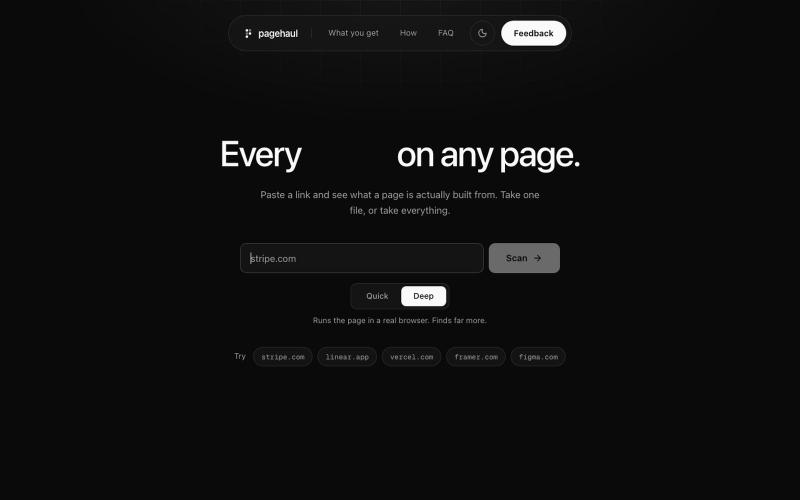
从任何网页中提取图片、图标、视频、字体和文档到网格中

@gaurav_jain26 · X
Built a tool which will help developers and designers to extract resources without touching inspect try out and leave feedback
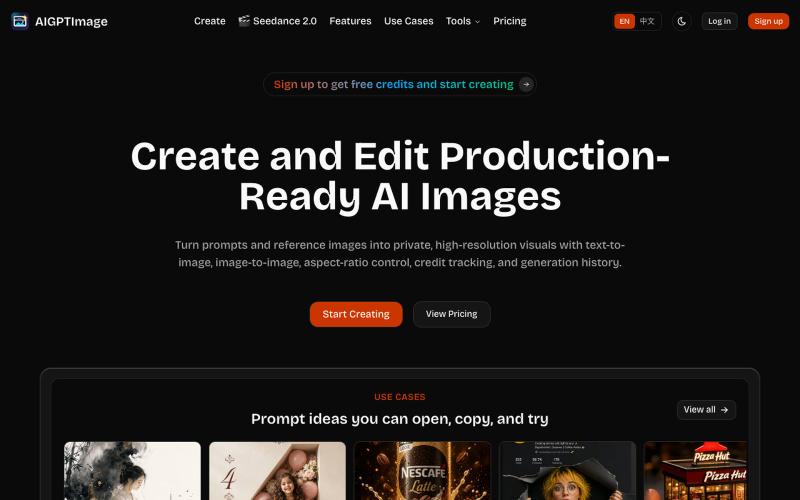
从文本和参考图像生成生产级 AI 图像的工作室。
AIGPTImage — 基于 GPT Image 2 的私有、生产级 AI 图像工作室

通过文本提示生成和编辑AI图像,创建产品图、广告图、头像和缩略图。
Plugcamp · V2EX
最近在折腾一个小站,主要是围绕 Nano Banana 2 Lite 做图片生成和图片编辑: https://nanobanana2lite.me/ 一开始只是自己想要一个比较轻的入口,用来快速试 prompt 。后来发现每次测图都会遇到几个重复问题: - prompt 写完之后,不知道适合什么比例 - 文生图和图生图入口经常混在一起 - 想找几个可复制的 prompt 示例,但很多站要么太重,要么示例不够直观 - 只是想快速生成一张产品图、头像、广告图、封面图,不想进一个很复杂的工作台 所以就做了这个站。 目前主要有几个部分: - Text to Image:直接输入 prompt 生成图 - Image to Image:上传一张图,再用 prompt 做改图 - AI Image Editor:偏日常编辑,比如换背景、改光线、改风格 - Prompt Library:整理了一些可直接复制的 prompt - Gallery:放了一些 before/after 和示例图 我自己比较在意的是首页别太像传统 SaaS 落地页,所以最近一直在改视觉。之前太干了,后来加了一些更丰富的样张和暗色主题,但也还在调。 这个站不是 Google 官方产品,只是一个第三方工具站。现在更多是想把「轻量、直接、可复制」这件事做好。 如果大家有空的话,想请教几个问题: 1. 首屏看起来会不会太营销,还是说信息还算清楚? 2. 对图片工具来说,大家更想先看到生成表单,还是先看到效果案例? 3. Prompt Library 这种页面有没有用,还是大家更习惯直接自己写? 4. 如果你平时会用 AI 生成图,最常用的场景是产品图、头像、封面、广告图,还是别的? 欢迎拍砖,尤其是 UI 、文案、信息结构这块。 链接再放一次: https://nanobanana2lite.me/
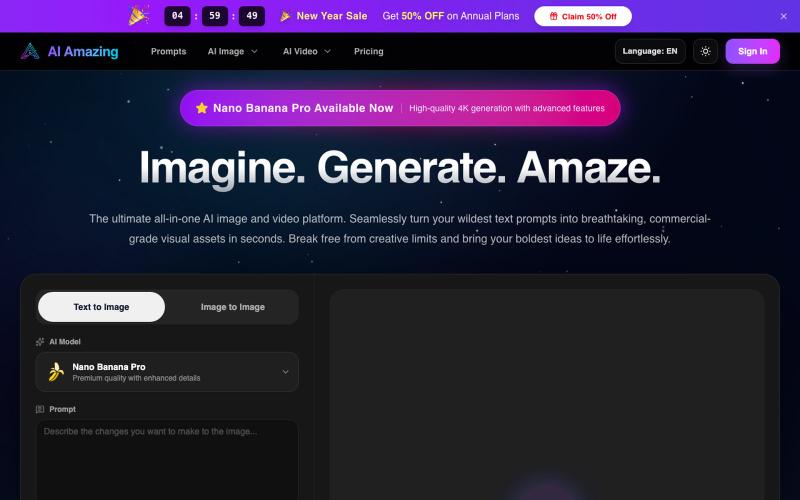
AI Amazing - 从文字提示生成商业级图像和视频。
AI Amazing — AI 图像/视频生产平台,面向创作者与团队
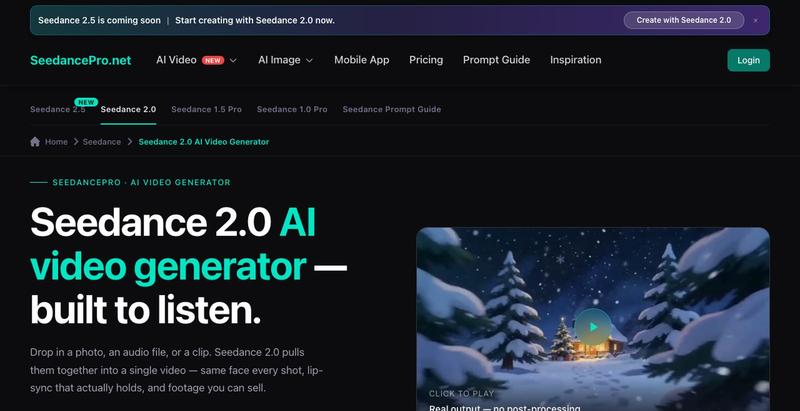
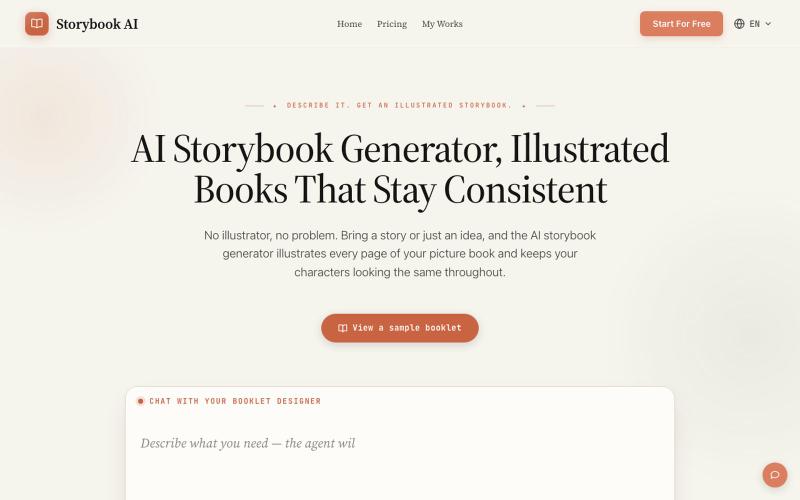
用AI生成角色一致的插图故事书。
AI故事书生成器 — AI 生成故事书
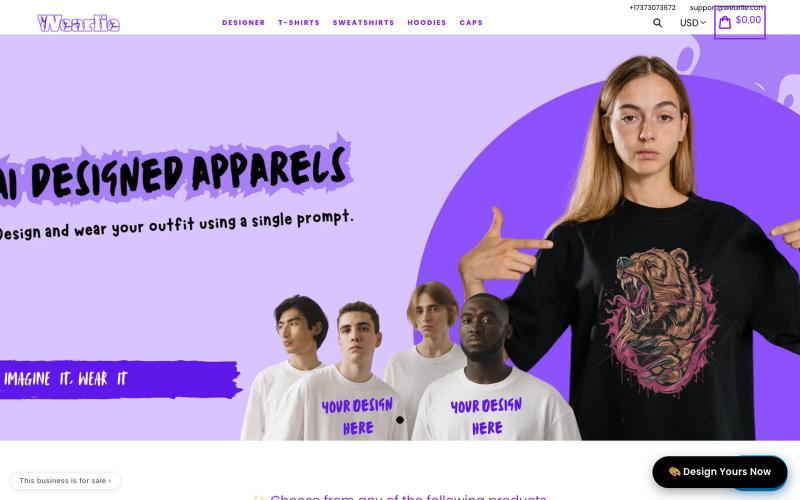
输入任何想法,AI 即刻生成定制 T 恤、卫衣或帽子设计。

@Mkks2239Kashif · X
Wearlie — you type a prompt, AI turns it into a design, and we print it on a tee, hoodie or cap and ship it free worldwide. Basically Midjourney with a checkout button.
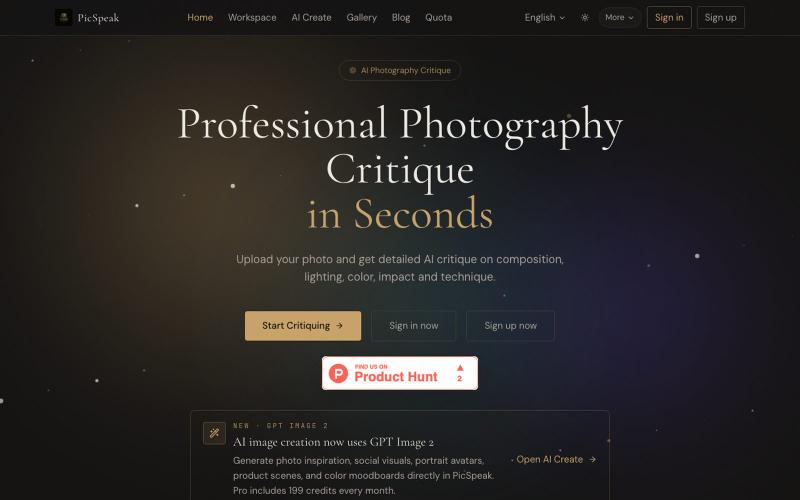
上传照片获得 AI 对构图、光线、色彩的分析,生成视觉参考。
PicSpeak — 基于 AI 的摄影点评 Web 应用,上传一张照片,几秒钟内即可获得对构图、光线与色彩的专业分析,同时可以向社区展示你的优秀作品。
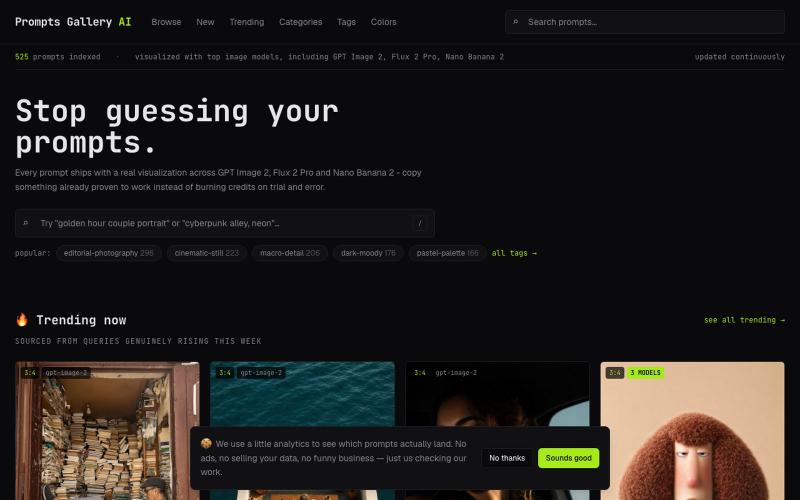
浏览精选AI图像提示词库,对比模型效果和实际结果。
u/NickoGermish · Reddit
the expensive part of an ai image prompt isn't the credits, it's playing slot machine with them the thing we hear constantly is how much money goes into pure experimentation, firing off ten generations at once and hoping, with no real idea what you'll get or what to change if it's wrong. so a bunch of us, active smm people, creators, freelancers, some of us dealing with this ourselves, got together and built promptsgalleryai.com specifically to kill that part. every prompt on it comes wit

在浏览器中将照片和视频转换为ASCII艺术、像素艺术和马赛克。

@kail_designs · X
Jokes aside but honestly (Landing page) was built with Claude (Opus 4.7) in 1 day. But no, it was not just four prompts or some random skills. Here's how I built the entire AsciiMagic landing page with Claude in one day👇 Started with a rough sketched wireframe. Then designed it in @paper Then I used the Paper MCP with Claude to recreate that design in code and get a solid first version running. From there, the real work began. I kept iterating with specialised Claude skills: • impeccable • frontend-design • emil-design-eng • review-animations • responsive-design • seo-audit Each one improved a different part of the experience. By the end, the page had: • Mobile-first responsiveness • Better SEO optimised copy • Smooth micro-interactions • Cleaner frontend architecture Then came the part people don't see. For the next 5–6 hours, I wasn't asking Claude to "make it prettier." I was: • Fine-tuning layouts • Uploading and compressing assets • Moving files across diff