
创意工具1 month ago · 1 次试用
picuro-fengwenyi
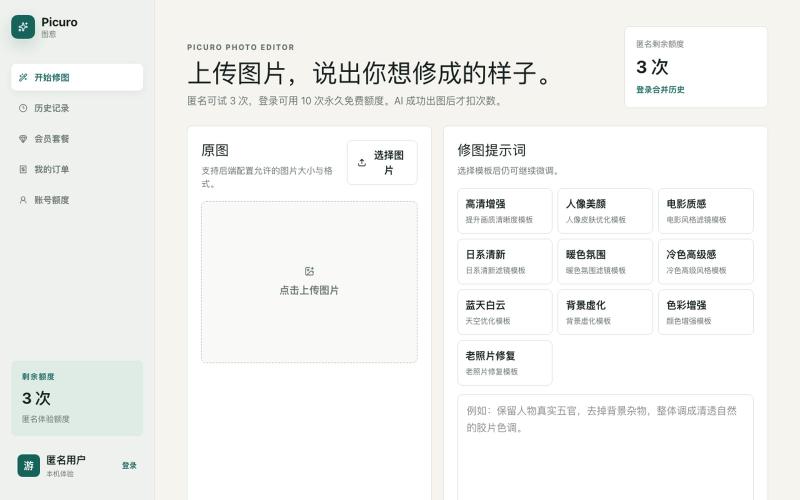
用AI按自然语言描述编辑照片。

@wyfcoder · X
最近做了一个 AI 修图网站:Picuro Photo Editor。 不用复杂参数,上传图片后,直接说出你想修成的样子,比如“更清晰”“电影质感”“日系清新”“蓝天白云”,AI 就会帮你生成效果。 目前还在早期版本,欢迎试用,也欢迎提建议 🙌
完整作品展
技术栈
60 projects
用AI按自然语言描述编辑照片。
@wyfcoder · X
最近做了一个 AI 修图网站:Picuro Photo Editor。 不用复杂参数,上传图片后,直接说出你想修成的样子,比如“更清晰”“电影质感”“日系清新”“蓝天白云”,AI 就会帮你生成效果。 目前还在早期版本,欢迎试用,也欢迎提建议 🙌
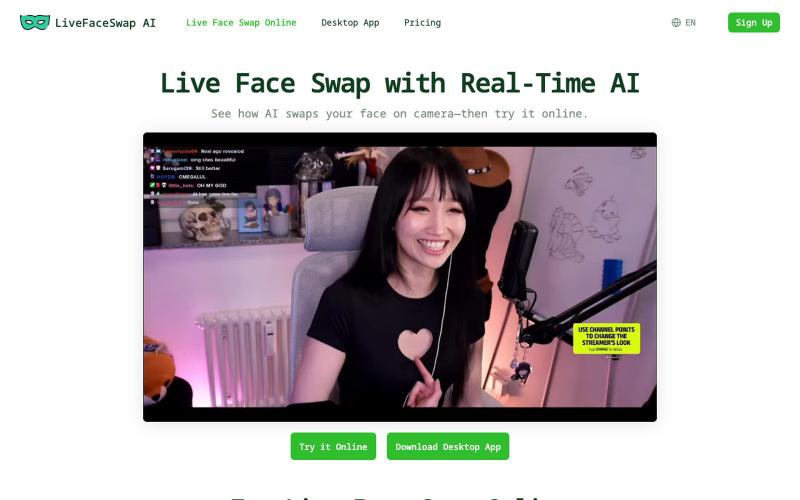
在浏览器中实时进行Face Swap,用于视频通话和直播,无需GPU。
mixfox · HN
An online Live face swap app, no GPU need
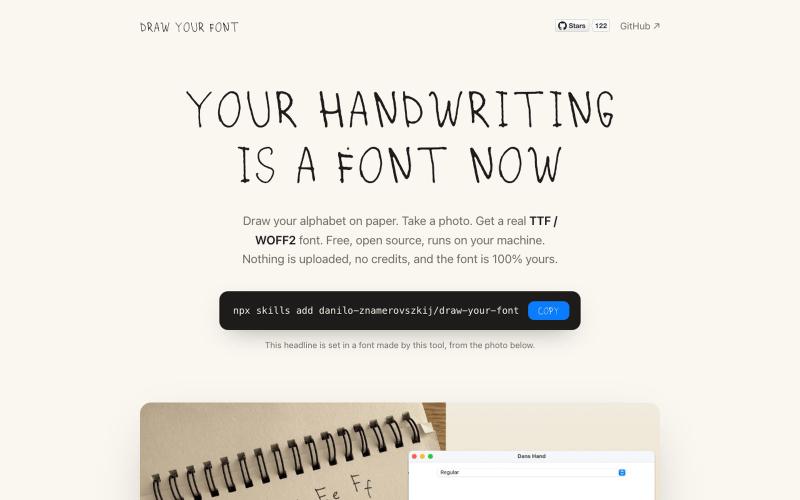
将手写笔迹转换为可下载的字体文件。
danilo-znamerovszkij · GitHub
draw-your-font Turn a photo of your handwriting into a real font (TTF/WOFF/WOFF2) - free, open source, no uploads. Node CLI + Claude Code skill.
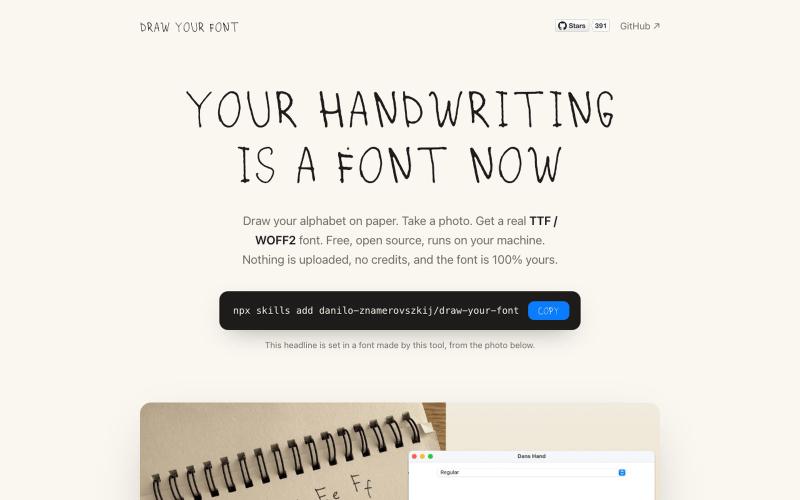
将手写字母照片转换成真实字体文件(TTF、WOFF、WOFF2)。
danilo-znamerovszkij · GitHub
draw-your-font Turn a photo of your handwriting into a real font (TTF/WOFF/WOFF2) - free, open source, no uploads. Node CLI + Claude Code skill.

免费在线PDF工具,支持合并、拆分、转换和编辑,文件不离开您的设备。
u/Key_Caramel_5578 · Reddit
Built a free PDF toolkit solo (with AI help) — need feedback on the in-browser text editor before I keep pushing on it Been heads-down on this for a while: thepdftool.in Standard PDF stuff : merge, split, compress, convert, OCR — but most of the conversion tools run entirely client-side (WASM), so files never leave your browser for those. Built solo, leaned on AI tools for a good chunk of the code and debugging. The feature I care most about right now is an inline text editor :— click i

在浏览器中将照片和视频转换为ASCII艺术、像素艺术和马赛克。

@kail_designs · X
Jokes aside but honestly (Landing page) was built with Claude (Opus 4.7) in 1 day. But no, it was not just four prompts or some random skills. Here's how I built the entire AsciiMagic landing page with Claude in one day👇 Started with a rough sketched wireframe. Then designed it in @paper Then I used the Paper MCP with Claude to recreate that design in code and get a solid first version running. From there, the real work began. I kept iterating with specialised Claude skills: • impeccable • frontend-design • emil-design-eng • review-animations • responsive-design • seo-audit Each one improved a different part of the experience. By the end, the page had: • Mobile-first responsiveness • Better SEO optimised copy • Smooth micro-interactions • Cleaner frontend architecture Then came the part people don't see. For the next 5–6 hours, I wasn't asking Claude to "make it prettier." I was: • Fine-tuning layouts • Uploading and compressing assets • Moving files across diff
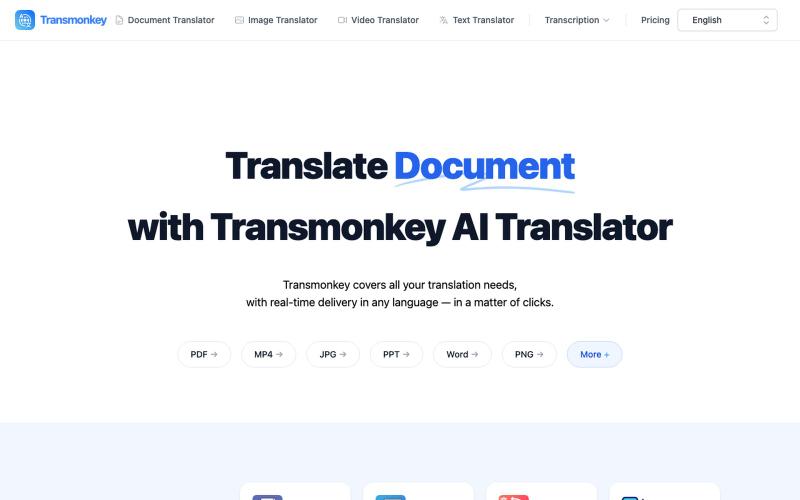
用 AI 即时翻译文档、图像、视频和音频文件。
Transmonkey — 所有您所需的翻译工具,一应俱全 - [更多介绍](https://www.transmonkey.ai/faq)
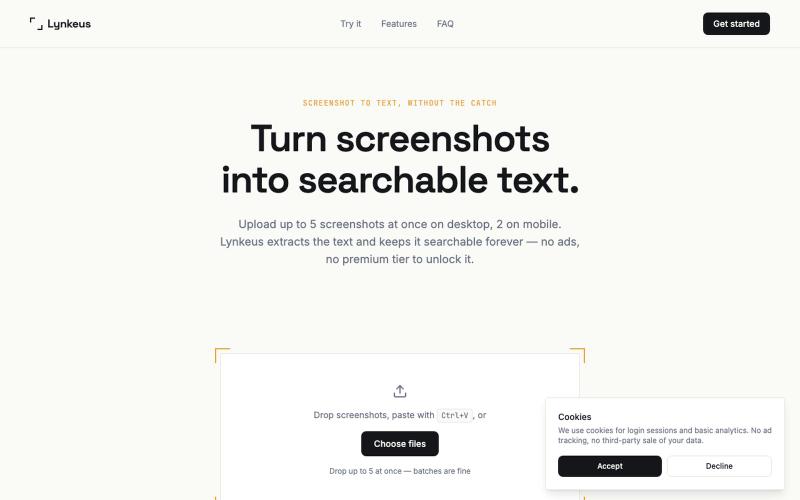
从截图中提取文本,完全免费,无广告,历史可搜索。

@DoriaJefferson3 · X
Checked reviews of a popular screenshot-to-text app before building Lynkeus. Same complaints every time: ads everywhere, $15/week paywall, unusable free tier. Lynkeus has none of that. Upload, extract, search forever — free tier is actually free.
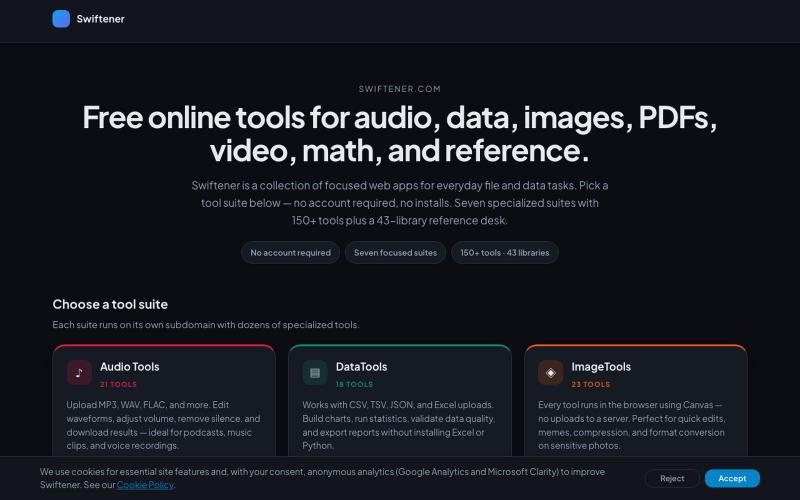
Swiftener:150+免费在线工具,编辑音频、图像、PDF、视频等,无需注册。

@factfile0 · X
用AI矢量追踪将设计提取转换为可编辑的SVG文件。
u/Strong-Thing-8888 · Reddit
I built an AI tool that turns complex artwork into clean, editable SVG files I created DesaynClaw for designers who spend too much time manually tracing logos, jersey graphics, and detailed artwork. Upload a PNG or JPG, let the tool extract and clean the design, then export it as an editable SVG. It also includes background removal, image upscaling, palette tools, and before-and-after comparison. The platform is still improving, so I’m looking for designers who can test it
用Picir AI和先进AI模型生成和编辑视频及图像。
Nano Banana AI 图像编辑器 — 基于最先进的 AI 图像编辑模型 Nano Banana 开发的图片编辑器,用嘴改图、保持角色一致性、控制细节、图片融合
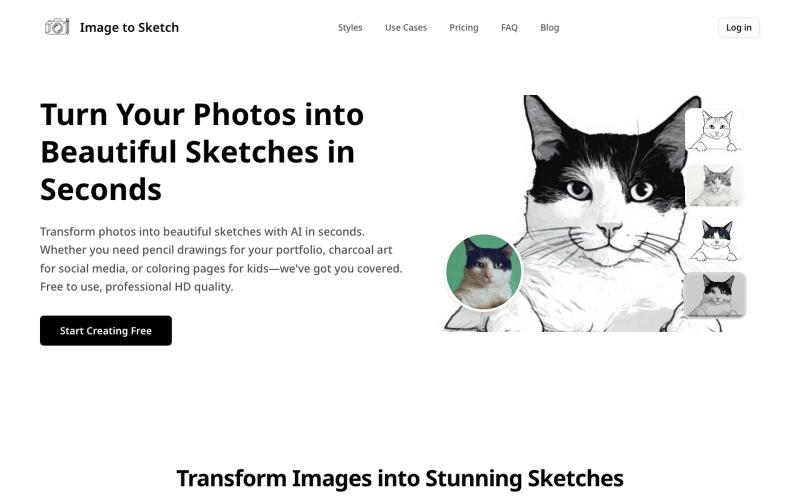
用AI将照片转换成素描、炭画或卡通艺术,即时在线生成。
image-to-sketch — 图片转素描 AI 小工具